

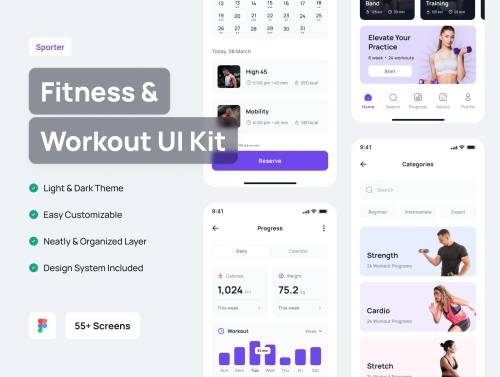
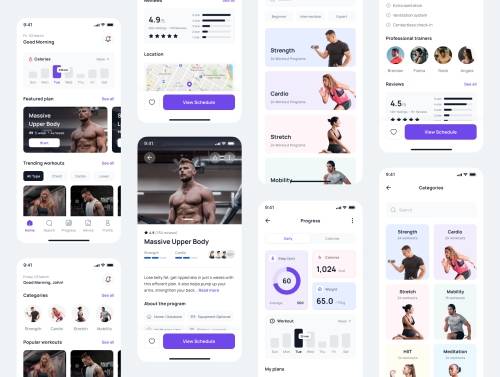
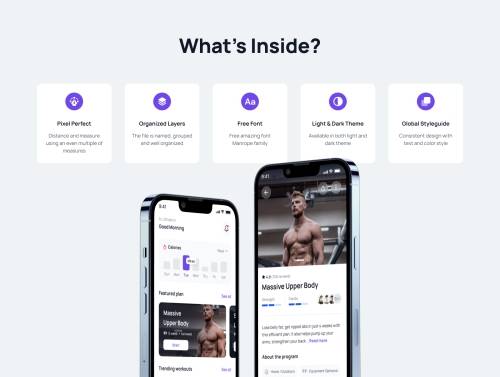
Sporter - Fitness & Workout App UI Kit
https://ui8.net/pixlayer-design/products/sporter---fitness--workout-app-ui-kit
Sporter is a premium Fitness & Workout App UI Kit containing 55+ high-quality screens and easy to use in Figma.

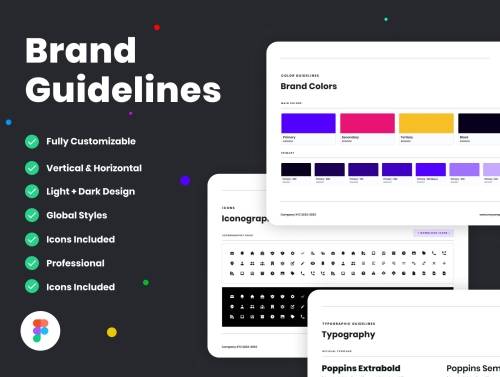
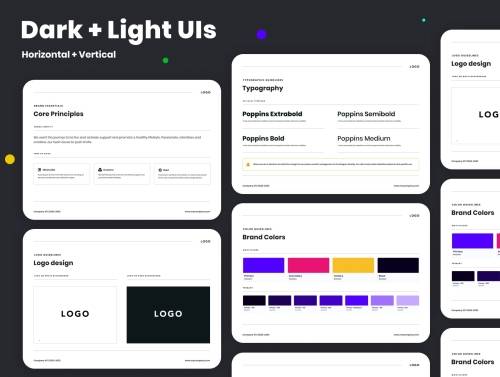
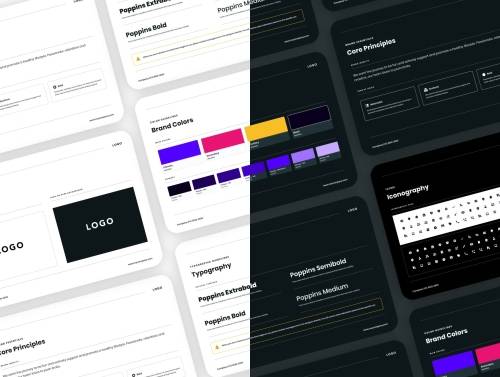
Brand Guidelines Template for Figma
https://ui8.net/pierluigi-giglio/products/brand-guidelines-for-figma
This Brand Guidelines Template for Figma offers an exquisite brand presentation deck comprising of 12 pages that are fully customizable and easy to edit.
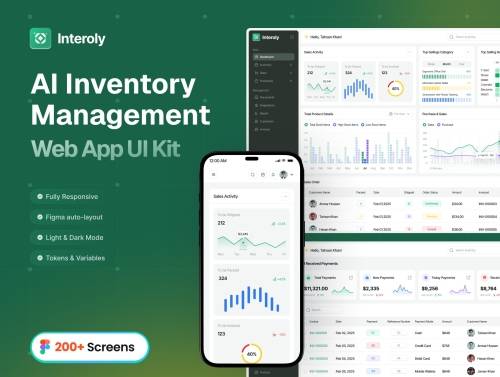
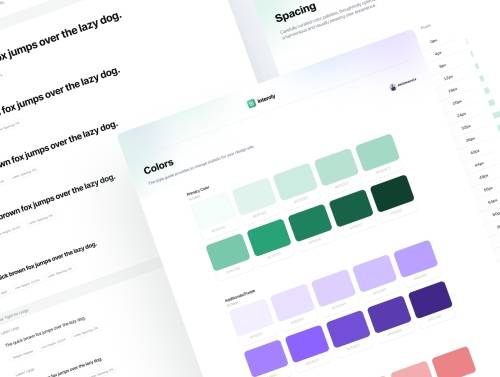
AI Inventory Management Web App UI Kit
https://ui8.net/delowaruix/products/ai-inventory-management-web-app-ui-kit
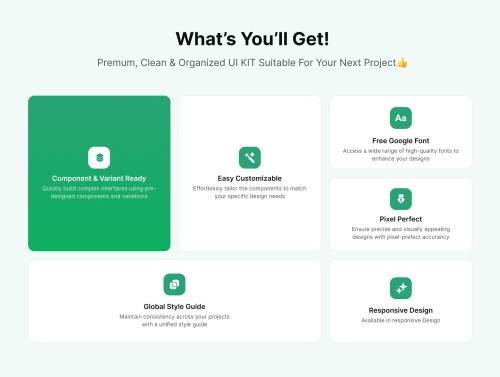
AI Inventory Management Web App UI Kit is a modern and intuitive design solution for seamless inventory tracking and business operations.

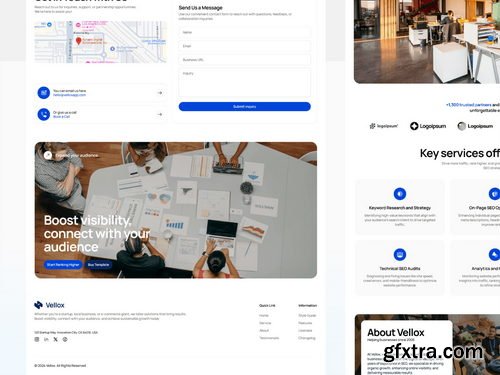
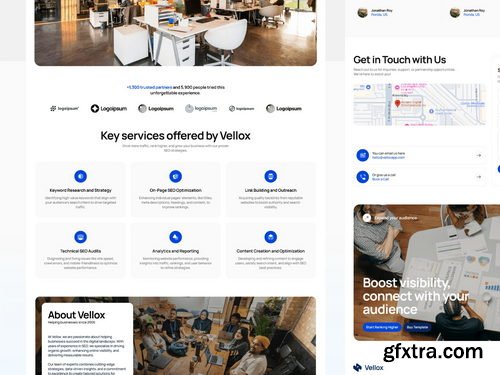
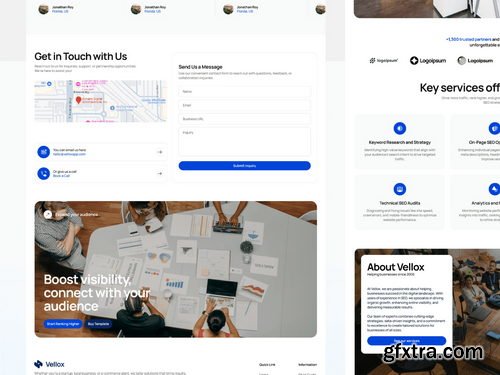
- A sleek and results-driven SEO agency landing page template designed for digital marketers, agencies, and businesses aiming to enhance their online presence. With a conversion-focused layout, this Webflow template helps showcase SEO services, build credibility, and generate leads effectively.
- Key Sections: Hero Section. A bold, engaging introduction to drive action, SEO Process. A step-by-step approach to achieving higher rankings, Client Testimonials. Build trust with real success stories, Service Offerings. Comprehensive SEO solutions, including keyword research, on-page SEO, link building, and analytics, About Section. Establish credibility with a strong brand story, Performance Stats. Highlight key achievements and success metrics, Contact Section. Seamless lead generation with a form and call-to-action, Why Choose Vellox? With its modern design and structured layout, Vellox helps SEO agencies, freelancers, and marketing firms compellingly present their expertise, improving conversions and client acquisition.



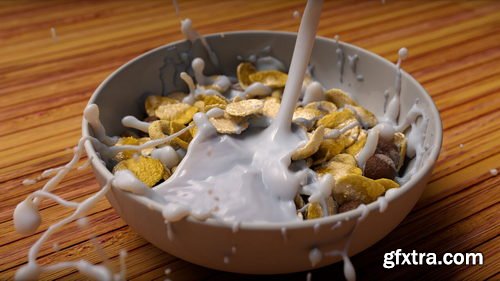
- Simulate milk pouring into a bowl of cereal to learn the art of interacting with Rigid Body Dynamic objects and FLIP Fluid Particles. This 3.5-hour workshop by Stavros Sofianos will teach you how to craft a dynamic, art-directable splash effect, filling the bowl with milk and allowing your cereal pieces to float. This tutorial is created for intermediate-level artists with a basic understanding of Houdini.
- Stavros begins by creating various layers of cereal and placing them in a simple yet effective way that will allow you to create a pleasing splash interaction later using the FLIP solver. You’ll also explore a Voronoi fracture technique to correctly create proxies that can be used in an RBD simulation to generate the initial state of the cereal in the bowl.
- You will discover how to reconnect the proxies back to the original geometries, how to create the emitters for the FLIP simulation, how to master a custom stick field technique so you can control the stickiness of the milk on the bowl and on the cereal, and you’ll learn how to efficiently set up an RBD and FLIP solver together to interact with each other.
- This workshop also details how to create our own custom mesh for the FLIP simulation, shows a technique for generating wet maps, and covers Stavros’s shading and rendering techniques using the Arnold renderer.
- Project files provided with this workshop include two bowl geometry files (one in Alembic and one in FBX format) and the Houdini file with the setup that Stavros created for this workshop. Links to the models and free assets used are also provided.
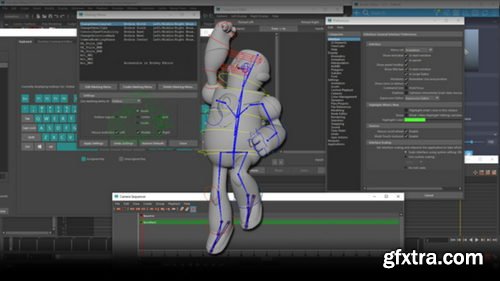
- In this Maya Customization for Faster Animation workshop, Ari Flesch, Animator on The Last of Us Part II, shares a personal collection of all the industry-proven tips, tricks, scripts, and hotkeys that make animation in Maya faster and more efficient for animators working to tight deadlines.
- The goal of this workshop is to provide specific knowledge to animators already experienced in Maya that will speed up workflow and make you a more powerful animator working in production.
- This 2-hour workshop brings to light some lesser-used tools, reveals the preferences that will increase your productivity, highlights powerful scripts that you’ll be able to apply to your future animation projects, discusses the important marking menu setups, plus many more insights to improve your approach to animation projects. The lessons are taught with animators in mind, with the aim to help you harness some of the hidden powers of Maya for pain-free and speedier animating.
- Available to download with this workshop is a PDF file containing all the covered content and resources to assist you in your learning.
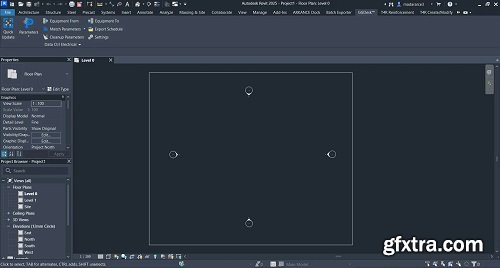
Data Ctrl automatically pushes parametric information through the entire electrical network, maintaining up-to-date parameter values as you modify the network’s elements. Data Ctrl also pushes the parameter values to the Run Schedule. Any changes made to the Run Schedule are transferred accordingly to the conduit or cable tray network.
Languages: Arabic,English,German,Greek,French,Spanish,Italian,Dutch,Portuguese-Portuguese,Portuguese-Brazil,Turkish,Czech
Windows 10 is a series of personal computer operating systems produced by Microsoft as part of its Windows NT family of operating systems. It is the successor to Windows 8.1, and was released to manufacturing on July 15, 2015, and to retail on July 29, 2015. Windows 10 receives new releases on an ongoing basis, which are available at no additional cost to users. Devices in enterprise environments can receive these updates at a slower pace, or use long-term support milestones that only receive critical updates, such as security patches, over their ten-year lifespan of extended support.
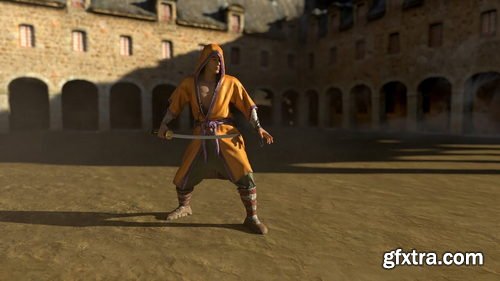
- This character FX workshop taught by Lead Creature FX TD Rohit Jain, guides you through a tried-and-tested production workflow using nCloth to simulate costumes in Maya. Drawing upon 12 years of industry experience, Rohit’s essential training gives artists a solid foundation of how to set up and simulate a 3D character’s costume, including the process of attaching mocap data to a character model.
- Over 15 chapters, Rohit shares not only step-by-step processes but also walks through many of the fundamentals and rules of his workflow along the way. The workshop covers how to create and clean up your own mocap assets — or you can download Rohit’s mocap files with this tutorial and follow along. Plus, learn about the importance of the low-res sim mesh and good topology, as well as how to identify problem areas and retopologize your mesh using Mudbox.
- The tutorials walk through how to import mo-cap files and prepare for the cloth FX simulation and explains the five important menus in Maya that you need to know when dealing with cloth simulations. Rohit teaches how to convert any mesh to cloth using nCloth, how to simulate the layers of clothing and character accessories, as well as how to fix simulation issues when they occur. With more than five hours of instruction, the lectures are delivered step by step to allow you to follow along with every part of the workflow. As a bonus chapter, Rohit also offers some of his top industry tips and tricks that he relies on daily in VFX production.

Created by animators, for animators — Cavalry makes 2d animation smarter, easier and faster to produce. Design in real-time for advertising, mobile, data visualisation, web, broadcast, ui, generative art, experiential, games and more.
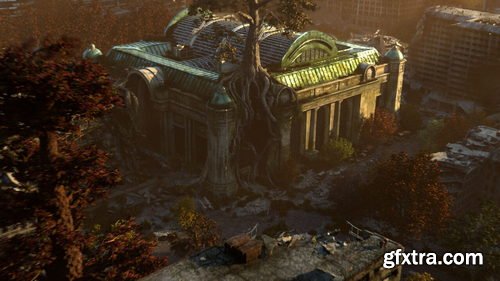
- Discover how professional artists working in feature films use paint-overs and projections to speed up their workflow, allowing for more techniques to be accomplished in compositing without needing to jump back into 3D. Generalist Nacho Thomas shares non-destructive techniques to help artists level up their renders by creating comp-friendly projections using AOV sequences in Nuke.
- This 7-hour workshop demonstrates production-ready techniques using non-destructive workflows. You’ll discover efficient solutions to create your own projections, giving you more time to focus on your art. Nacho begins with an overview of the Maya process, emphasizing how to work with large environments and handle the AOV outputs. Arnold is used to render, though the techniques demonstrated are common to most renderers. Nacho then progresses to Nuke, where the focus of this workshop lies. The workflow involves occasionally jumping into Photoshop to handle any digital painting work.
- This tutorial is intended for both 2D and 3D artists looking to advance their skills; generalists and environment artists with some working knowledge of Nuke will also greatly benefit from the techniques showcased. In the Nuke segment of this workshop, you’ll learn how to work with an AOV sequence. You will discover how to build your own tools in Nuke, and create your own production-ready tools to add to your workflow. Nacho’s Nuke master file and three sequences used for the shot (Beauty, Utility, and Volumetrics) with light groups and all necessary passes to follow along are provided with this workshop as downloadable project files.
126,000 Royalty-Free 3D Model

Udemy Türkçe


Top Rated News
- CreativeLive Tutorial Collections
- Fasttracktutorials Course
- Chaos Cosmos Library
- MRMockup - Mockup Bundle
- Finding North Photography
- Sean Archer
- John Gress Photography
- Motion Science
- AwTeaches
- Learn Squared
- PhotoWhoa
- Houdini-Course
- Photigy
- August Dering Photography
- StudioGuti
- Creatoom
- Creature Art Teacher
- Creator Foundry
- Patreon Collections
- Udemy - Turkce
- BigFilms
- Jerry Ghionis
- ACIDBITE
- BigMediumSmall
- Globe Plants
- Unleashed Education
- The School of Photography
- Visual Education
- LeartesStudios - Cosmos
- Fxphd
- All Veer Fancy Collection!
- All OJO Images
- All ZZVe Vectors
- CGTrader 1 CGTrader 2



















