

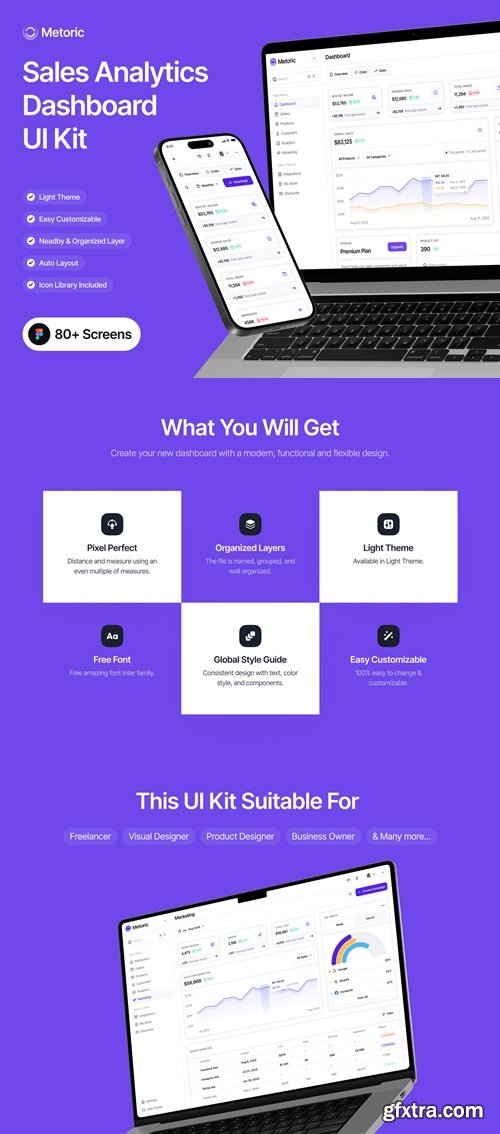
Metoric - Sales Analytics Dashboard UI Kit
https://ui8.net/unpixel/products/metoric---sales-analytics-dashboard-ui-kit
- Metoric is a Sales Analytics Dashboard UI Kit with detailed high-quality screens and easy to use in Figma. We designed 80+ page design screens.
- A highly detailed user interface template will help you design for any kind of app Sales Solution, Analytics, Business, Marketing & Sales, and related projects, also the screens are usable for other product designs as well.
- The UI Kit leverages all Figma features, including design system, typography, iconography, Auto Layout, dynamic components & variants. You can use our set vector UI kit symbols to build your product design. All symbols and objects are vector-based and easily editable.

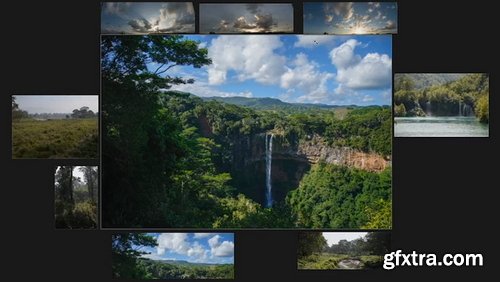
- Displaying reference for our work is never perfect. Software like PureRef can help, but what if you want to have your reference closer to where you're actually working? Like a physical art canvas could do.
- Well, we can do that with this trick using Artboards! Through this trick, we can turn the dead space around our photoshop canvas into an infinite area for our reference!
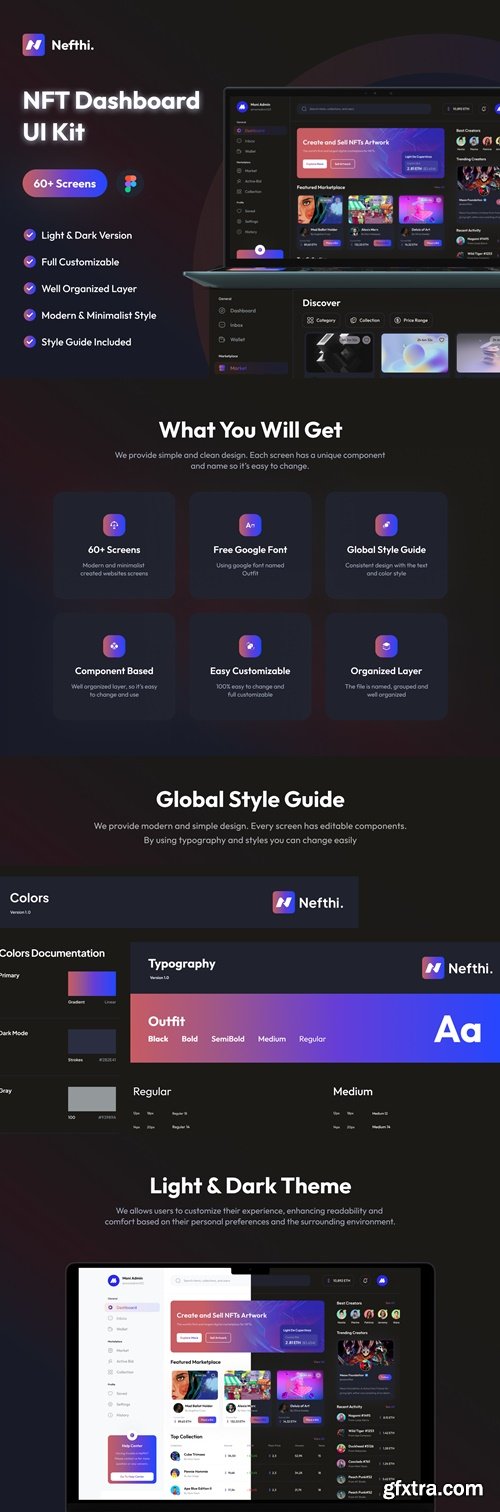
- Nefthi is NFT Dashboard UI Kit with 60++ high-quality screens site with clean, neat, and modern design. Available Light & Dark theme in Figma file.
- This UI Kit is free to full customize for your needs in any kind of related project. Nefthi supports you with free font, pixel-perfect design, support organized layer, and also global style guide.
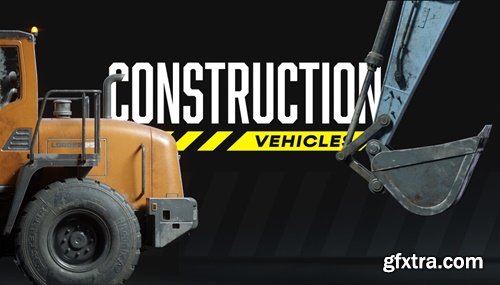
https://kitbash3d.com/collections/vehicles
- Bring industrial power to your world-building with Construction Vehicles. From towering cranes to dirt-chewing excavators, every model is packed with real-world detail and built to handle even the most ambitious scenes. Whether you're crafting a gritty cityscape, a chaotic demolition zone, or a massive construction project, these vehicles are ready to get to work.
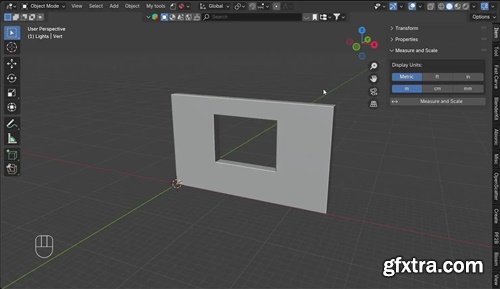
Measure and Scale is a very simple addon that allow you to Measure between any two vertices and uniformly scale the entire object to match that measurement. This addon provides the following intuitive workflow:
- Select a vertex on your mesh to begin measuring then simply hover over (snap to) a second vertex to see the live distance displayed between the two points.
- Right-Click anytime to cancel the operation or Left-Click the second vertex to confirm the measurement and proceed to scaling.
- A dialog box appears showing the measured distance. Enter the dimension you want that segment to be. The entire object will be uniformly scaled to match your target dimension, with the scale automatically applied.
- Supports Metric (m, cm, mm) and Imperial (ft, in) units.
- Find it: 3D Viewport > Sidebar (N-Panel) > Item Tab > Measure and Scale
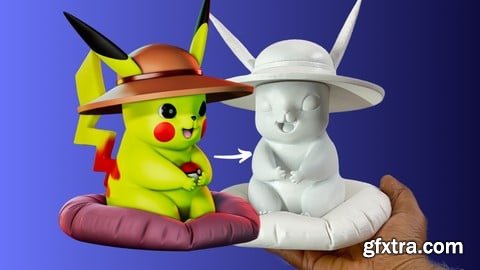
Udemy - Master Character Sculpting in ZBrush from Model to 3D Print
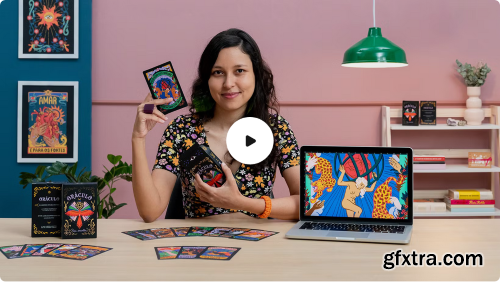
Learn to illustrate a set of cards with a unique concept and graphic design from scratch and develop original narratives for games
An important part of many ancient cultures, playing cards carry a strong symbology to this day, whether as a form of entertainment or a narrative tool. Designer and illustrator Larissa Arantes, who's collaborated with names like O Globo, GNT, and more, uses playing cards as a source of inspiration for her work, always looking to convey emotion through images.In this course, learn to illustrate a pack of cards from the initial sketches to the final artwork. Larissa shows you how to choose an aim, a theme, a narrative, and an artistic language along with the best format for your cards. Also see some strategies for financing and presenting your illustrated deck.
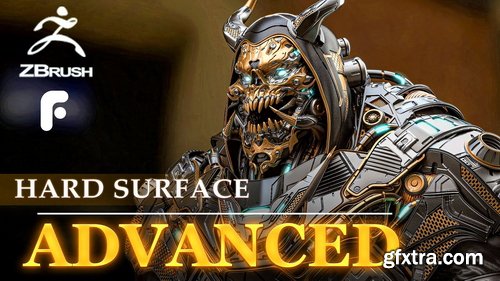
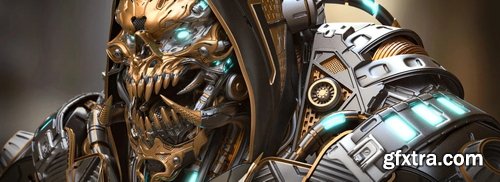
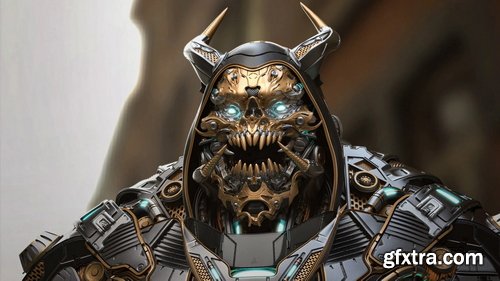
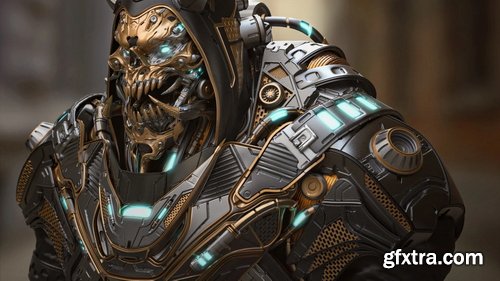
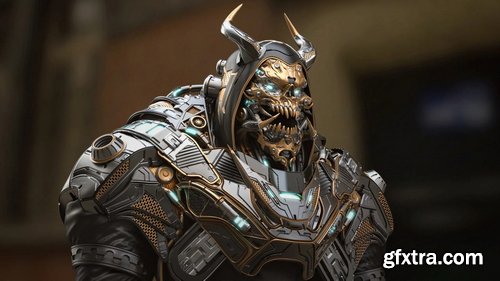
- accompany senior character artist Hafez Yadollahi and learn to Sculpt advanced Hard Surface Character for Product ! You'll learn to sculpt your character in ZBrush, create materials in Keyshot, light and present your work, and even more.
- After completing the course, you'll have a great understanding of how to create your own Hard Surface and Sci Fi character art.
- This video was recorded in full and at normal speed... without any omissions... and without sound reproduction.(No Voice)
- Starting in ZBrush, we will teach you advanced techniques for Sculpting your 3D character from scratch. When concept sculpting the model, we'll block in both the anatomy and hard surface mesh. Once the high-poly is done, We are going for a clean topology so that we can add Small details to it .
- In Keyshot, we're Using the Default materials step by step. We'll set up basic shaders. Finally, we're lighting and rendering our character to make a stunning final image you'll be proud to put in your portfolio.
- This course is designed for artists with an medium skill level who are ready to push their character art to the Epic. The course does not spend time covering the basics, and assumes ample knowledge of the pipeline and software involved in creating 3D art . this is the course for you if you're ready to push yourself to the next level
126,000 Royalty-Free 3D Model

Udemy Türkçe


Top Rated News
- CreativeLive Tutorial Collections
- Fasttracktutorials Course
- Chaos Cosmos Library
- MRMockup - Mockup Bundle
- Finding North Photography
- Sean Archer
- John Gress Photography
- Motion Science
- AwTeaches
- Learn Squared
- PhotoWhoa
- Houdini-Course
- Photigy
- August Dering Photography
- StudioGuti
- Creatoom
- Creature Art Teacher
- Creator Foundry
- Patreon Collections
- Udemy - Turkce
- BigFilms
- Jerry Ghionis
- ACIDBITE
- BigMediumSmall
- Globe Plants
- Unleashed Education
- The School of Photography
- Visual Education
- LeartesStudios - Cosmos
- Fxphd
- All Veer Fancy Collection!
- All OJO Images
- All ZZVe Vectors
- CGTrader 1 CGTrader 2



















