

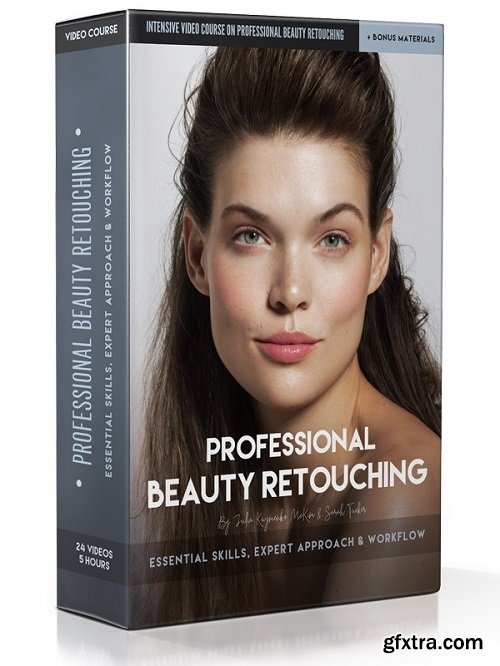
Retouching Academy - Professional Beauty Retouching
Sale Page

 Comments: (0)
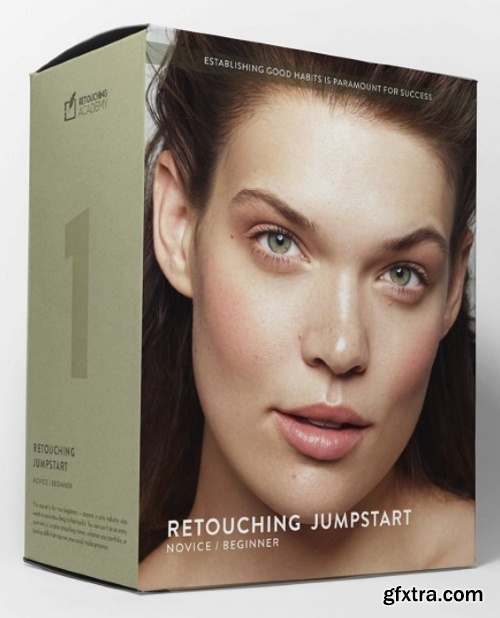
Jumpstart your retouching journey with this in-depth practical course tailored to true beginners, aspiring retouchers, working photographers, makeup artists, or anyone looking to upgrade their online presence in the beauty, fashion or wellness industries.Learn the nuts and bolts of retouching using a non-destructive approach taught in a digestible, accessible way — no experience necessary.We’ve gathered the most impactful information to jumpstart your learning — and left out the fluff — so you can focus on what’s important and practice in real-time to speed up your progress. Each module offers the essential key topics, complete with video lessons, practice files, bonus materials, practical assignments as well as reading lessons that will allow you to integrate the newfound knowledge through multiple learning modalities.Understanding, practicing, and perfecting retouching fundamentals will help you form good habits and step into the retouching world as a capable and confident professional.
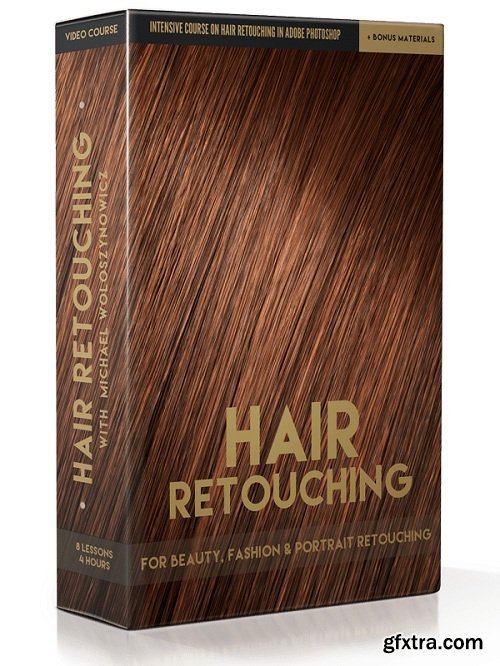
In every beauty, portrait and fashion image, the face usually takes up the majority of our retouching time and although the hair is often secondary, it can never be ignored. While we use some of the same tools for retouching hair as we do for skin, the techniques and challenges vary quite greatly.Having an experienced hairstylist on set will help you create a finished look, but once the model begins to move and pose for the camera, it is next to impossible to keep the hair as perfect as we would like. Since getting a strong pose, facial expression and perfect makeup is often more important than keeping strands in check, the job of making the hair look good often falls on the retoucher.Despite the retouching challenges, a skilled hair retouch makes a tremendous difference in the final image, helping achieve a clean editorial or commercial result. With this video course, our goal is to teach you how to fix common hair issues in beauty, portrait and fashion photography using simple retouching tools and techniques, while offering a variety of methods to take the struggle out of the process.
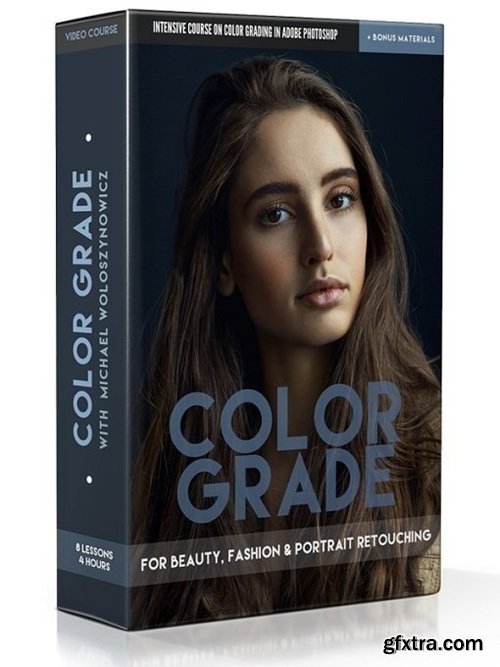
English | 3hr 37m | Video: 1080p | 2.3 GB
Practice Files: Layered .PSD files are provided for your analysis and practice
Additional Materials: Digital Guide + Michael’s Custom Actions
https://retouchingacademy.com
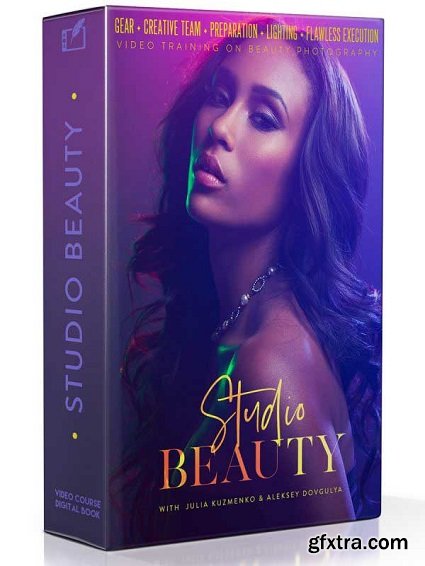
- We created the Studio Beauty video training for amateur and professional photographers who are interested in expanding into Beauty Photography, including both Beauty Portraits and Commercial Beauty.
- The primary mission of this course is to teach you, the photographer, how to confidently and consistently set up beautiful lighting for portraits and beauty photography, as well as how to plan and execute a photo shoot when working with a creative team.
- The authors, successful international commercial photographers with extensive teaching experience around the world, Julia Kuzmenko McKim (Los Angeles, CA) and Aleksey Dovgulya (Moscow, Russia), always aim to shoot right in camera, so they teach how to produce images that will require as little post-production labor as possible through correct lighting and avoiding common mistakes.
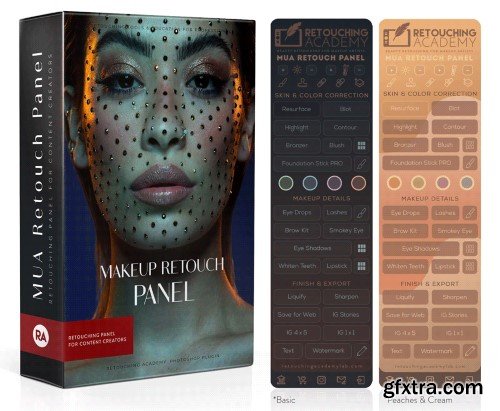
Retouching Academy - MUA Retouch Panel + Video Tutorial
https://retouchingacademylab.com/mua-retouch-panel/
The MUA Retouch Panel is a smart Photoshop extension designed for delicate, intuitive, campaign-level retouching created with the Makeup Artist in mind. Developed by beauty photographer & retoucher Julia Kuzmenko McKim and makeup artist, photographer & retoucher Jordan Liberty over the years working in the Beauty Industry, the panel scripts are now available exclusively to the MUA Retouch panel users.
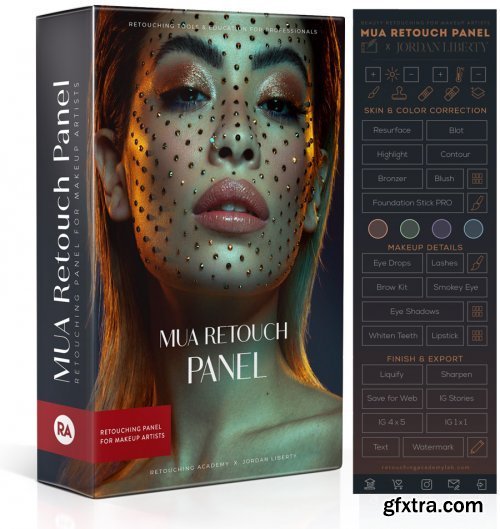
The MUA Retouch Panel is a smart Photoshop extension designed for delicate, intuitive, campaign-level retouching created with the Makeup Artist in mind. Developed by beauty photographer & retoucher Julia Kuzmenko McKim and makeup artist, photographer & retoucher Jordan Liberty over the years working in the Beauty Industry, the panel scripts are now available exclusively to the MUA Retouch panel users.
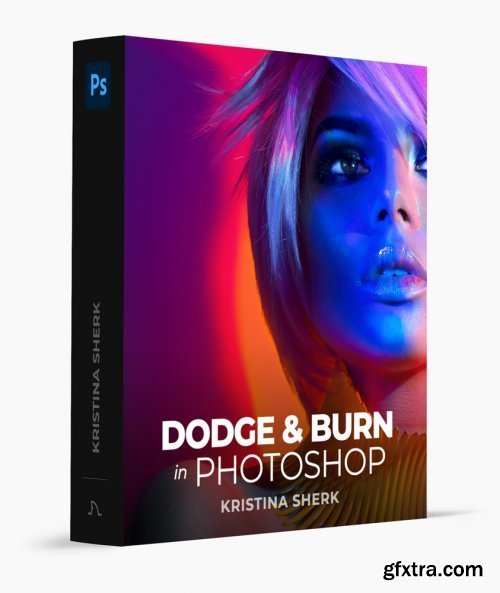
https://www.sharkpixel.com/dodge-burn-in-photoshop
Master the revolutionary concept of dodging and burning skin.
Learn how to pick the right dodge and burn colors for your image, as well as how to accentuate features using the same concept. Not only will I walk you through how to dodge and burn, but more importantly why we dodge and burn. I’ll also show you some key visual aids that will help you pinpoint areas of inconsistent skin color and tone to help train your eyes to spot skin problems.
126,000 Royalty-Free 3D Model

Udemy Türkçe


Top Rated News
- CreativeLive Tutorial Collections
- Fasttracktutorials Course
- Chaos Cosmos Library
- MRMockup - Mockup Bundle
- Finding North Photography
- Sean Archer
- John Gress Photography
- Motion Science
- AwTeaches
- Learn Squared
- PhotoWhoa
- Houdini-Course
- Photigy
- August Dering Photography
- StudioGuti
- Creatoom
- Creature Art Teacher
- Creator Foundry
- Patreon Collections
- Udemy - Turkce
- BigFilms
- Jerry Ghionis
- ACIDBITE
- BigMediumSmall
- Globe Plants
- Unleashed Education
- The School of Photography
- Visual Education
- LeartesStudios - Cosmos
- Fxphd
- All Veer Fancy Collection!
- All OJO Images
- All ZZVe Vectors
- CGTrader 1 CGTrader 2



















