


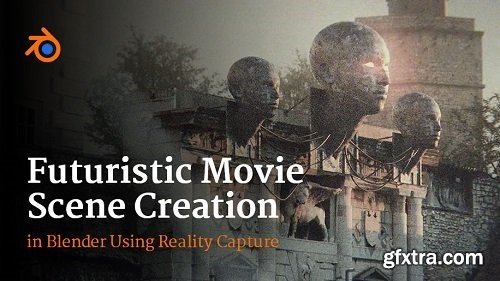
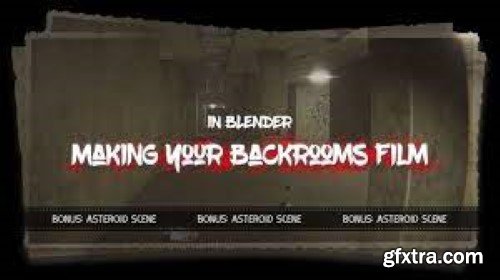
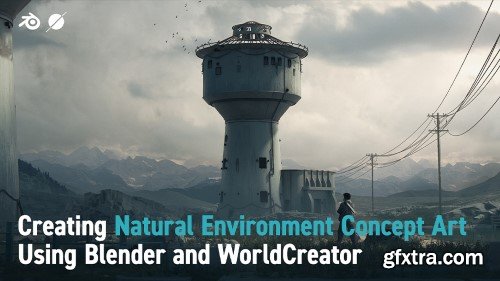
Welcome to my new cinematic tutorial in Blender. In this tutorial, I will introduce you to the process of making a movie scene from start to finish, step by step, and how to achieve photorealism. In addition to Blender, which is covered in most tutorials, we will also use Reality Capture for photo-scanning and Photoshop for creating Bump and Roughness maps. In this 4+ hour tutorial, I will show you how to create this scene in Blender step by step.
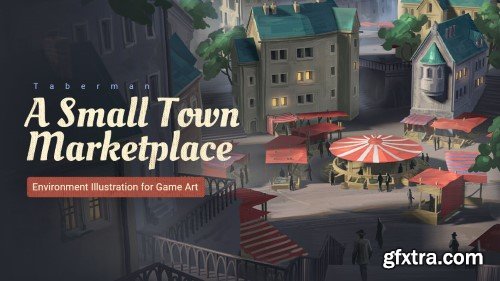
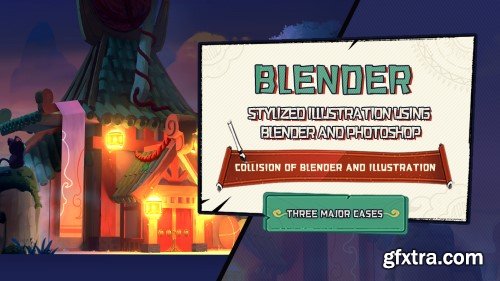
In this course, I will explore and show you how to use the 3D software Blender to help our 2D illustration work effectively and reach a better result. The illustration is going to depict a view of a town with a marketplace as the main point of focus, You will get to see my illustration working process from start to finish in real-time. I hope you enjoy this course and learn something.
You will learn how to generate ideas and sketch from the sketching process.
You will learn how to integrate 3D to your 2D workflow.
You will learn general tips and tricks regarding digital painting.
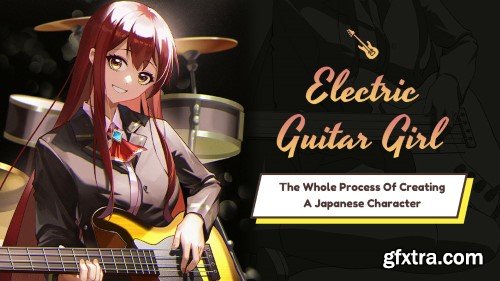
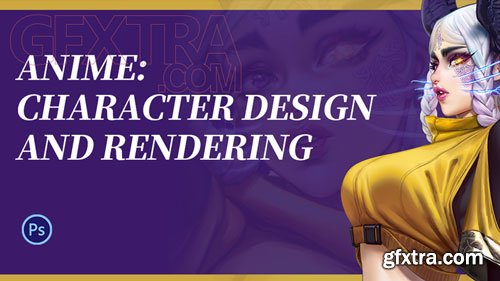
This course helps you to understand the process of Japanese-style illustration and helps you draw a work quickly.
You will learn the creative ideas and processes of character illustrations.
You will learn the practice of the method of character drawing.
It can solve the problem of perspective quickly, as well as
composition, lighting and material, so that the quality of your works.
It has quick and efficient workflow, which can save lots of time.
It has the capability of drawing 2D illustration.
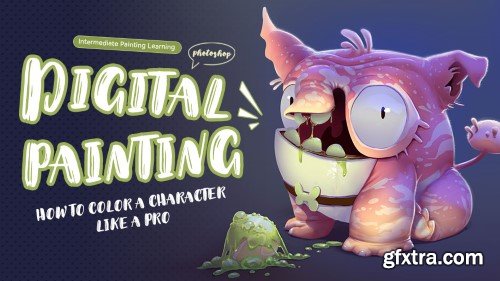
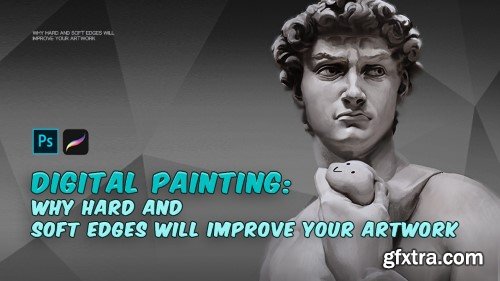
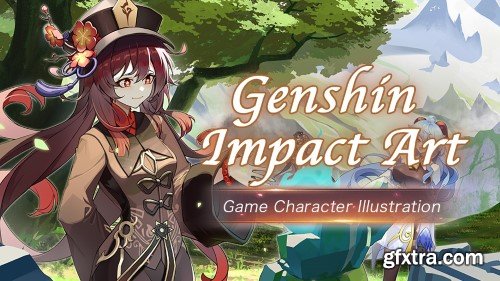
In this tutorial, you can learn the skills of drawing Japanese style illustration for games and the ideas and process of drawing.
You can also learn the basics of Blender, Marvelous Designer, SAI 2 and Photoshop.
Which can help you understand the process of drawing Japanese style illustrations and complete an illustration quickly.
It can solve the problem of perspective quickly, as well as
composition, lighting and material, so that the quality of your works.
It has quick and efficient workflow, which can save lots of time.
It has the capability of drawing 2D illustration.
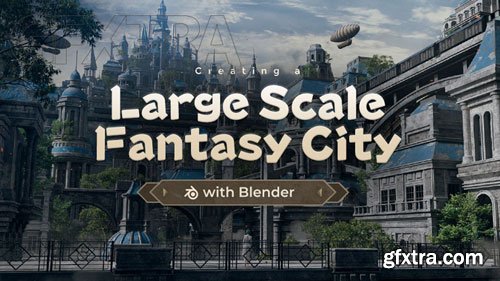
WingFox - Creating a Large Scale Fantasy City with Blender - 8752
https://www.wingfox.com/c/8752
Content: HD Videos + Project Files | Duration: 14 Hours | Software: Blender2.93; RizomUV2020.1; Substance Painter2021.1.1; After Effects2021 | Add-ons: Blender to RizomUV Bridge, Substance Painter Live Link. | Plugins: Plugins: Magic Bullet Film, Optical flaresPhotoshop CC; Blender 3.0; 3DCoat | System: No special requirements. | Project file: Contains scene data for Blender and After Effects, excluding paid assets. | BONUS: Project files for the night version.

126,000 Royalty-Free 3D Model

Udemy Türkçe


Top Rated News
- CreativeLive Tutorial Collections
- Fasttracktutorials Course
- Chaos Cosmos Library
- MRMockup - Mockup Bundle
- Finding North Photography
- Sean Archer
- John Gress Photography
- Motion Science
- AwTeaches
- Learn Squared
- PhotoWhoa
- Houdini-Course
- Photigy
- August Dering Photography
- StudioGuti
- Creatoom
- Creature Art Teacher
- Creator Foundry
- Patreon Collections
- Udemy - Turkce
- BigFilms
- Jerry Ghionis
- ACIDBITE
- BigMediumSmall
- Globe Plants
- Unleashed Education
- The School of Photography
- Visual Education
- LeartesStudios - Cosmos
- Fxphd
- All Veer Fancy Collection!
- All OJO Images
- All ZZVe Vectors
- CGTrader 1 CGTrader 2



















