




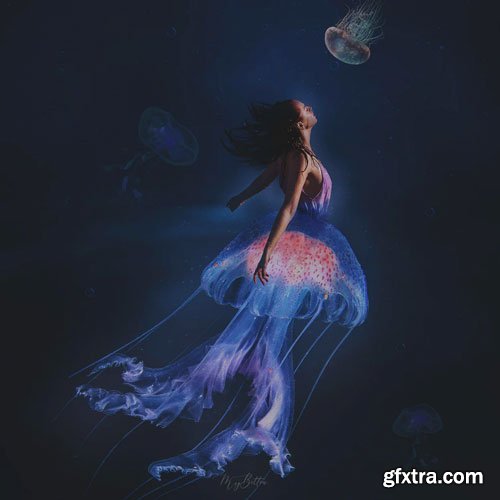
Previously included in Foundations of Advanced Compositing, NOW available separately!
Included with purchase is the instructional video and background Jessica taught with in her foundations class! Learn the fundamentals you will need to take your understanding of creating beautiful advanced composites to the next level!
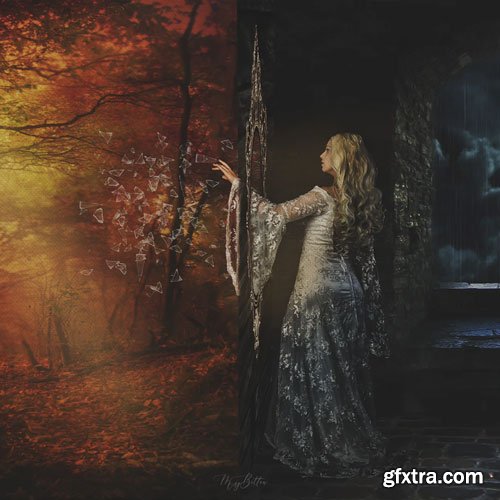
Previously included in Foundations of Balancing Light, NOW available separately!
Included with purchase is the instructional video Jessica taught with in her foundations class! Learn the fundamentals you will need to take your understanding of balancing light and knowledge to the next level!

Stylized 2D Toon Shader in Blender
MP4 | Video: h264, yuv420p, 1920x1080 | Audio: aac, 48000 Hz | Duration: 8h 19m | 3.48 GB
Genre: eLearning | Language: English

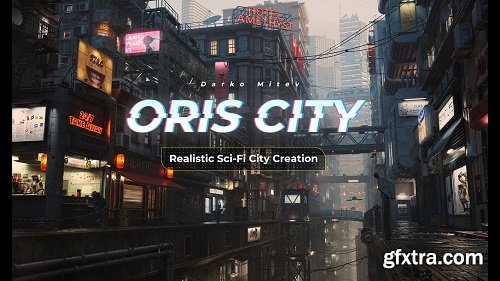
Content: HD Videos + Project Files
Duration: 140+Hours
Software: Maya2020 ; Vray5 for Maya ; Substance Painter 2020 and above ; Marvelous Designer9 ; Any version of Nuke ; Any version of Photoshop ; Any version of Zbrush and any version of Headus UVLayout (Optional Software).
System: No specific requirements
Project file: The FInal scene with all its models and texture and lights, as well as reference images used, and Kitbash models.

This is a comprehensive tutorial about Japanese animation style cel-shading. It's divided into two modules. The first module will cover some basic software operation for cel-shading, includes explaining the Pencil+ material parameters, making cartoon stroke by Pencil+, lights and rendering settings of 3DS Max camera, specifications to make models and basic explanation of human body. The second module will cover how to use Pencil+ and 3DS Max to make complete game models with Japanese cartoon styles through cases in Never Gone.

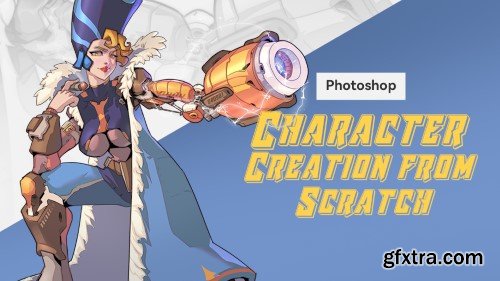
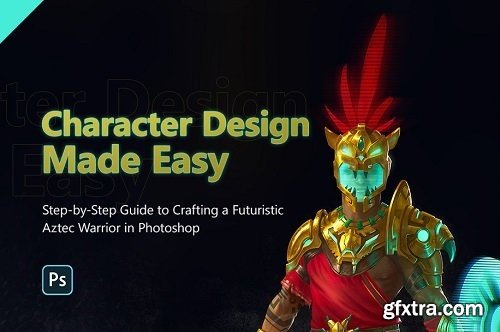
In this tutorial, I will guide you through the entire process that I have refined over the years for creating a fully hand-painted character design, without relying on A1 or photobashing. We will cover topics such as brainstorming ideas, understanding the visual language of cultures, design fundamentals, and rendering gold, among others. If you want to learn a reliable process for creating amazing character concepts, this tutorial is for you.
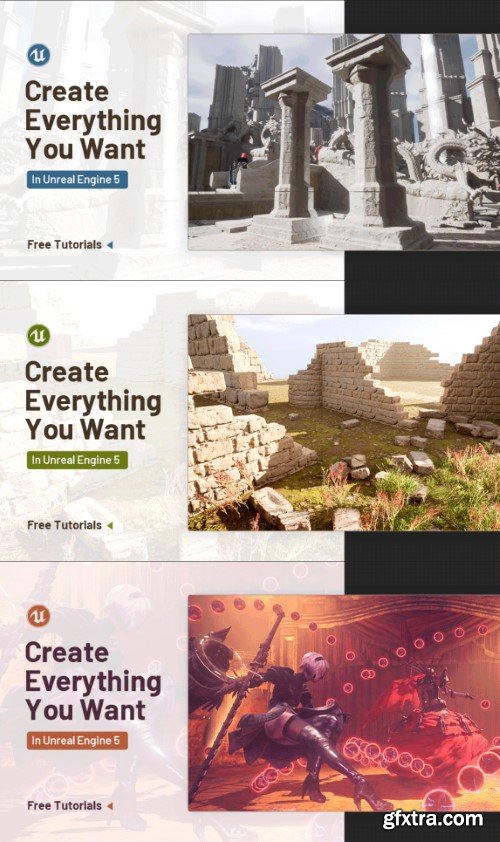
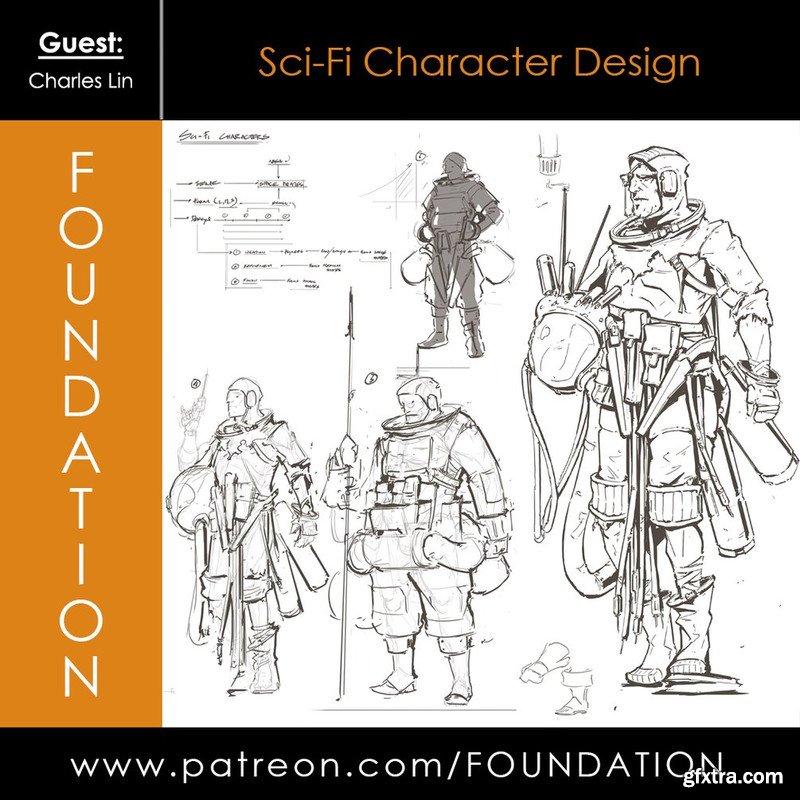
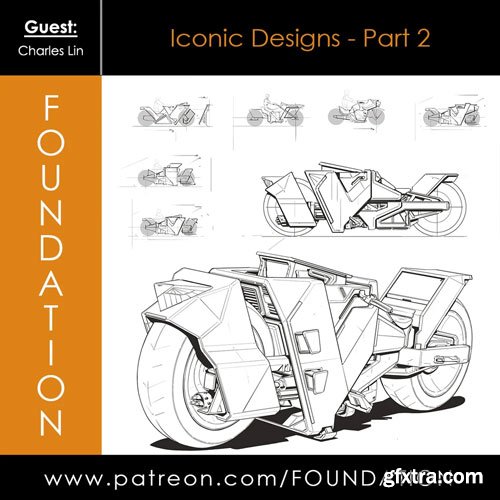
Foundation Patreon - Sci-Fi Character Design with Charles Lin
Download Contents: • 3 Hour 20 Min Video Lecture & Demo • JPG Demo
- In this online course, you’ll go through all the essential steps of CG integration, and shot finishing as performed in most of the VFX studios.
- From preparing the plate for comp work, Tracking, Painting, integrating a CG creature, all over up to doing the final technical checks and output proper DI-mattes for final Editing and color grading.
- This course will give you a deep understanding of the compositing workflow and how to check a shot before delivery. I worked in many prestigious VFX studios, and no matter the project, those finalizing steps are more than essentials.
- In this online course, you will go in-depth into colors and rendering in Nuke. What are LUTs? How to use ACES? How can I optimize my comp workflow while speeding up my renderings? This will allow you to understand how to work faster, maintain quality, and color accuracy through the different steps of your VFX and CG pipeline.
- At the end of this course, You’ll be able to work faster in Nuke and maintain quality and color accuracy.
- I’m Florian Girardot, a senior visual effect artist specialized in Compositing. I’ve been working in the movie industry for more than 10 years and this entire curriculum is based on both my professional and teaching experiences.
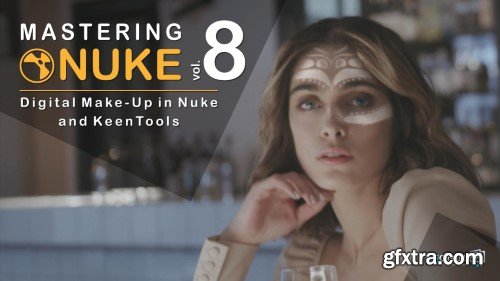
Removing spots, wrinkles, smoothing skins, changing eyes colors, add face tattoos, you name it, we can do it!
We will discover great techniques and great tools, such as keen tools to easily build CG faces and track them to then be able to make make-up magic!
As the other courses from this Nuke master class series, you will achieve a great shot, from beginning to end, that will illustrate all the professionals techniques that you’ll learn.
At the end of this course, you’ll be confident modifying any faces, and you’ll have the basics of digital make-up.
I’m Florian Girardot. I’m a senior visual effect artist specialized in Compositing. I’ve been working in the movie industry for more than 10 years.
This entire curriculum is based on both my professional and teaching experiences.
In this first chapter, We’ll see how to build the CG face within Nuke by Using keenTools, and how to track the face.
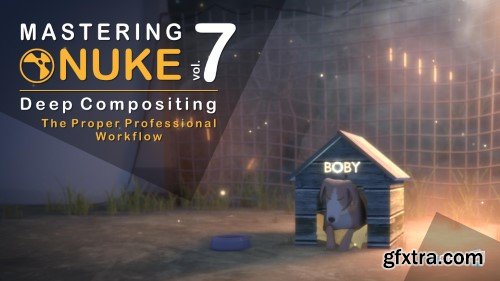
There are a few other tutorials out there showing you how to use deep in nuke, but they barely tell you how to use it properly within your comp workflow. If you don't use the proper techniques, comping deep passes can be very difficult, heavy and frustrating. In this course, you’ll learn how to optimize your deep comp.
126,000 Royalty-Free 3D Model

Udemy Türkçe


Top Rated News
- CreativeLive Tutorial Collections
- Fasttracktutorials Course
- Chaos Cosmos Library
- MRMockup - Mockup Bundle
- Finding North Photography
- Sean Archer
- John Gress Photography
- Motion Science
- AwTeaches
- Learn Squared
- PhotoWhoa
- Houdini-Course
- Photigy
- August Dering Photography
- StudioGuti
- Creatoom
- Creature Art Teacher
- Creator Foundry
- Patreon Collections
- Udemy - Turkce
- BigFilms
- Jerry Ghionis
- ACIDBITE
- BigMediumSmall
- Globe Plants
- Unleashed Education
- The School of Photography
- Visual Education
- LeartesStudios - Cosmos
- Fxphd
- All Veer Fancy Collection!
- All OJO Images
- All ZZVe Vectors
- CGTrader 1 CGTrader 2



















