


The Pixel Lab - 340+ Procedural Material Pack for Cinema 4D
LIB4D | R16+ | Shaders | Textures | 10 JPG Renders | 13.5 MB

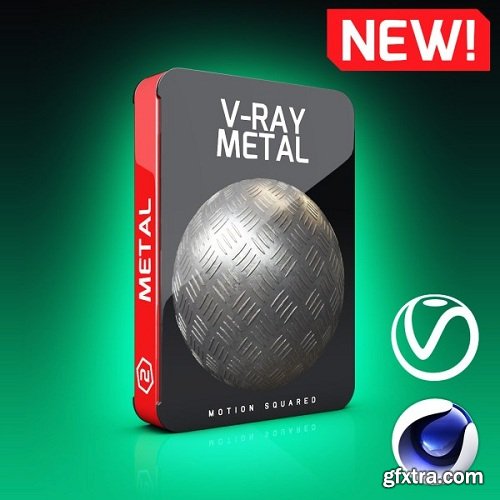
This pack includes various metal such as Gold, Copper, Chrome, Galvanized Steel, Brushed Metal, Brass, Diamond plate patterns. This pack also has a section with highly detail custom surface and pattern designs that will make any texture look more interesting. The textures are all 4K Resolution which means amazing quality and great close up detail. Made with calibrated PBR maps for better and more realistic renders. (Diffuse, Normal, Displacement, & Specular). Real displacement maps for real physical bump and depth. All textures are 100% seamless with no visible edges so they can tile to fit any scene or object. Check out the features and preview gallery below.
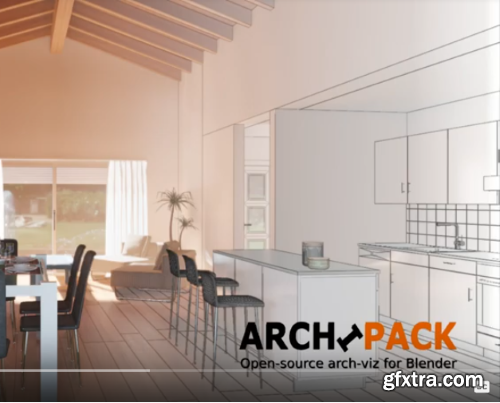
Blender-Archipack 2.x add-on for blender 3.x / 4.x boost archviz artists productivity by magnitudes.
-
The add-on provide a collection of strong parametric architectural primitives.
-
Built around concepts that are intuitive and easy to master.
-
Real time on-screen editing interface for even faster, more intuitive object management.
-
Complete and total control of generated objects at any time, down to the most minute details.
-
Objects generated by Blender-Archipack are regular blender meshes, this ensures the highest level of portability and allows rendering on any render-farm.
-
In addition to everything one would expect in a sophisticated archviz solution, Blender-Archipack also possesses a number of important features including material library and powerful presets management.
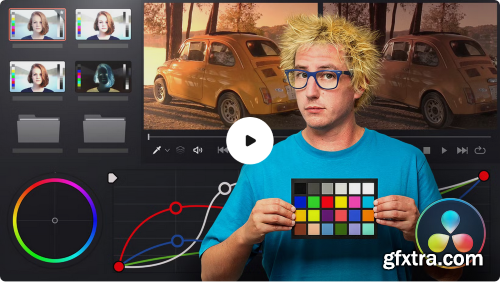
- Ready to explore the industry-leading software for adding a specific style of color, brightness, and contrast to your audiovisual pieces? Juanmi Cristóbal—founder of the production company Fourminds—is prepared to guide you through the ins and outs of DaVinci Resolve and help you do just that. Get started by learning what color grading is and how it can enhance your work before taking your first steps with DaVinci Resolve. Explore and configure the interface and discover the process of exporting your projects from a video editing program. In the second course, dive into primary corrections—those that are applied to the entire image—and automatic corrections. Then, learn how to optimize brightness and color balance and work on both neutral and your own style of grading. Next, move on to applying secondary corrections, which are those that are applied to specific areas of the image. Learn to use specific colors and inverted nodes before progressing to Power Windows and tracking. Once you’re familiar with the tools, go hands-on with the most creative tools used for color grading. In this course, expand your knowledge of black-and-white shots, bleach bypass and stabilization effects, noise reduction, and other useful resources for your audiovisual projects before working with the Magic Bullet Looks plug-in.
ProductionCrate LaForge Suite V1.3.7 Win
The LaForge Suite is a collection of plugins for Adobe After Effects and Premiere Pro, each powerful enough to create incredible effects in a click. Some of our favorites include:
- Crates HyperGlitch - Create stunning glitch effects with several art styles.
- Crates Easy Glow - An easy yet realistic glow effect that follows the inverse cube law.
- Crates Hologram - Instantly convert your footage and graphics into a Hologram!
- Crates Height Relight - Relight your depth maps, perfect for motion graphics.
- Chromatic Aberration - A free plugin for instant aberrations!
- + 20 more!
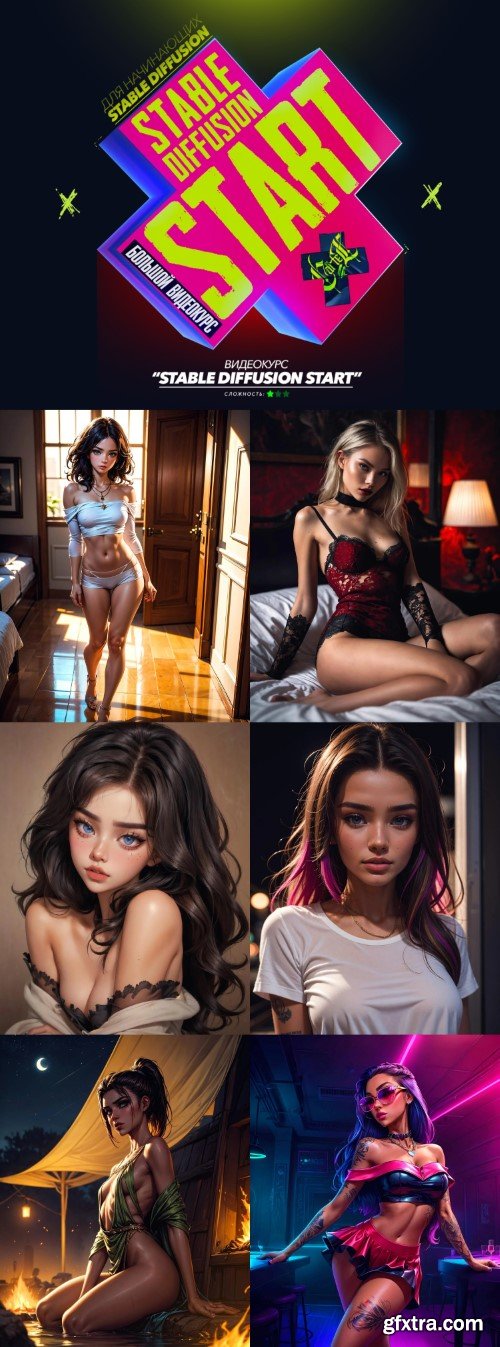
Large interactive process
All materials are included with the broadcast
Same result guaranteed
Duration about 4 hours
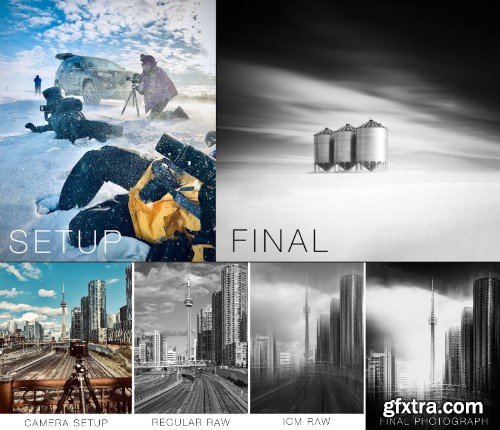
- Join Photographer Marc Koegel as he takes you on a journey showing you how he creates his award-winning photographs RAW to finish. In this webinar, Marc will select 3 to 4 of his photographs and show you step-by-step how they were created. After briefly discussing the decisions he made in the field (including composition and camera techniques), Marc will spend the great majority of the time outlining techniques he uses in the digital darkroom. In doing so he will start with RAW processing before continuing on with using Adobe Photoshop (where he does the majority of his work). Plugins like Silver Efex Pro will also be demonstrated.
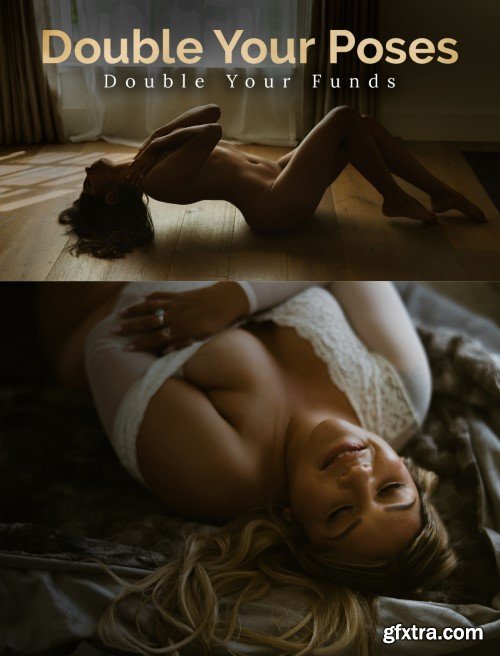
Double Your Poses, Double Your Funds
How to Pose Women with Normal Bodies
How to Get a Full Set of Photos in a Tiny Room with Just One Window (for those who don't have access to fancy studios!)
How to Photograph, and Encourage Your Clients to Shoot Nude Boudoir
+ Bonus: Get 100 Posing Cards
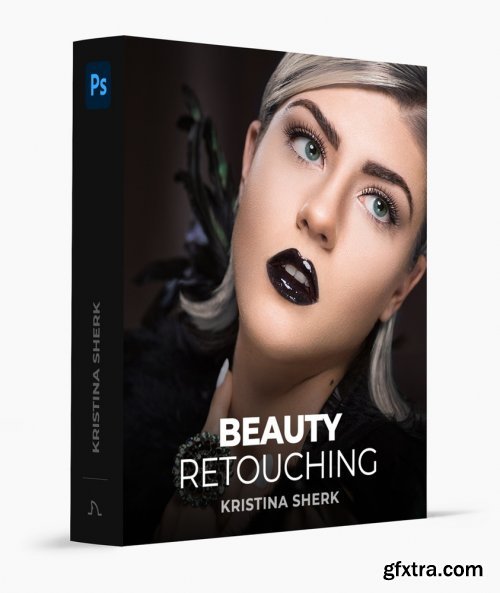
Kristina Sherk - Beauty Retouching
https://www.sharkpixel.com/beauty-retouching
- Retouch beauty photography at a highly professional level to create stunning images. What most photographers don’t realize is that learning the camera and lighting is only half the battle when becoming a professional photographer. The other half of the equation is learning Photoshop. In this course, I am going to teach you my best techniques for blemish removal, frequency separation, micro, and macro dodge and burn, replacing the background, and much more.
126,000 Royalty-Free 3D Model

Udemy Türkçe


Top Rated News
- CreativeLive Tutorial Collections
- Fasttracktutorials Course
- Chaos Cosmos Library
- MRMockup - Mockup Bundle
- Finding North Photography
- Sean Archer
- John Gress Photography
- Motion Science
- AwTeaches
- Learn Squared
- PhotoWhoa
- Houdini-Course
- Photigy
- August Dering Photography
- StudioGuti
- Creatoom
- Creature Art Teacher
- Creator Foundry
- Patreon Collections
- Udemy - Turkce
- BigFilms
- Jerry Ghionis
- ACIDBITE
- BigMediumSmall
- Globe Plants
- Unleashed Education
- The School of Photography
- Visual Education
- LeartesStudios - Cosmos
- Fxphd
- All Veer Fancy Collection!
- All OJO Images
- All ZZVe Vectors
- CGTrader 1 CGTrader 2



















