

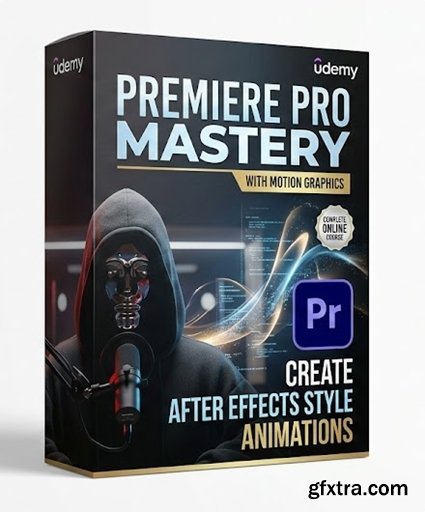
Language: English | Duration: 30m | Size: 605.68 MB
https://www.udemy.com/course/premiere-pro-mastery-create-after-effects-style-animations
Learn to build advanced transitions, text animations, and visual effects directly inside Adobe Premiere Pro.
What you'll learn
Create professional motion graphics and text animations using only Premiere Pro tools, without ever opening After Effects.
Master keyframing and the Graph Editor to design smooth, organic, and dynamic transition effects.
Apply complex VFX techniques like masking, tracking, and green screen directly within the Premiere Pro timeline.
Design and build your own custom, reusable animated lower thirds and title sequences from scratch.
Requirements
Basic understanding of Premiere Pro (familiarity with the interface, timeline, and basic cutting tools).
Description
This course contains the use of artificial intelligence.


126,000 Royalty-Free 3D Model

Udemy Türkçe


Top Rated News
- CreativeLive Tutorial Collections
- Fasttracktutorials Course
- Chaos Cosmos Library
- MRMockup - Mockup Bundle
- Finding North Photography
- Sean Archer
- John Gress Photography
- Motion Science
- AwTeaches
- Learn Squared
- PhotoWhoa
- Houdini-Course
- Photigy
- August Dering Photography
- StudioGuti
- Creatoom
- Creature Art Teacher
- Creator Foundry
- Patreon Collections
- Udemy - Turkce
- BigFilms
- Jerry Ghionis
- ACIDBITE
- BigMediumSmall
- Globe Plants
- Unleashed Education
- The School of Photography
- Visual Education
- LeartesStudios - Cosmos
- Fxphd
- All Veer Fancy Collection!
- All OJO Images
- All ZZVe Vectors
- CGTrader 1 CGTrader 2



















