

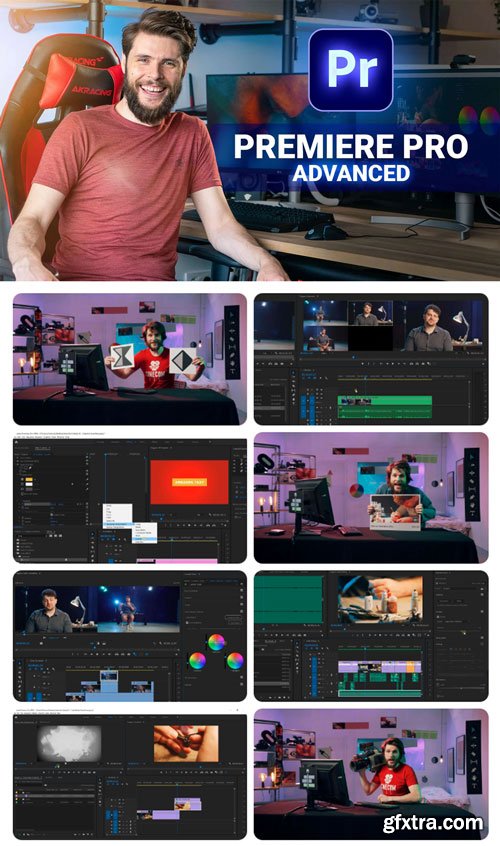
After the amazing success of our Premiere Pro class for beginners, we decided to create a follow-up. Thoroughly produced with a fun and engaging learning experience in mind. By the end of the class you’ll have a complete understanding of every editing tool of Adobe Premiere Pro. This eliminates technical challenges, so that you can focus on the creative side of editing. This course is for any video editor who knows the basics of Adobe Premiere Pro and like to take their skills to the next level. Or if you have watched our Beginners class, you can transition into this Advanced class. 34 Lessons in Total What you'll learn
Course Information



NeoSkola Bütün Kursları

Udemy Türkçe


Top Rated News
- TheBoudoirDivas All Tutorial
- 126,000 Royalty-Free 3D Models
- CreativeLive Tutorial Collections
- Fasttracktutorials Course
- Chaos Cosmos Library
- MRMockup - Mockup Bundle
- Finding North Photography
- Sean Archer
- John Gress Photography
- Motion Science
- AwTeaches
- Learn Squared
- PhotoWhoa
- Houdini-Course
- Photigy
- August Dering Photography
- StudioGuti
- Creatoom
- Creature Art Teacher
- Creator Foundry
- Patreon Collections
- Udemy - Turkce
- BigFilms
- Jerry Ghionis
- ACIDBITE
- BigMediumSmall
- Globe Plants
- Unleashed Education
- The School of Photography
- Visual Education
- LeartesStudios - Cosmos
- Fxphd
- All Veer Fancy Collection!
- All OJO Images
- All ZZVe Vectors
- CGTrader 1 CGTrader 2



















