

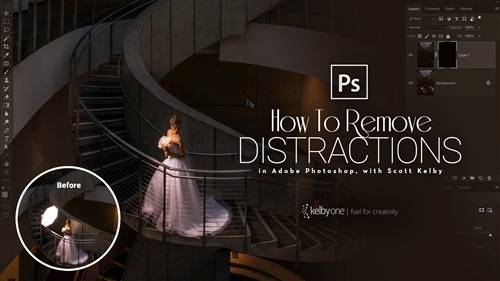
KelbyOne - How to Remove Distracting Stuff in Photoshop
Don’t let distractions ruin good photographs! Join Scott Kelby for a class devoted to teaching you how to remove all of those distracting elements from your photographs. Whether it is unwanted bright spots in the background, power lines stretching across a sky, walls covered in graffiti, stray hairs on a portrait, or too many tourists in your landscape (to name a few), Scott has a technique to save the day. This class is designed to start you off with an introduction to the essential tools you’ll need inside of Photoshop, and then each lesson that follows is a project unto itself that demonstrates a wide range of techniques you can add to your skill set. You can even download the project files and follow along. Even if you’re familiar with some of the tools, Scott has included all kinds of little tricks he’s picked up over the years to help you get the job done faster than ever before.



Related Posts
Information
Members of Guests cannot leave comments.
126,000 Royalty-Free 3D Model

Udemy Türkçe


Top Rated News
- CreativeLive Tutorial Collections
- Fasttracktutorials Course
- Chaos Cosmos Library
- MRMockup - Mockup Bundle
- Finding North Photography
- Sean Archer
- John Gress Photography
- Motion Science
- AwTeaches
- Learn Squared
- PhotoWhoa
- Houdini-Course
- Photigy
- August Dering Photography
- StudioGuti
- Creatoom
- Creature Art Teacher
- Creator Foundry
- Patreon Collections
- Udemy - Turkce
- BigFilms
- Jerry Ghionis
- ACIDBITE
- BigMediumSmall
- Globe Plants
- Unleashed Education
- The School of Photography
- Visual Education
- LeartesStudios - Cosmos
- Fxphd
- All Veer Fancy Collection!
- All OJO Images
- All ZZVe Vectors
- CGTrader 1 CGTrader 2



















