

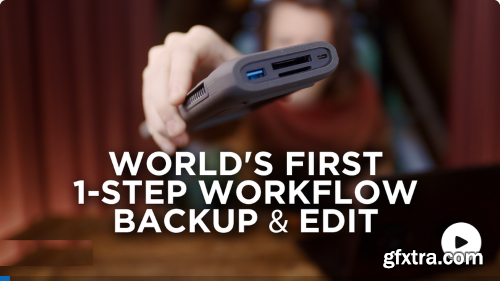
Sam Hurd - NAS Breakthrough: Backup & Edit in ONE Step // Includes Downloadable Code
https://www.patreon.com/posts/nas-breakthrough-118366401
Video explains it all, but this workflow is one step closer to the dream of simply being able to insert your memory card, and come back later to having everything Ai culled, edited, and rendered for you to start your manual pass. Attached is the code you need to run this in python, and if you already have a NAS that can run python code (or a Mac!) you should be able to open up terminal, navigate to the folder you save the code in, edit the config file w/ your imagen api (just email them asking for an api key), your watched folder LOCAL_MONITOR_PATH, and your imagen profile key, and BOOM... it's running. This version does not include the Twilio SMS messaging integration, but if you have a Twilio account you can comment or DM me and I'll send you a version that includes that - it's pretty helpful! If you have no idea how to run code via a terminal then it might be a little tricker than that, but I'll certainly add future tutorials/walk throughs over the next few weeks - especially after I get on device duplicate detection figure out.



Related Posts
Information
Members of Guests cannot leave comments.
126,000 Royalty-Free 3D Model

Udemy Türkçe


Top Rated News
- CreativeLive Tutorial Collections
- Fasttracktutorials Course
- Chaos Cosmos Library
- MRMockup - Mockup Bundle
- Finding North Photography
- Sean Archer
- John Gress Photography
- Motion Science
- AwTeaches
- Learn Squared
- PhotoWhoa
- Houdini-Course
- Photigy
- August Dering Photography
- StudioGuti
- Creatoom
- Creature Art Teacher
- Creator Foundry
- Patreon Collections
- Udemy - Turkce
- BigFilms
- Jerry Ghionis
- ACIDBITE
- BigMediumSmall
- Globe Plants
- Unleashed Education
- The School of Photography
- Visual Education
- LeartesStudios - Cosmos
- Fxphd
- All Veer Fancy Collection!
- All OJO Images
- All ZZVe Vectors
- CGTrader 1 CGTrader 2



















