




An Unexpected Odyssey | EP.1 - Environment Modeling With Maya
Embark on an extraordinary journey with this tutorial and discover the secrets of modeling a captivating sci-fi environment in Maya.
I'll be sharing with you how to plan and organize personal projects, keep motivation and be efficient in tackling such a large environment scene.
Discover a seamless modeling workflow that thrives on precision, channeling attention towards shapes, forms and harmonious proportions.
Uncover ingenious kitbashing and modular asset strategies that infuse life into your scenes.
The adventure begins now!
https://skart.gumroad.com/l/unexpected-odyssey-ep-1


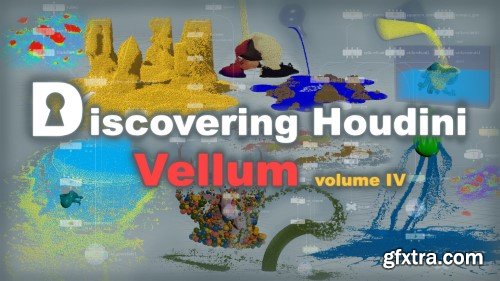
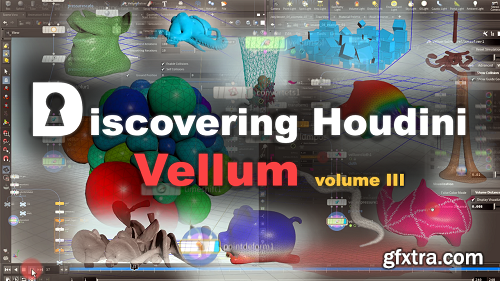
Hello everyone, my name is Arsen Margaryan, and I am very glad to introduce you to the third part of the series Discovering Houdini Vellum, which is a logical continuation of the second series.
CGcircuit - Discovering Houdini Vellum 2
http://www.cgcircuit.com/tutorial/discovering-houdini-vellum-2
Hello everyone! my name is Arsen Margaryan, and I am glad to present to you the second part of my tutorial dedicated to Houdini Vellum, which is a logical continuation of the first part, so I strongly recommend watching it only after viewing the first volume.
Well, now I want to briefly describe the content of this lesson.
So, throughout this tutorial, we will take a detailed look at the vellum hair constraint, attach to geometry, stitch points, glue, weld, and finally the shape match constraint.
Since the base of this tutorial is the official documentation, we will study all the properties with respect to these constraints without any exception, similar to the documentation, and we will consider all this on specific examples, as I already did in the first volume.
I will also teach you many ways to manipulate these constraints using simple vex expressions.
In fact, these two volumes contain a huge amount of material regarding Houdini vellum, which I hope will come in handy in your future projects.
CGCircuit - Discovering Houdini Vellum
http://www.cgcircuit.com/tutorial/discovering-houdini-vellum
I am excited to introduce to you my new tutorial, which is dedicated to Houdini vellum.
What can be said about vellum? So, After the vellum was implemented in Houdini, it has become a much more powerful and self-contained program, as it expanded the list of Houdini's capabilities to perform many types of simulations, namely cloth, hair, soft-body, and grains.
Of course, before that, it was also possible to perform such kinds of tasks, but vellum has revolutionized these areas, and introduced a new approach to solving such tasks, and brought enormous potential.
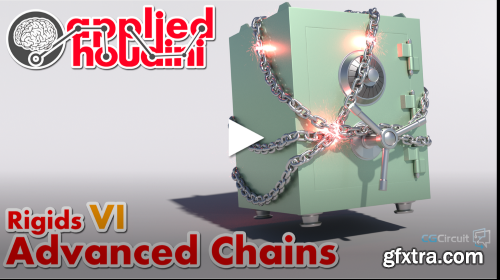
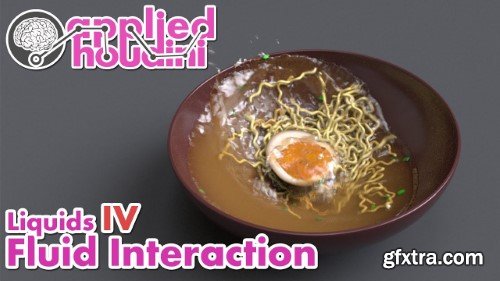
Applied Houdini Liquids IV - Fluid Interaction is here to show you how to control a complex liquid simulation using the Vellum Solver. We'll combine various ingredients with unique physical properties into a big bowl of ramen in order to show off the kind of interaction that Vellum makes possible. For each of them, we'll go over the external forces and internal properties that enable realistic physical behavior as well as enable art direction. And as usual we'll dive deep into how the simulation actually works, so that we can solve issues with buoyancy, collisions, simulation stability, rendering and a whole lot more. We'll finish up by processing our results into nice looking geometry and rendering in Karma, paying particular attention to capturing the soupy look of the ramen broth. Start making sophisticated liquid simulations now, with Applied Houdini Liquids IV - Fluid Interaction! Applied Houdini is a production quality oriented series created by Steven Knipping (imdb.com/name/nm3725241/), who has worked as a Senior Rigid Body Destruction / FX Technical Director at Lucasfilm's Industrial Light & Magic on films including Star Wars: Rise of Skywalker, Avengers: Endgame, and Space Jam 2. Benefit from production proven workflows while also getting an in depth explanation of why things works they way they do. Best of all - each video is crammed with actual information and footnotes instead of gratuitous talking and dead space!
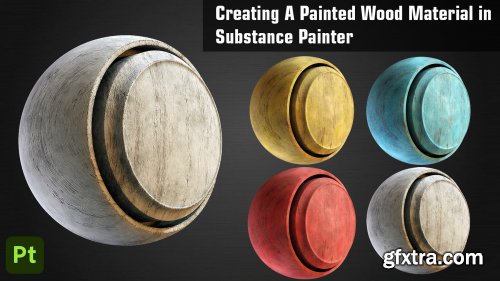
Artstation - Creating a Painted Wood Material in Substance Painter
http://www.artstation.com/marketplace/p/MGKJo/creating-a-painted-wood-material-in-substance-painter
In this tutorial we will go over creating a Painted Wood Material in Substance Painter. We will make use of different features of Substance Painter to create this Smart Material. You can use this material on any your project or model. We will start by adding a Base Layer of Wood and then we will build further upon that adding different layers to make the material more realistic. We will add a Paint Layer and add some scratches and damages to it to give the material a better feel. We will finish the material by adding some Dust layers and Roughness Variation. At last we will learn to create a Smart Material out of all this and then we will try adding this material onto a different model and try to customize the look of it.

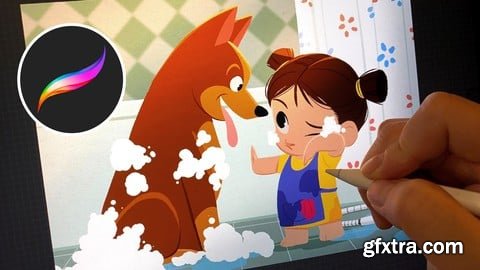
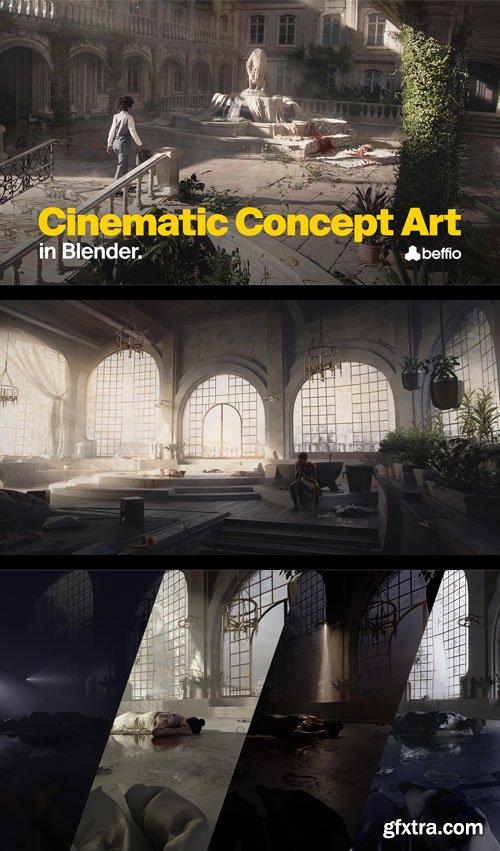

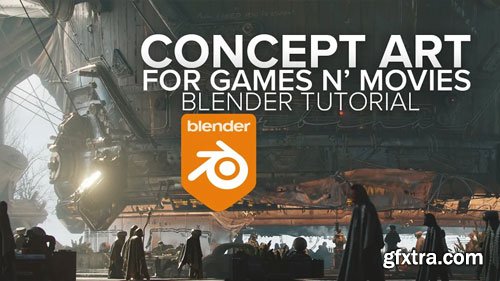
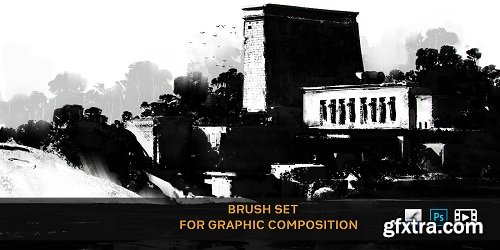
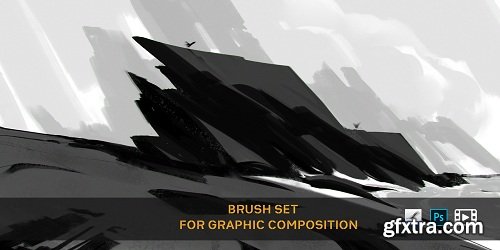

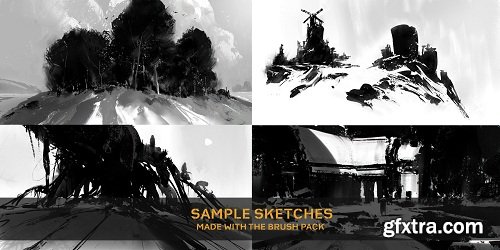
The brushes are crafted towards making graphic sketching. These are the brushes that I use every day for my Ideation sketches & thumbnail concept.
126,000 Royalty-Free 3D Model

Udemy Türkçe


Top Rated News
- CreativeLive Tutorial Collections
- Fasttracktutorials Course
- Chaos Cosmos Library
- MRMockup - Mockup Bundle
- Finding North Photography
- Sean Archer
- John Gress Photography
- Motion Science
- AwTeaches
- Learn Squared
- PhotoWhoa
- Houdini-Course
- Photigy
- August Dering Photography
- StudioGuti
- Creatoom
- Creature Art Teacher
- Creator Foundry
- Patreon Collections
- Udemy - Turkce
- BigFilms
- Jerry Ghionis
- ACIDBITE
- BigMediumSmall
- Globe Plants
- Unleashed Education
- The School of Photography
- Visual Education
- LeartesStudios - Cosmos
- Fxphd
- All Veer Fancy Collection!
- All OJO Images
- All ZZVe Vectors
- CGTrader 1 CGTrader 2



















