






- "Animation is all about movement. Once you understand how to achieve that, you can produce breathtaking animation."
- Want to bring your illustrations to life?
- Learn everything you need to know to start your animation journey: from objects, characters, and backgrounds to putting together a scene and capturing realistic perspectives.
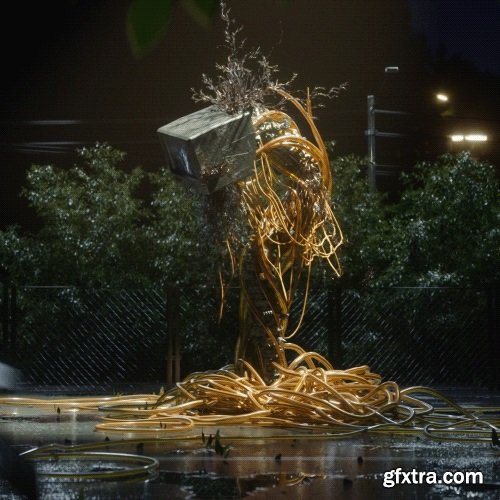
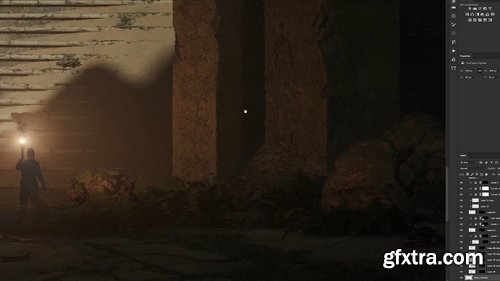
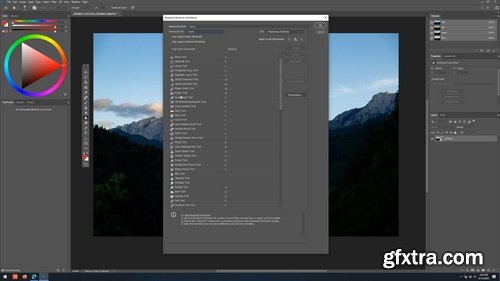
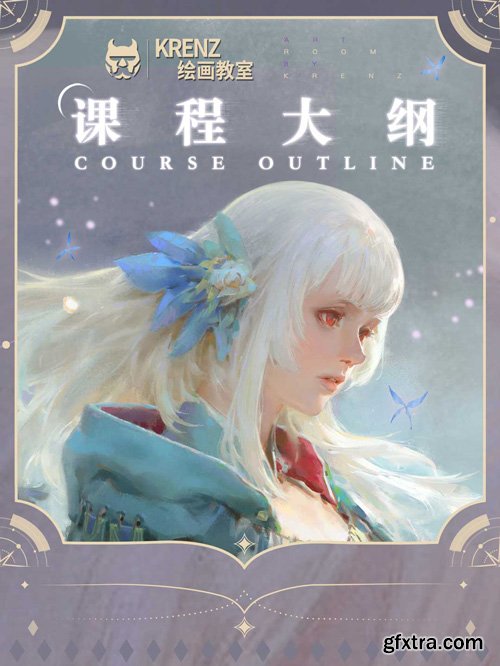
- In the early stages of the course, we will start with relatively simple dynamics. Using the CSI system, dynamic lines will be extracted, and simplified theory will be developed based on this foundation. The original dynamic characteristics will be preserved for analysis. Later, practical exercises will be conducted on the dynamics of specific characters based on the generated dynamic lines.
- Next, we will move on to the picture composition section. The course will design many pictures at different difficulty levels and conduct sequential training. Through the "Find the Character’s Performance Line" game, we will learn how to use reasonable elements to build the desired picture structure.
- Most of the time, we first think about specific content and then consider how to simplify its shapes. Here, we try the opposite: first, you are given an abstract shape composed of circles, squares, and triangles, and then you fill it with specific content. If we can achieve this, the so-called "flat composition analysis" will no longer be a retrospective review but something that can be anticipated in advance.

https://www.udemy.com/course/leonardo-ai-mastering-generative-ai-and-ai-art/
Master Generative AI, Image Generation & Prompt Engineering to create stunning AI Art and Digital Art pieces!
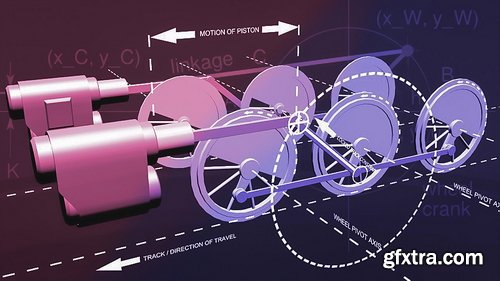
- In this course, we'll rig a set of locomotive wheels in Blender using constraints. We'll focus on converting rotating motion to reciprocal (back and forth) motion. This type of rigging can be very difficult, and is most often achieved with the use of Armatures and Inverse Kinetics (IK). In this course, however, we'll look at a way to do it using the Locked Track, Copy Location, and Shrinkwrap constraints. During the first video, we'll take a look at the final rig and briefly discuss the Shrinkwrap constraint. In the second video, we'll do the bulk of the rigging work. Here we'll look at some of the difficulties involved in this rig, and how the obvious solutions don't quite work. Then we'll set up a constraint-based rig that does work. In the last video, we'll do some additional rigging on the wheels. We'll also use a Transformation constraint so that the wheel automatically turn as we move the train forward. Geometry of train wheels explained in PDF document by Terry Hancock (re-used with permission) and included with the downloadable source files..
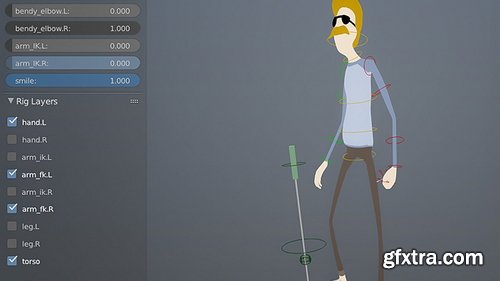
- Starting with some basic Python skills, it’s quite simple to begin building your own interfaces in Blender. These user interfaces can be anything from a collection of operators in the toolbar to dynamic properties based on your objects. In this tutorial we’ll create a Python script that automatically generates a UI for character rigs, creating a more friendly workflow for the animator. This rig will be powered by Custom Properties on a few select bones.
- If you’re ever wondered what the “Custom Properties” are for on objects and bones, then you’re about to find out. It makes rigging all that much more powerful. The script that we’ll be writing will create two UI panels, placing them into a new toolbar tab called ‘rigs’ in the Toolbar. The first panel will dynamically loop through the bones in an armature and display any custom properties it finds as sliders. The second panel will use some user-created properties to generate a very simple visibility panel for your controls, allowing you to easily hide or show groups of bones. As a final step, we’ll convert this script into an add-on for portability and convenience, allowing you to easily share it and let other artists use it too.
- Among other things you will learn: - How to use custom properties in an animation - Find out how to use custom properties and drivers in a rig - Learn to create a UI panel in Python - UI Layout Features: prop() and operator() - Using the Edit Source Button - Using Python’s List Comprehensions - Turning a script into an dd-on
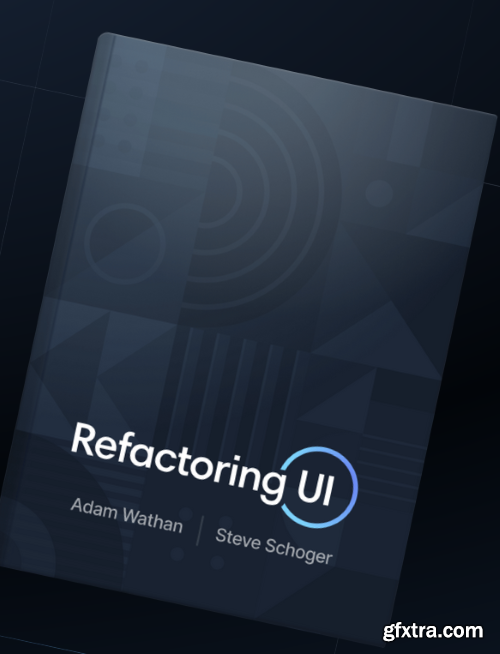
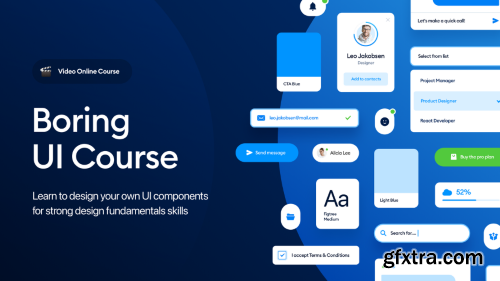
Learn the UI design fundamentals by creating a consistent, beautiful design component library of your own.
Language: English | Duration: 6h 19m | Size: 7.47 GB
https://www.udemy.com/course/photoshop-for-complete-beginners-learn-graphic-design-from/
A step-by-step guide to mastering Photoshop tools, photo editing, and graphic design basics—perfect for beginners!
Language: English | Duration: 47m | Size: 552 MB
https://www.udemy.com/course/capcut-to-cash-sell-stock-videos-without-shooting-anything/
CapCut, Adobe Stock, sell footage, adobe stock, video editing for beginners, passive income, shutter stock, masterclass
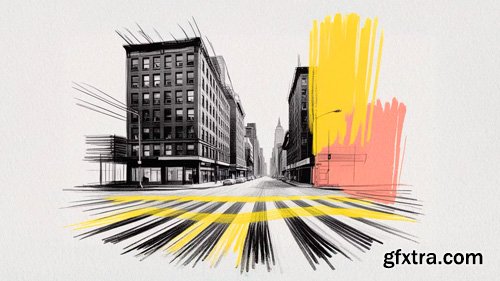
- Embark on a creative journey with the "Architectural Drawing Specialization" and unlock your potential in architectural visualization. This comprehensive course takes you from freehand sketching to advanced digital rendering, providing a well-rounded skill set for aspiring architects and designers. Discover the art of conceptual sketching, translating your abstract ideas into tangible forms while maintaining creativity and coherence. Learn to master perspective techniques, ensuring accurate representation of depth and space in your architectural drawings.
- Venture into the realm of digital sketching using Procreate, exploring tools like brushes, layers, and perspective techniques to create expressive architectural renderings. As you progress, transform your designs into visually engaging illustrations by focusing on composition, color, shading, and rendering techniques. Finally, bridge traditional hand-drawing with digital post-production in Photoshop, enhancing sketches with textures, color, and lighting for a polished presentation. Throughout the specialization, you'll benefit from the expertise of talented instructors Pavel Fomenko, Bradley Van Der Straeten, Ehab Alhariri, JJ Zanetta, Carlo Stanga, and David Drazil, ensuring a rich and diverse learning experience.
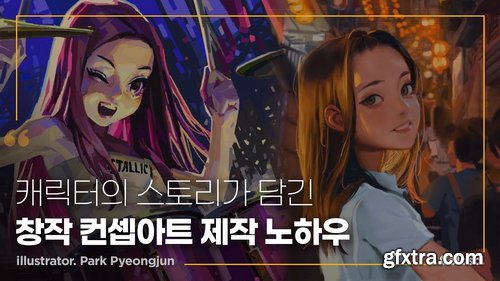
- Have you ever faced limitations in what to draw or how to express your feelings?
- Pyeongjun Park will teach you how to draw your own drawing without any problems under any circumstances. From drawings that express abstract elements to concept art that reveals specific stories, illustrator Pyeongjun Park's class provides answers to the question, 'What should I draw and how should I draw?' through drawing training for various situations.
- Learn the professional drawing routines of Pyeongjun Park, an illustrator who has collaborated with global companies such as Riot games, Marvel, and Tencent, and develop an artistic sense that allows you to start from scratch without any pressure!
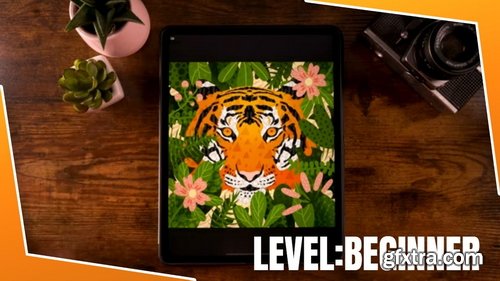
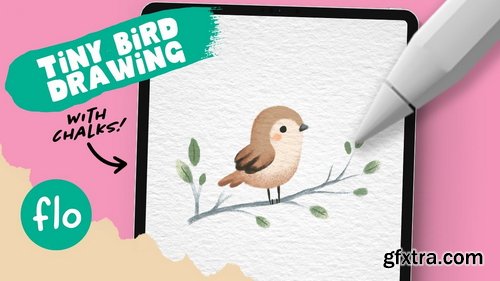

Python can be used for all kinds of things in Blender; for everything from automating tasks to creating custom UIs to developing entirely new, advanced tools like the RetopoFlow tool.
In many ways it is the advanced artists true best friend, as it allows you to push Blender much further than before and to shape it better fit your own needs and workflow. In this course you will learn how to manipulate Blender objects with handler functions. Handler functions are extremely powerful because you can use them do exactly what you want, when you want (such as moving an object on each frame change). It's possible to create this effect using functions that execute every time the frame in the current/specified Blender scene changes. When combined with the fact that we can access nearly everything in Blender through Python, the possibilities become endless.
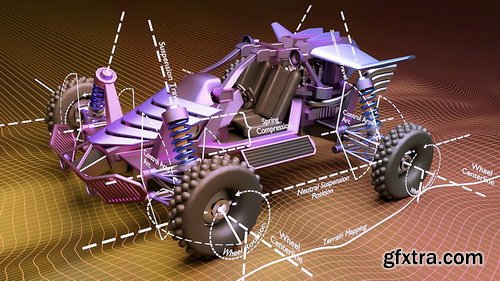
126,000 Royalty-Free 3D Model

Udemy Türkçe


Top Rated News
- CreativeLive Tutorial Collections
- Fasttracktutorials Course
- Chaos Cosmos Library
- MRMockup - Mockup Bundle
- Finding North Photography
- Sean Archer
- John Gress Photography
- Motion Science
- AwTeaches
- Learn Squared
- PhotoWhoa
- Houdini-Course
- Photigy
- August Dering Photography
- StudioGuti
- Creatoom
- Creature Art Teacher
- Creator Foundry
- Patreon Collections
- Udemy - Turkce
- BigFilms
- Jerry Ghionis
- ACIDBITE
- BigMediumSmall
- Globe Plants
- Unleashed Education
- The School of Photography
- Visual Education
- LeartesStudios - Cosmos
- Fxphd
- All Veer Fancy Collection!
- All OJO Images
- All ZZVe Vectors
- CGTrader 1 CGTrader 2



















