

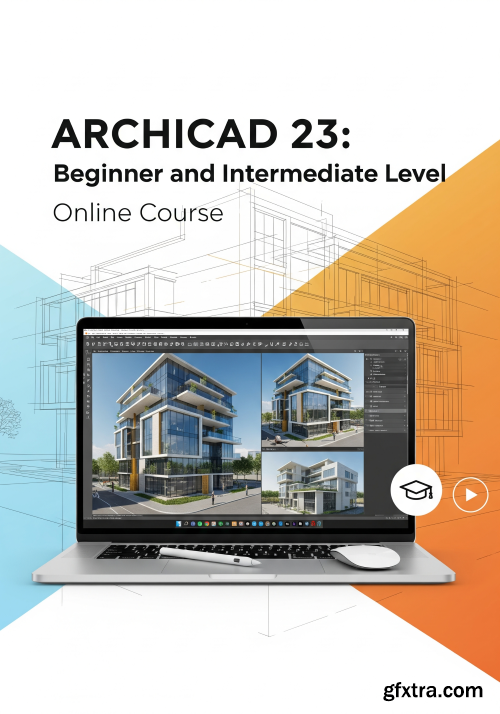
Archicad Training: The Step by Step Guide to Learn BIM Technology
What you'll learn Requirements Description
1. Create 3D models with construction information
2. Generate Automatic drawings of façades and sections
3. Build a step by step house project from zero
4. Model terrains using DWG references
5. Concepts of BIM Technology
6. Set up 2D drawing of floors plans
7. Use the custom developed AGA Template
8. Make realistic 3D rendered images
9. PDF and DWG Publishing
10. Produce details and schedules
You do NOT need any knowledge or previous experience with Archicad.
You must have at least a basic architecture knowledge.
You need to have Archicad 23 INT (International Version) installed on your computer (or a newer one) to execute the project and course teachings. You can easily download an educational or trial version on the Graphisoft websites.
A computer with at least 4GB RAM, MacOS or Windows operating system.
You are not efficient with your BIM technology projects or haven’t even started yet? Be one of the first and learn Archicad with the AGA Studio experience here!I will show you step by step how to create a house project from the absolute zero! The BIM concept is based on the use of 3D modeling with construction information, which automatically generate drawings of floor plans, sections, façades and details by a two-dimensional reading of the 3D model. We do all this on the computer together with our custom template. All you need is your laptop and the software installed on it. You will learn skills and knowledge that will benefit you for the rest of your life.The video lessons are divided into 10 sections, where a house project is done from the beginning to the end: we start by presenting BIM concepts, we show the use of DWG reference drawings for terrain modeling, structure modeling, walls, doors and windows, roof, 2D drawings settings (floor plans, sections, façades, etc.), arrangement of the project boards, publication in PDF / DWG and Rendering.My studio, AGA - Alexandre Gonçalves Architecture, has been successful with international experiences since 2016, and I am personally an Archicad user since 2009. This Archicad training will be a life-changing in your architect/designer career.
ARCHICAD_23_Beginner_and_Intermediate_Level.part2.rar - 3.0 GB
ARCHICAD_23_Beginner_and_Intermediate_Level.part3.rar - 3.0 GB
ARCHICAD_23_Beginner_and_Intermediate_Level.part4.rar - 1002.9 MB


126,000 Royalty-Free 3D Model

Udemy Türkçe


Top Rated News
- CreativeLive Tutorial Collections
- Fasttracktutorials Course
- Chaos Cosmos Library
- MRMockup - Mockup Bundle
- Finding North Photography
- Sean Archer
- John Gress Photography
- Motion Science
- AwTeaches
- Learn Squared
- PhotoWhoa
- Houdini-Course
- Photigy
- August Dering Photography
- StudioGuti
- Creatoom
- Creature Art Teacher
- Creator Foundry
- Patreon Collections
- Udemy - Turkce
- BigFilms
- Jerry Ghionis
- ACIDBITE
- BigMediumSmall
- Globe Plants
- Unleashed Education
- The School of Photography
- Visual Education
- LeartesStudios - Cosmos
- Fxphd
- All Veer Fancy Collection!
- All OJO Images
- All ZZVe Vectors
- CGTrader 1 CGTrader 2



















