

What you'll learn Requirements Description
Set up Krita and customize it to your workflow
Work with layers, masks, and selections
Use and edit brushes, import brush packs, and control pressure sensitivity
Adjust color, brightness, contrast, and tone
Create and edit vector shapes and text
Apply filters, effects, and transformations
Use guides, grids, and layout tools
Create simple frame-by-frame animations and export them
Export your artwork in different file formats and manage templates
No experience needed
A computer with Krita installed
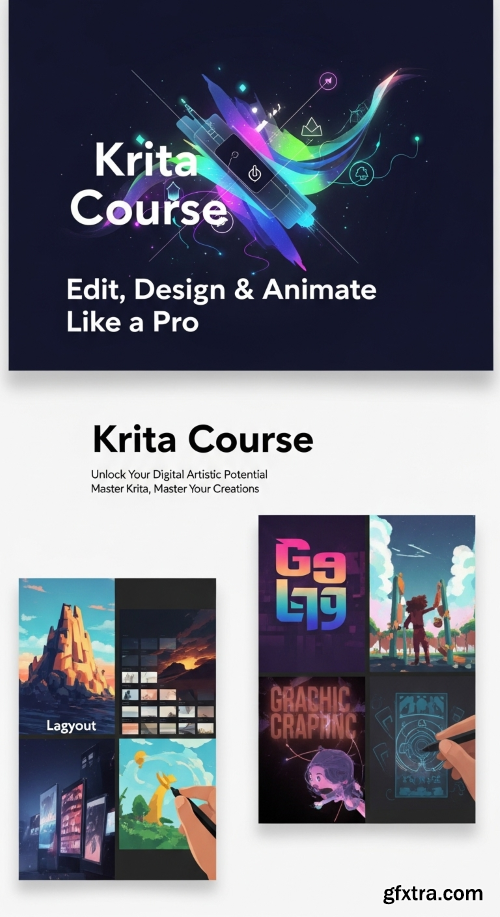
Discover Krita, one of the most powerful tools for digital painting, illustration, and animation. This course will guide you step-by-step through all the essential features of Krita.Course StructureSection 1: Getting Started with KritaLearn how to install and configure Krita, change the language and theme, set up autosave, customize toolbars, workspaces, and shortcuts.Section 2: Canvas & Image BasicsUnderstand how to work with images and canvases — rotate, flip, crop, resize, and transform your artwork with precision.Section 3: Layers & SelectionsMaster the power of layers. Create, group, merge, and color-code layers. Learn how to control transparency, lock alpha, and manage selections.Section 4: Brushes, Tools & DrawingDive into digital drawing. Learn how to draw lines, import and edit brushes, use stabilizers, and control brush smoothing and pressure sensitivity.Section 5: Color & Tone AdjustmentsWork with colors like a pro — from color picking and blending to adjusting hue, contrast, and brightness. Explore RGB/CMYK conversion and noise reduction tools.Section 6: Shapes, Text & Vector ToolsCreate perfect shapes, add and edit text, convert text to paths, and work with vector layers.Section 7: Editing, Effects & FiltersExplore Krita’s editing features — blur, sharpen, liquify, gradient maps, cloning, and edge detection. Learn how to retouch and refine your artwork.Section 8: Layout, Guides & Interface ControlWork precisely with rulers, guides, grids, and snapping tools. Add and manage reference images for your projects.Section 9: Animation & MotionAnimate inside Krita! Learn how to use the timeline, keyframes, onion skin, add audio, and export your animation as a GIF or MP4.Section 10: Exporting, Automation & MaintenanceLearn how to export files in multiple formats (PSD, PNG, JPG, TIFF), create templates, use scripts, reset Krita, and manage resolution.


126,000 Royalty-Free 3D Model

Udemy Türkçe


Top Rated News
- CreativeLive Tutorial Collections
- Fasttracktutorials Course
- Chaos Cosmos Library
- MRMockup - Mockup Bundle
- Finding North Photography
- Sean Archer
- John Gress Photography
- Motion Science
- AwTeaches
- Learn Squared
- PhotoWhoa
- Houdini-Course
- Photigy
- August Dering Photography
- StudioGuti
- Creatoom
- Creature Art Teacher
- Creator Foundry
- Patreon Collections
- Udemy - Turkce
- BigFilms
- Jerry Ghionis
- ACIDBITE
- BigMediumSmall
- Globe Plants
- Unleashed Education
- The School of Photography
- Visual Education
- LeartesStudios - Cosmos
- Fxphd
- All Veer Fancy Collection!
- All OJO Images
- All ZZVe Vectors
- CGTrader 1 CGTrader 2



















