

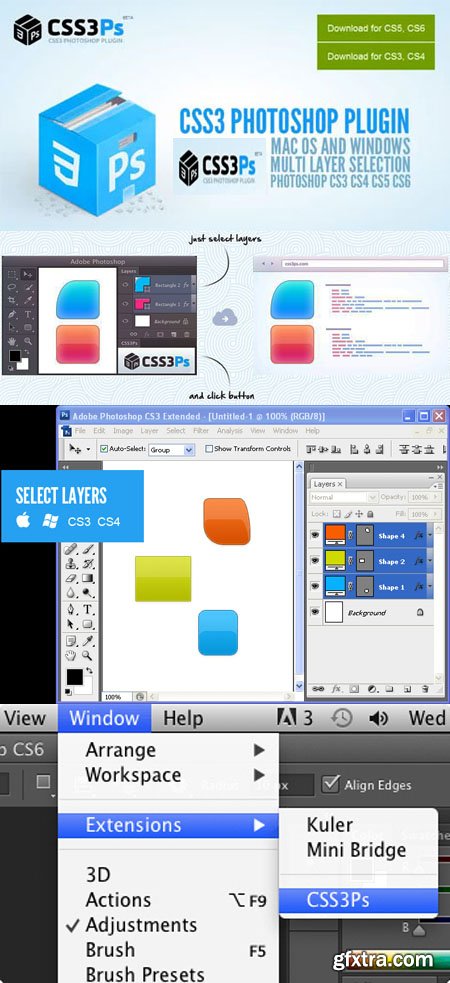
CSS3Ps - Cloud Based Photoshop Plug-in (CS3+) | 1 MB
Cloud Based Photoshop Plugin that converts your layers to CSS3.
Installation process for Photoshop CS5, CS6 and CC
1-If Adobe Photoshop is running then close it.
2-Open downloaded CSS3Ps.zpx file.
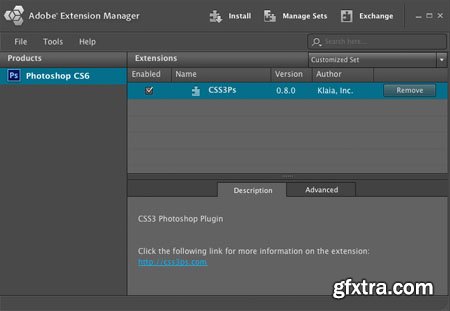
3-In Adobe Extension Manager click on Accept button.
4-When the installation process is done youll see the screen below. Now you can run Adobe Photoshop.
5-In Adobe Photoshop check Window - Extensions - CSS3Ps menu item.
6-Congratulations! Now you can select your layers and convert them to CSS.Using script in Photoshop CS3 and CS4
1-Select layers that you want to convert
2-Select File - Scripts - Browse... menu item
3-Select CSS3Ps.jsx file in the folder where you have downloaded it
4-The script will run and open a browser window with the conversion result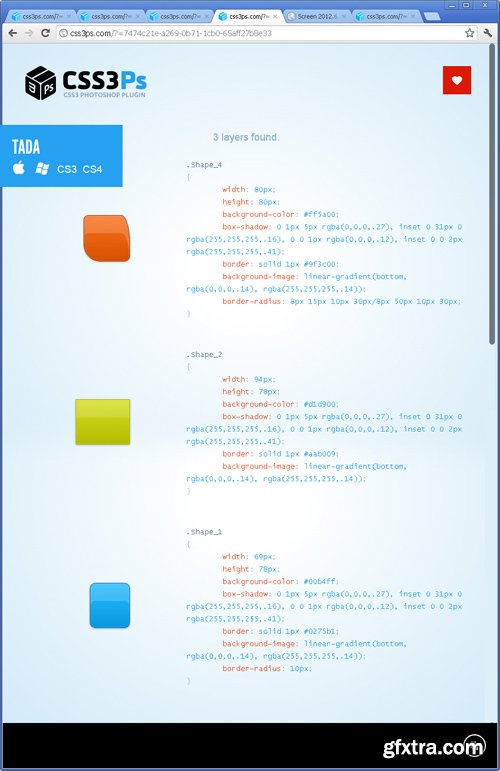



Related Posts
Information
Members of Guests cannot leave comments.
126,000 Royalty-Free 3D Model

Udemy Türkçe


Top Rated News
- CreativeLive Tutorial Collections
- Fasttracktutorials Course
- Chaos Cosmos Library
- MRMockup - Mockup Bundle
- Finding North Photography
- Sean Archer
- John Gress Photography
- Motion Science
- AwTeaches
- Learn Squared
- PhotoWhoa
- Houdini-Course
- Photigy
- August Dering Photography
- StudioGuti
- Creatoom
- Creature Art Teacher
- Creator Foundry
- Patreon Collections
- Udemy - Turkce
- BigFilms
- Jerry Ghionis
- ACIDBITE
- BigMediumSmall
- Globe Plants
- Unleashed Education
- The School of Photography
- Visual Education
- LeartesStudios - Cosmos
- Fxphd
- All Veer Fancy Collection!
- All OJO Images
- All ZZVe Vectors
- CGTrader 1 CGTrader 2



















