


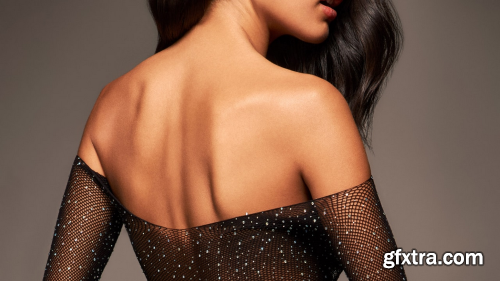
- Quickly and efficiently correct uneven colors with Infinite Unify. Whether you are dealing with variations in skin tone, color casts, or other issues that can distract from your subject, this Photoshop plugin from Infinite Tools lets you take full control of gradient maps and solve the problem swiftly. After picking a range of colors you’d like to perfect, Infinite Unify samples 15 points across your selection to generate a hyper-accurate gradient map removing the need to figure out how to get beautiful results by hand. Photographers working in almost every genre: portraiture, landscape, product, or wedding frequently encounter frustrating, time-consuming color issues. Infinite Unify gives you the ability to tackle these problems faster than ever before by creating presets for opacity, smoothness, hue, and gradient mapping.
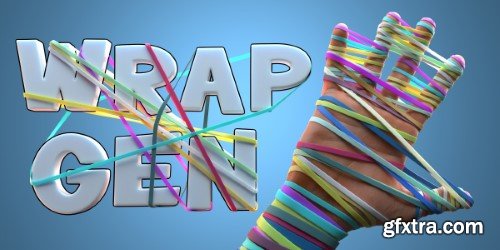
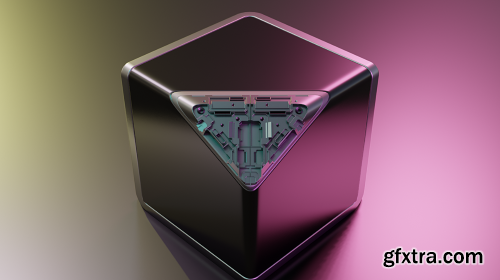
- Wrap Gen is a generator designed to allow users to have full control over wrap creation. The generator allows your to set your own custom geometry to be wrapped. You can choose to array objects along the wraps OR wrap single objects along the wrap curves. Wrap Gens internal shrinkwrap/convex hull system that takes into account the contours of the shape you are wrapping too. It will behave exactly as a tight rope/strap should over concave/convex areas of your mesh ensuring realistic results.
Unlock Next-Level Rendering: Chaos Corona 13
- Experience photorealistic visualization like never before with Chaos Corona 13 — the groundbreaking update to the industry-leading renderer for 3D Max and Cinema 4D. Designed for architects, designers, and artists, this release redefines speed, flexibility, and creative control with its revolutionary hybrid rendering engine and workflow enhancements.
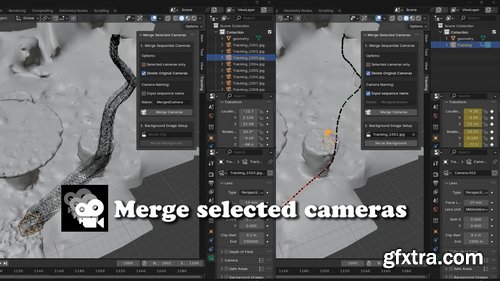
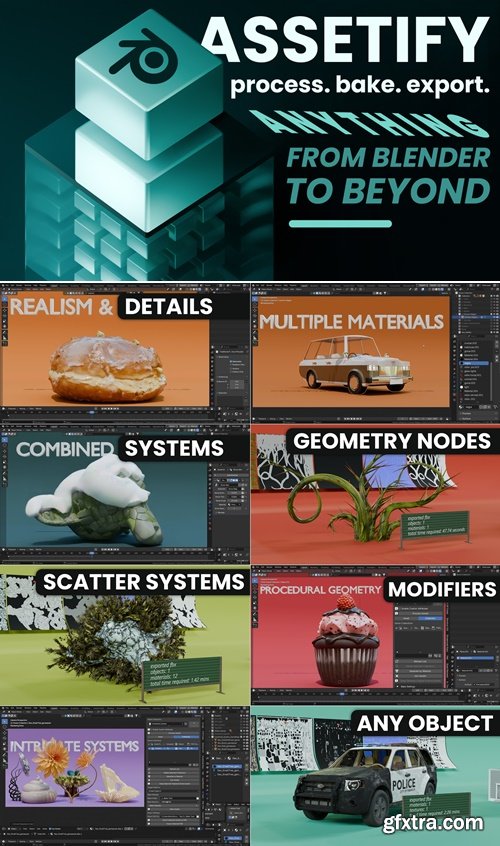
https://superhivemarket.com/products/assetify/
- Unleash the full potential of your 3D creations with Assetify, the all-in-one Blender add-on for converting assets into game-web-vr-ar-3dprint-ready masterpieces. Whether you’re a professional game developer, an indie creator, or a Blender enthusiast, Assetify simplifies and accelerates your workflow, allowing you to focus on creativity instead of repetitive tasks.

Secret Paint v1.7.27 for Blender
https://orencloud.art/pages/secretpaint
Elevate your 3D artistry to professional heights with Secret Paint v1.7.22, the groundbreaking texture painting add-on designed exclusively for Blender. This powerful tool transforms Blender's native capabilities into a full-fledged digital canvas, combining the fluidity of traditional painting with the precision of modern 3D workflows. Whether you're texturing game assets, sculpting intricate details, or creating stylized environments, Secret Paint bridges the gap between concept and final render with unparalleled efficiency.

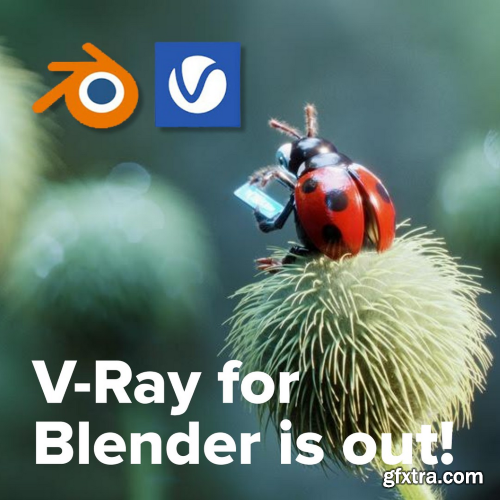
- V-Ray for Blender, providing comprehensive resources for users of this powerful, industry-standard rendering plugin. The page serves as a central portal for downloading the software, accessing documentation and tutorials, exploring feature highlights, checking system requirements, and staying updated with latest news and releases. It details how V-Ray integrates into Blender's workflow, offering photorealistic rendering, GPU/CPU hybrid acceleration, advanced materials and lighting tools, Chaos Cloud compatibility, and access to Chaos Cosmos assets, empowering Blender artists to achieve professional, high-fidelity results within their favorite open-source 3D suite.
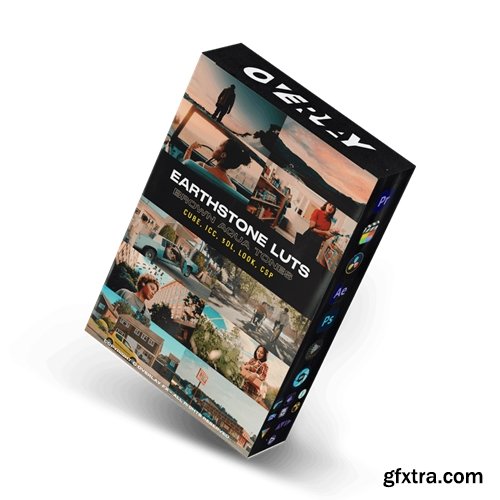
- Unleash the beauty of nature with the Earthstone - Brown Aqua LUTs 2024 collection. Designed to elevate your footage with rich brown and aqua tones, these LUTs provide professional color grading inspired by the earth's natural elegance. Effortlessly integrate and transform your content into visual masterpieces with Earthstone LUTs.
- The Earthstone - Brown Aqua LUTs 2024 collection offers a unique color grading experience with its rich brown and aqua tones. Available in various formats, including CUBE, 3DL, ICC, XMP, and CSP, these LUTs ensure compatibility with all leading editing software. Designed for professional filmmakers and creators, Earthstone LUTs are easy to integrate and provide stunning natural elegance to your visuals. Ideal for outdoor scenes, documentaries, and artistic projects, these LUTs elevate your footage with rich, harmonious colors.
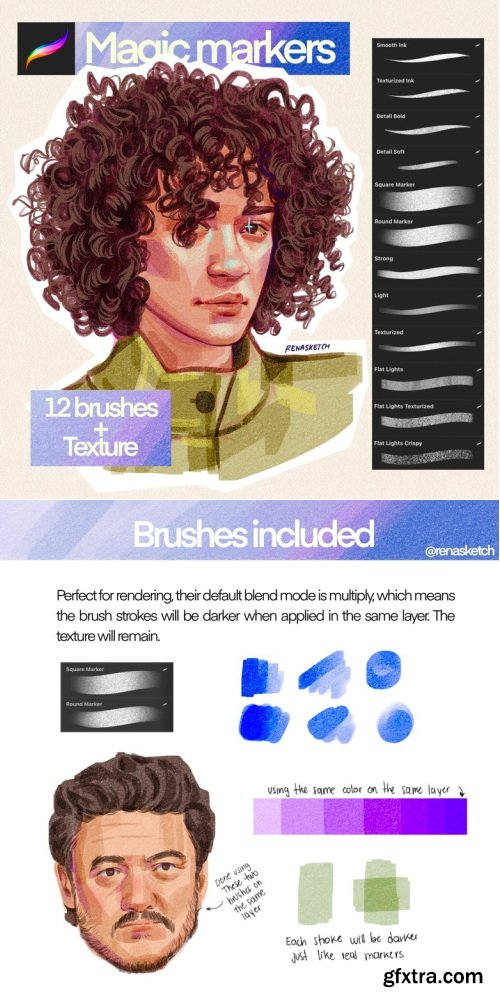


Brushstroke Tools v1.1.2
Unlock Creative Freedom with Brushstroke Tools for Blender: Elevate Your 2D and 3D Artistry
Blender 4.2 - 4.4
Transform your Blender workflow and unleash unparalleled creativity with Brushstroke Tools, the ultimate add-on designed to empower digital artists, animators, and 3D modelers. Whether you’re crafting intricate 2D animations with Grease Pencil, sculpting detailed 3D assets, or painting textures, this powerful toolkit streamlines brush-based workflows, saving time while enhancing precision and artistic expression. Perfect for both beginners and seasoned Blender users, Brushstroke Tools redefines how you interact with brushes, strokes, and textures in your projects.

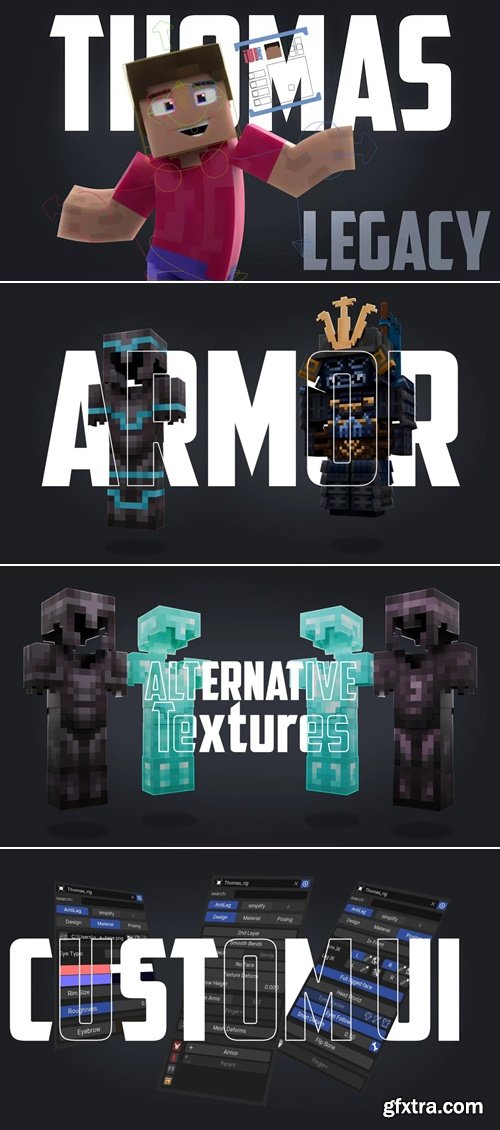
- Take your Minecraft animations to the next level with this versatile and user-friendly Minecraft Player Rig for Blender! Perfect for both beginners and experienced animators, this rig is packed with features to enhance your creative projects.
SimpleBake is the definitive baking solution for Blender. In short, it allows you to simply bake PBR and other textures.Blender provides a very powerful way to create complex PBR materials by using nodes. However, what should be a simple process of baking and exporting these materials for use with other software or systems (Substance Painter, Second Life, Sketchfab, Unity etc.) is surprisingly difficult.SimpleBake aims to address this problem. SimpleBake is an addon / tool that provides a one-click solution for simply baking PBR maps from materials created in Blender.
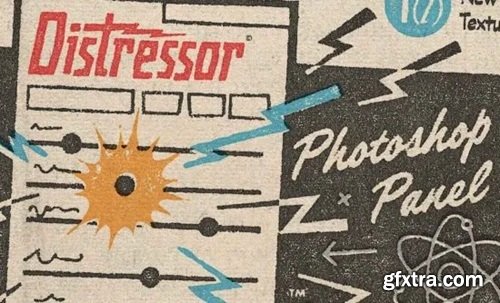
The Distressor panel takes the coolest, most innovative Texturelabs techniques for creating the perfect distress, and smashes them all into an infinitely powerful Photoshop panel!
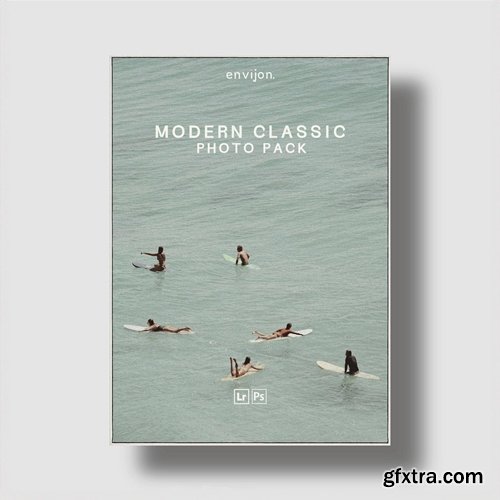
What’s in the Pack?
- 8 x Colour Lightroom Presets
- 6 x Film inspired image borders provided in various aspect ratios.
- 3 x Film grain Lightroom Presets provided in varying strengths & textures.
- 3 x Sharpening Lightroom Presets provided in varying strengths & textures.
- 1 x 22 minute video editing tutorial.
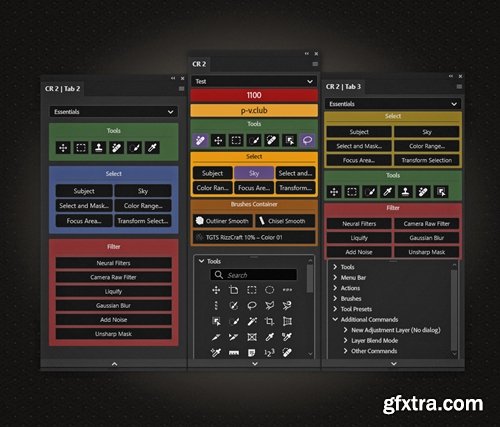
- Configurator Reloaded 2 — is a powerful plugin for Adobe Photoshop, designed to streamline and personalize your workflow. It allows users to create custom tool panels by simply dragging and dropping items such as tools, menu commands and items, actions, brushes, tools presets and scripts.
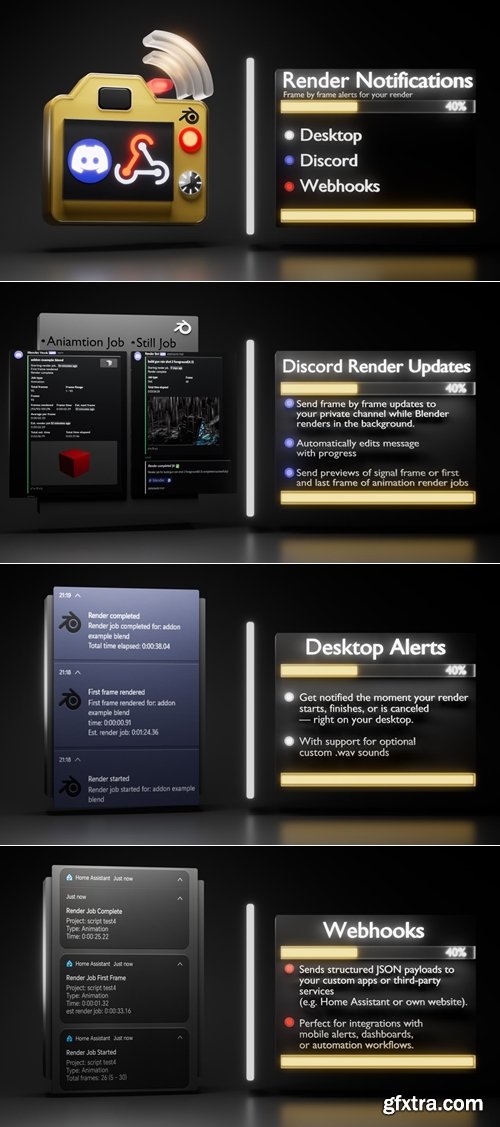
- Stay in the loop while your scene is rendering.
- Get updates when Blender rendering starts, ends, or is canceled - directly to your desktop, Discord, or even your custom apps or third-party services that support web interceptors (like Home Assistant for mobile notifications).
- Whether you're rendering still images or long animations, this add-on gives you peace of mind without constantly checking Blender.
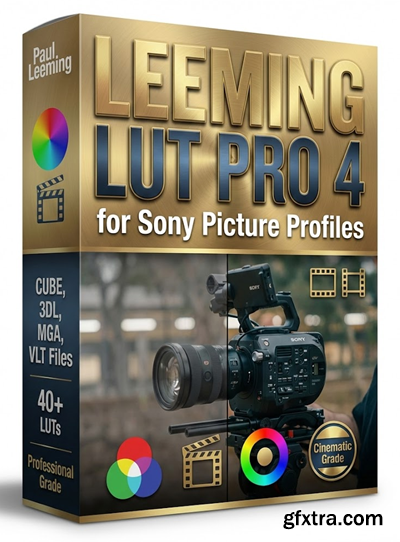
https://www.leeminglutpro.com/#quickies
- Leeming LUT Pro™ is the world's first unified, corrective Look Up Table (LUT) system for supported cameras, designed to maximise dynamic range, fix skin tones, and provide an accurate Rec709 image with zero effort. The LUTs have an average measured dE(2000) <0.5, meaning they are visually indistinguishable to the human eye.
- Shooting with multiple camera types is now much easier, because you are starting with a common, colour-matched baseline.
- You can also optionally purchase the specially matched Quickie Creatives™ for a one-touch professional grade designed specifically to follow the corrective LUTs. It's as easy as "Apply Leeming LUT Pro™, apply Quickie Creative™, done!"
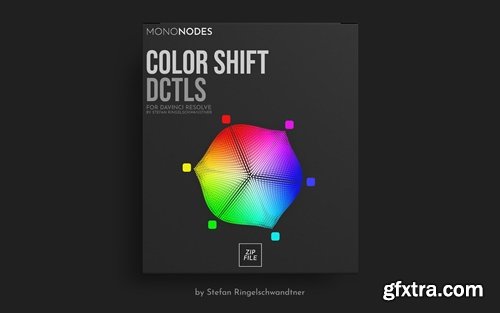
- I drew inspiration from FilmLight’s Baselight ‘Hue Shift’ tool, which offers the innovative capability to shift hues towards adjacent colors. Following this initial adjustment, you can enhance the image further by increasing saturation, adjusting brightness, or desaturating specific hues. It focuses exclusively on the six main colors and is therefore very reduced and clearly designed. Here is an interesting video about the “Hue Shift” tool in Baselight. Other inspirations were “Capture One” and “Photoshop”.
- I was inspired by FilmLight's Baselight Hue Shift tool, which offers innovative capabilities for converting hues to adjacent colors. After this initial adjustment, you can further enhance the image by increasing the saturation, adjusting the brightness, or decreasing the saturation of a particular hue. It focuses on only six main colors, so it's very streamlined and has a clear design. Here's an interesting video about the Hue Shift tool in Baselight. Other inspirations come from "Capture One" and "Photoshop".
- The DCTL is available in two different models: "Spherical" and "Tetra" versions. The "T" in the label refers to the Tetra model, in contrast, the spherical version uses a spherical color model, with a slightly different approach. Neither model is inherently superior; They just rely on different mathematical methods. The choice between Tetra and Spherical often comes down to personal preference, as each will produce unique results.
126,000 Royalty-Free 3D Model

Udemy Türkçe


Top Rated News
- CreativeLive Tutorial Collections
- Fasttracktutorials Course
- Chaos Cosmos Library
- MRMockup - Mockup Bundle
- Finding North Photography
- Sean Archer
- John Gress Photography
- Motion Science
- AwTeaches
- Learn Squared
- PhotoWhoa
- Houdini-Course
- Photigy
- August Dering Photography
- StudioGuti
- Creatoom
- Creature Art Teacher
- Creator Foundry
- Patreon Collections
- Udemy - Turkce
- BigFilms
- Jerry Ghionis
- ACIDBITE
- BigMediumSmall
- Globe Plants
- Unleashed Education
- The School of Photography
- Visual Education
- LeartesStudios - Cosmos
- Fxphd
- All Veer Fancy Collection!
- All OJO Images
- All ZZVe Vectors
- CGTrader 1 CGTrader 2



















