

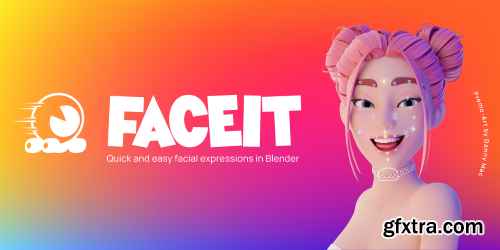
Faceit is an all-in-one facial rigging, motion capture and animation Add-on. An intuitive, semi-automatic and non-destructive workflow guides you through the creation of facial shape keys that are perfectly adapted to your 3D model's topology and morphology, whether it’s a photorealistic human, anthropomorphic or cartoon model. You maintain full artistic control while saving a ton of time and energy.


- Photographer is the most complete Camera and Lighting add-on for Blender 3.x and 4.x, compatible with EEVEE and Cycles (LuxCore is not supported anymore). It vastly expands your camera and lighting toolset with Physical Camera properties, Bokeh textures, Camera and Lens Post FX, Physical Lights with photometric units, Gobos and IES... It also includes Render Queue manager, Mixer interfaces for Lights, Emissive materials and Worlds. If you own Photographer 4, check out your Photographer content files to find an upgrade coupon. You should only pay for the upgrade, not the full price.

- Are you looking to recreate the nostalgia of playing classic PlayStation 1 games? Do you want to bring back the feeling of childhood memories through your renders? DripsPsxEfx has got you covered. Recreating the PlayStation 1 look is more than just using pixelated textures and low resolutions. To truly capture the essence of the games that shaped our childhoods, we need to employ techniques like affine texture mapping and screen space vertex snapping. These techniques are not easy to replicate in modern render engines, but with DripsPsxEfx, you can achieve these effects effortlessly.

- Use the power of AI directly inside Blender, to create insanely detailed 3d models at the touch of a button, or watch 3d models appear before your eyes as you paint in the 2d image editor! Also included are a suite of powerful tools to shape, colour and re-mesh your models in real-time. Generated models are solid watertight objects with both UV's and vertex colours, making them suitable for rendering and 3d printing! The addon’s built in AI depth generation runs directly inside Blender on your local machine, without requiring tokens or contacting external servers etc. No complex installations required, a single button in the addon preferences will handle that for you. Compatible with Windows, Mac, and Linux, and Blender 3.69 to 4.4 Alpha. A number of freely available AI models are supported (see documentation page). I recommend the DepthAnything V2 Large for the best results.


- Elevate your 3D landscapes to new levels of realism with the Physical Grass Scatter add-on, designed exclusively for Blender 4.0 and above. This add-on is a game-changer for artists and designers who strive for lifelike environments in their renders. With Physical Grass Scatter, achieving professional-grade results doesn't have to be time-consuming. Even complex scenes with intricate grass interactions are rendered swiftly, allowing you to meet your project deadlines without compromising on quality. Transform your static scenes into vibrant ecosystems ready for animation or high-quality still renders. Whether you're creating a serene meadow or a stormy field, this add-on is your partner in crafting the most immersive 3D experiences.
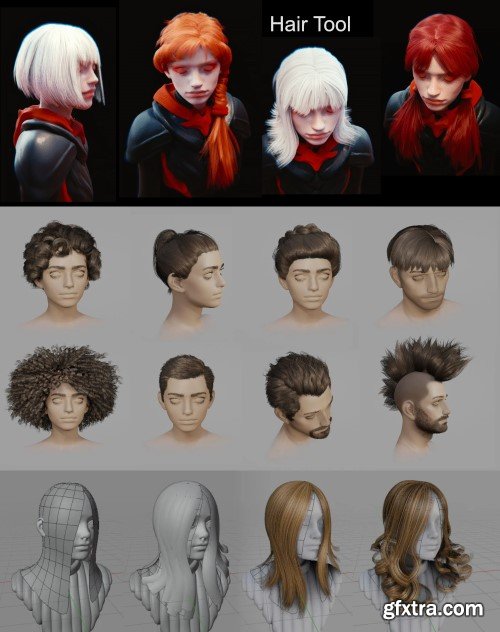
- Tired of fighting Blender’s particle systems? Meet Hair Tool – the ultimate addon by Bartosz Styperek that transforms complex hair creation into an intuitive, artist-friendly workflow. Designed for character artists and animators, this tool generates realistic or stylized hairstyles with professional results in record time.Hair Tool is add-on for Blender that will help you generate hair-card, shell hair or curve hair in non destructive way, using geometry nodes and python.
https://superhivemarket.com/products/ccg/
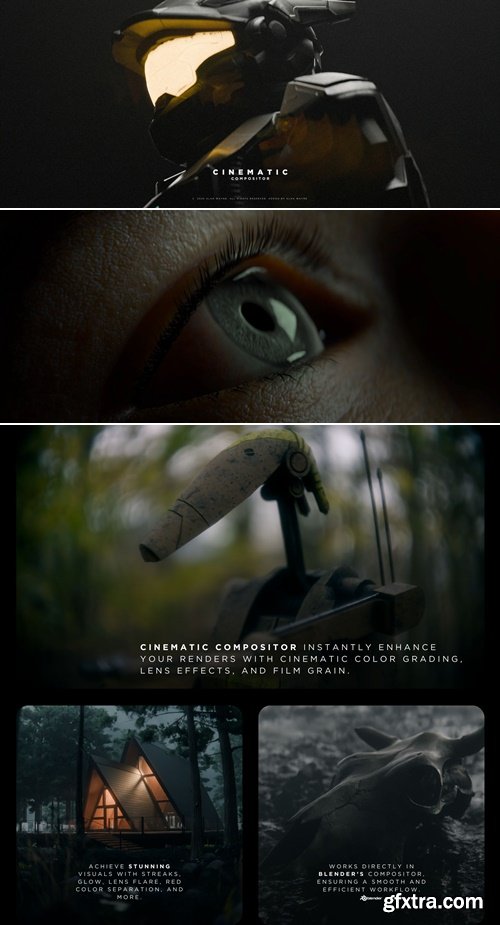
- This is a powerful add-on for Blender designed to enhance your renders with Compositor, allowing you to create cinematic, film-like images. With a single node group, you can apply beautiful color correction, film emulation, lens effects, and more—all without complicated node setup. Tools for Blender that I used for concept art. I will add new tools as they are finalized. Examples for each tool are included in the Blend file.
- Unleash a new era of speed and precision in your Blender workflow with the Hard Ops / Boxcutter Ultimate Bundle. This isn't just a collection of add-ons; it's a complete revolution for anyone serious about hard-surface modeling. This powerful bundle combines two industry-leading tools into a seamless, intuitive system that transforms the way you create.
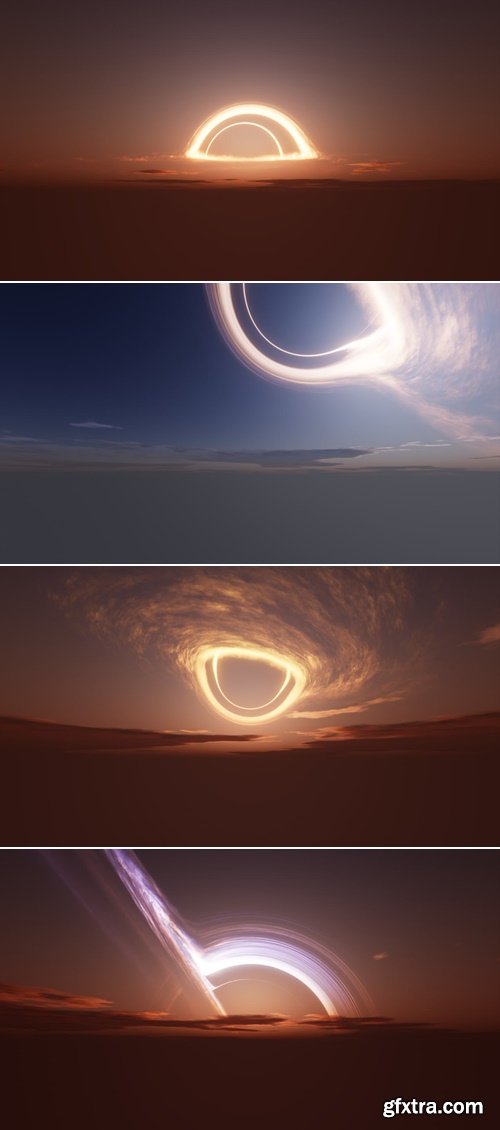
.hdr | 8K
- This is a HDRI pack of 5 blackholes viewed from an earth-like planet.
- It is mainly meant to be used as a skybox for worlds in VRChat but you can use it for whaterever you want as long as you credit me.
https://bbbn19.gumroad.com/
.blend | Blender 4.5+
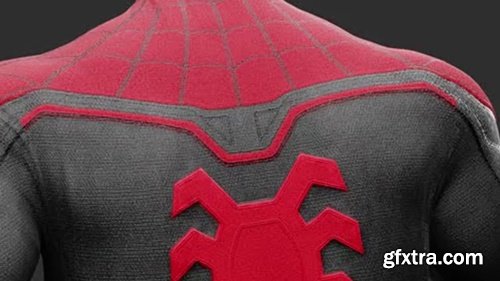
- Tools for Blender that I used for concept art. I will add new tools as they are finalized. Examples for each tool are included in the Blend file.
- Tools for working with cables - Geometry node modifiers for quickly creating simple pipes and cables
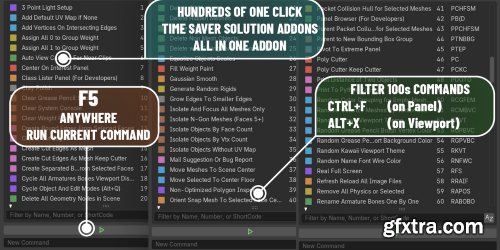

Superhivemarket - Auto-Rig Pro 3.75.30 for Blender
https://superhivemarket.com/products/auto-rig-pro
Blender 4.2 - 4.5
- Auto-Rig Pro is an addon for Blender to rig characters, retarget animations, and provide Fbx/Gltf export, with settings for Unity, Unreal Engine, Godot.Tired of the tedious and time-consuming process of character rigging? Auto-Rig Pro is the ultimate Blender addon designed to revolutionize your animation workflow. Whether you're a seasoned professional or just starting, this powerful toolset empowers you to bring your creations to life with unprecedented ease and efficiency.
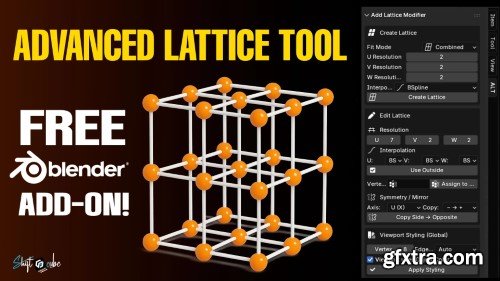
- Create perfectly sized lattice cages in one click, mirror deforms cleanly, and manage all lattice modifiers from one panel—built for fast, precise deformation workflows.
PSOFT Pencil+ RenderApp: Elevate Your 3D Art with Stylized Precision
- In the dynamic realm of 3D design and animation, the demand for captivating non-photorealistic rendering (NPR) continues to surge, driven by industries like anime, gaming, and advertising. PSOFT’s Pencil+ RenderApp emerges as a dedicated solution, empowering artists to transform 3D models into striking cel-shaded illustrations, intricate line art, and hand-drawn masterpieces with unmatched efficiency. Designed for both seasoned professionals and aspiring creators, this standalone rendering tool bridges the gap between technical complexity and artistic vision, offering a streamlined workflow to achieve anime-inspired visuals, comic book aesthetics, or any stylized project.

We offer a unique and diverse toolkit, allowing you to add an incredible depth and detail to your settings, whether they're urban streetscapes, bustling commercial zones, or digital platforms.
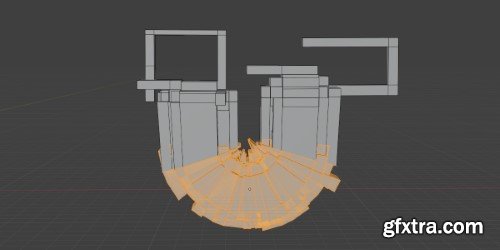
- Streamline complex shape animations with Simple Bend Ex, an intuitive plugin that transforms flat layers/text into dynamic curved paths with real-time controls. Designed for motion designers, this tool eliminates tedious keyframing for bending/warping effects while maintaining vector fidelity.
- Sick of Blender taking its sweet time during startup because of a bunch of addons hogging all the data and checking for updates online? Well, say adios to the waiting game! With 'Delayed Loading of Addons,' you get to pick which ones kick in when Blender boots up. Enable the others only when you need them, all at the push of a button. Trust me, it's a game-changer and a personal favorite of mine!Sick of Blender taking its sweet time during startup because of a bunch of addons hogging all the data and checking for updates online? Well, say adios to the waiting game! With 'Delayed Loading of Addons,' you get to pick which ones kick in when Blender boots up. Enable the others only when you need them, all at the push of a button. Trust me, it's a game-changer and a personal favorite of mine!
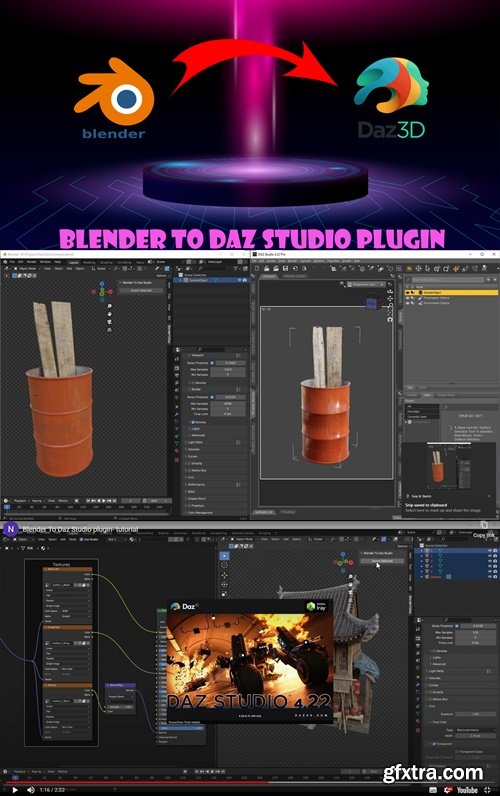
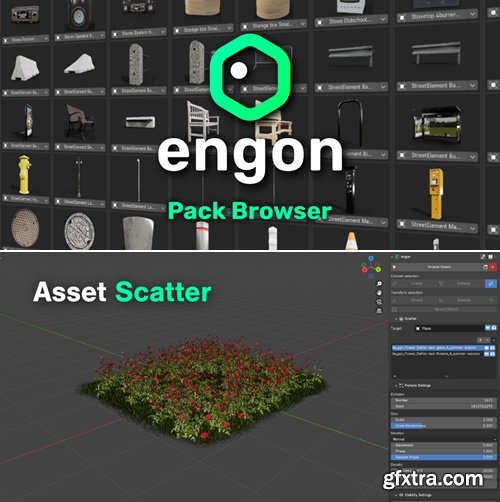
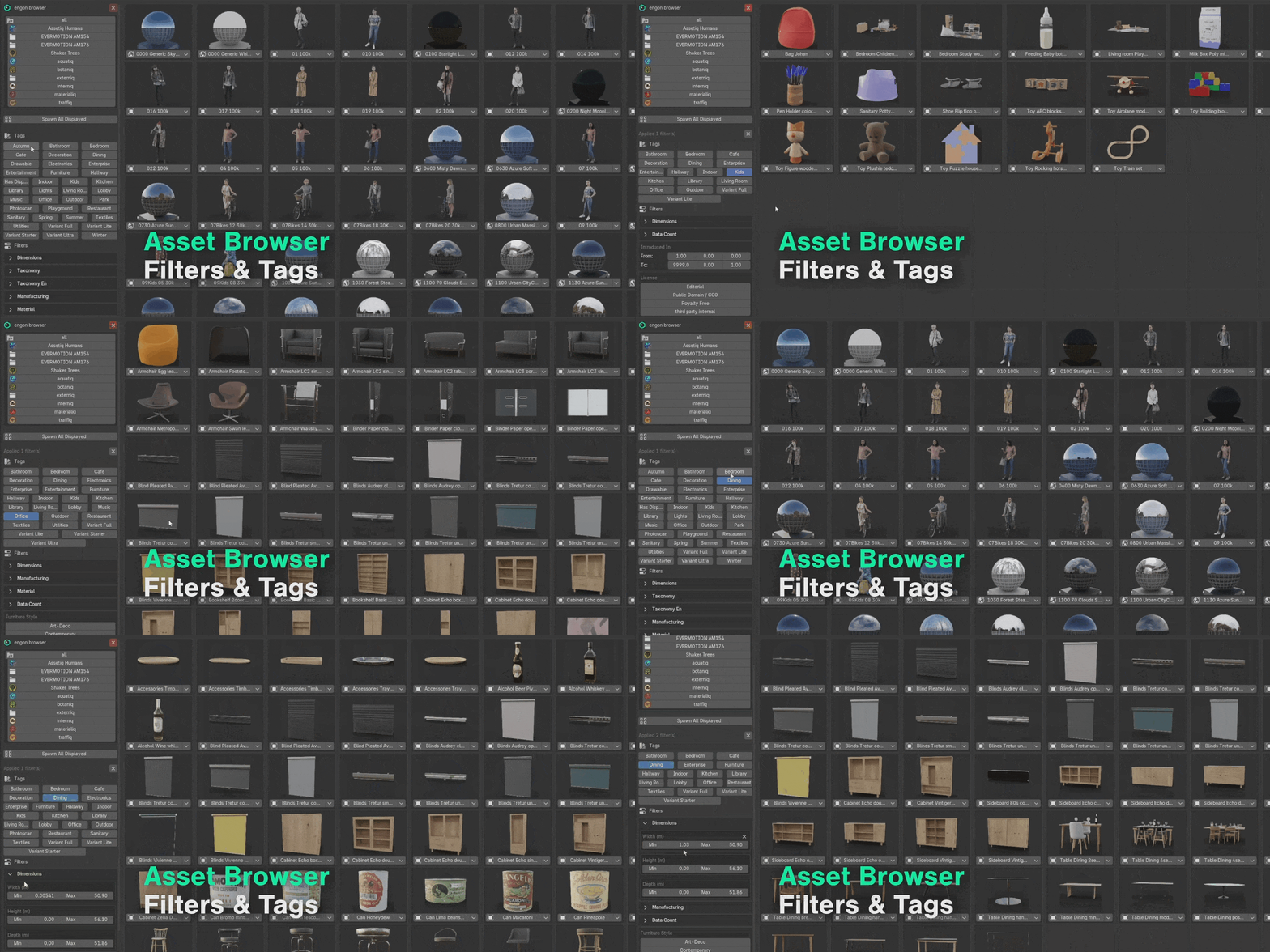
Superhivemarket - Engon v1.6.1
Software Version 3.6 to 4.5
https://blendermarket.com/products/engon
Quick search bar, instant spawn, useful filters and all with the right tags.

.blend | Blender 4.4.3+
- A very simple setup to create random spaceshiplike or other shapes for inspiration and exploration of simple or complex shapes as a starting point. Using geometry nodes, it's very simple setup but very powerful. This is done using Blender 4.2. Though it should work on older version (haven't tested tho)
- I added a symetry and remesh modifier to the object after the geometry node group to further modify the mesh to my liking.
Timelapse v1.0.1 For Blender
Blender 4.5.1
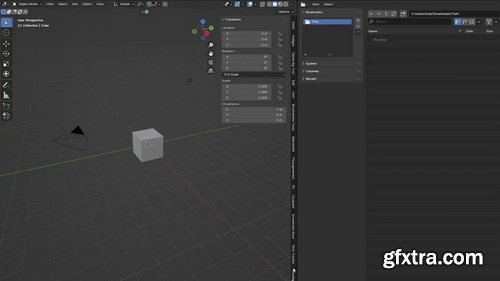
Take screenshots at a specified interval in Blender. Change the interval in seconds as you see fit so that screenshots are taken every ‘__’ seconds. This uses Blender's built-in screenshot function. Select your preferred image format. Currently, only JPG/PNG are available, as I don't see the point in using others. Specify the directory if necessary. Otherwise, the file will be automatically saved in the ‘Timelapse’ folder where you saved the Blend file. Click ‘Start/Stop’. Click ‘Open Folder’.
Tools for Blender that I used for concept art. I will add new tools as they are finalized. Examples for each tool are included in the Blend file.
- Rope Tools is a set of, you guessed it, tools to help fellow artists create stunning rope work in Blender. I poured my experience (and frustration with currently available options) into this addon, striving to make the process easier and more efficient. It all started as a simple set of scripts to speed up and improve my own rope renders. Over time, they matured enough to become a standalone addon.
126,000 Royalty-Free 3D Model

Udemy Türkçe


Top Rated News
- CreativeLive Tutorial Collections
- Fasttracktutorials Course
- Chaos Cosmos Library
- MRMockup - Mockup Bundle
- Finding North Photography
- Sean Archer
- John Gress Photography
- Motion Science
- AwTeaches
- Learn Squared
- PhotoWhoa
- Houdini-Course
- Photigy
- August Dering Photography
- StudioGuti
- Creatoom
- Creature Art Teacher
- Creator Foundry
- Patreon Collections
- Udemy - Turkce
- BigFilms
- Jerry Ghionis
- ACIDBITE
- BigMediumSmall
- Globe Plants
- Unleashed Education
- The School of Photography
- Visual Education
- LeartesStudios - Cosmos
- Fxphd
- All Veer Fancy Collection!
- All OJO Images
- All ZZVe Vectors
- CGTrader 1 CGTrader 2



















