

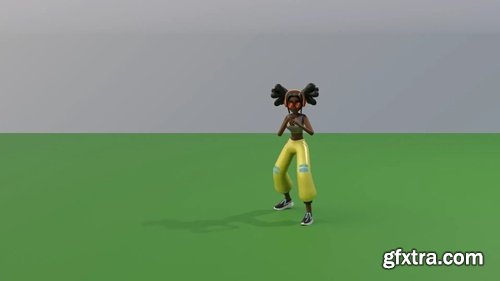
SMEAR v1.1.6 for Blender
Blender 4.2 - 4.5
SMEAR is a 3D animation stylization Blender add-on, aimed at creation and customization of smear frames such as elongated in-betweens, multiple in-betweens and motion lines. The system is developed as part of the MoStyle ANR Project by Jean Basset, Pierre Bénard and Pascal Barla. It is described in the following publication: SMEAR: Stylized Motion Exaggeration with ARt-direction. Jean Basset, Pierre Bénard, Pascal Barla. Siggraph 2024 Conference Papers.

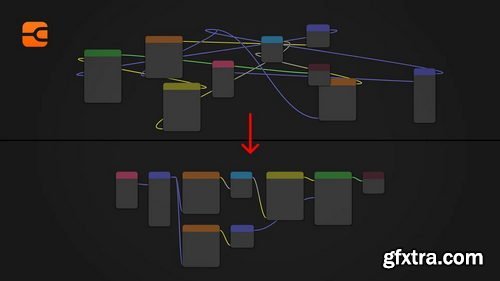

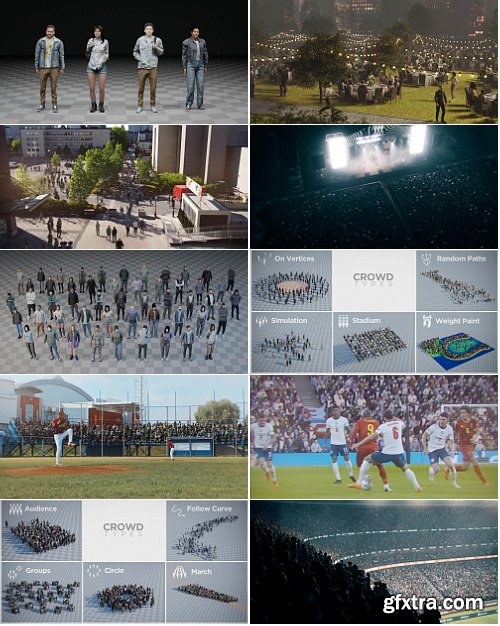

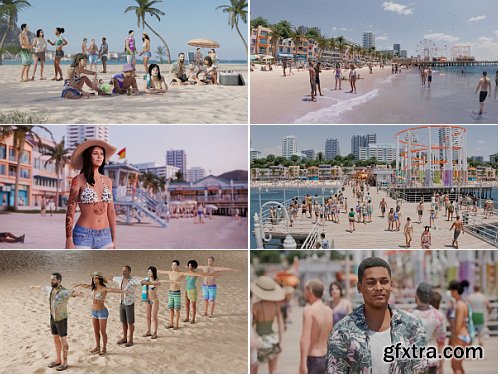
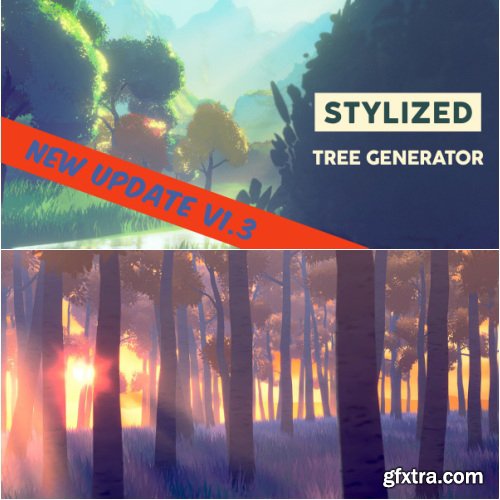
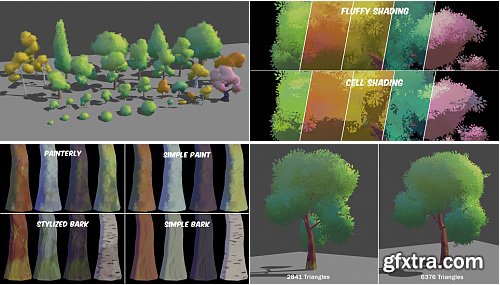
- Making good-looking stylized trees in Blender can quickly embark you in a rabbit-hole of several complex skills. Well, I followed this route so you don’t have to!
- Combining geometry nodes, procedural textures and shading, and hand-painted leaves textures, this Stylized Tree Generator allows you to create easily beautiful stylized trees with a high customization, suitable for both Blender beginners and meticulous creators.
- Note: the shading was designed in Eevee and may not work as intended with Cycles by default. The rest of the tools work in both render engines.
- It was made with Blender 3.6 but were adapted to older versions until Blender 3.3 (versions under 3.3 were not tested). It works perfectly from Blender 3.4, but the scatter tool doesn't work in Blender 3.3.
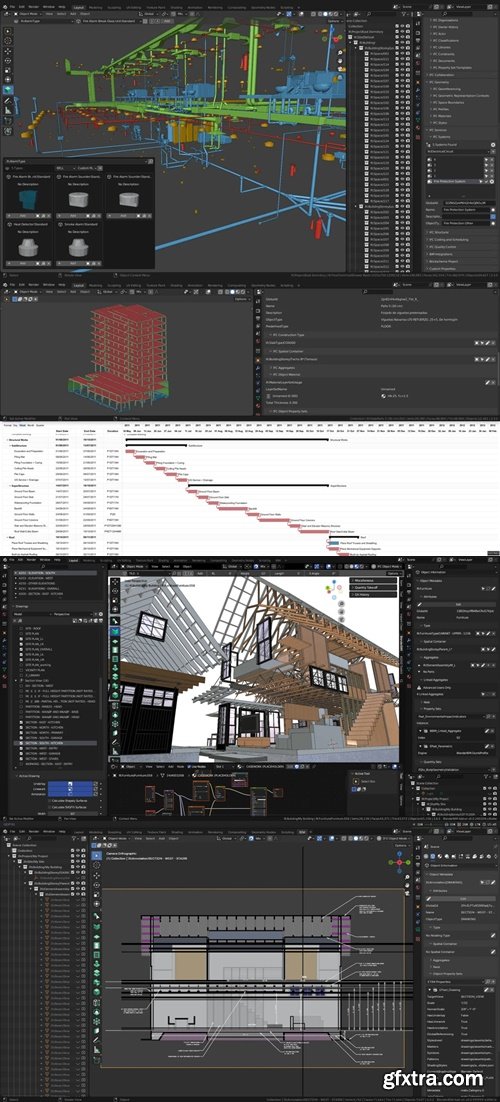
https://bonsaibim.org/
Bonsai was previously known as a BlenderBIM add-on. Bonsai is designed to be a comprehensive and truly native BIM authoring platform. Its capabilities include a wide range of tasks and workflows commonly found in various BIM and CAD software, costing programs, planning tools, and modeling applications.
Blender 4.2 - 4.4
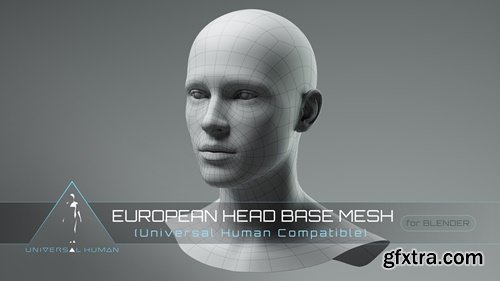
https://cjones.gumroad.com/l/sYGGKX
- UV unwrapped generic European head base mesh in .blend format, ready for sculpting, texturing and rigging. Can be used on its own, applied to one of the rigs or full-body base meshes, or mixed with the other Gender, Race and Child Head Base Meshes (see instructions).

RedFX Lite is a set of node groups for the Blender 4.5 Compositor. Currently there are 5 effects groups with more on the way. These will work in the viewport compositor for realtime effects as well as the traditional compositor.

PowerSave is a tool intended to streamline saving and make saving itself more accessible, friendly and more artist streamlined. Hit the powersave button and save instantly. No additional thought required. Well maybe a little. After installing PowerSave and configuring the default folder you are good to go. In fact you can use it out the box without configuring anything but your PowerSaves will be saved to a temp location on your computer. In the 3D View options area you should see an icon for PowerSave and its color alone lets you know the status of your current scene.
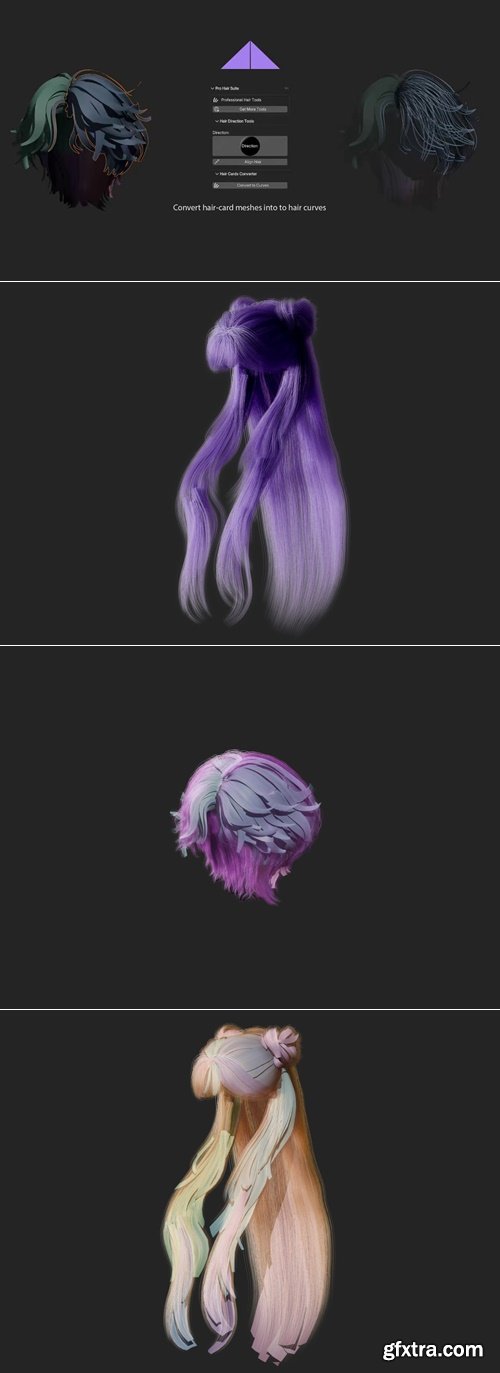
Complete suite of professional hair tools for Blender
Blender 4.0 - 4.5
https://ui8.net/rakata/products/graph-and-chart-3d-objects
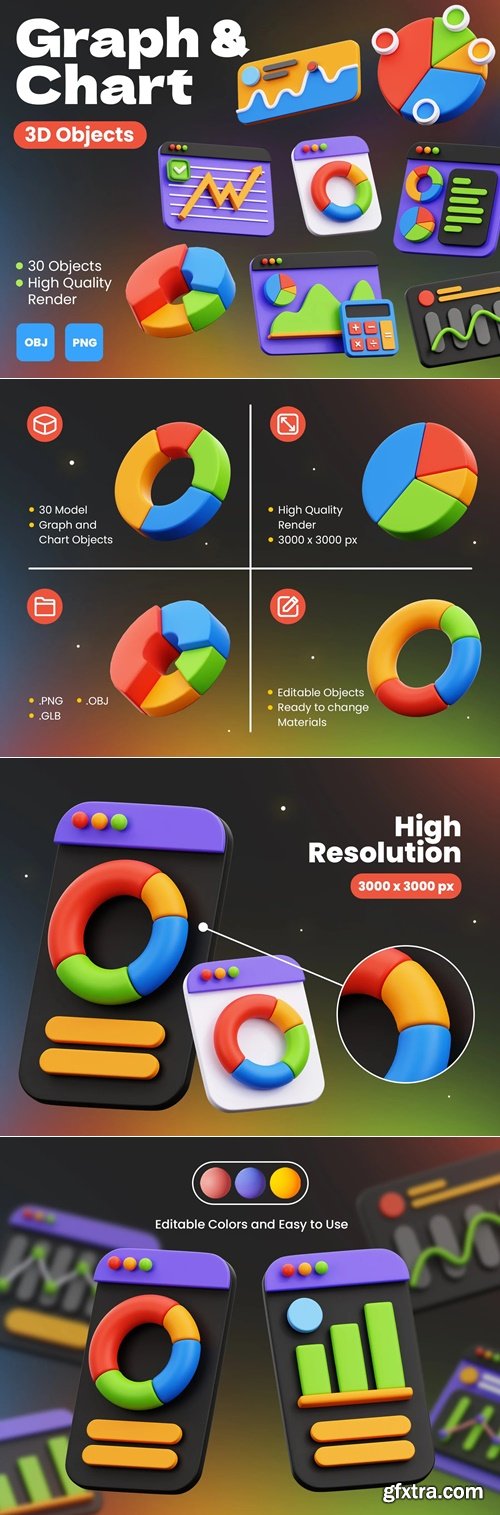
Graph and Chart 3D Objects can be used for design needs, animation, web design, UI design, presentation slides, posters, and others.
https://superhivemarket.com/products/flaxtrax
Blender Version 4.3, 4.2, 4.1, 4.0, 3.6
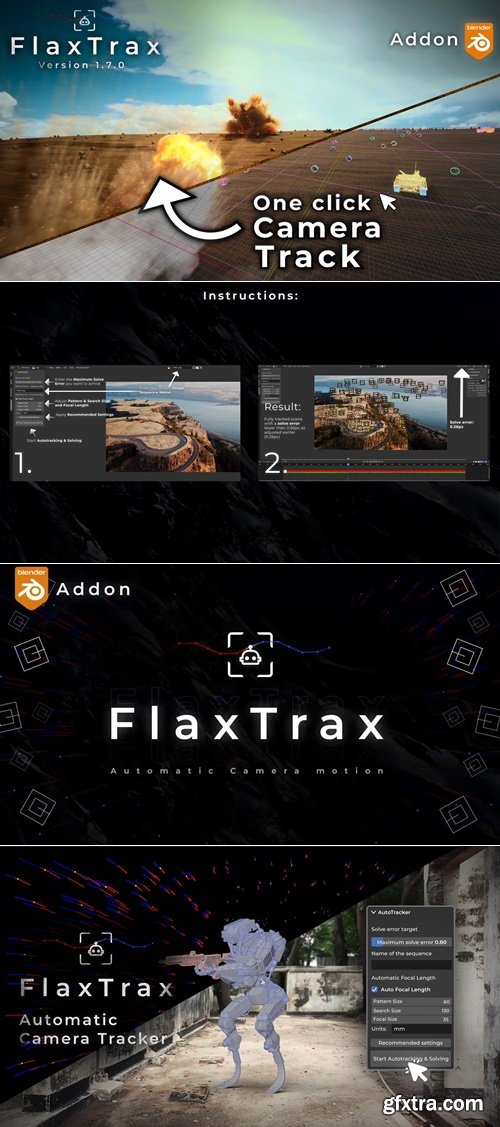
- FlaxTrax is a fully-automated tracking and solving add-on for Blender. Designed to eliminate the tedious tasks associated with tracking and solving, it automatically adds trackers, adjusts motion tracking settings, processes the entire footage, resolves the tracked footage, removes poor trackers, applies filters, and takes multiple steps to achieve your desired solve error.

- PixelCraft is a professional Blender addon designed for PBR material artists preparing assets for game development. This powerful tool streamlines the creation of dummy meshes with complete PBR materials, automatic texture mapping, and optimized exports for popular game engines supporting channel-packed textures.
- Perfect for creating material previews, testing PBR workflows, and preparing game-ready assets with ORM (Occlusion-Roughness-Metallic) channel packing for maximum compatibility.
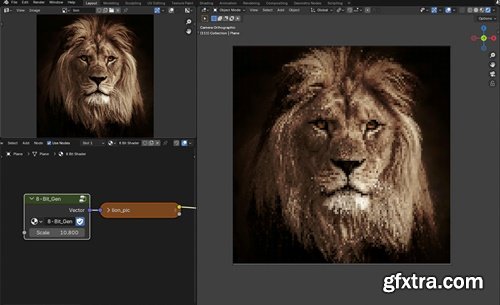
- 8-Bit Gen is a custom Blender shader that emulates the visual style of old-school 8-bit graphics by pixelating image textures with blocky, low-res distortion. Perfect for stylized retro artwork, game scenes, and animations with a vintage aesthetic.
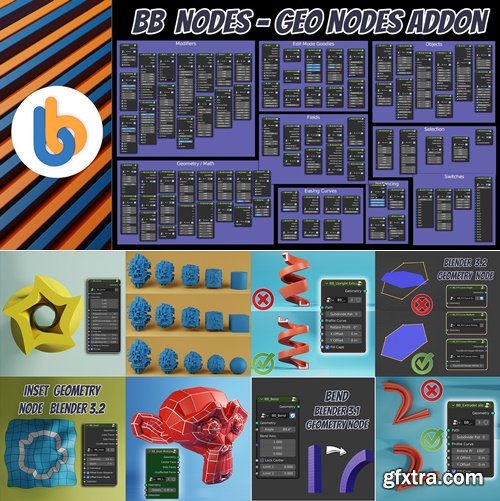
https://superhivemarket.com/products/bb-nodes-add-on
- BB Nodes is an add-on for Blender that creates a custom sub menu in the Add menu of the geometry nodes workspace that gives you access to numerous custom-made node groups that improve and speed up procedural modeling with Geometry Nodes.
- There are, as of this moment, 98 group nodes, that are a huge lifesaver for anyone working with geometry nodes.
- Some of the most useful ones are: Inset, Array, Offset, Extrude along path, Bend, Taper, Screw, Twist, Stretch, Solidify, Mirror and may others.

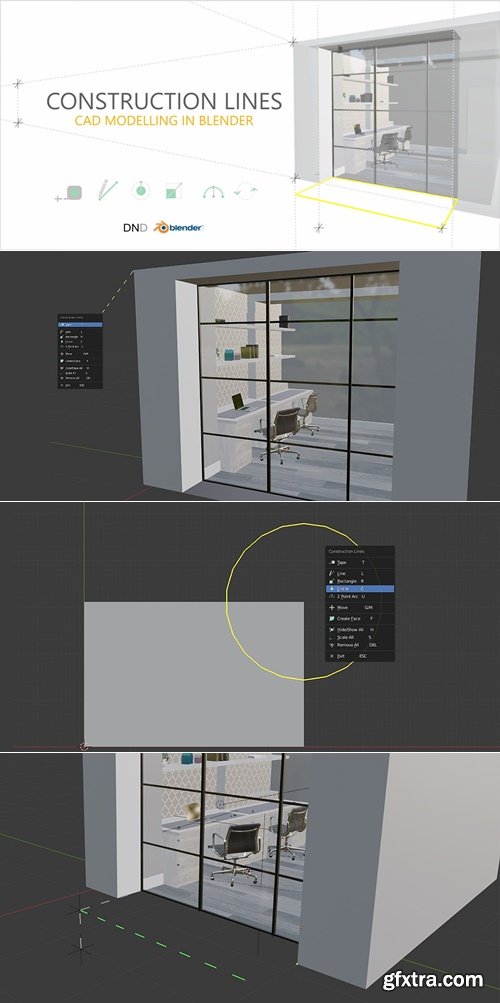
https://superhivemarket.com/products/construction-lines
- Addon for accurate CAD-style modeling. Create anchored guide points and edges, draw lines and primitive shapes in place, automatically create faces with closed geometry, precisely move, duplicate and rotate geometry around the scene, and cut meshes using extrude.
- Construction Lines is a tool for accurate CAD style modelling. Build snappable guide points and edges, draw lines and primitive shapes in place, automatically create faces in closed geometry, precisely move, duplicate and rotate geometry around a scene and cut-through meshes with extrude.
- Guide edges and points allow for a construction workflow where guides are set and models are then constructed within these guides. The guides won't interfere with model geometry and can be toggled off and on when required. Guide edges will disappear when working outside of Construction Lines and neither Guide Edges nor Guide Points will be rendered.
- Construction Lines allows for rectangles, circles, and arcs to be drawn in place from precise snap points on existing geometry or guides. These can be drawn from anywhere on a 3D model without the need for Blender's 3D cursor to define an Add location. Drawing shapes onto existing faces will automatically cut into the existing face.
- Construction Lines works seamlessly between Object and Edit modes in Blender.

Blender 4.2 - 4.5
An add-on for automating the rotation of any wheel in any direction. Easy to install, easy to configure, easy to remove. Works with individual wheels, wheels on cars, wheels with bone drive, wheels on turns, cars on turns, etc.

Improve your rigging workflow using Bone Widget, a Blender addon created to streamline the process of generating personalized bone shapes. The task of adding and aligning custom bone shapes has become more effortless than before. Simply choose the desired bone(s), select a shape from the dropdown menu, and click on "Create". This action will prompt a menu to appear, allowing you to adjust the bone scale and alignment according to your preferences.
Blender 4.1 - 4.4
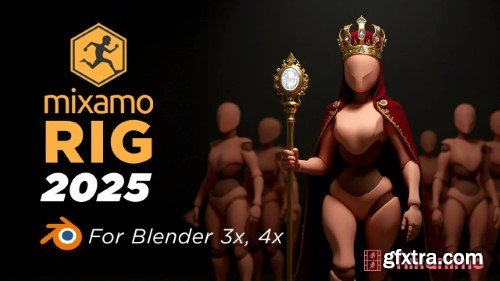
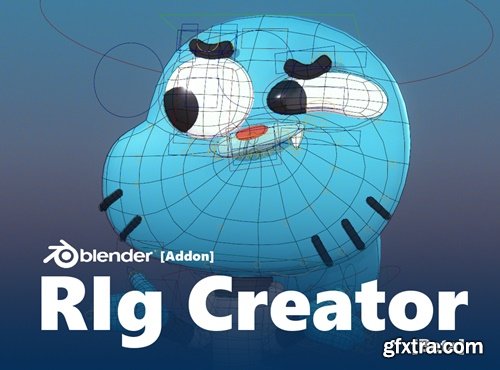
- The rig system has been completely rewritten to optimize several aspects and add more tools, offering a more efficient workflow. It now includes facial rig functionality to facilitate facial expression animation.
126,000 Royalty-Free 3D Model

Udemy Türkçe


Top Rated News
- CreativeLive Tutorial Collections
- Fasttracktutorials Course
- Chaos Cosmos Library
- MRMockup - Mockup Bundle
- Finding North Photography
- Sean Archer
- John Gress Photography
- Motion Science
- AwTeaches
- Learn Squared
- PhotoWhoa
- Houdini-Course
- Photigy
- August Dering Photography
- StudioGuti
- Creatoom
- Creature Art Teacher
- Creator Foundry
- Patreon Collections
- Udemy - Turkce
- BigFilms
- Jerry Ghionis
- ACIDBITE
- BigMediumSmall
- Globe Plants
- Unleashed Education
- The School of Photography
- Visual Education
- LeartesStudios - Cosmos
- Fxphd
- All Veer Fancy Collection!
- All OJO Images
- All ZZVe Vectors
- CGTrader 1 CGTrader 2



















