

Blender 4.2 - 4.5
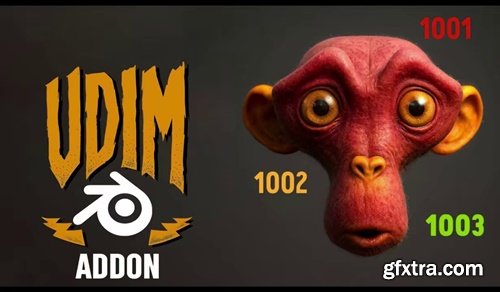
A lightweight Blender add-on that lets you set up full UDIM materials with just one click.
Features: ● Import a folder of UDIM tiles (1001, 1002, 1003, …) in a single step. How it works: Select your object. Go to Material Properties → UDIM One-Click. Click Import UDIM Material and pick your texture folder. Done — the material is built and assigned instantly. Why you’ll love it: ● Speeds up texturing workflow — no more manual node setup.
● Automatic detection of common maps: Base Color, Roughness, Metallic, Normal, Height/Displacement, AO, Opacity, Specular.
● Smart wiring to a Principled BSDF shader.
● Correct color space setup for color and data maps.
● Automatic AO × Base Color multiplication.
● Optional displacement connection.
● Works with multi-tile textures for high-end characters, props, or environments.
● Perfect for artists working with multi-tile UDIM exports.
● Simple, fast, and production-ready.


126,000 Royalty-Free 3D Model

Udemy Türkçe


Top Rated News
- CreativeLive Tutorial Collections
- Fasttracktutorials Course
- Chaos Cosmos Library
- MRMockup - Mockup Bundle
- Finding North Photography
- Sean Archer
- John Gress Photography
- Motion Science
- AwTeaches
- Learn Squared
- PhotoWhoa
- Houdini-Course
- Photigy
- August Dering Photography
- StudioGuti
- Creatoom
- Creature Art Teacher
- Creator Foundry
- Patreon Collections
- Udemy - Turkce
- BigFilms
- Jerry Ghionis
- ACIDBITE
- BigMediumSmall
- Globe Plants
- Unleashed Education
- The School of Photography
- Visual Education
- LeartesStudios - Cosmos
- Fxphd
- All Veer Fancy Collection!
- All OJO Images
- All ZZVe Vectors
- CGTrader 1 CGTrader 2



















