

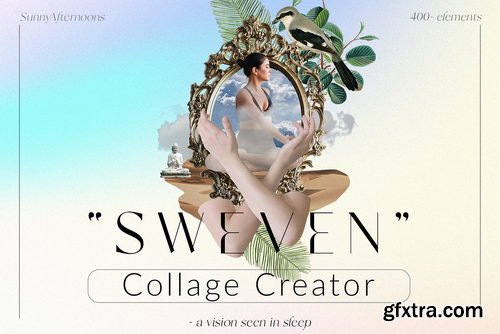
- I’m happy to present a new product – Collage Creator!
- Collage Creator – Big bundle of png design elements. Carefully selected a collection of cut-out photos & illustrations as your tool to create a surreal collage in few minutes. Explore this digital graphics bundle!
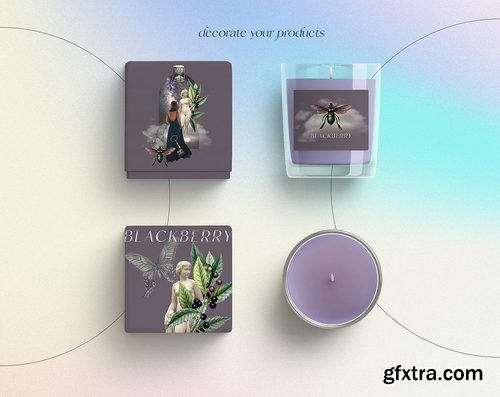
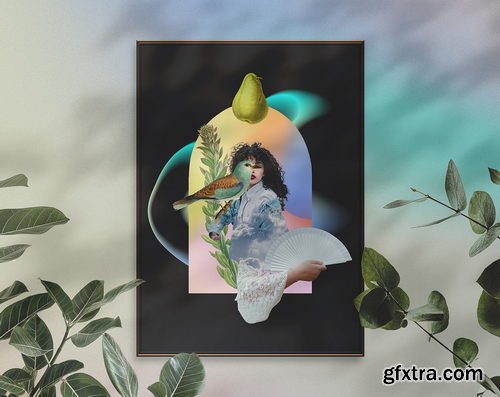
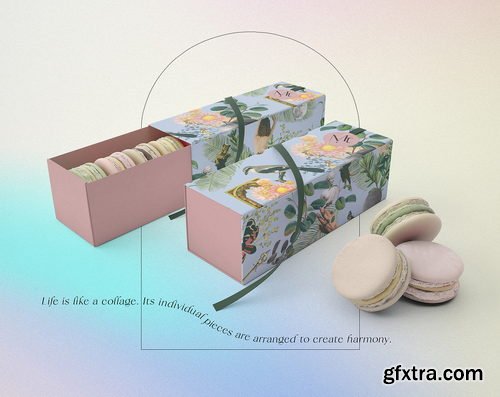
- ‘Sweven’ – a word which is inspiration itself – means a vision seen in sleep, to wander, to float, dream-like state (especially a prophetic one) is a perfect word to keep in mind when designing a digital collage. This bundle is perfect for making digital scrapbooks, original product packages, wall art, illustrate ebooks or podcasts, social media, textile printing, and many more.

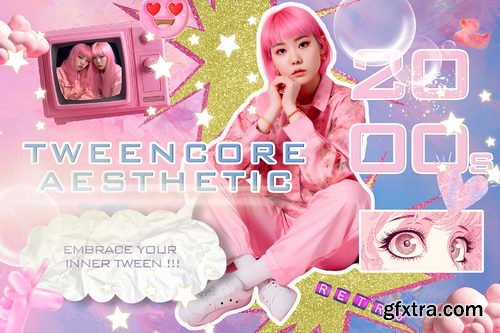
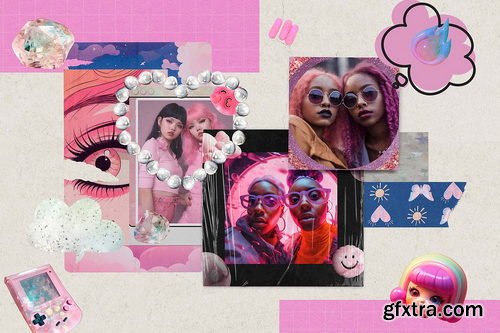
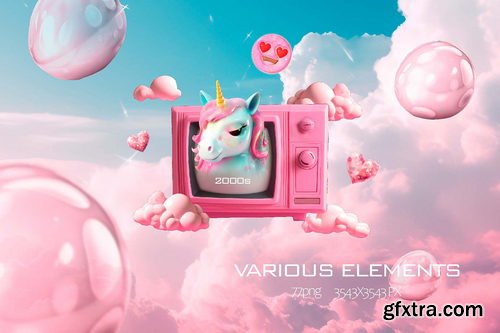
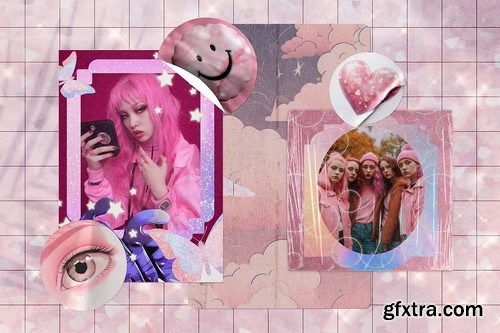
- Tweencore aesthetics of the 2000s is a visual style that incorporates bright colors, bold patterns, and playful graphics. This aesthetic is inspired by the fashion, music, and pop culture of the 2000s, specifically the tween and teen culture of the time.
- The tweencore aesthetics is characterized by a mix of retro and modern elements. It features a lot of neon and pink colors, geometric shapes, and pixelated graphics. The use of anime characters and popular things from the 2000s is also a common feature of this style.
- Overall, tweencore aesthetics is a celebration of youth culture and all its quirks and charms. It's a visual style that embraces creativity, individuality, and a sense of nostalgia for a simpler time.
- So embrace your inner tween and get ready to relive the glory days of the early 2000s with this fun and funky collection!
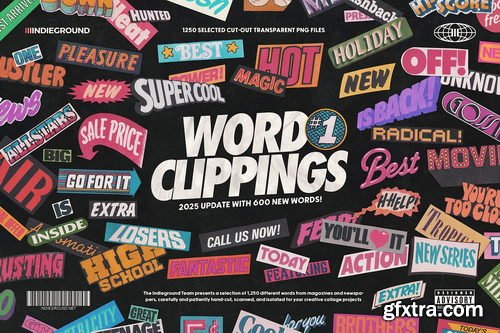
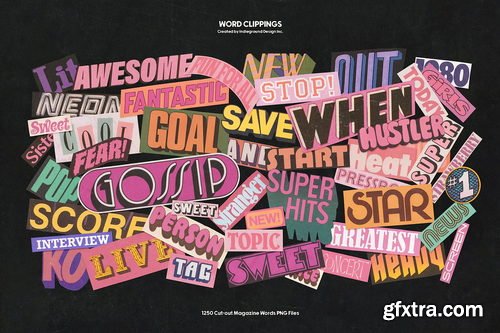
- 1250 Word Clippings PNGs 2025 Update Our classic collection of word cutouts, now updated with hundreds of new elements! Enjoy a huge selection of magazine word cutouts from real vintage publications, newspapers and magazines created for designers and collage artists.
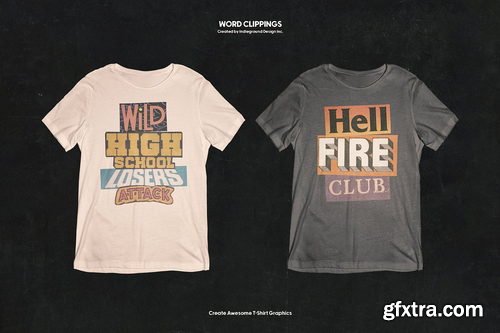
- This awesome pack includes a variety of retro, vintage and cool words from magazine titles, articles, ads, and headlines. A collection of word cutouts made to get your creativity flowing! Word Clippings offers a selection of 1250+ magazine word cutouts, selected, hand-cut and scanned with love and care by the Indieground Team. The result is a collection of high-quality PNGs with transparent background, ideal for typography projects and grunge collages, but also for radical design presentations, or for artwork with a grungy retro mood that stands out on social media.
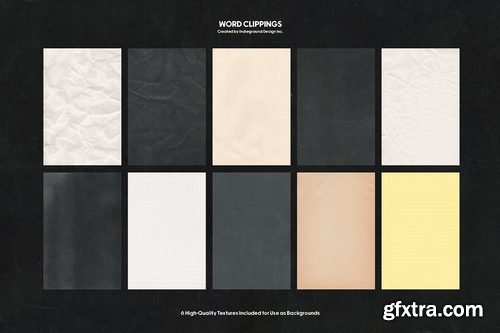
- Cherry on top? A brand-new folder with 83 items: individual letters, special characters, and symbols that will let you write just about anything! Plus, 10 bonus high-quality textures to get you started in no time!
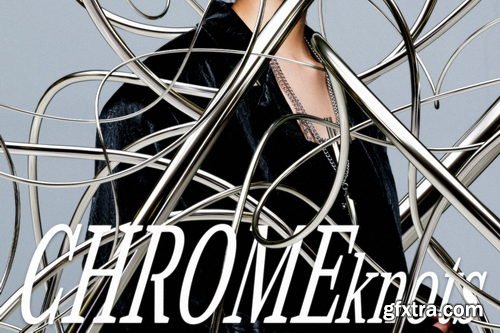

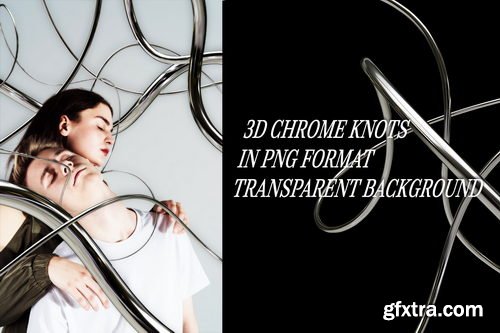

Introducing Chrome Knots - Where Elegance Meets Intricacy in 50 Stunning PNG Shapes!
Unleash a world of exquisite design possibilities with Chrome Knots. Immerse yourself in a collection of 50 meticulously crafted PNG chrome knot shapes, where the art of entanglement meets the brilliance of chrome. Elevate your creative endeavors and infuse your projects with an air of sophistication that captivates the eye and sparks intrigue.
Includes: 50 chrome shapes in png format (transparent background) 3000 x 3000 px / 300 DPI

Igor Sakharov - Watch photography
Lesson + light schemes Video + PDF English subtitles
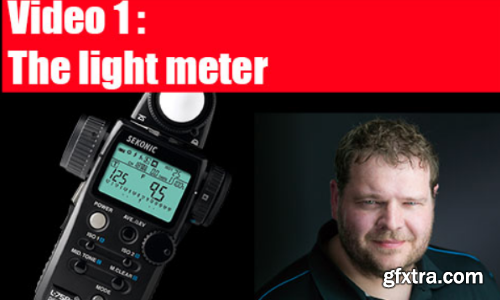
Frank Doorhof - Mastering the Model shoot - The Light Meter
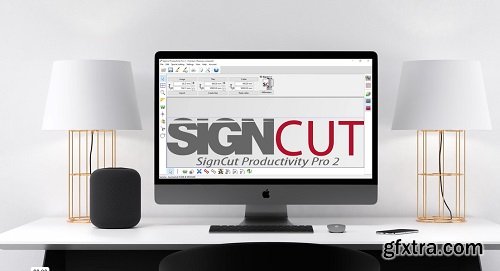
SignCut Pro 2.0.1.488 | 448 MB
SignCut Pro 2 is the most efficient and flexible professional sign making software made for beginners, personal users, hobbyists and professionals.
Design, visualize, document, and deliver projects of all sizes with Archicad’s powerful set of built-in tools and easy-to-use interface that make it the most efficient and intuitive BIM software on the market. With Archicad, you can focus on what you do best: design great buildings.
Languages Supported: *: English, עברית, 日本語, Ελληνικά, Français, Türkçe, Deutsch, Čeština, Русский,
Polski, Italiano, Magyar, Español, Slovenščina, 한국어, Português, Traditional 中文,
Simplified 中文, Brazilian Português, Slovenčina
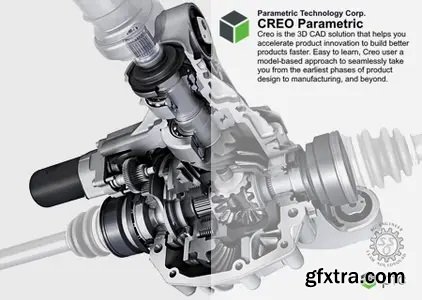
PTC launched the updated ninth version of its Creo market-leading computer-aided design (CAD) software. Creo 9 helps engineers deliver their best product designs in less time and encourages innovation with emerging technologies such as generative design, real-time simulation and additive manufacturing.

- Learn how to establish good color management and clear definitions for your look development workflow.The ability to create and deploy quality creative looks in our grades is one of the most important muscles for us to develop as colorists. But for many of us, the subject is fraught with fuzzy concepts and inefficient methodology. Together we’re going to take ownership of this vital skill by walking through the full process of developing and implementing a look. It all starts with sharpening our concepts and laying a quality foundation.
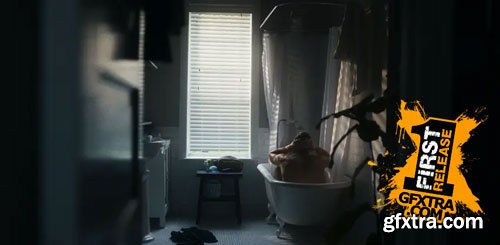

- With the creative contrast curve that we established in part 2 in place, we’re well on our way to a polished look for our short film.
- As I’ve mentioned before, in your own projects your look is bound to be different, but it’s the framework and process that’s essential for any look to really shine and make your work easier. In this Insight, we’re going to continue refining things by employing what’s known as preferential color mapping.
- Mailbag LIVE! is a conference call with our members. Our goal is to answer a member’s question on a Zoom conference call, where other Mixing Light members are welcome to attend and participate.
- After the Team talks with the member about their question, we invite members on the Zoom call to offer their thoughts on the subject or to ask questions inspired by the discussion.
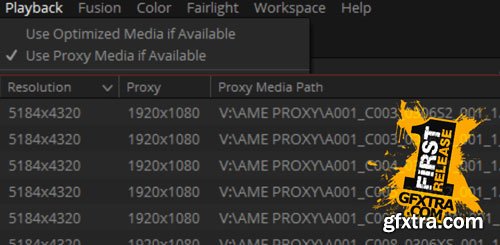
- Get up to speed on Resolve 17's new proxy workflow for lightning fast editing and grading performance when working remotely.
- In today’s age of huge GPUs and fast storage and powerful computers – sometimes we forget how much better and faster we can be if we work a bit smarter. Proxy workflows are one of the tools that allow this. Even the fastest machines can’t do everything in real-time, and camera formats and resolutions are just getting bigger every year. Plus, in the Covid era – working remote has become an essential tool, and home setups and laptops often don’t have the power or storage to do the heavy lifting on full-res files.
- That’s where proxies come in. Do your creative work on a small, low-res version of the media – then flip to the pristine high-res at the end for the finish. Resolve has always had tools to do low res work, like the legacy proxy control (now called Timeline Proxy Mode), and optimized media and caching.
- Unfortunately – none of these options solved every need for low res working, and they were honestly a bit hard to work with at times.
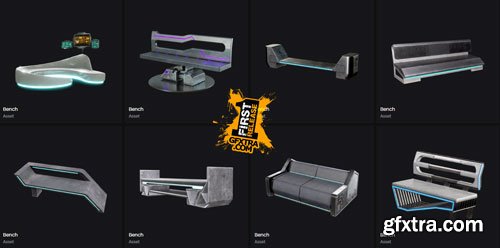
Seat your characters in style with the Cyberpunk Benches Collection. Find a variety of benches to add a touch of futuristic flair to your game or art scene!
UnrealEngine Nanite
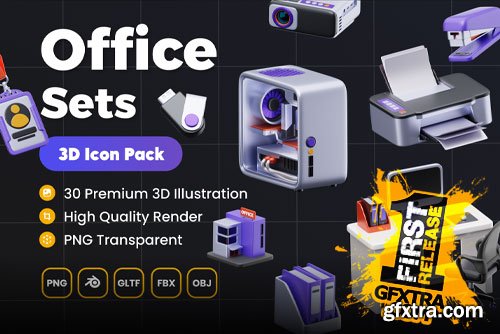
126,000 Royalty-Free 3D Model

Udemy Türkçe


Top Rated News
- CreativeLive Tutorial Collections
- Fasttracktutorials Course
- Chaos Cosmos Library
- MRMockup - Mockup Bundle
- Finding North Photography
- Sean Archer
- John Gress Photography
- Motion Science
- AwTeaches
- Learn Squared
- PhotoWhoa
- Houdini-Course
- Photigy
- August Dering Photography
- StudioGuti
- Creatoom
- Creature Art Teacher
- Creator Foundry
- Patreon Collections
- Udemy - Turkce
- BigFilms
- Jerry Ghionis
- ACIDBITE
- BigMediumSmall
- Globe Plants
- Unleashed Education
- The School of Photography
- Visual Education
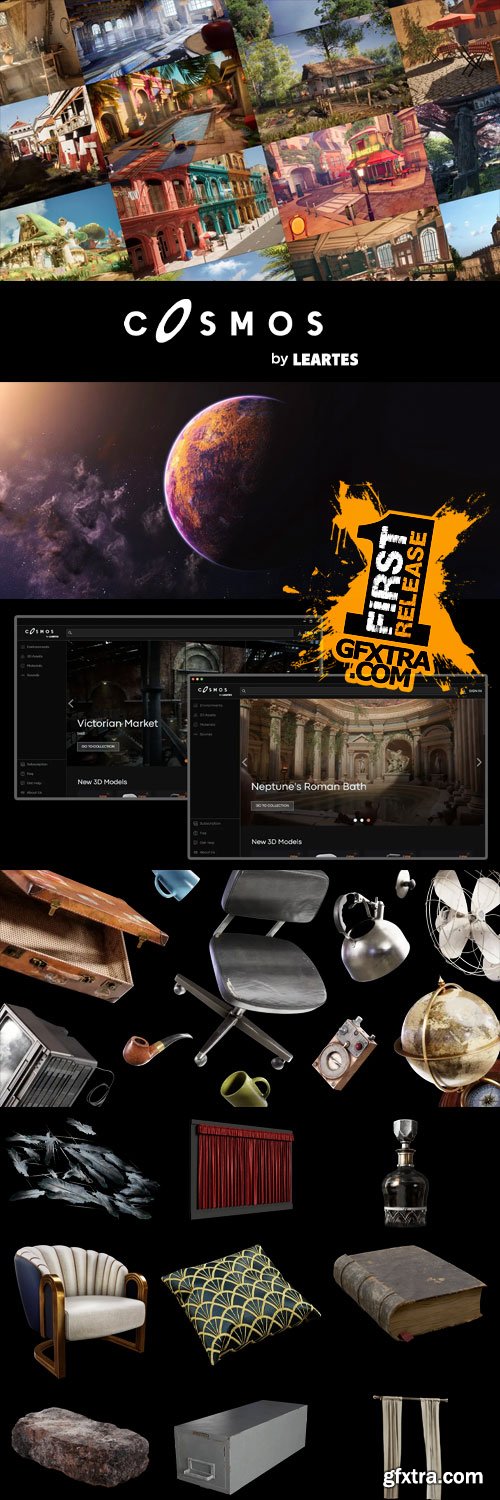
- LeartesStudios - Cosmos
- Fxphd
- All Veer Fancy Collection!
- All OJO Images
- All ZZVe Vectors
- CGTrader 1 CGTrader 2



















