

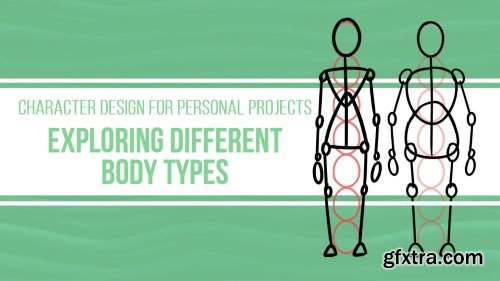
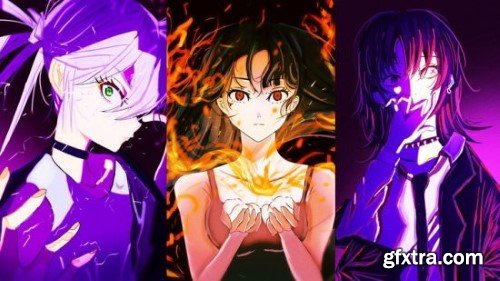
Hi and welcome, character designer!
It's time to bring diversity and depth to your character roster.
Characters come in all shapes and sizes.
What truly makes them stand out? Maybe it's a hero's towering stature, a sidekick's compact build, or even a villain's imposing presence!
In this Class, we'll cover all the essential techniques for drawing different body types and proportions in character design.
We'll explore a variety of body shapes, dive into the nuances of height differences,
and even mix and match different proportions to create unique characters!
By the end of this Class, you'll have the skills to create a diverse
cast of characters that truly represent the world around us!
Throughout the course, I'll be doing live demos to show you each step of the process.
AND you'll get references and resources to help you improve faster.
Plus, I'll be here every step of the way to guide you.
So, are you ready to add new dimensions to your character designs?
Join now, and I'll see you in the next video!

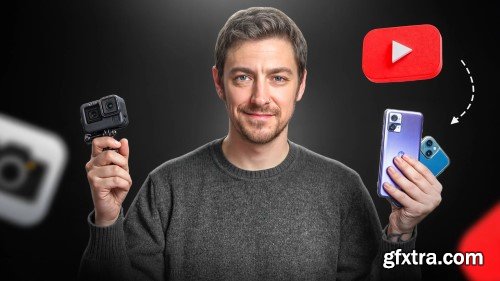
Do you want to start creating content on YouTube?
This beginner-friendly class will guide you step-by-step through the entire process, from setting up your account to publishing your very first video. Whether you’re aiming to share your passion, build an audience, or launch a new project, this class if for you!
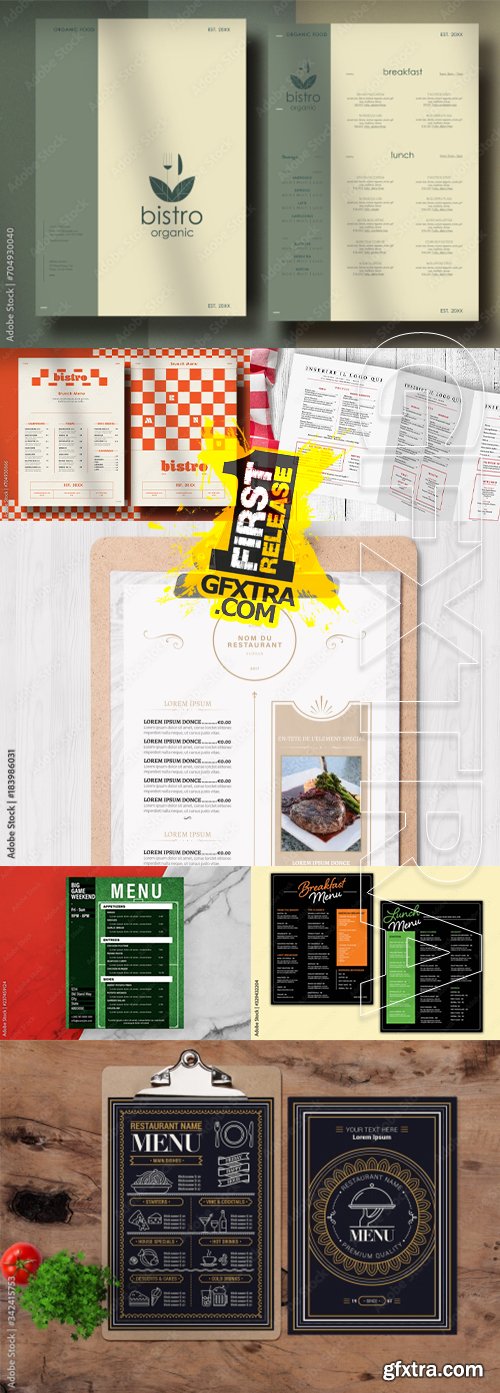
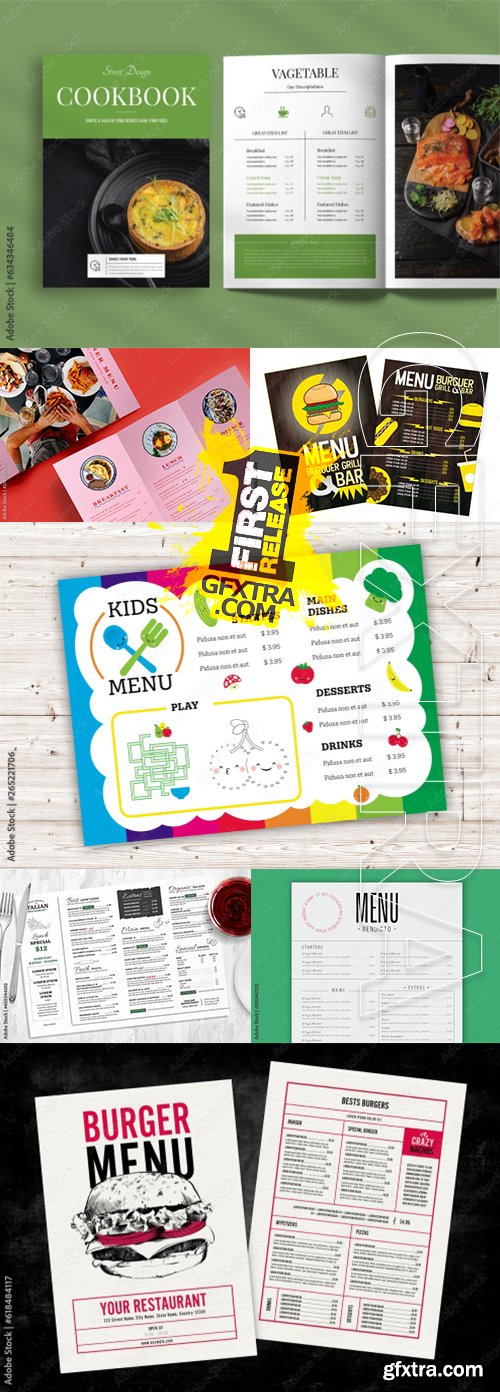
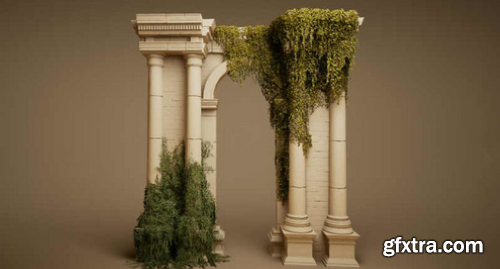
This project includes everything pictured with all assets, maps, and materials created in the Unreal Engine. Each asset was created for realistic AAA quality visuals, style, and budget.
NOTE: Nanite is enabled for the meshes in the project but simply selecting all meshes right clicking and disabling nanite will return the meshes back to a low poly ready state.
Features:
49 Meshes
Modular Ivy design to be used on any surface
Tiling wall vertex paint ivy texture
High quality and fidelity texture sets – 2k textures+
Master material setup that control the majority of all props and models
Additional controls for roughness, albedo, normals and more
Channel packed Roughness | Metalness | Ambient Occlusion
Realistic Post Process and Look Up Table
Optimized for games
Free of all legal issues as all branding and labels are custom made by our studio
This product supports Lumen for Unreal Engine 5.0+
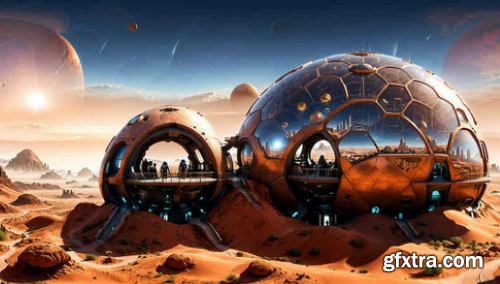
This pack contains very high quality panoramas/HDRI (8k , 32 bit) very useful to create amazing 360 panoramic backgrounds with futuristic cities. This is a very optimized way to design stunning scenes in Unreal Engine 5, without the need of 3d assets which are extremely expensive for the GPU. As usual, I tried to offer as much diversity as possible and this is why, here you can find 29 HDRI with futuristic cities at different time of day (morning, evening, afternoon, nighttime) but also in different periods of the year and climates (summer, winter, etc).
Together with this pack, you get a skybox blueprint, a skybox material and 29 material instances which will help you adjust different properties of the skybox.
The HDRI s (Cubemaps) from this pack, can also be used to create beautiful and interesting futuristic or alien lighting into your scene. In this case, the Cubemaps have to be used with the Sky Light (instead of using Real Time skylight, You can turn off Real Time Capture and replace it with one of the Cubemaps from this pack). This is a very simple and efficient way to create customized and interesting beautiful and realistic lighting setups in UE5.
Features: (Please include a full, comprehensive list of the features of the product)
29 high quality HDRI to create stunning futuristic outdoor backgrounds/panoramas
great diversity
a smart material and 29 material instances so you can change the entire panorama/360 background in a single click
a blueprint which you can simply drag and drop in any empty level to immediately create beautiful outdoor futuristic 360 panoramas
possibility to customize the skybox material instances by adjusting different parameters like overall brightness etc.
possibility to create custom lighting scenarios if the HDRI are used in combination with the skylight
10 example levels
Number of Unique Materials and Material Instances: 1 material and 29 material instances
Number of Textures: 29 textures (HDR, 32 Bit)
Texture Resolutions: (Please list all various texture resolutions) 29 textures at 8k resolution (8192 x 4096)
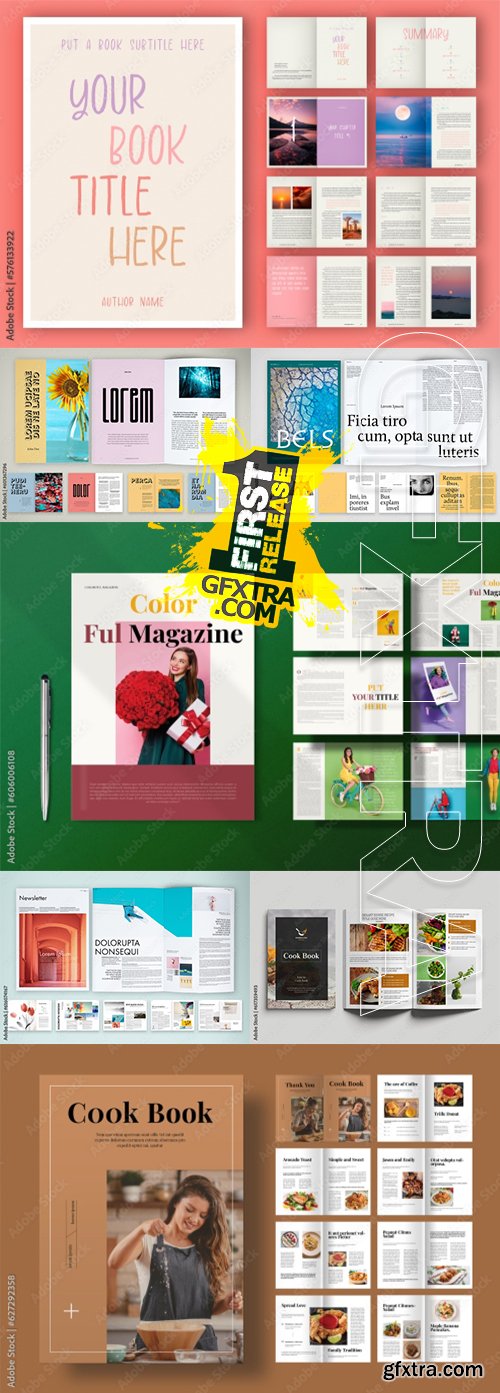
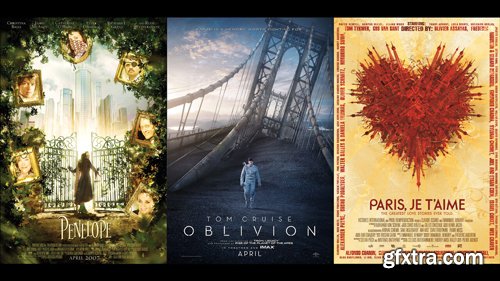
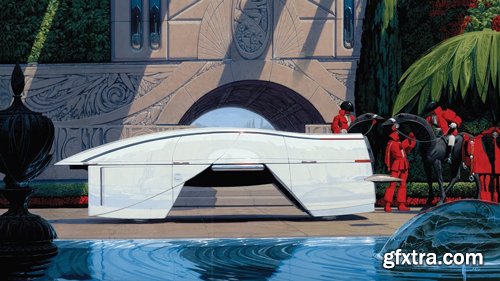
Understanding The Principles of Poster Design is an empirical guide to contemporary commercial poster design as well as its ingredients. From storytelling elements, through title treatment design, and technical requirements, to data-influenced design decisions for effective design to convey stories and deliver specific messages to desired audiences.
What is a poster? More importantly: What is the role of a poster? Sit back and relax while learning the complete life cycle of a successful poster — as mastered by a designer and art director with more than two decades of experience crafting campaigns for entertainment clients. Layer by layer, Tomasz walks through published poster examples and highlights the important cues and techniques that all designers should take note of.
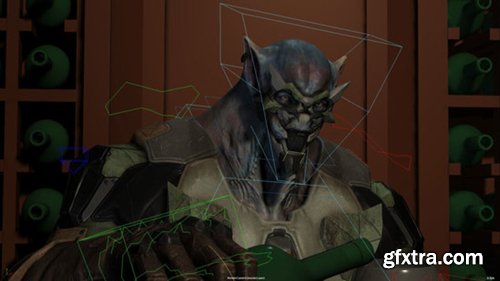
Less is more in the world of realistic animation for film. Subtle character performance is a unique challenge in character animation for movies, requiring a light touch and an understanding of the psychology of a character as well as how that translates to their tics and mannerisms.
In this tutorial, Lead Animator Ted Lister takes you through his workflow and the decisions he makes as he animates an understated and naturalistic performance piece based on dialogue from Horror Express. The selected dialogue has many opportunities for acting to the subtext rather than to the literal dialogue, and provides an opportunity for the character to have an internal monologue, while also featuring some gear changes along the way.
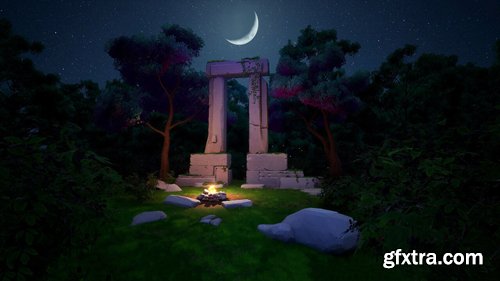
In this beginner-to-intermediate-level workshop, Rodrigo Brea shares various professional techniques and approaches for building stylized environments. This 5-hour guide covers topics including how to analyze a concept and create a breakdown; how to set up a basic scene in Unreal 5; different ways to create a variety of assets, from grass/foliage/trees to a hero piece; as well as how to texture and create a reusable Substance Smart Material.
Rodrigo utilizes a few key software choices, including Unreal Engine 5, Blender, ZBrush, Substance Painter, Photoshop, TreeIt, and Autodesk FBX Converter. Using these tools, he offers an industry-insider’s perspective to tackling and approaching the creation of stylized assets for professional games.
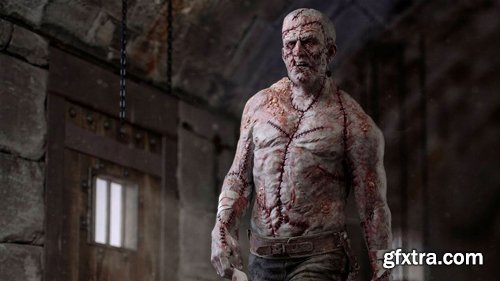
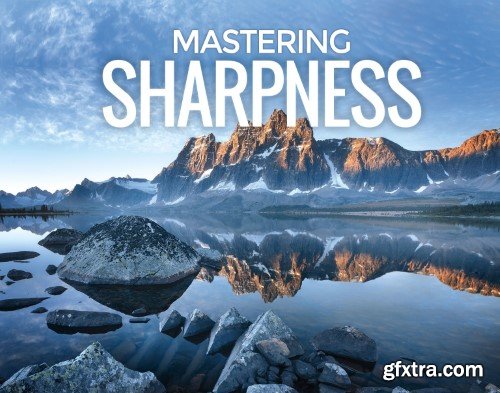
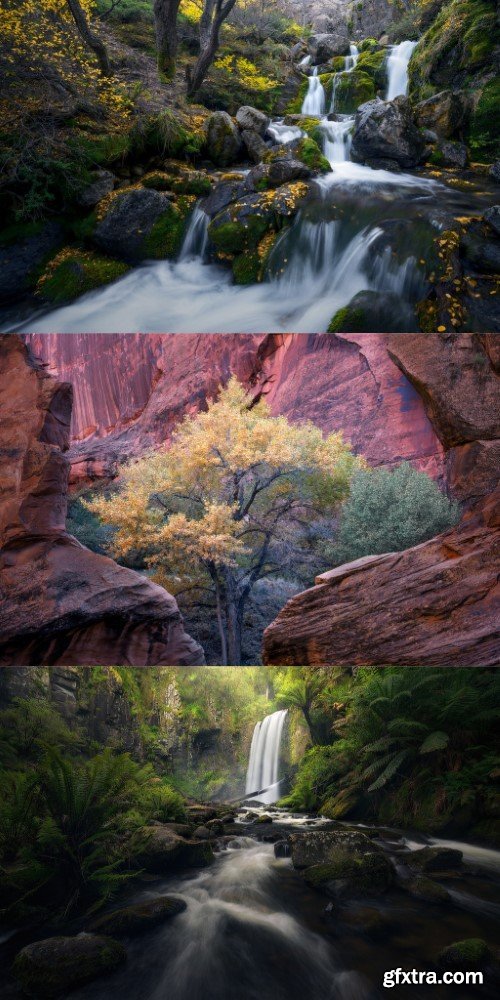
The question I’m most often asked about my photography is “how do you get such sharp images?”. The good news is that it’s all down to technique, which anybody can learn.
I decided to create my course ‘Mastering Sharpness‘ to teach you the foundations for creating the sharpest images possible with your camera. In this online photography course, I cover the following topics in over 3 hours of instructional HD videos:
- Camera Equipment
- Understanding Image Quality
- Diffraction & Aperture Selection
- Stabilization
- Focus Stacking
- Avoiding Shutter Shock
- Depth Of Field
- Where & How To Focus
- Post Production Sharpening and Image Sizing
- Handheld Vs Tripod Photography
- RAW Files Included
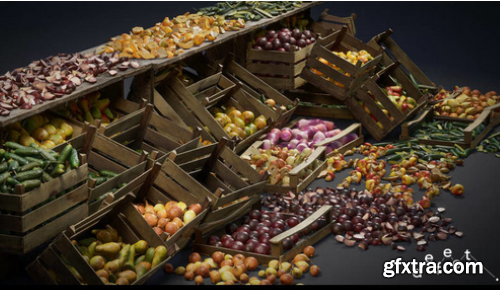
Technical Details:
40 photo scanned props
120 High quality – 4k textures
Additional controls for roughness, albedo
Channel packed Roughness | Metalness | Ambient Occlusion
Optimized for games
This product supports Lumen for Unreal Engine 5.0+
This product supports Nanite for Unreal Engine 5.0+
Scaled to Epic skeleton: Yes
Collision: Yes, mostly custom
LODs: – Nanite LODs
Number of Materials and Material Instances: Base Material and colorize material function, and 40 material instances
Number of Textures: 120
Additional Notes: Don’t forget to configure the project to use Lumen
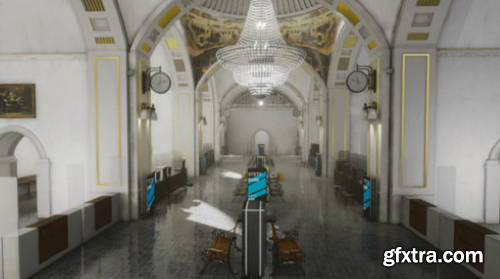
We have created an asset for you that is associated with the bank, and if you create an interesting action movie or another game! We hope our asset will be very useful for you! The asset has room modules and models for typical banks. Thanks to our asset, you can create an add-on to your game where you need bank accessories.
Technical Details:
Number of Unique Meshes: 113
Collision: Yes
Vertex Count: 2 – 169840
LODs: No
Number of Material Instances: 104
Number of Materials: 8
Number of Textures: 282
Texture Resolutions: 2048×2048 px – 1024×1024 px
Supported Development Platforms: Windows, Mac, Linux
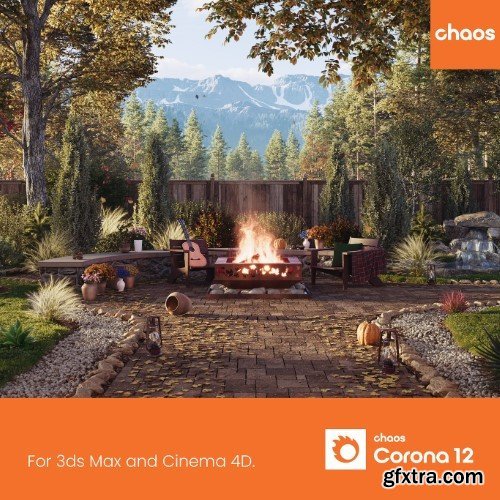
126,000 Royalty-Free 3D Model

Udemy Türkçe


Top Rated News
- CreativeLive Tutorial Collections
- Fasttracktutorials Course
- Chaos Cosmos Library
- MRMockup - Mockup Bundle
- Finding North Photography
- Sean Archer
- John Gress Photography
- Motion Science
- AwTeaches
- Learn Squared
- PhotoWhoa
- Houdini-Course
- Photigy
- August Dering Photography
- StudioGuti
- Creatoom
- Creature Art Teacher
- Creator Foundry
- Patreon Collections
- Udemy - Turkce
- BigFilms
- Jerry Ghionis
- ACIDBITE
- BigMediumSmall
- Globe Plants
- Unleashed Education
- The School of Photography
- Visual Education
- LeartesStudios - Cosmos
- Fxphd
- All Veer Fancy Collection!
- All OJO Images
- All ZZVe Vectors
- CGTrader 1 CGTrader 2



















