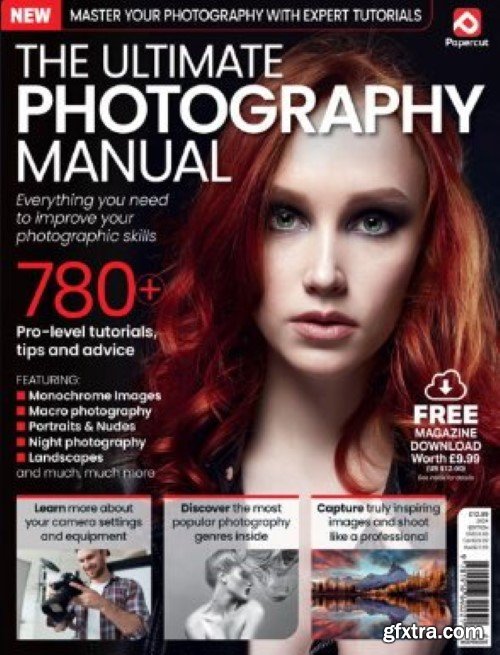

The Ultimate Photography Manual 2024
English | 164 pages | PDF | 115 MB


user Gamystyle     

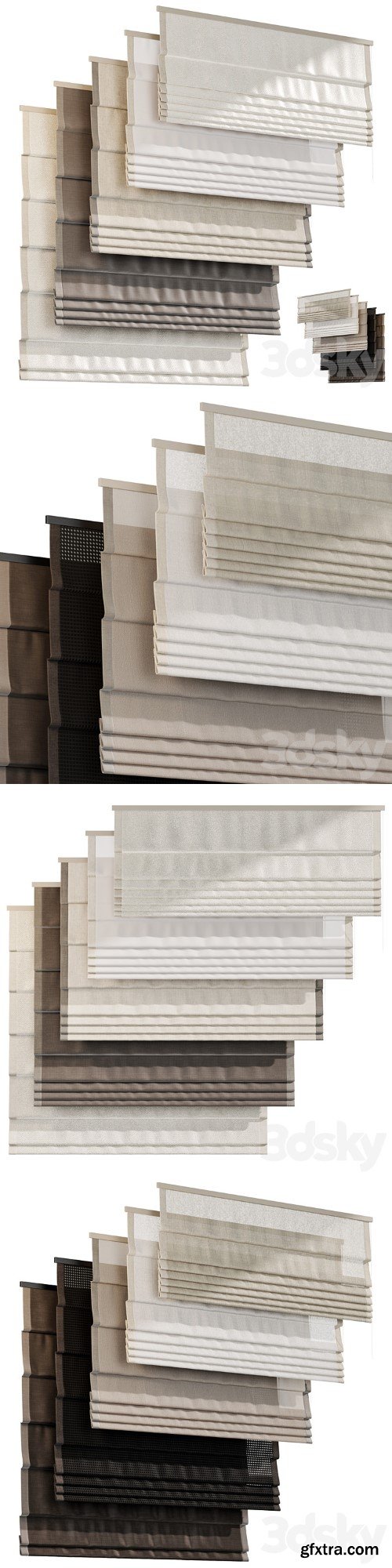
Roman curtains 03, Roman curtains
MAX | FBX | OBJ | TEX
https://3dsky.org/3dmodels/show/roman_curtains_03_rimskie_shtory


user Gamystyle     

Bear
MAX | FBX | OBJ | TEX
https://3dsky.org/3dmodels/show/medved


user Gamystyle     

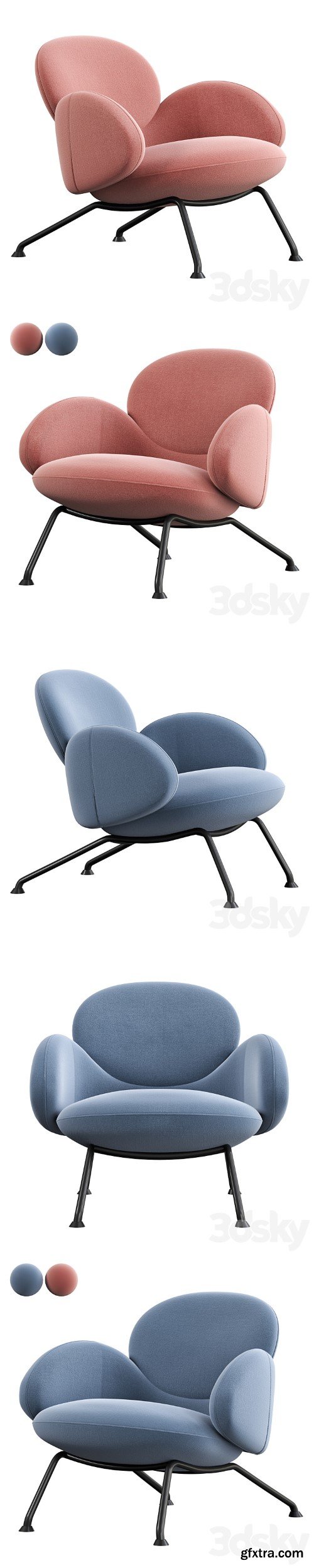
BAIXA Armchair by SOFTLINE
MAX | FBX | OBJ | TEX
https://3dsky.org/3dmodels/show/baixa_armchair_by_softline


user Gamystyle     

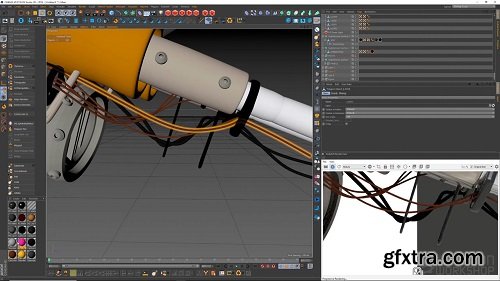
The Gnomon Workshop – Creating a Concept Model in VR
Gravity Sketch is one of several VR design and modeling programs being used by artists in media and entertainment to create 3D models within a virtual environment. While 3D has long been a part of the concept design process — helping artists to add convincing dimension, perspective, and scale to their concept designs — the evolution of VR technology in more recent years has allowed developers to create fully featured 3D modeling and sculpting programs that are now being used efficiently across the media and entertainment, automotive, and fashion industries, among others.

user ReUploader     

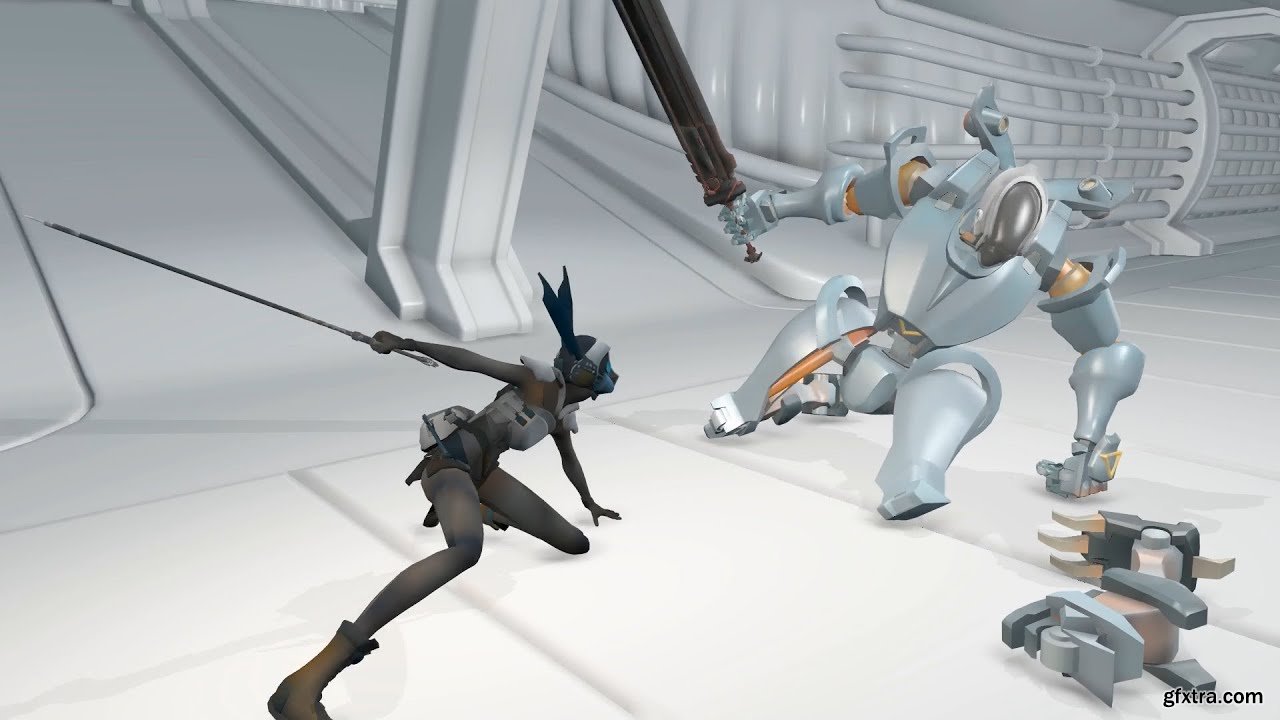
The Gnomon Workshop - Creating a Combat Finishing Takedown

https://www.thegnomonworkshop.com/tutorials/creating-a-combat-finishing-takedown

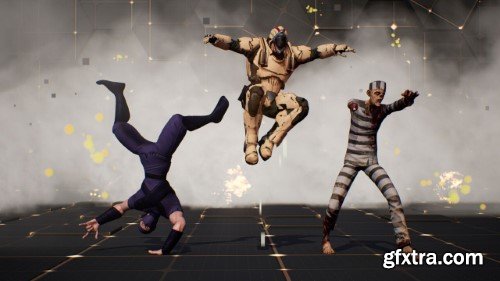
Mastering a finishing takedown animation is made easier with a professional workflow that’s been tried and tested through years of production experience. Senior Animator Patrick Przybyla has worked on a variety of AAA action titles and is now sharing his proven techniques in over three hours of detailed training. Best suited for intermediate-level artists, this workshop kicks off in Maya, the primary animation package that Patrick has used throughout his career in games. He shares insights into his selection process when choosing rigs and models for heroes and enemies, and explains why Kiel Figgins’ rigs — as used in this workshop — are known and trusted by so many industry professionals.


user ReUploader     

Ada Bed
MAX | FBX | OBJ | TEX
https://3dsky.org/3dmodels/show/ada_bed_3


user Gamystyle     

Zara Home - Rattan Lamp
MAX | FBX | OBJ | TEX
https://3dsky.org/3dmodels/show/zara_home_rattan_lamp


user Gamystyle     


The Gnomon Workshop - Building Natural Environments using Gaea & Houdini: Environment Creation & Look-Dev Techniques
https://www.thegnomonworkshop.com/tutorials/building-natural-environments-using-gaea-houdini
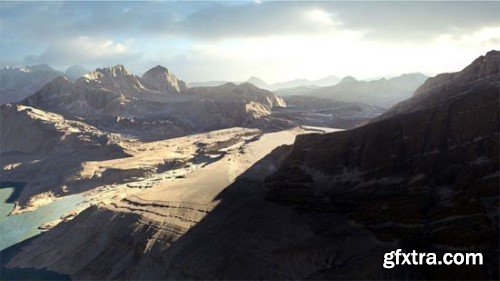
Rasha Shalaby takes environment artists and matte painters on a journey from concept to final shot using Gaea, Houdini, V-Ray, and Photoshop as she recreates the ancient deserts of Sinia, Egypt, and the Red Sea Mountains. Perfect for artists working in VFX for film, TV, and game cinematics, Rasha’s 4-hour workshop walks through the complete creation process of a natural environment based on a real location.  This comprehensive workshop covers all the essential steps from creating the base low-detail assets that inform the initial concepts to creating hero camera angles, updating and optimizing assets, and adding scattered elements. Rasha teaches the importance of using references to ensure fidelity between the CG recreation versus the production location and teaches the workflow and techniques utilized by artists in a real production environment. She shows how environments will go through various iterations as the level of detail is updated in every asset and the environment overall.  Gaea is used to create the terrains and output textures. Houdini is used to set up the environment build and extract displacement maps for the created terrain, and also to create layered shaders in V-Ray to ensure a high level of detail is achieved in the final renders. Rasha’s .tor files are provided with this workshop for subscribers to download.


user ReUploader     

Gefest Kitchen Appliances W
MAX | FBX | OBJ | TEX
https://3dsky.org/3dmodels/show/gefest_kitchen_appliances_w


user Gamystyle     


The Gnomon Workshop – Building a Stylized Environment, Volume 3 Ideation to Creation: Assembling the Scene in Unreal Engine
English | 4 hrs | Video: 1080p | Project files 
https://www.thegnomonworkshop.com/tutorials/building-a-stylized-environment-volume-3


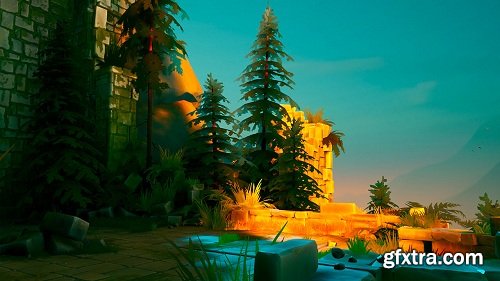
In this series, Martin Teichmann, Environment Modeler at Naughty Dog, takes you through his complete production workflow to build a stylized game ready environment; a process that requires not only technical and artistic knowledge, but also insight into the mechanics of game play in order to deliver the best experience for the player.

user ReUploader     

Sculpture david arts
MAX | FBX | OBJ | TEX
https://3dsky.org/3dmodels/show/sculpture_david_arts


user Gamystyle     


The Gnomon Workshop – Building a Stylized Environment, Volume 2: Ideation to Creation: Terrain, Rocks and Foliage
English | 2hr 40m | Video: 1080p | Project files 
https://www.thegnomonworkshop.com/tutorials/building-a-stylized-environment-volume-2


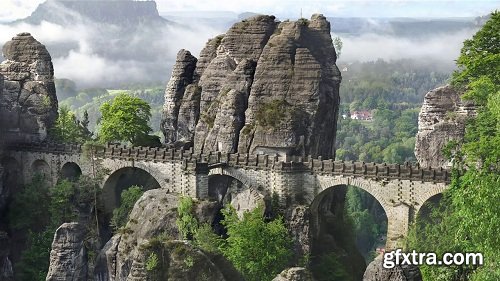
In this series, Martin Teichmann, Environment Modeler at Naughty Dog, takes you through his complete production workflow to build a stylized game ready environment; a process that requires not only technical and artistic knowledge, but also insight into the mechanics of game play in order to deliver the best experience for the player. In this second volume of the series, Martin guides you through the creation of the rock and vegetation assets needed for a detailed game environment based off the references and block meshes created in Volume One. He covers the modeling process for high-poly rocks in ZBrush, how to create the low-poly using 3dsMax, then creates the rock textures using Substance Designer. Assets are imported into Unreal where material creation is addressed as well as Rock LODs. Martin creates the stylized trees in Photoshop and 3dsMax, imports them into Unreal and demonstrates the technical setup for animated foliage using vertex animation. At the end of this volume, you should have a good understanding of organic asset creation and be ready to move on to Volume Three where Martin discusses final scene assembly in the Unreal Engine.

user ReUploader     


The Gnomon Workshop – Building a Stylized Environment, Volume 1 - Ideation to Creation: Blockmesh, Bridge, Castle
English | 5 hrs | Video: 1080p | Project files
https://www.thegnomonworkshop.com/tutorials/building-a-stylized-environment-volume-1


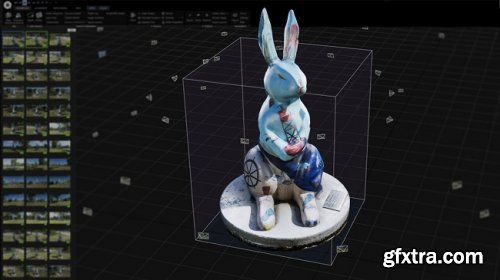
In this series, Martin Teichmann, Environment Modeler at Naughty Dog, takes you through his complete production workflow to build a stylized game ready environment; a process that requires not only technical and artistic knowledge, but also insight into the mechanics of game play in order to deliver the best experience for the player. In this first volume of a three part series, Martin guides you through his ideation process, reference gathering and the initial stages of development for a large environment. He creates a meaningful block mesh in 3dsMax which can then be turned into modules to split the environment creation process into small tasks. Using the example of an arch module, Martin demonstrates the asset’s creation through low-poly modeling and texturing in 3dsMax, hi-poly sculpting in ZBrush and texture generation in Substance Designer. Basic software knowledge is required as the workshop primarily focuses on workflow and the development of a unique art style. At the end, students will have a thorough understanding of the layout and early production process for game environments, and be ready for volume two where Martin moves on to the terrain, rocks and foliage.
user ReUploader     


The Gnomon Workshop - Automating Animation and Game Ready Rigs
http://www.thegnomonworkshop.com/tutorials/automating-animation-game-ready-rigs/
Sharpen your scripting skills as we delve into modular rigging with Python in this 3-hour workshop created for riggers and aspiring coders. The objective is to create a one-click solution for rigging bipeds, with the potential for customization to suit other types of characters, pipelines, and project requirements.  Nick Miller, Creature Supervisor at DNEG, introduces a comprehensive library of code and explores the moderate-to-complex components of Python, Object Oriented Programming, and rigging. Building your own modular rigging system gives you several advantages; not only does it save you significant time, but it also enhances your problem-solving skills and prepares you to contribute to a company's rigging toolset.  Watch as Nick leverages Maya's standardized human IK skeleton as a template by using it as a foundation to build rigs. This technique helps you to incorporate motion-capture data to drive your rigs. To showcase the system, Nick utilizes a downloadable character from Mixamo and then applies his tools to generate a fully functional rig before applying motion capture as keyframes onto the rig's controls. Additionally, Nick instructs how to organize rigs in a game-engine-friendly manner, allowing for easy export of the skeleton and character mesh.  Upon completing this workshop, subscribers will have learned essential rigging techniques, including building a modular rigging system with Python, the basics of Maya's human IK skeleton, how to apply motion-capture data, and how to export rigs for game engines.  Project files provided with this workshop give students a reference or guideline to follow. The downloadable project files include Nick’s asset build folders for three characters, including models, guides, textures, scripts, weights, and controls, as well as his modular rigging package (nmrig and grig).


user ReUploader     

The Gnomon Workshop – Complete Photogrammetry Workflow

https://www.thegnomonworkshop.com/tutorials/complete-photogrammetry-workflow


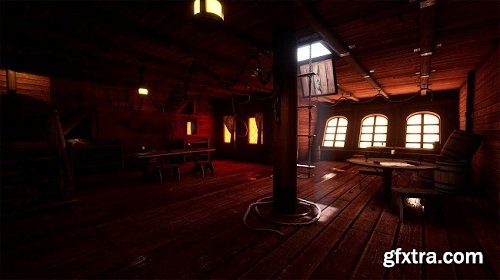
If you’re looking for a complete step-by-step walkthrough of a professional photogrammetry process, look no further than this 3.5-hour workshop by Lead Digital Projects Engineer, Charleston Silverman. This in-depth workshop provides you with the techniques and knowledge you need to scan objects from the real world into the virtual.  Charleston kicks off the workshop with the capture before demonstrating the image processing part of the workflow using Photoshop, Adobe Camera RAW, and Adobe DNG. From there, it’s all about the solve, for which Charleston brings both RealityCapture and Metashape into the fold. Mesh retopology is handled and demonstrated in ZBrush, while the effective texture generation and cleanup process employs the power of Substance Painter. As the final step, the assembly of the scene takes place in Unreal Engine — although, the process and techniques covered can be used with any renderer of choice.  This detailed workshop covers a vast array of information and techniques, discussing everything from the dos and don’ts of capturing to the subtle details for image adjustments and solves that you won’t want to miss. Charleston’s thorough instruction not only teaches how to set everything up correctly to achieve the best results but also advises on the importance of every step of the process.


user ReUploader     


The Gnomon Workshop – Complete Lighting in Unreal Engine with Charleston Silverman
English | Video: 1080p | Project files
https://www.thegnomonworkshop.com/tutorials/complete-lighting-in-unreal-engine
 

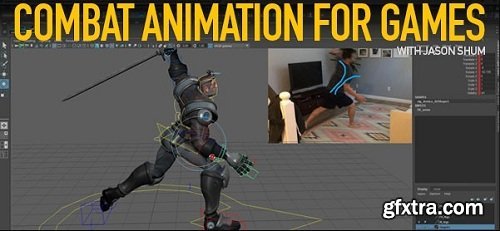
In Complete Lighting in Unreal Engine, Charleston Silverman walks you through the lighting system and tools available in Unreal Engine 4. Using a pirate ship cabin created for this tutorial, this environment utilizes features and techniques such as modulated and static mesh emissive lighting to bounce and volumetric lighting. Some of the topics covered include: general lighting dos and don’ts, standard light actors: points, spot, and directional, dynamic lighting techniques, light functions, IES profiles and post processing. Charleston then covers techniques to improve optimization, quality and performance as well as config modification to enable advanced features. For those looking for a thorough understanding of the lighting system in Unreal Engine, this title offers valuable insight, tips and techniques.


user ReUploader     


The Gnomon Workshop - Combat Animation for Games


The Gnomon Workshop - Combat Animation for Games
English | 4+ hrs | Video: 1080p | 293 MB


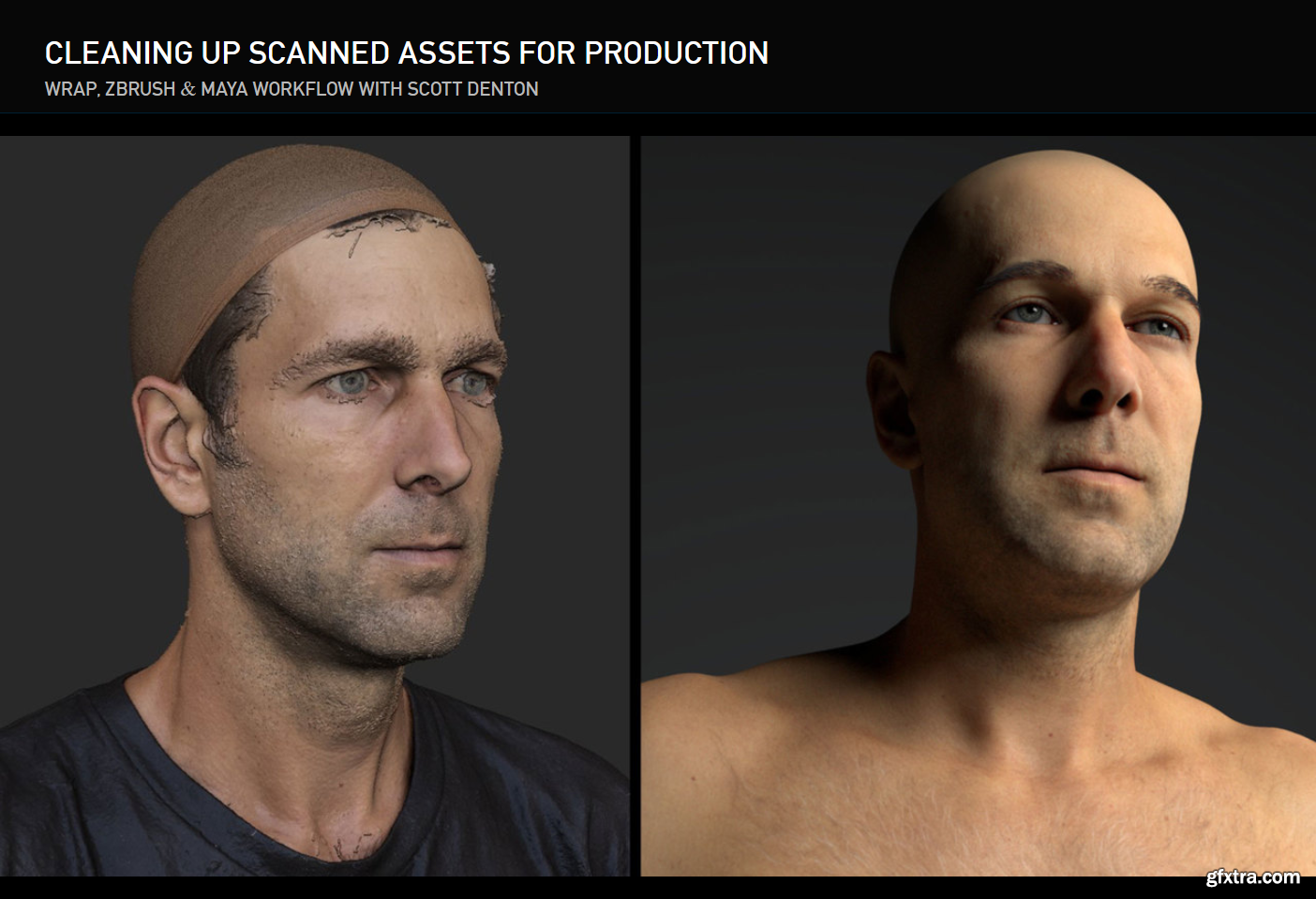
This tutorial teaches how to create dynamic and exciting combat animations in a step-by-step method that is used by many professional animators. The core foundations of combat are covered such as strong posing, aggressive timing and appeal. Riot Games’ Senior Animator Jason Shum shares his process from the initial idea stage to final polish.

user ReUploader     

Gnomon – Cleaning Up Scanned Assets for Production with Scott Denton

Gnomon – Cleaning Up Scanned Assets for Production with Scott Denton

http://www.thegnomonworkshop.com/tutorials/cleaning-up-scanned-assets-for-production


Discover how to take pre-existing scanned assets and quickly and professionally clean them up using a combination of Wrap 3, ZBrush, and Maya. This workshop by Modeler and Generalist, Scott Denton, details the clean-up of a scan created by NYCap3D using the state-of-the-art photogrammetry ​​solution, RealityCapture, along with assets produced by 3D Scan Store. A brief preview of Zoo Tools is also covered.  Throughout the course of the workshop, Scott discusses how to use Wrap 3 and ZBrush to transfer textures and displacement details from the 3dScanstore mesh. He also goes over some of the specific setups and essential tools inside of both Wrap and ZBrush that help to speed up the overall workflow. Scott teaches the important export options that you need to know and includes a demonstration on how to hook the textures up in Maya to achieve a render worthy of being passed on to a look-development artist. Helpings of industry tips are included along the way, particularly when it comes to what look-dev artists expect of modelers, plus tricks for organizing and naming your files like a pro.

user ReUploader     

Cinematic Lighting Shot Production: Light & Composite a Shot Using Maya, Katana, Arnold & Nuke
https://www.thegnomonworkshop.com/tutorials/cinematic-lighting-shot-production
In this comprehensive workshop by Graham Cunningham, you will be taken through the entire process of lighting and compositing a cinematic shot using Maya, Katana, Arnold, and Nuke. This is an advanced course that builds on the Introduction to Katana workshop by Taeyoung Kim.  This 4-hour workshop begins with setting up OCIO for ACEScg, importing and preparing assets in Maya and Arnold, creating a layout and shot camera, managing your .tx files and color spaces, and details how to convert materials to MaterialX, and export everything to Arnold USD.  Next, in Katana, you’ll discover how to update the shot template, create some new macros, prepare Interactive render filters, and set up AOVs for multi-channel EXR output. You’ll see how to import your USD assets, optimize your scene, go through the lighting setup, and create and modify HDRI light textures (in a quick excursion to Nuke).  From there, the workflow proceeds to the creation of render passes, how to manage visibility and sampling, and render image sequences to disk using Katana batch commands. As the last step, Graham jumps into Nuke, where he shows how to assemble the render passes, split out light AOVs, adjust light colors and intensities. You’ll also explore how to add atmosphere using volume/fog renders and WorldP data, how to add fog FX using stock footage on 3D cards, as well as how to use cryptomattes to fine-tune results, add glow, lensflare, film grain, and apply a final color grade.

user ReUploader     

FxPhd - Introduction to Nuke Part 1 - NUK151

FxPhd - Introduction to Nuke Part 1 - NUK151

user Unity     


Film is Fun - Film Emulation Preset Collection ( + Film Frame Borders)
https://filmis.fun/products/film-emulation-bundle

user Unity     


Premium Mockups


rss