


https://www.udemy.com/course/ai-filmmaking-bootcamp-create-cinematic-video
Master AI Video generation, LLM Scripting(ChatGPT/Gemini), AI Character Consistency, Sound Design & CapCut Video Editing

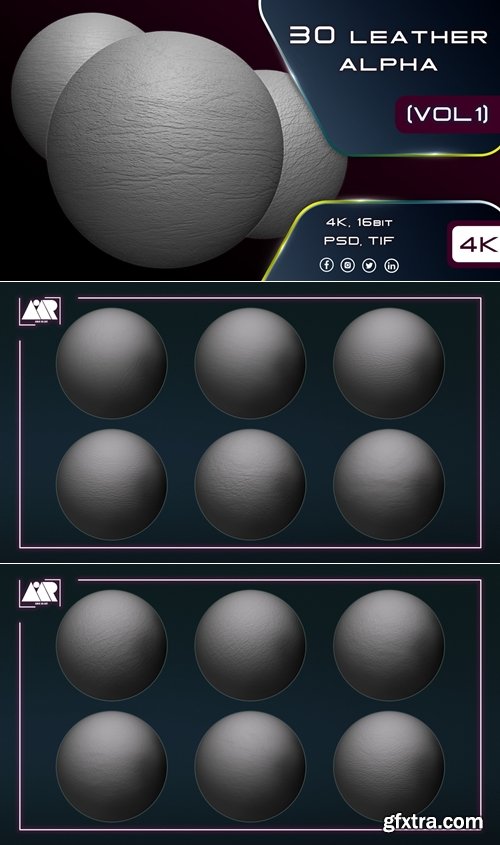
https://www.artstation.com/marketplace/p/mVJpV/30-leather-alphas-seamless-and-tileable-vol-01
PSD, TIF, PNG (Normal), JPEG (Preview)


Adobe Acrobat Pro DC is the leading PDF converter and much more. Adobe Acrobat Pro DC software lets you deliver professional PDF communications. It's packed with smart tools that give you even more power to communicate. Create and edit PDF files with rich media included, share information more securely, and gather feedback more efficiently.
Gilisoft SnapID offers a wide range of features to help you enhance and transform your images. With Gilisoft SnapID, you can easily crop, resize, and rotate images to get the perfect composition. The software also allows you to adjust colors, brightness, contrast, and saturation to bring out the best in your photos.
Recovery of lost files will bring you the simplest pleasure. Restore files from Recycle Bin, systems-crash loss, permanent deletions, virus-caused loss, formatted drivers, and other external storage devices, such as camera memory card.
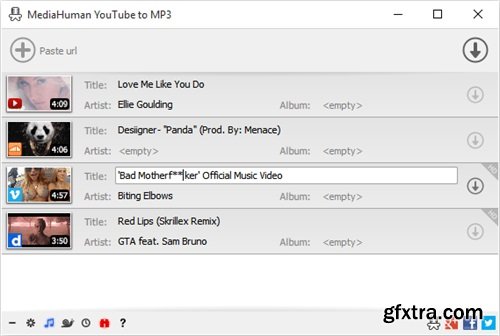
You like to listen to music on YouTube or SoundCloud and want to save it for offline playing. Or you want to download soundtrack of a new movie. Then we recommend you to try out this software developed specifically for this purpose.
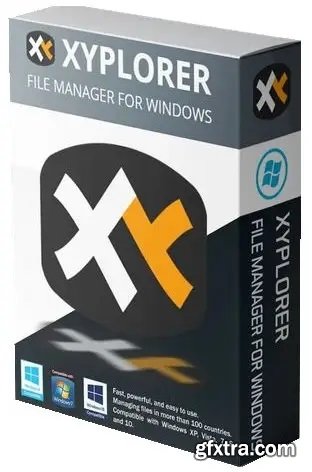
XYplorer is a file manager for Windows. It features tabbed browsing, a powerful file search, a versatile preview, a highly customizable interface, optional dual pane, and a large array of unique ways to efficiently automate frequently recurring tasks. It's fast, light, and portable.
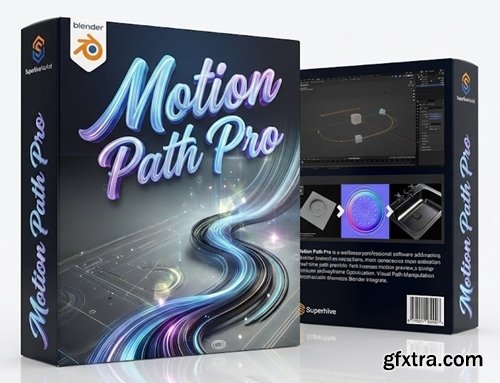
https://superhivemarket.com/products/motion-path-pro
Blender 3.0 - 5.0
- New real-time motion path updating technology, working with any type of object, such as empty objects, cameras, meshes, and bones, significantly speeds up, simplifies, and facilitates the work of improving animation.
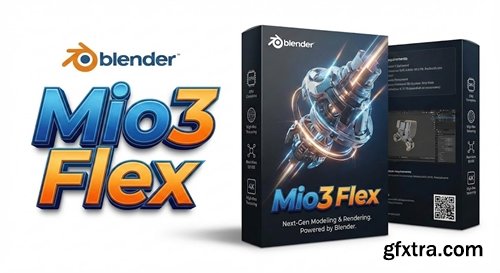
Mio3 Flex v1.0.4
Blender 4.2 - 5.0
Convert edge loops into smooth, arbitrary curves using a controlled path.
- Mio3 Flex turns edge loops into smooth, arbitrary curves by bending them along a fully controlled path. Shape clean, flowing geometry without rebuilding topology—ideal for cables, trims, stylized forms, and any situation where you need precise, art-directable deformation.
- With an intuitive workflow and predictable results, Mio3 Flex helps you iterate faster: define the path, adjust the flex, and dial in the smoothness to match your design. Compatible with Blender 4.2 through 5.0, it’s built to fit seamlessly into modern pipelines—whether you’re prototyping, polishing hard-surface details, or refining organic silhouettes.
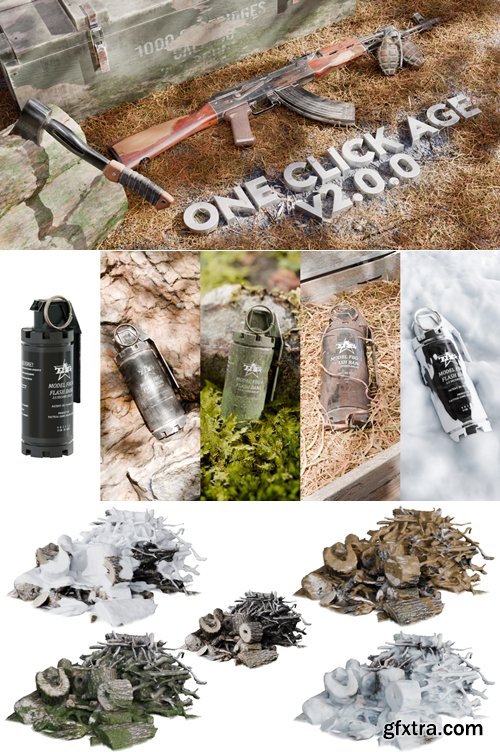
https://superhivemarket.com/products/oneclickage
- Forget about the tedious process of manually adding surface defects and endless corrections, repeating the same actions over and over again — say hello to easy material ageing. With one simple click of the mouse, you can instantly age any material without wasting time. Our add-on has a user-friendly interface for easy customisation, or let the magic button do everything for you, creating endless variations with ease. Simplify your workflow and unlock endless possibilities.
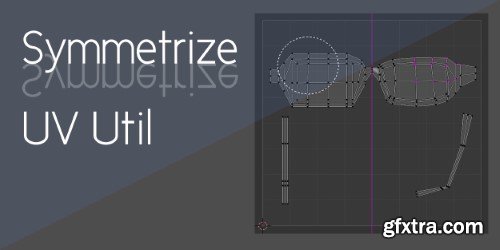
Superhivemarket - Symmetrize Uv Util 1.5.0
https://superhivemarket.com/products/symmetrize-uv-util
If you're working with a symmetric model, keeping its UV map and texture symmetric is a good idea. This add-on can detect the structure of your mesh and adjust each UV vertex automatically.
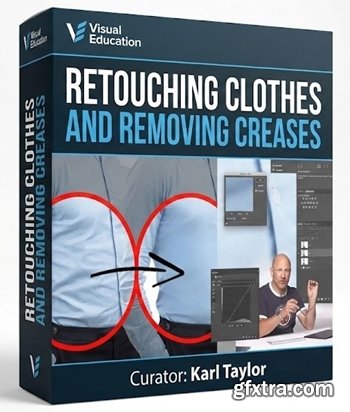
https://visualeducation.com/class/retouching-clothes-removing-creases/
- Whether you’re photographing high-end fashion or formal business portraits, a couple of creases here and there are inevitable. One of the common questions we get asked is “What do I do when I’ve taken a portrait and there are lots of creases in the clothes?”, so we decided to show you exactly how to retouch clothes in Photoshop. In this tutorial Karl explains how to retouch clothes and remove creases in Photoshop using two different methods. In a step-by-step guide, Karl explains the tools and techniques he uses to remove unsightly creases and wrinkles in clothing, demonstrating a simple, but much slower method, as well as a quicker and much more efficient and precise alternative.

Level: Beginner | Genre: eLearning | Language: English | Duration: 34 Lectures ( 2h 43m ) | Size: 5.86 GB
https://www.udemy.com/course/mangaclassroom/
A new program to get started in drawing under the best possible conditions
Create anything your imagination can think of in less time, from images, graphics, and videos to PDFs.
126,000 Royalty-Free 3D Model

Udemy Türkçe


Top Rated News
- CreativeLive Tutorial Collections
- Fasttracktutorials Course
- Chaos Cosmos Library
- MRMockup - Mockup Bundle
- Finding North Photography
- Sean Archer
- John Gress Photography
- Motion Science
- AwTeaches
- Learn Squared
- PhotoWhoa
- Houdini-Course
- Photigy
- August Dering Photography
- StudioGuti
- Creatoom
- Creature Art Teacher
- Creator Foundry
- Patreon Collections
- Udemy - Turkce
- BigFilms
- Jerry Ghionis
- ACIDBITE
- BigMediumSmall
- Globe Plants
- Unleashed Education
- The School of Photography
- Visual Education
- LeartesStudios - Cosmos
- Fxphd
- All Veer Fancy Collection!
- All OJO Images
- All ZZVe Vectors
- CGTrader 1 CGTrader 2



















