

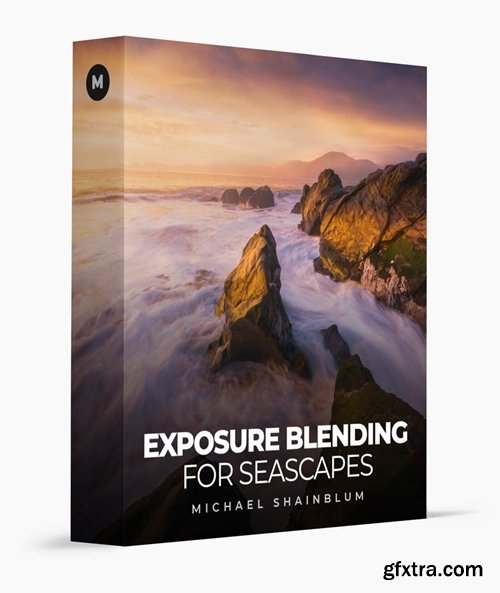
- The entire start-to-finish process for creating one of my most successful seascape photographs, Phoenix.
- In this course, I’ll teach you my technique and philosophy for preparation, why, and how I create the images I’ll be combining and creative ways of capturing different portions of the image. I’ll then show you my process for selecting the images I’ll be working on within Lightroom, and how I begin to make color corrections and adjustments in each image I’ll be combining.
- Learn to use multiple exposures to create a dynamic range of highlights and shadows in this landscape tutorial. I’ll share advanced dodging and burning and masking techniques as we create this stunning image.

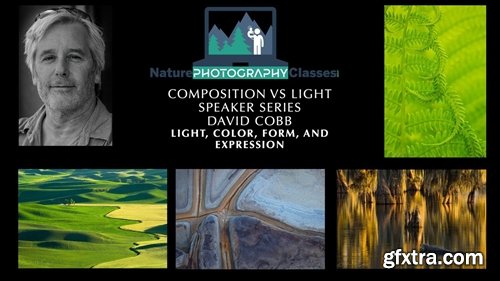
- David Cobb - Light, Color, Form, and Expression
- This well-crafted presentation will dissect the four tenets of photography—light, color, form, and expression—and how they can help you on your photographic journey. Explore the language of photography and critical composition skills, and how to better incorporate these elements into your images.

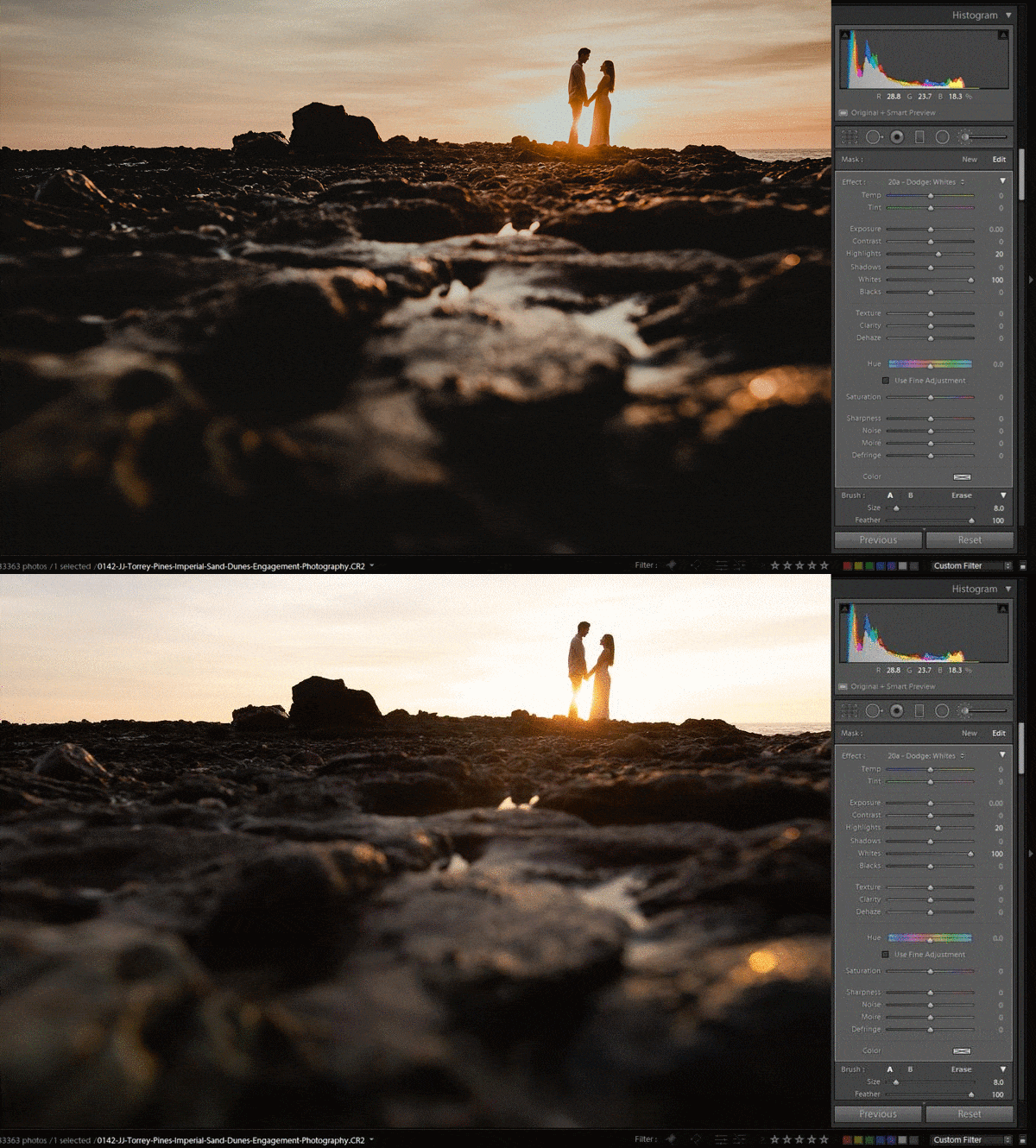
- Wanderlust Workshop
- HOW TO SHOOT AND EDIT DARK AND MOODY PORTRAITS
- Embrace shadows. Find emotion. Craft your story. Shooting for dark and moody portraits requires you to see the world a little differently. Learn how to expose, frame, and create raw wanderlust style imagery.
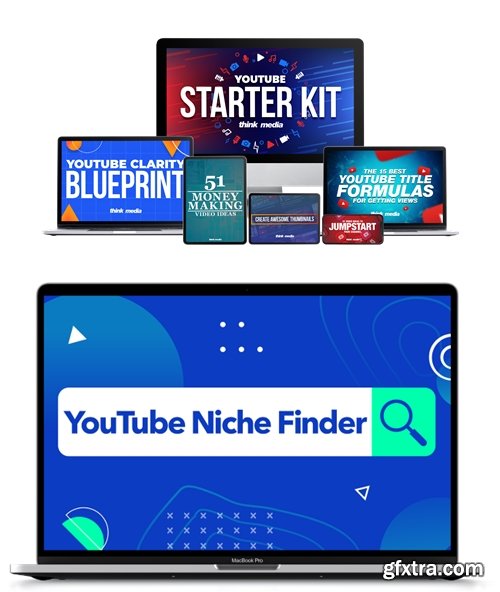
Think Media - The YouTube Niche Finder Bundle
- Get clarity on which niche is right for you based on your passion and skills.
- Pick a profitable niche and learn the different ways you can monetize your content.
- Learn practical tips for selecting the right types of videos that will get views and subscribers.
- The Step-by Step Process for "Finding Your Thing" on YouTube
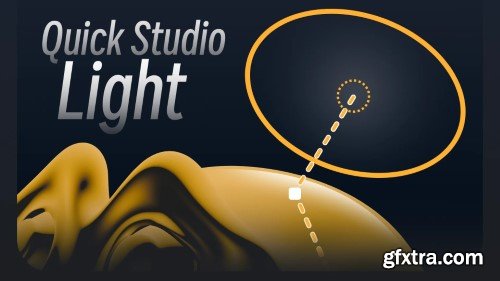
- Quick Studio Light is a Blender add-on that streamlines professional product lighting setups with one-click studio presets and real-time HDRI editing. Designed for 3D artists and product viz specialists, it offers 50+ adjustable lighting environments (softboxes, rim lights, backdrops), intuitive intensity/color controls, and seamless HDRI rotation/scaling—all accessible via a unified panel. Ideal for e-commerce, prototyping, and portfolio work, this tool eliminates complex manual light rigging while maintaining full PBR compatibility (Cycles/EEVEE) in Blender 3.0+.

- Convert multiple parametric shapes to Bezier paths, bake shape transforms, select all paths, and copy clean vectors. PathPrep is a dockable After Effects ScriptUI panel that streamlines your shape layer workflow. Convert parametric shapes to Bezier paths, bake transforms, select all paths, and copy clean vectors - all in just a few clicks.
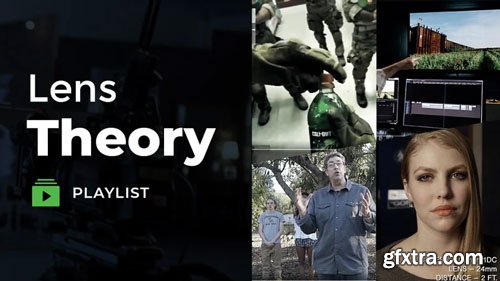
- 7 Lessons | 3 hours of instructional videos
- Lens Theory is an essential breakdown of understanding various lenses, they feel and emotion they convey, and how they become the soul of your creation.
- Often we’re so focused on how to do something that we lose sight of why we’re doing it in the first place. The theory of The Why Behind the How is essential for those who are decision-makers and want to lead and create the blueprints to craft a unified vision.
- In this course, you’ll learn how lens choice impacts the story to pull your audience in. Expect to find how a lens theory creates emotion in a scene, understand how lens language can convey specific characters, utilize color temperature of a lens, the flaring of a lens, and the resolving power of a lens to create emotional impact.
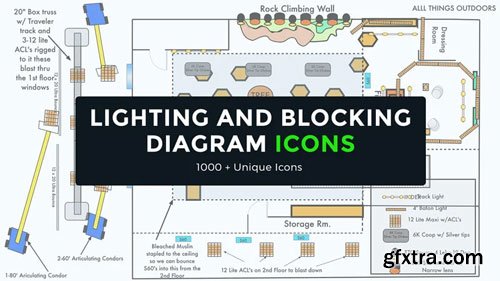
- 1 Video Lesson | 1000+ unique icons | 1 Tutorial on Uploading the Icons to Graphic
- These are the Lighting and Blocking Diagram Icons that cinematographer Shane Hurlbut, ASC utilizes to effectively communicate a unified vision to all departments. They say a picture is worth a thousand words. Well, these are worth 100,000!
- Inside are icons of all shapes and sizes like trees, boats, cars, trucks, fireplaces, couches, people, and many more! Along with the icons is a supplemental lesson where Shane shows you how to craft set plans, blocking schematics, lighting schematics, and work in conjunction with Google Earth to accurately show every department what they need to know.
- PLEASE NOTE: The icons are only compatible with Mac products (macOS 10.7 and later) and can only be used with the Graphic app
- If you use Windows or any other OS, these icons are unfortunately unavailable at this time. However, we will try to make them available in the future.
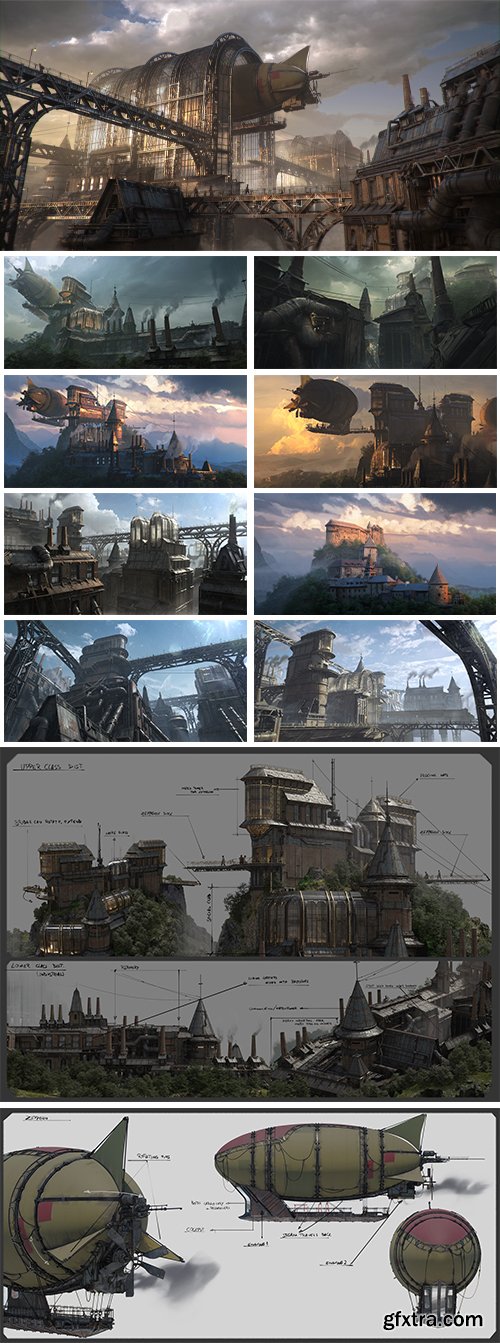
- Learn how to create cinematic environments from scratch using Blender and Cinema 4D. Learn the full process of environment creation, from the first sketch to the final render.
- In this course, you'll discover how to design and create stunning environments from scratch. Learn how to select the right tools, combine modeling, texturing, and lighting techniques, and bring your environments to life. Combining technical skill with creativity, this course will teach you how to craft landscapes that tell a story, all without relying on pre-made assets.
- Transform your concepts into polished, industry-ready projects with the right techniques. Learn how to take your raw ideas and turn them into complete, polished projects ready for presentation or client work. Understand how to develop your concept with attention to detail, refine your vision, and use the right software tools to bring your projects to life efficiently. This course will guide you through every stage of the process, giving you practical techniques to optimize each phase of your project.
- Master professional design techniques that help you stand out as a concept artist. In this section, you’ll dive into design like a true professional. Learn industry-standard methods to develop innovative ideas, create compelling visual moods, and perfect the details. You’ll also discover how to organize your workflow, tackle common design challenges, and improve the visual communication of your concepts.
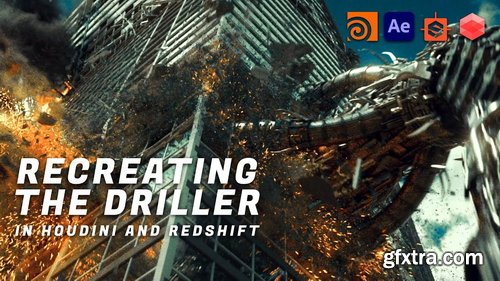
- Wreak Havoc Like the Pros. One Sim at a Time. Recreate the iconic Driller scene from Transformers: Dark of the Moon in this hands-on VFX workshop. Designed for artists ready to level up, you'll use Houdini, Redshift, and After Effects to build, animate, and destroy with pro techniques—kitbashing, procedural modeling, and more. Walk away with a killer shot, fresh skills, and the confidence to create your own epic VFX.
- Level-up your destruction skills! In this course you will learn how to model a driller robot from scratch, using both kit bashed assets and Houdini procedural modeling techniques. Next, you will assemble the many different components of the driller in preparation for animation.
- You will then animate the driller inside Houdini using KineFX in order to achieve quick results that match the reference. After completing the driller asset, you will then prep, name, and shatter the building model. The next step will be taking your driller model and destruction-ready building into Houdini’s bullet solver and simulating the destruction.
- Once the sim is complete, you will add secondary effects like: debris, smoke, fire and sparks to enhance the detail and realism of the shot.
- Finally, you will render all necessary passes in Redshift and complete your final image compositing in After Effects.
That's right! Rhino is a powerful 3D modeling software used in various industries such as architecture, industrial design, jewelry design, and more. Its versatility in handling different types of geometry like NURBS, SubD, point clouds, and polygon meshes makes it a favorite among designers and engineers. And its capability to handle complex projects without imposing limits on complexity, degree, or size, except for hardware limitations, adds to its appeal. It's a go-to tool for professionals looking for flexibility and precision in their 3D modeling work.

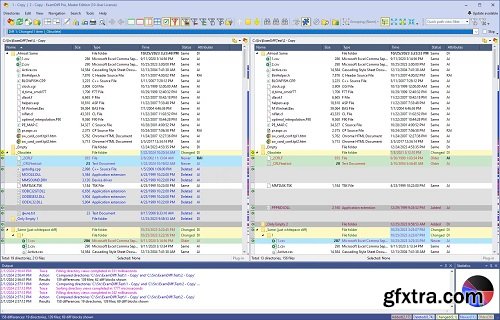
ExamDiff Pro is a powerful and easy-to-use file and directory comparison tool for Windows. It includes numerous helpful features for comparing and merging many kinds of files and folders – from source code to Office documents to Zip archives to files on remote computers. If you've been frustrated with other comparison utilities, you will find that ExamDiff Pro offers a much more user-friendly and customizable experience.
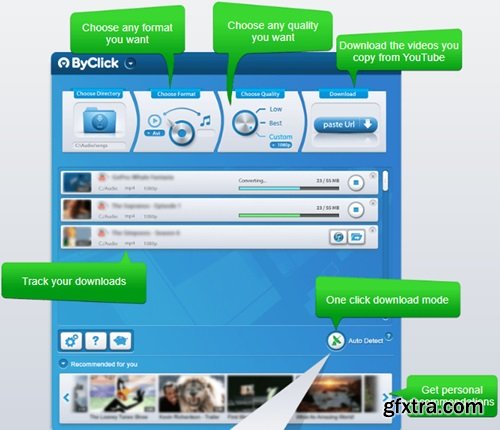
By Click Downloader is a tool designed to help you grab media from various websites, including, but not limited to YouTube, Facebook, Vimeo, Dailymotion, Instagram, Twitter, so on and so forth.
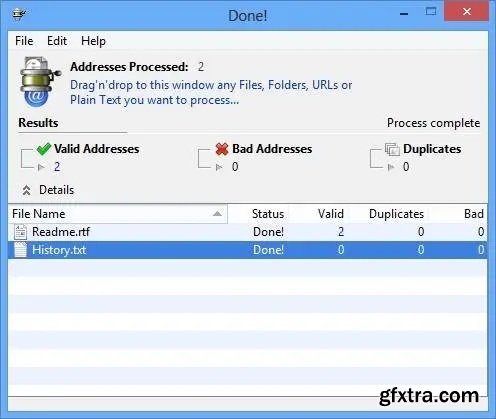
eMail extractor is a very powerful and reliable tool to extract e-mail addresses from all kind of text sources like your local files, online web pages, plain text drops and the clipboard. eMail extractor is very fast, easy to use and multithread. It retrieves absolutely all valid e-mail addresses and generates an output file with only good and well formatted e-mail addresses without duplicates.

Languages: English, 中文, Español, Français, Deutsch,
Italiano, 日本語, 한국어, Nederlands, Português, Svenska
If you have a business that requires contacting large numbers of clients and customers or other contacts, a bulk email software like MaxBulk Mailer will save you lots of time! MaxBulk Mailer is a bulk emailer that allows you to design and send professional looking emails to your customers and prospects for as little as fractions of a penny, directly from your own desktop.

Loan Calc is an easy-to-use tool intended to calculate loans and mortgages repayments in a very simple way. Loan Calc calculates repayments amount, monthly and total interest, total repayments and generates a full repayment list from a start date. Loan Calc is currency-independent so it can be used with any currency. Just use a dot or a comma for decimals depending on your system settings.
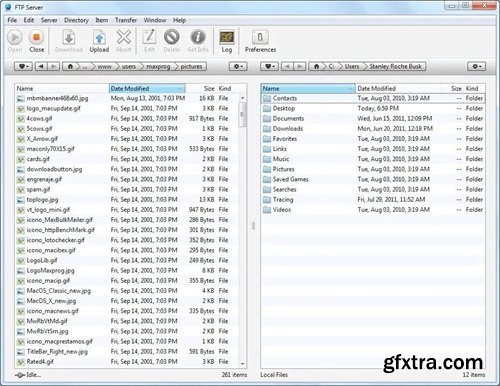
In order to maintain your Web site you surely need some kind of FTP software however not all the FTP tools available today seem to be designed with frequent uploading in mind. Indeed, they are not always as handy as they could or should be. Actually, they all seem to copy each others. Updating files on your server can be a repetitive and boring process, and in many cases it's more trouble than it's worth. It doesn't have to be that way, however, as FTP Disk makes this whole process much more intuitive.




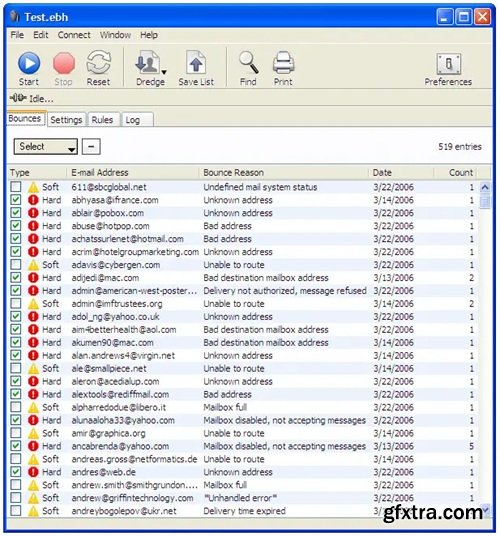
Bounce e-mail (sometimes referred to as bounce mail) is electronic mail that is returned to the sender because it cannot be delivered for some reason. Unless otherwise arranged, bounce e-mail usually appears as a new note in your inbox. E-mail users can encounter bounce e-mail because an addressee has changed his or her address, because their mail box is full, because the note is misaddressed, or for some other reason.
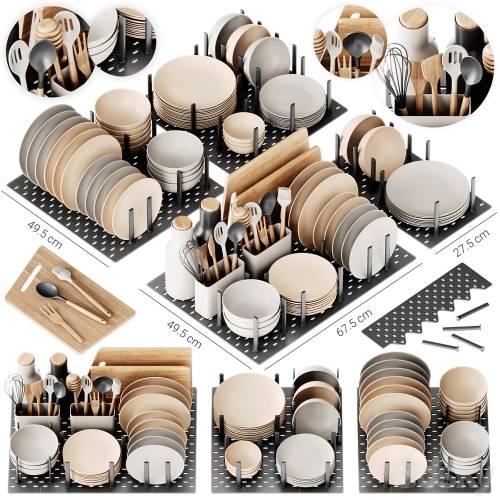
126,000 Royalty-Free 3D Model

Udemy Türkçe


Top Rated News
- CreativeLive Tutorial Collections
- Fasttracktutorials Course
- Chaos Cosmos Library
- MRMockup - Mockup Bundle
- Finding North Photography
- Sean Archer
- John Gress Photography
- Motion Science
- AwTeaches
- Learn Squared
- PhotoWhoa
- Houdini-Course
- Photigy
- August Dering Photography
- StudioGuti
- Creatoom
- Creature Art Teacher
- Creator Foundry
- Patreon Collections
- Udemy - Turkce
- BigFilms
- Jerry Ghionis
- ACIDBITE
- BigMediumSmall
- Globe Plants
- Unleashed Education
- The School of Photography
- Visual Education
- LeartesStudios - Cosmos
- Fxphd
- All Veer Fancy Collection!
- All OJO Images
- All ZZVe Vectors
- CGTrader 1 CGTrader 2



















