

CM - 100 Natural Sunlight Photo Overlays 1884158
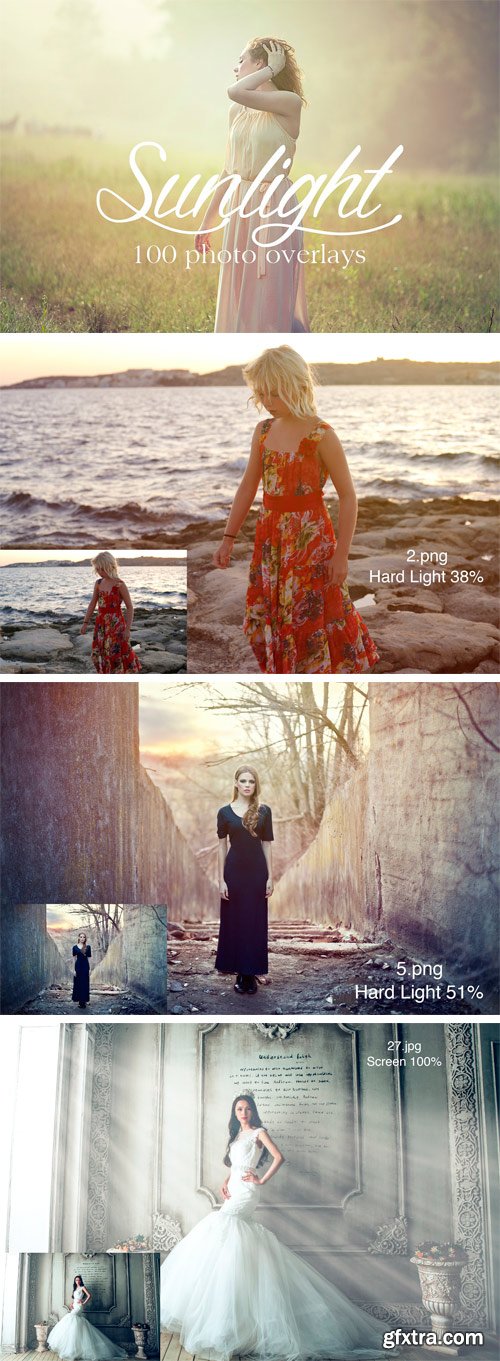
100 natural sunlight photo overlays.
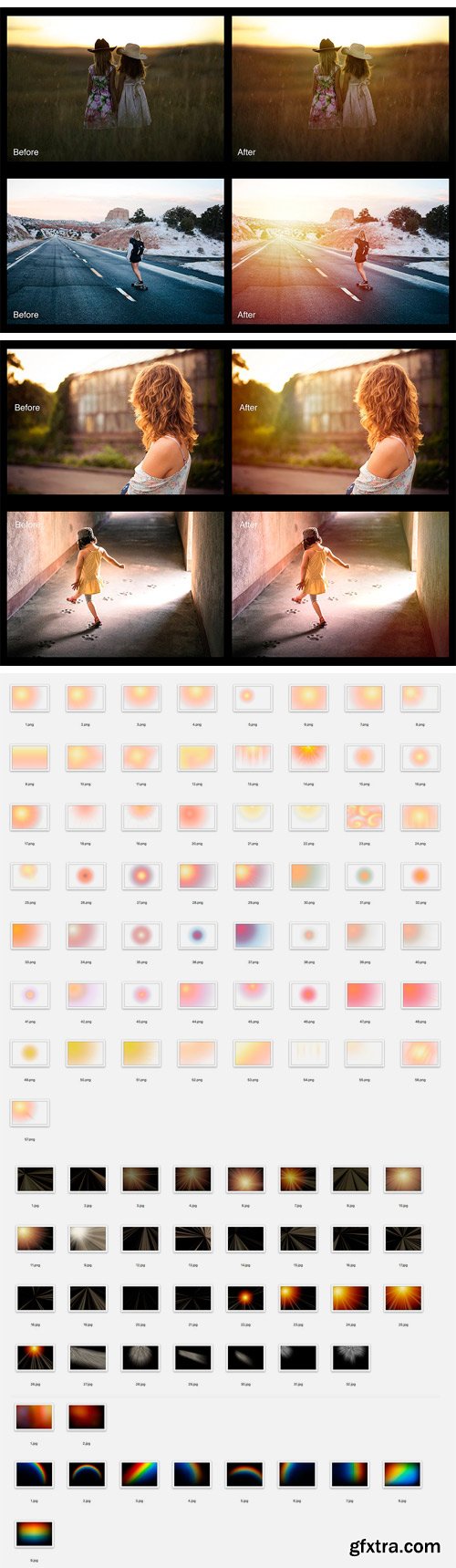
• 100 photo overlays. High resolution (6960x4632px - 300dpi).
• 57 transparent PNGs and 43 JPEGs.
• Compatible with any software that allows you to work with layers ( Photoshop, Photoshop Elements, Paint Shop Pro, etc.)
To use the transparent PNGs:
• Place the overlay in a layer above your photo.
• Transform the overlay until you like the size and placement.
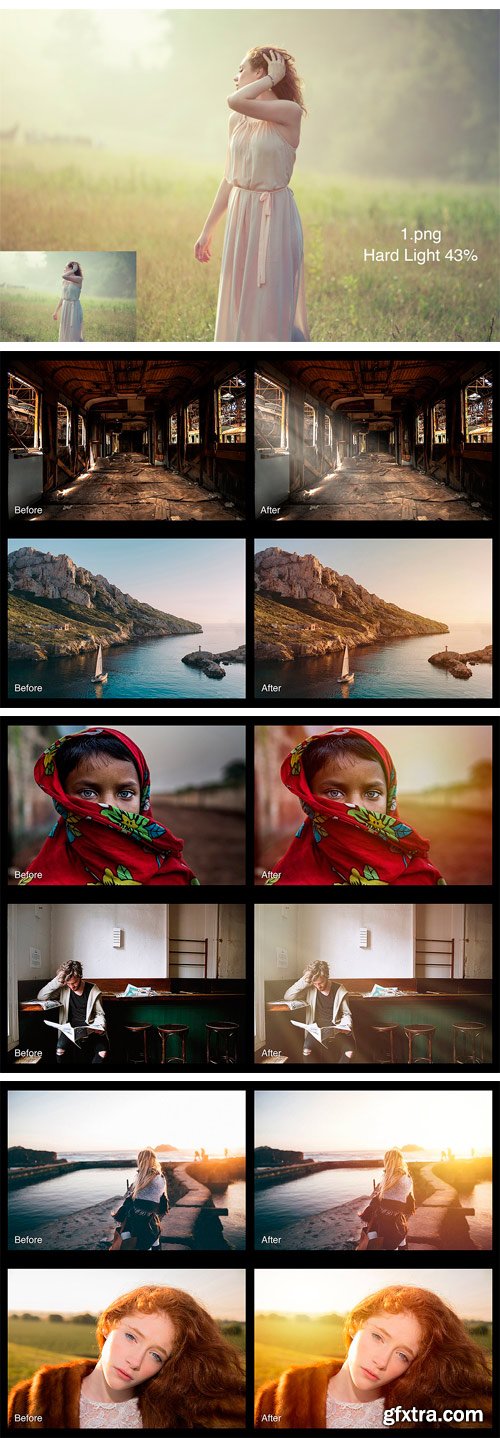
• Choose a blending mode. Most of the time Screen, Soft Light or Hard Light are going to produce the best result.
• Lower the opacity of the overlay layer if the result is too intense.
• Add a mask to the overlay layer. Use a soft brush, between 20% and 60% opacity, to erase the overlay from places you want to reduce the effect.
To use the JPEGs
• Place the overlay in a layer above your photo.
• Transform the overlay until you like the size and placement.
• Choose “Screen” as your blending mode.
• Reduce the layer opacity if the effect is too strong.
• Add a mask to the overlay layer. Use a soft brush, between 20% and 60% opacity, to erase the overlay - from places you want to reduce the effect.



NeoSkola Bütün Kursları

Udemy Türkçe


Top Rated News
- TheBoudoirDivas All Tutorial
- 126,000 Royalty-Free 3D Models
- CreativeLive Tutorial Collections
- Fasttracktutorials Course
- Chaos Cosmos Library
- MRMockup - Mockup Bundle
- Finding North Photography
- Sean Archer
- John Gress Photography
- Motion Science
- AwTeaches
- Learn Squared
- PhotoWhoa
- Houdini-Course
- Photigy
- August Dering Photography
- StudioGuti
- Creatoom
- Creature Art Teacher
- Creator Foundry
- Patreon Collections
- Udemy - Turkce
- BigFilms
- Jerry Ghionis
- ACIDBITE
- BigMediumSmall
- Globe Plants
- Unleashed Education
- The School of Photography
- Visual Education
- LeartesStudios - Cosmos
- Fxphd
- All Veer Fancy Collection!
- All OJO Images
- All ZZVe Vectors
- CGTrader 1 CGTrader 2



















