

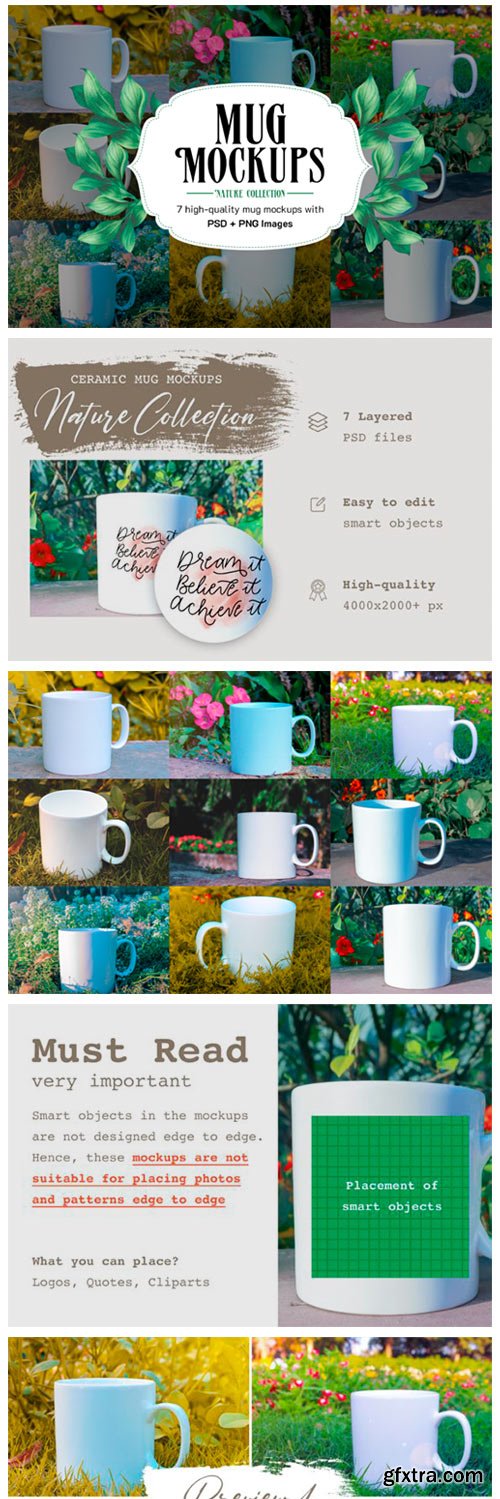
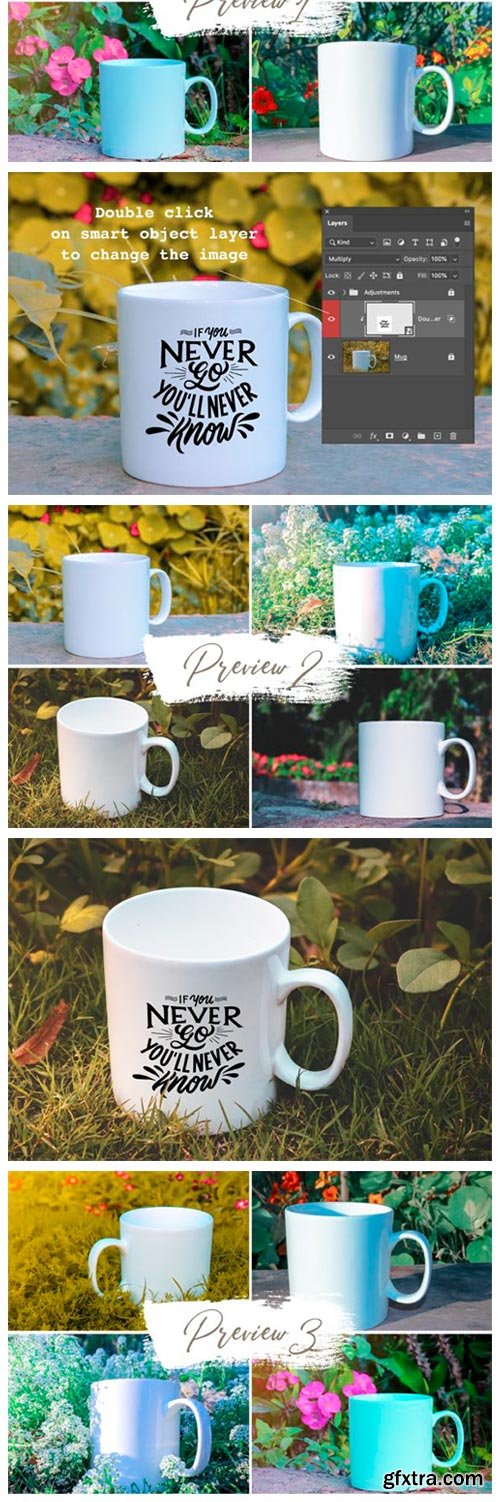
7 Ceramic Mug Mockups + Bonus 6127290
What is included?
– 7 High-quality Photoshop files with smart object layers
– 4 bonus images
– 11 High-quality PNG images.
How to edit smart objects? – To edit the smart object, you need a design software like Photoshop. – Double click on the smart object layer marked with red in the layer panel. – Once, you double-click on the smart object layer, a new tab will be opened. – Place your design, save and close this tab. Your design will automatically reflect in the main file.Must Read: Smart objects in the mockups are not designed edge to edge. Hence, These mockups are not suitable for placing photos and patterns.


126,000 Royalty-Free 3D Model

Udemy Türkçe


Top Rated News
- CreativeLive Tutorial Collections
- Fasttracktutorials Course
- Chaos Cosmos Library
- MRMockup - Mockup Bundle
- Finding North Photography
- Sean Archer
- John Gress Photography
- Motion Science
- AwTeaches
- Learn Squared
- PhotoWhoa
- Houdini-Course
- Photigy
- August Dering Photography
- StudioGuti
- Creatoom
- Creature Art Teacher
- Creator Foundry
- Patreon Collections
- Udemy - Turkce
- BigFilms
- Jerry Ghionis
- ACIDBITE
- BigMediumSmall
- Globe Plants
- Unleashed Education
- The School of Photography
- Visual Education
- LeartesStudios - Cosmos
- Fxphd
- All Veer Fancy Collection!
- All OJO Images
- All ZZVe Vectors
- CGTrader 1 CGTrader 2



















