


- Entirely in Redshift 3.5 and C4D R26 + 2023 Learn how to optimize and speed up your renders on your machine and how to make them clean at the same time! In depth look at Rendering with Redshift. Learn Lighting options, tips, tricks, settings, controls! Master the camera in C4D and use RS Bokeh to make depth of field and cinematic renders as well as motion blur and more. What will I learn in this course? We cover optimizing rendering for your machine, creating professional lighting, and camera settings. By the end of this course you’ll be able to create amazing looking renders that are both fast and clean! Does the course cover creating the shots in the promo video? Yes, what you see in the promo is taken straight from the course! What knowledge do I need to complete the course? A basic level of Cinema 4D should be fine for this course. What software do I need? You need Maxon Cinema 4D (many of the techniques are achievable in older versions but Version 20 and above is recommended). You also need the Redshift Render Plugin for Cinema 4D, Redshift Version 3.0 and up. 3.5 recommended.

 Comments: (0)
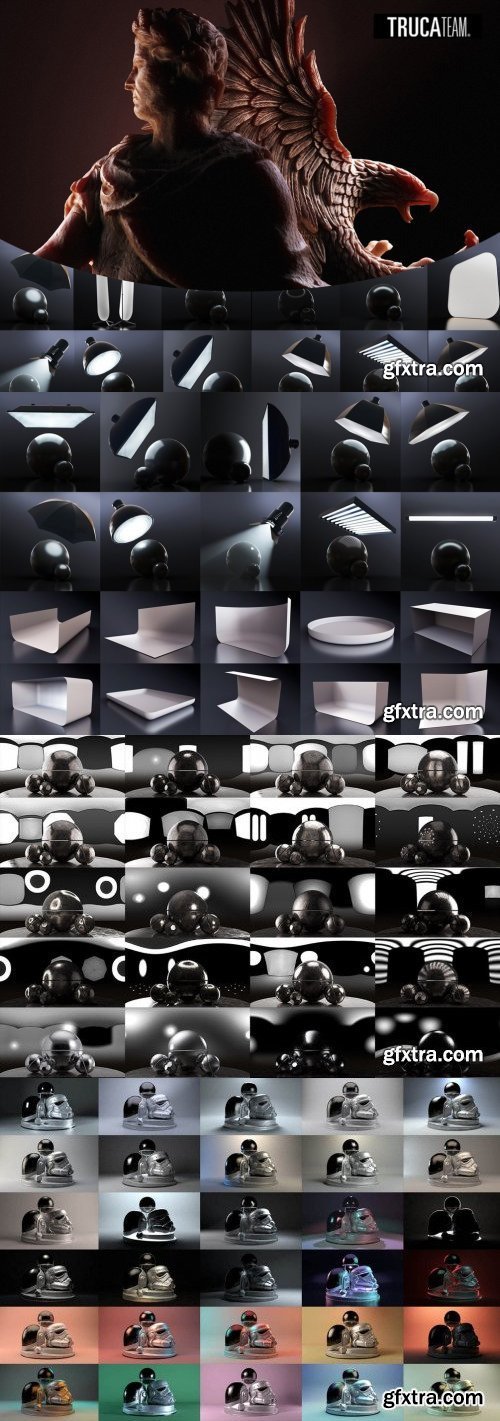
Everything you need in one single Suite.
Professional Lighting made easy… and affordable.
-13 Light Items with Area Light maps.
- 9 Customizable Stages.
- Infinite Floor with material controls + 50 Presets.
- 30 Studio Presets.
- 130 High Ress HDRI: Studio, Reflections, Color, Exterior, Interior.
- 15 Stands.
- 7 Test objects.
- Redshift 3.5.19 introduces additional adjustment parameters to the MatCap shader, allowing users to prepare beautiful illustrative renders from their own digital sketches and quickly create simple, stylized renderings. Thanks to the Distorter node now featuring 3D distortion using Maxon Noise, bump maps can now be distorted. Additionally, Redshift CPU performance has been improved on systems with at least 12 CPU threads. And Redshift in Blender now supports the Jitter Node, which allows to quickly vary shader attributes across a large number of assets.
Redshift introduces additional adjustment parameters to the MatCap shader, allowing users to prepare beautiful illustrative renders from their own digital sketches and quickly create simple, stylized renderings. Thanks to the Distorter node now featuring 3D distortion using Maxon Noise, bump maps can now be distorted. Additionally, Redshift CPU performance has been improved on systems with at least 12 CPU threads. And Redshift in Blender now supports the Jitter Node, which allows to quickly vary shader attributes across a large number of assets.
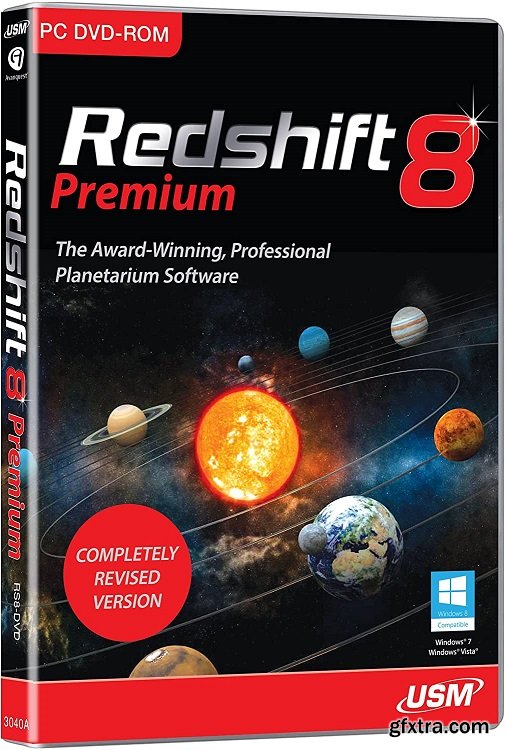
Explore the universe from your PC with the award-winning and professional planetarium software. Redshift is your comprehensive guide to the heavens. Enjoy a breathtaking, brilliant representation of the night skies; travel across the Milky Way and beyond, or have a close and detailed look at the planets, moons, asteroids, or many other celestial bodies. Make use of Redshift’s powerful telescope control each time you observe the night sky. With the aid of the comprehensive, customizable Sky Diary you can easily plan any observation on your own.

Redshift is a powerful GPU-accelerated renderer, built to meet the specific demands of contemporary high-end production rendering. Tailored to support creative individuals and studios of every size, Redshift offers a suite of powerful features and integrates with industry standard CG applications.
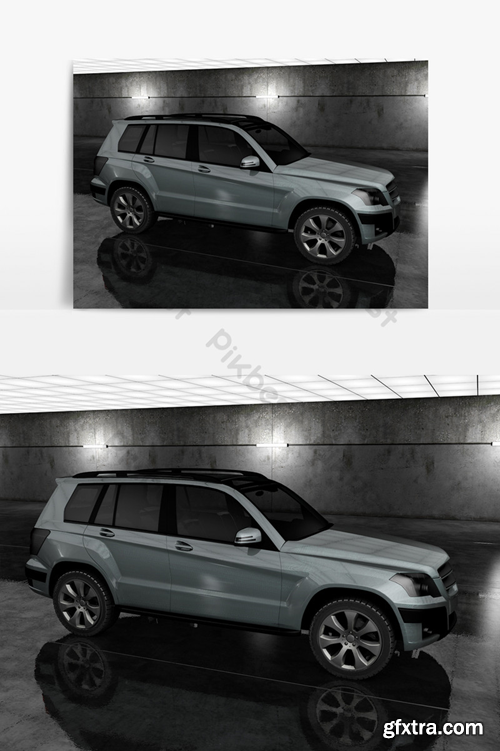
Software:C4D | Format:C4D
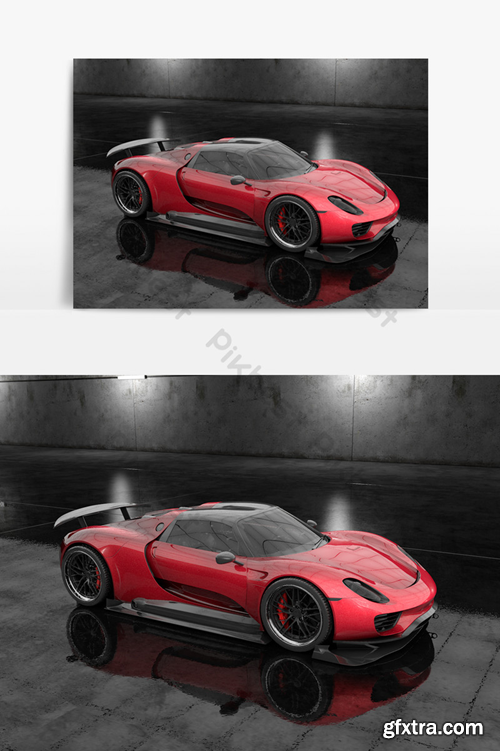
Software:C4D | Format:C4D
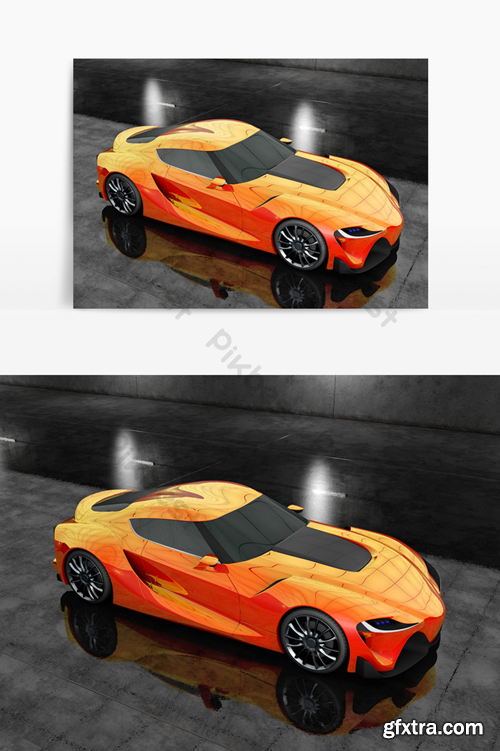
Software:C4D | Format:C4D
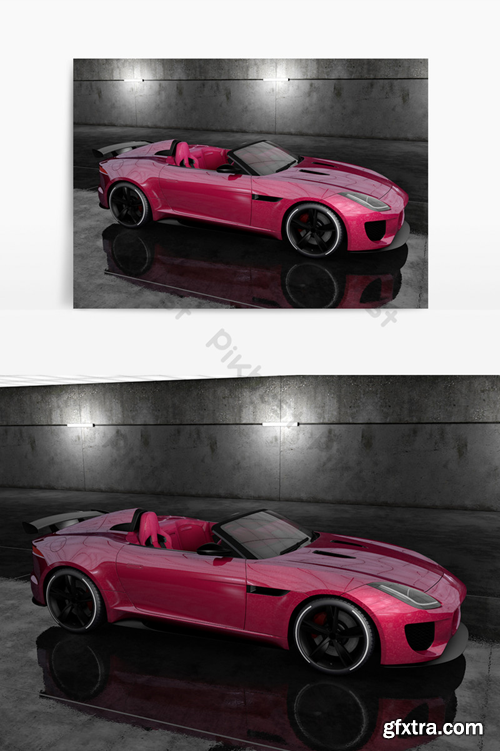
Software:C4D | Format:C4D
126,000 Royalty-Free 3D Model

Udemy Türkçe


Top Rated News
- CreativeLive Tutorial Collections
- Fasttracktutorials Course
- Chaos Cosmos Library
- MRMockup - Mockup Bundle
- Finding North Photography
- Sean Archer
- John Gress Photography
- Motion Science
- AwTeaches
- Learn Squared
- PhotoWhoa
- Houdini-Course
- Photigy
- August Dering Photography
- StudioGuti
- Creatoom
- Creature Art Teacher
- Creator Foundry
- Patreon Collections
- Udemy - Turkce
- BigFilms
- Jerry Ghionis
- ACIDBITE
- BigMediumSmall
- Globe Plants
- Unleashed Education
- The School of Photography
- Visual Education
- LeartesStudios - Cosmos
- Fxphd
- All Veer Fancy Collection!
- All OJO Images
- All ZZVe Vectors
- CGTrader 1 CGTrader 2



















