

Corona Renderer 15 Hotfix 2 for 3ds Max 2018-2027
https://www.chaos.com/corona
Corona Renderer for 3ds Max is now available with many new features to this CPU-based un(biased) photorealistic renderer. Render times can be reduced by as much as 50 to 70% thanks to the new denoising capability, which is based on the 3D scene information and not just a 2D post-process effect, while adaptive rendering further reduces noise and grain in renders. Corona now also efficiently handles scenes with more than 255 lights.

WiN | x64 | Multilanguage | 1.74 GB
https://www.autodesk.com/products/mudbox/overview
- Autodesk Mudbox digital painting and sculpting software provides 3D artists with an intuitive and tactile toolset for creating highly detailed 3D geometry and textures for beautiful characters and environments. Autodesk has released Mudbox 2019, the latest update to the digital sculpting software, extending its dynamic tessellation system, and adding a new option to merge multiple meshes into a single object.
- Launching at SIGGRAPH 2016, Arnold for 3ds Max (or MAXtoA) provides a bridge to the Arnold renderer from within the standard 3ds Max interface.
Aescripts - LightWrap v1.0.0
AE 2026, 2025, 2024
https://aescripts.com/lightwrap/
- The classic light wrap, without the precomp. Pick a background layer and LightWrap wraps its light and color around the edges of your foreground, live in the comp. Move it, scale it, animate it, the wrap follows. No precomposing, no baking, and it works on footage, text and shape layers alike. Optional glow, direction control and background color correction are built in.
Aescripts - COMP-O-RAMA v1.1.0
https://aescripts.com/comp-o-rama/
After Effects 2026, 2025, 2024, 2023, 2022
- Every comp you need, in one click. Add presets or custom templates into the queue, hit create and done. Batch-create compositions from presets or custom templates. Smart naming, 30+ built-in formats, bulk edit, reusable queue templates.Every comp you need, in one click. Starting an After Effects project shouldn’t mean New Composition / Settings / Duplicate / rename / rename / rename. COMP-O-RAMA lets you build a queue of comps — from presets or your own templates — and spin them all up in one click.
https://www.artstation.com/marketplace/p/2dz59/sci-fi-wires-kitbash-pack-80
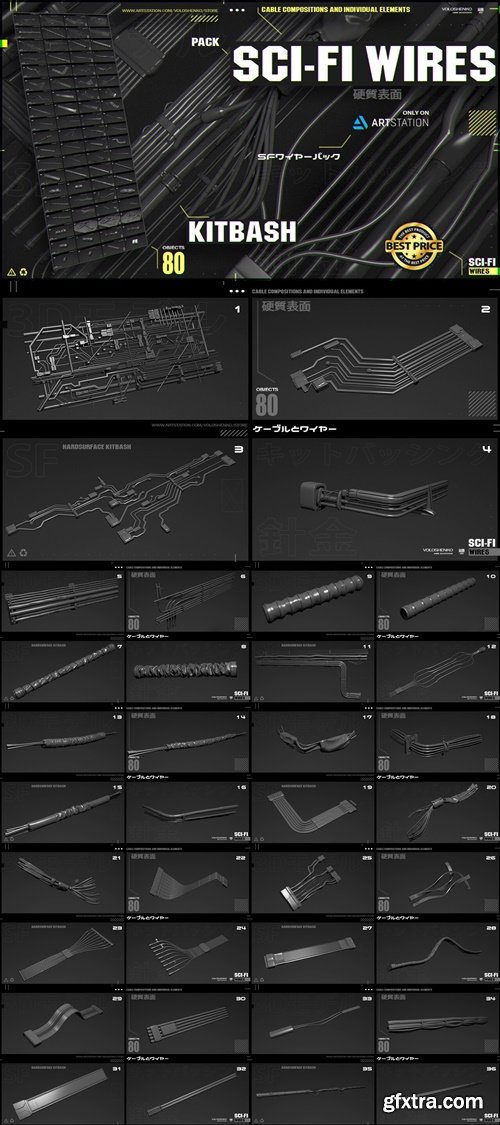
A collection of over 80 sci-fi wire models. No UV unwrapping. No textures.
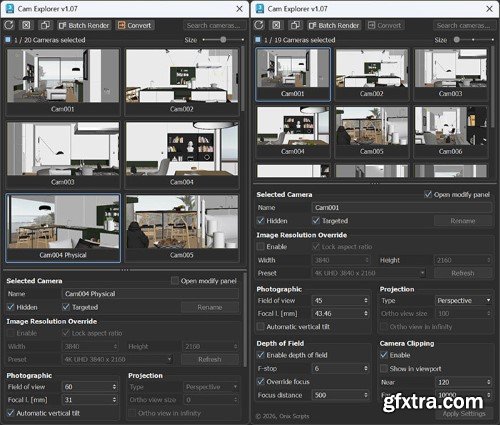
- Cam Explorer puts every camera in the scene in front of you as a thumbnail, and every setting you would normally reach through the Modify panel in one place beneath them. Select a thumbnail to look through that camera, or select several to change them all at once.
- Cam Explorer puts every camera in the scene in front of you as a thumbnail, and every setting you would normally reach through the Modify panel in one place beneath them. Select a thumbnail to look through that camera, or select several to change them all at once.
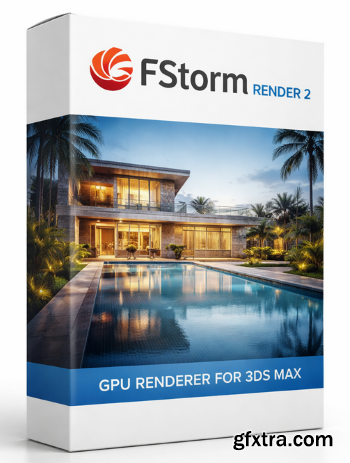
- FStormRender has being developed by PinkSoft LTD since 2015 and becomes the most popular GPU render with architectural 3d artists due to its speed, quality and simplicity. FStormRender doesn't use any existing solutions implemented in other render engines and uses only inhouse technologies giving outstanding, unique and photorealistic result.

https://km3d.gumroad.com/l/smoothboolean
- SmoothBoolean is a 3ds Max plugin for creating smooth transitions between ProBoolean meshes. No more spending hours cleaning up messy topologies created using Boolean cuts. If you just want your 3ds model to look great on renders, or you need to bake something for a game, you don't have to waste time trying to model for fancy Sub-D meshes. This plugin is a true game-changer for 3ds Max modeling.
- SmoothBoolean is a spectacular 3ds Max plugin for creating smooth transitions between ProBoolean meshes. No need to spend hours on cleaning messy topologies created with boolean cuts anymore. If you just want your 3d models to look great on the renderings or you need to bake something for games, then you don't have to waste your time trying to model fancy Sub-D meshes. This plugin is a real 3ds Max modeling game changer. buying After the plugin you will get free updates for every next version of it.
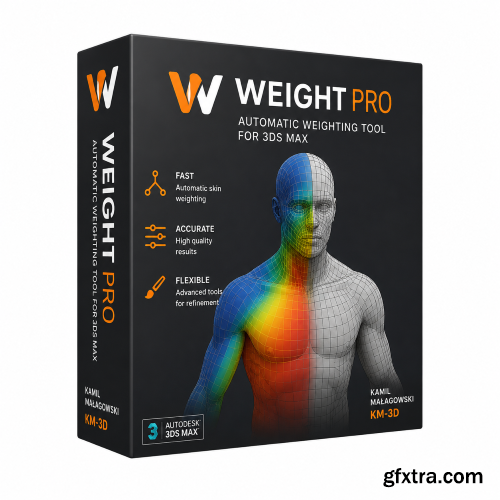
WeightPro 2 v2.01 for 3ds Max 2015-2027
https://km3d.gumroad.com/l/weightpro
- WeightPro is a C++ 3ds Max plugin for automatic, fast and smooth Skin modifier weighting, no matter if the mesh has good or messy topology. It voxelizes the mesh with the skeleton using GPU to calculate the shortest distances between bones and vertices. It allows you to make adjustments during posing in realtime. After that you can delete the plugin from the scene and from now the skinned object is ready to use by everyone without the plugin.
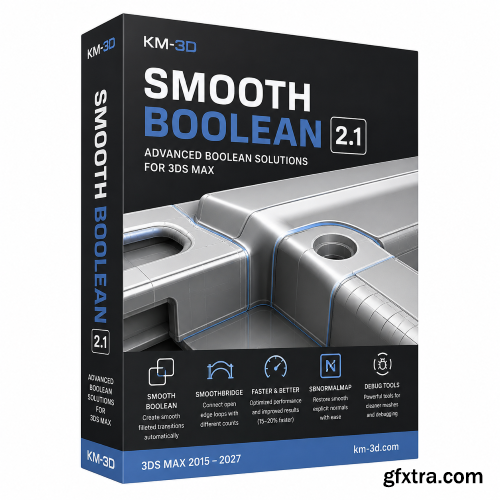
- SmoothBoolean is a 3ds Max plugin for creating smooth transitions between ProBoolean meshes. No need to spend hours on cleaning messy topologies created with boolean cuts anymore. If you just want your 3d models to look great on the renderings or you need to bake something for games, then you don’t have to waste your time trying to model fancy Sub-D meshes. This plugin is a real 3ds Max modeling game changer. After buying the plugin you will get free updates for every next version of it.

- DeltaMush to Skin is a C++ 3ds Max modifier which smooths deformations while preserving details with "converting" to Skin feature. The plugin solves Skin weights matched as close as possible to the DeltaMush result. It enables the user to export such rigg to the game engine like Unity, Unreal etc. The whole process is really fast thanks to multithreaded optimization.

- Cloth Deform is a modifier which creates cloth-like wrinkles on top of any mesh deforming modifier, which squashes/stretches its edges (e.g. Skin). It is history-independent, so it gets a single mesh as an input and transform it into a wrinkled-state based on its rest pose. It doesn’t do any simulation, so to see the result at frame 100 you don’t have pre-sim the (0-99) range, like in any other cloth simulators.
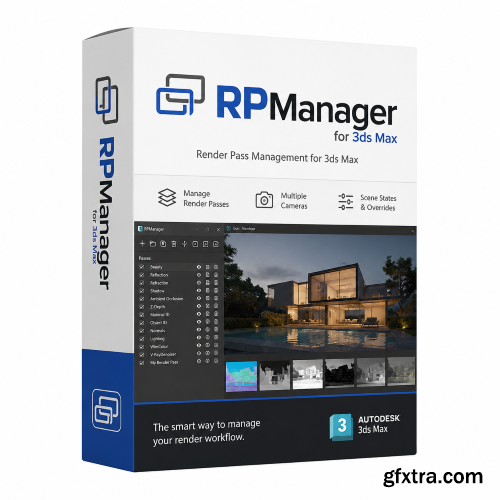
RPManager v7.8 for 3ds Max 2013 - 2026
http://rpmanager.com/RPManager_Download.htm
- RPManager is an extension for Autodesk 3dsmax which makes the task of managing multiple render passes from a single scene file efficient and user-error free. 3dsmax 5's two render presets and 3dsmax 6/7's render preset system and 3dsmax8+'s batch render system only begin to touch the solution for a rendering management system in heavy production environments. Settings generally needed for a complete pass - camera settings, object properties, object visibility, background setup, etc. - need to be manually organized and reset for each render pass.
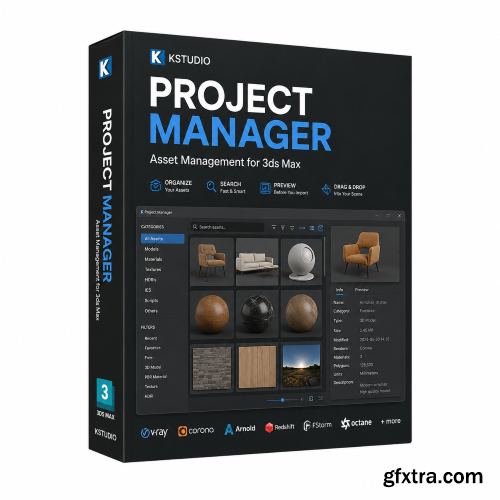
- Project Manager from Kstudio puts a local AI engine at the heart of your 3ds Max library: it classifies your models automatically—by type, material, form and style—so your library organises itself, with no manual tagging. Find Similar locates matching models by shape and style from any asset or reference image, while Colour Search pulls up models and textures by colour in an instant. Everything runs locally—no cloud, no subscription. Managing a large asset library—Models, Materials, Textures, IES lights, Proxies and more—can quickly eat up hours; Project Manager streamlines every step.
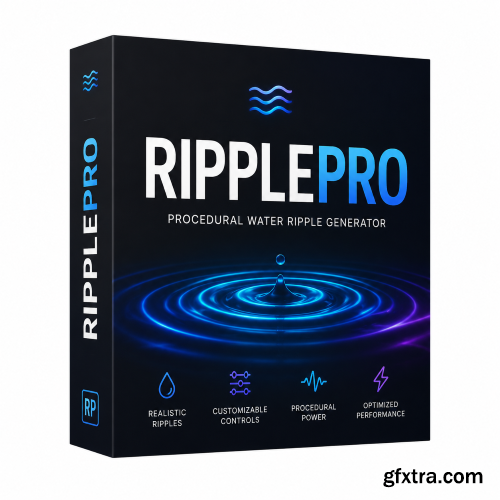
- The stock 3ds Max Ripple modifier hasn't changed in decades — a single sine wave on a flat plane. Ripple Pro is a ground-up replacement: a complete ripple, wake, and rain toolkit. It installs as a native modifier and works the way you'd expect — drop it on your geometry, dial it in, done. The difference is what's underneath: five different ripple sources, two evaluation modes, a wave-equation simulation, procedural rain with splashes and beads, and the performance and caching to take it from viewport to final render.
-
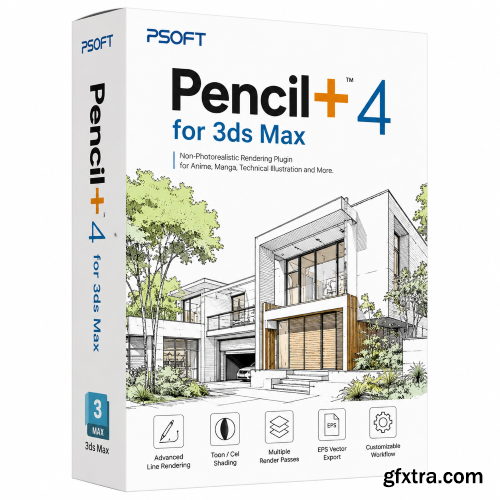
In the dynamic realm of 3D design and animation, the demand for captivating non-photorealistic rendering (NPR) continues to surge, driven by industries like anime, gaming, and advertising. PSOFT’s Pencil+ RenderApp emerges as a dedicated solution, empowering artists to transform 3D models into striking cel-shaded illustrations, intricate line art, and hand-drawn masterpieces with unmatched efficiency. Designed for both seasoned professionals and aspiring creators, this standalone rendering tool bridges the gap between technical complexity and artistic vision, offering a streamlined workflow to achieve anime-inspired visuals, comic book aesthetics, or any stylized project.

Chaos Corona 15 hotfix 1 for 3ds Max
https://www.chaos.com/corona
- Unmatched photorealism with Chaos Corona. Create stunning architectural visualization effortlessly. Be an artist, not a technician, and achieve photorealism with ease.

Corona Renderer 15 for 3ds Max 2018-2027 (Updated)
https://www.chaos.com/corona
- Unmatched photorealism with Chaos Corona. Create stunning architectural visualization effortlessly. Be an artist, not a technician, and achieve photorealism with ease.
https://www.autodesk.com/
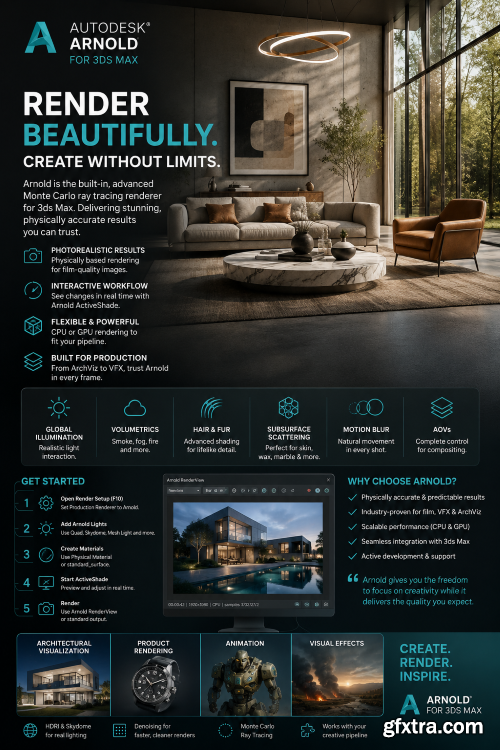
- Launching at SIGGRAPH 2016, Arnold for 3ds Max (or MAXtoA) provides a bridge to the Arnold renderer from within the standard 3ds Max interface.
Arnold 5.9.3 for 3ds Max 2025-2027
https://www.autodesk.com/products/arnold/overview
- Autodesk Arnold is a powerful, high-quality rendering software designed for 3D animation, visual effects, and design visualization. As an advanced Monte Carlo ray tracing renderer, Arnold is renowned for its ability to produce stunning, photorealistic images with predictable and efficient workflows. It is widely used in the film, television, and gaming industries, trusted by leading studios for its reliability and scalability in handling complex scenes and large datasets. Arnold’s robust feature set includes support for volumetric rendering, subsurface scattering, and hair and fur, making it versatile for a wide range of creative projects. Its intuitive interface and seamless integration with popular 3D applications like Maya, 3ds Max, and Cinema 4D streamline the rendering process, allowing artists to focus on creativity rather than technical hurdles. Additionally, Arnold’s adaptive sampling and efficient memory management ensure faster rendering times without compromising quality. With its node-based material editor and extensive shader library, Arnold empowers artists to achieve precise control over lighting, textures, and materials. Whether you’re creating cinematic visuals or intricate product designs, Autodesk Arnold delivers the tools and performance needed to bring your creative vision to life with unparalleled realism and detail.

3dsMax 20 | 24 | 25 | 26 | 27
https://www.simpolium.com/
- Material Library – Contains over 70 high-quality Vray and Corona material presets. The materials can be applied to Cityscape elements as well as any other object in a scene. (See the Material Library section).
- Surface – Surface geometry is used as a base for all calculations. Once the Curbed Areas are generated on top of it, the exposed part of the surface turns into a road. To start, click the <Pick Surface> button and pick the surface geometry in the scene.
- Note: For best results, the base surface should be a clean, uniform geometry without double faces, holes, flipped polygons or long triangles. Quad polygons are recommended. For optimal calculation times, the surface area and polycount should be low. (See the Knowledge Base section)
- Generate – An interactive button that generates a result. The button turns blue and flashes when changes are detected. The button turns red when problems are detected with input elements.
https://www.smartanim.com/
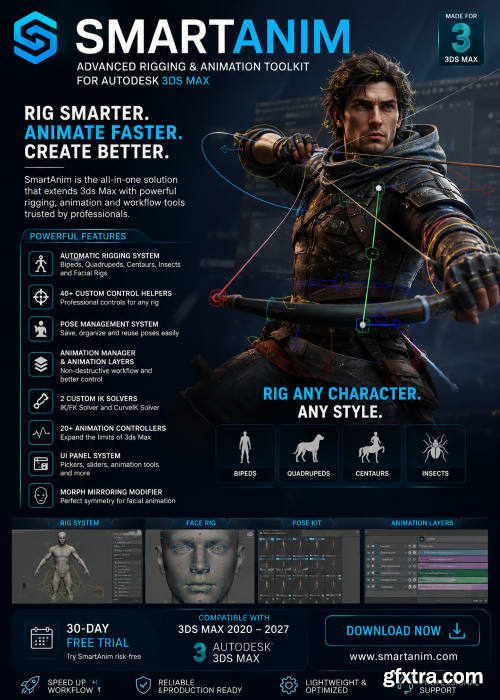
SmartAnim is a new advanced rigging and animation plugin for Autodesk 3ds Max. This powerful toolkit expands the current set of controllers, solvers, helpers, and rigging tools available within 3ds Max, allowing animators to create more complex and sophisticated animations than ever before. Whether working on a film, game, or other type of animation project, SmartAnim is a valuable addition to any animator's toolkit






















Top Rated News
 thegreatcourses
- Udemy Part 3
- Pose and Reference Pack
- PSDMarket All Flyer
- TheBoudoirDivas All Tutorial
- 126,000 Royalty-Free 3D Models
- CreativeLive Tutorial Collections
- Fasttracktutorials Course
- Chaos Cosmos Library
- MRMockup - Mockup Bundle
- Finding North Photography
- Sean Archer
- John Gress Photography
- Motion Science
- AwTeaches
- Learn Squared
- PhotoWhoa
- Houdini-Course
- Photigy
- August Dering Photography
- StudioGuti
- Creatoom
- Creature Art Teacher
- Creator Foundry
- Patreon Collections
- Udemy - Turkce
- BigFilms
- Jerry Ghionis
- ACIDBITE
- BigMediumSmall
- Globe Plants
- Unleashed Education
- The School of Photography
- Visual Education
- LeartesStudios - Cosmos
- Fxphd
- All Veer Fancy Collection!
- All OJO Images
- All ZZVe Vectors
- CGTrader 1 CGTrader 2






























