


-
Support 3dsmax 2025 / Corona 12.
-
Revit Rvt Converter to Corona renderer.
-
Corona to Arnold converter.
-
Added support to Autodesk Material and Map.
-
Mesh Density filter.
-
Select by modifier.
-
Select objects by similar materials.

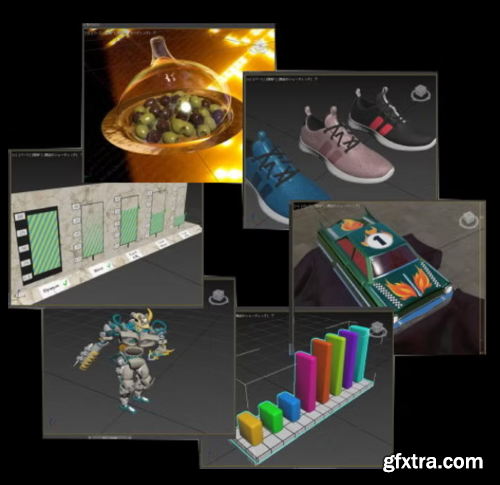
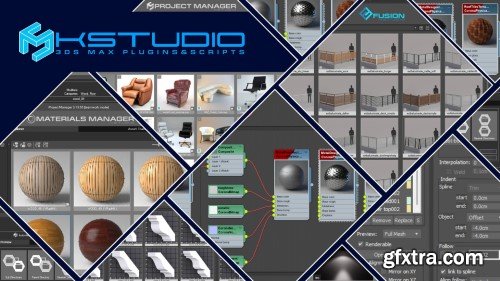
- Project Manager 3.37.81
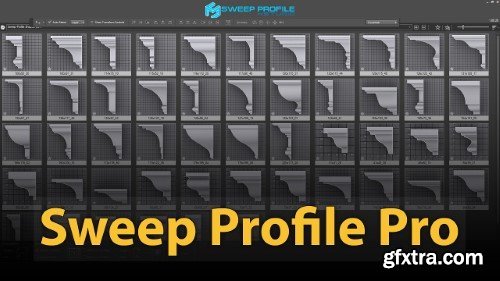
- Sweep Profile Pro 1.01.36
- Moldings Mega Bundle
- Spline Flow Pro 0.9.165.95
- Fusion 1.0.271.159
- Curlipse 1.0.33.23

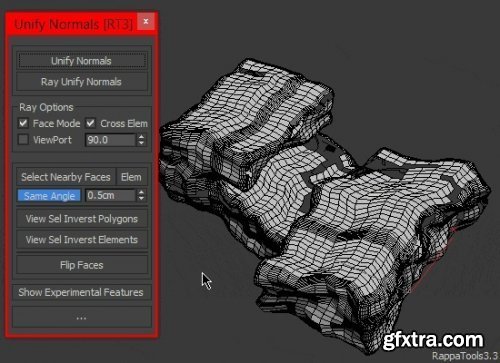
RappaTools 3.563 for 3dsMax
http://www.scriptspot.com/3ds-max/scripts/rappatools3
RappaTools3 is an advanced toolbox that comes with a great variety of tools for the artist working in 3ds Max. The main focus is to speed up the workflow and to reduce the click count. It offers a wide variety of tools, everything from selection tools to rendering tools. It can help you through the entire process of creating a 3D art piece.
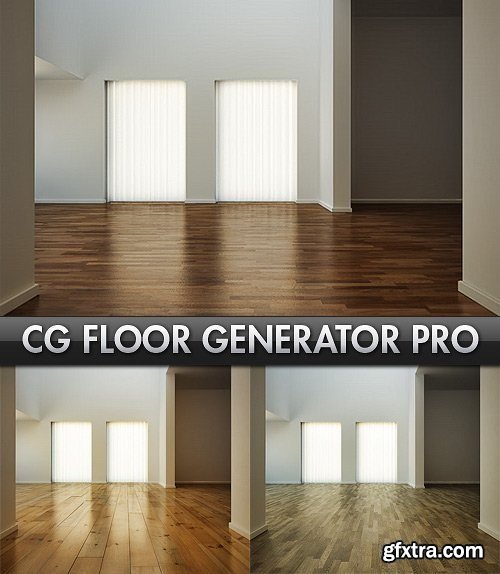
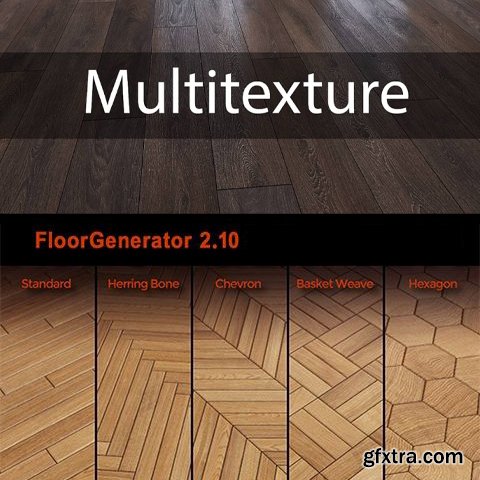
FloorGenerator is a plugin for 3ds Max (2013 to 2018) which generates floor objects consisting of individual boards which can easily be textured using MultiTexture. It's a great tool if you're doing architecture visualization and need to make floors that are NOT going to tile and that you can see up close without any pixilation. The FloorGenerator modifier can be assigned to any closed 2D shape or objects with co-planar polygons. The default settings is for scenes in millimeters, if you don't use that you will have to adjust them, To speed up the process you can save the floor under "Save/Load Presets"
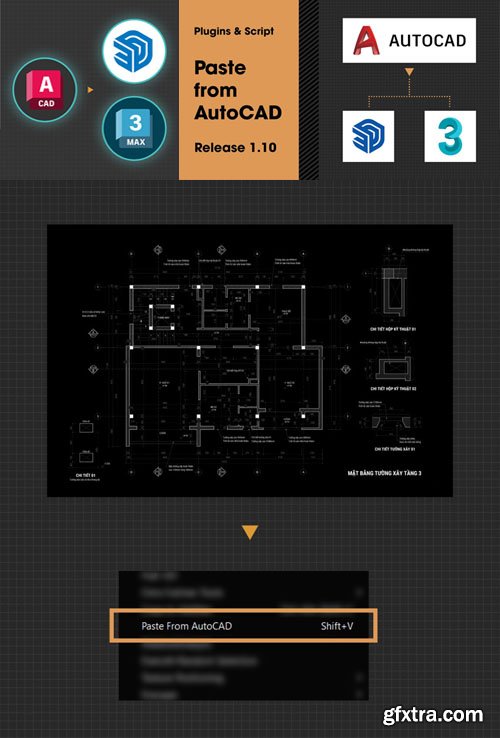
Paste From AutoCAD to 3Dsmax / SketchUp Script v1.10
MCR | RBZ | 170 KB
You just need to install this tool on SketchUp or 3ds Max, in AutoCAD use the normal copy command (Ctrl + C) to copy.
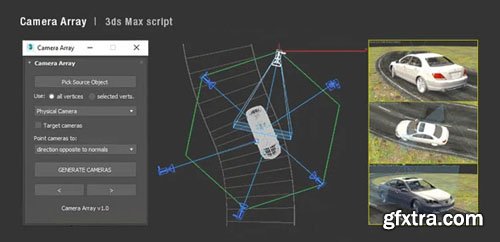
Camera Array v1.03 - 3ds Max Script
MS | 19 KB
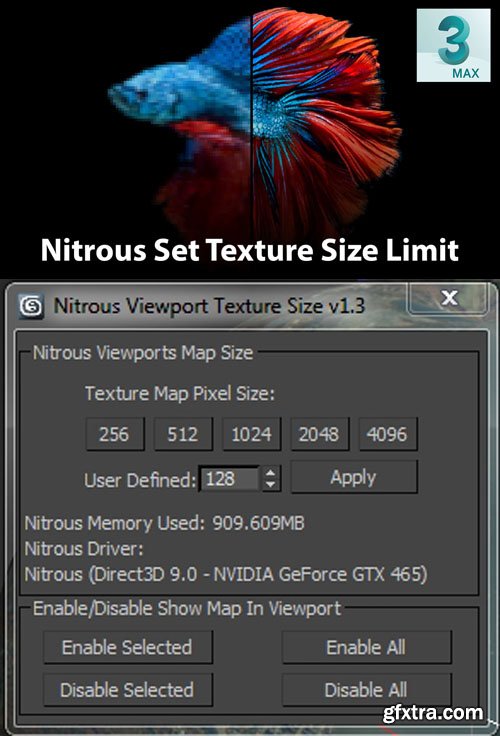
Nitrous Set Texture Size Limit v1.3 - 3ds Max Script
MS | 6 KB
Nitrous resolution is set very low by default. You can change it with high resolution.
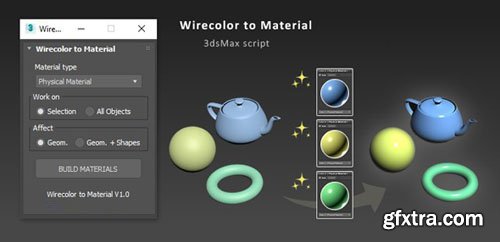
Wirecolor to Material v1.02 - 3ds Max Script
MS | 5 KB
![ezMat Lite v1.1 Script for 3ds Max [FStorm / Corona]](https://www.gfxtra31.com/uploads/posts/2025-05/1747871667_fdhrtjr.jpg "ezMat Lite v1.1 Script for 3ds Max [FStorm / Corona]")
ezMat Lite v1.1 Script for 3ds Max [FStorm / Corona]
MZP | 8 KB
Converts native Drag´nDrop Bitmaps from windows explorer to FStormBitmap / CoronaBitmap, also nodes will be renamed and optimized arcodenliy by its content (Diffuse, Gloss ..).

- V-Ray for 3ds Max is an Academy Award-winning, industry-standard, production-proven rendering software for Autodesk 3ds Max. Known for its versatility and ability to handle any type of project – from scenes with massive geometry and many lights to a single buildingor simple interiors – V-Ray is preferred by many 3D artists. It is used by 95% of the top AEC firms worldwide and in countless films. V-Ray for 3ds Max is the world’s most complete 3D rendering software for high-end visualization and production.

uPVC Sliding Door Generator v2.0 for 3ds Max
http://gumroad.com/l/sliding_door_generator
SLIDING/ STACKING DOOR GENERATOR is a script that is efficient in automatically creating 3D models of sliding/stacking door in 3dsMax. Containing many styles of window, it can be applied flexibly in Archviz projects while saving a lot of time for 3D artists.

- Forest Pack is the world’s most popular scattering plugin for 3ds Max®. It provides a complete solution for creating vast areas of objects, from trees and plants to buildings, crowds, aggregates, ground-cover, rocks and more. If you can model it, Forest Pack can scatter it. Countless studios rely on Forest Pack ’s production-tested algorithms and native shaders to render scenes with virtually unlimited numbers of objects and polygons, all without putting a strain on computer resources. Simulate natural distribution patterns and get the most out of your assets using advanced mapping and randomisation tools, or fine-tune your scatters with granular control over every aspect of the plugin.





- Chaos® Cosmos is a universe of smart content - with thousands of high-quality models, materials and HDRI skies that work perfectly with your visualization projects.
- Chaos Cosmos makes it easy to add great looking 3D content to your projects. With a library of render-ready models, comprehensive materials and beautiful HDR skies, you can stage your architectural and interior designs in minutes. Simply add the assets to your scenes straight from the new Chaos Cosmos Browser. Creating impressive and detailed visuals for your projects has never been easier.
- Chaos Cosmos brings you an essential collection of everyday entourage you can use on any project. With these carefully constructed and hand-picked 3D models of furniture, trees, cars, people, and more, it's easy to find just the right content you need to bring your scenes to life. Share your idea, tell your story, show your vision with the help of Chaos Cosmos.
- Chaos Cosmos assets are smart, which means they automatically show the right amount of detail wherever you view them. In the viewport, they’re lightweight for smooth interactivity. In Chaos Vantage, V-Ray or Chaos Corona, they show in full photoreal detail. No matter where you see smart content by Chaos Cosmos, it always looks great.
- Chaos Cosmos is designed to work seamlessly with Chaos renderers and is included in the most popular integrations of V-Ray, Corona, and Vantage. Cosmos assets render consistently across V-Ray, Corona, V-Ray GPU, and Vantage.
- Chaos Cosmos offers a range of digital replicas of real-world fabrics and furniture models from industry-renowned brands. With Cosmos, you can stop relying on the client’s imagination to win projects. Present and market your ideas exactly as they will be built.
How to use:
- Copy Chaos Cosmos folder to the desired location
- Install the Cosmos browser from this Filextras.com
- Make sure the Cosmos browser is working (cbservice.exe)
- Open Cosmos browser in 3ds max
- Go to settings and change "Assets Download Folder" to the extracted "Chaos Cosmos" folder
- Now click on any asset download button and log in to the Chaos website ( You need to login one time only after that it will work offline)
- Wait until all the assets load; then you can use them offline.

- The AdvArray modifier is an advanced parametric array type modifier for Autodesk 3ds Max. Being that 3ds Max does not ship with any sort of parametric array modifier, I’ve programmed this modifier to fill that void as well as add a number of advanced array features not found in 3ds Max by default, and even some that cannot be found in other third party modifiers.
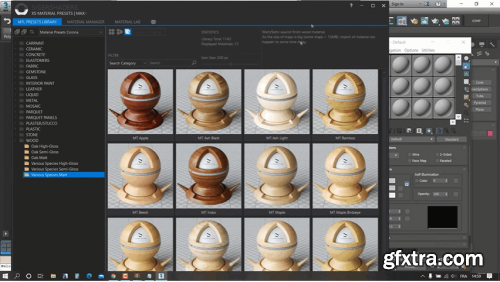
SIGERSHADERS XS Material Presets Studio 7.2.5 for 3ds Max 2020-2025
http://www.sigerstudio.eu/
SIGERSHADERS™ XSMP by Siger Studio for 3ds Max is a continuation of the well-known plugin family: V-Ray Material Presets Pro (VMPP), Corona Material Presets Pro (CMPP) and Material Repository Pro (MRP).
Backdrop Generator v1.0 for 3ds Max
http://archviztools.gumroad.com/l/backdrop_generator
BACKDROP GENERATOR is a script that is efficient in automatically creating 2D background in 3dsMax. It can be applied flexibly in Archviz projects while saving a lot of time for 3D artists.

Chaos Corona 12 for 3ds Max | Update 2 (MSI)
https://www.chaos.com/corona/download
- Corona 12 is out now and its focus is on optimizing your workflow and helping your creativity! Corona Renderer for 3ds Max is one of the best, almost the most sought after, unique, easy to use and feature-rich rendering tool.

PSOFT Pencil+ 4 for 3ds Max is a non-photorealistic rendering plugin which can reproduce the appearance of pen-and-ink and color pencils drawings as well as animation cels.
Pencil+ 4 can reproduce the flat look of cel shading and the texture of pencil sketches. It provides fine control over shading and enables unique presentations where only specific materials are drawn to the foreground. It makes it possible to create revolutionary artistic textures.
126,000 Royalty-Free 3D Model

Udemy Türkçe


Top Rated News
- CreativeLive Tutorial Collections
- Fasttracktutorials Course
- Chaos Cosmos Library
- MRMockup - Mockup Bundle
- Finding North Photography
- Sean Archer
- John Gress Photography
- Motion Science
- AwTeaches
- Learn Squared
- PhotoWhoa
- Houdini-Course
- Photigy
- August Dering Photography
- StudioGuti
- Creatoom
- Creature Art Teacher
- Creator Foundry
- Patreon Collections
- Udemy - Turkce
- BigFilms
- Jerry Ghionis
- ACIDBITE
- BigMediumSmall
- Globe Plants
- Unleashed Education
- The School of Photography
- Visual Education
- LeartesStudios - Cosmos
- Fxphd
- All Veer Fancy Collection!
- All OJO Images
- All ZZVe Vectors
- CGTrader 1 CGTrader 2



















