

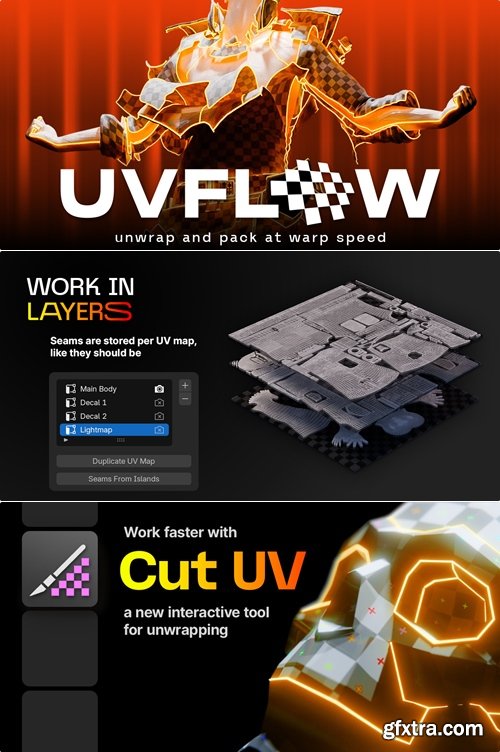
https://superhivemarket.com/products/uv-flow
- UV Flow aims to make UV unwrapping in Blender fast and, even more shockingly, actually fun. The first way it does this is by adding an entirely new tool to Blender's toolbar, called Cut UV, which allows you to edit seams with ease.
The controls are intuitive and there is a pre-selection highlight to help you never miss a cut. The interaction was designed for artists, by artists, to be as fast as possible. When Auto Unwrap is enabled, only the UVs affected by the new seam will be unwrapped. This may seem like a small deal at first but, unlike using Blender's Live Unwrap, you will never lose work by accidentally resetting UV's you've previously straightened or projected. UV Flow comes with a context aware straightening command that can instantly straighten whatever you select. You won't even have to open the UV Editor (though it works there too if you need it). You can use it to: See it in style
UV Flow's Cut UV tool also works perfectly with Edit Mode symmetry, which Blender's Mark Seam does not!
No seams? No worries
When you unwrap with UV Flow, you can allow edges to act as if they were seams based on their angle, bevel, crease, sharp, or freestyle attributes. In some cases, especially for hard surfaces, you can unwrap a whole mesh without placing any seams at all! Or you can create seams based on those attributes to use as a quick starting point for a manual unwrap. 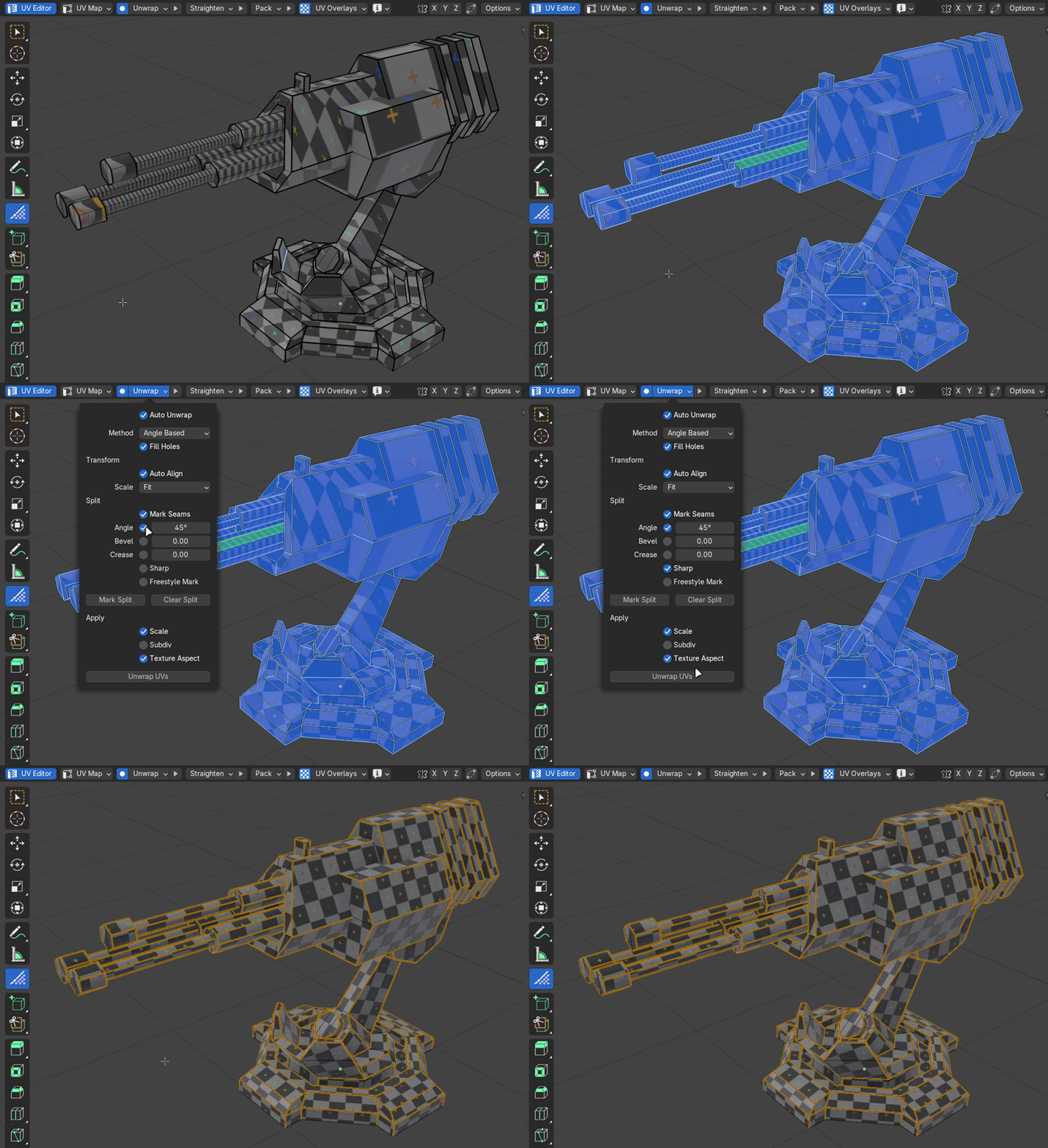
Align islands to the selected edges
Straighten connected edges into a line
Fit quads to a perfect grid
Align the bounding box of complex shapes that have triangles and n-gons to the grid
The rest of the island will be automatically unwrapped around the straightened selection, so you don't have to do any pinning or extra steps.
Work in layers
Did you know that having multiple UV maps can be incredibly helpful, especially for placing decals? In Blender you can only have one set of seams per object, which makes working with multiple maps quite cumbersome. UV Flow, however, allows you to work with seam layers. It automatically stores seam information per UV map so you can work with as many unwraps as you need without any extra clicks. 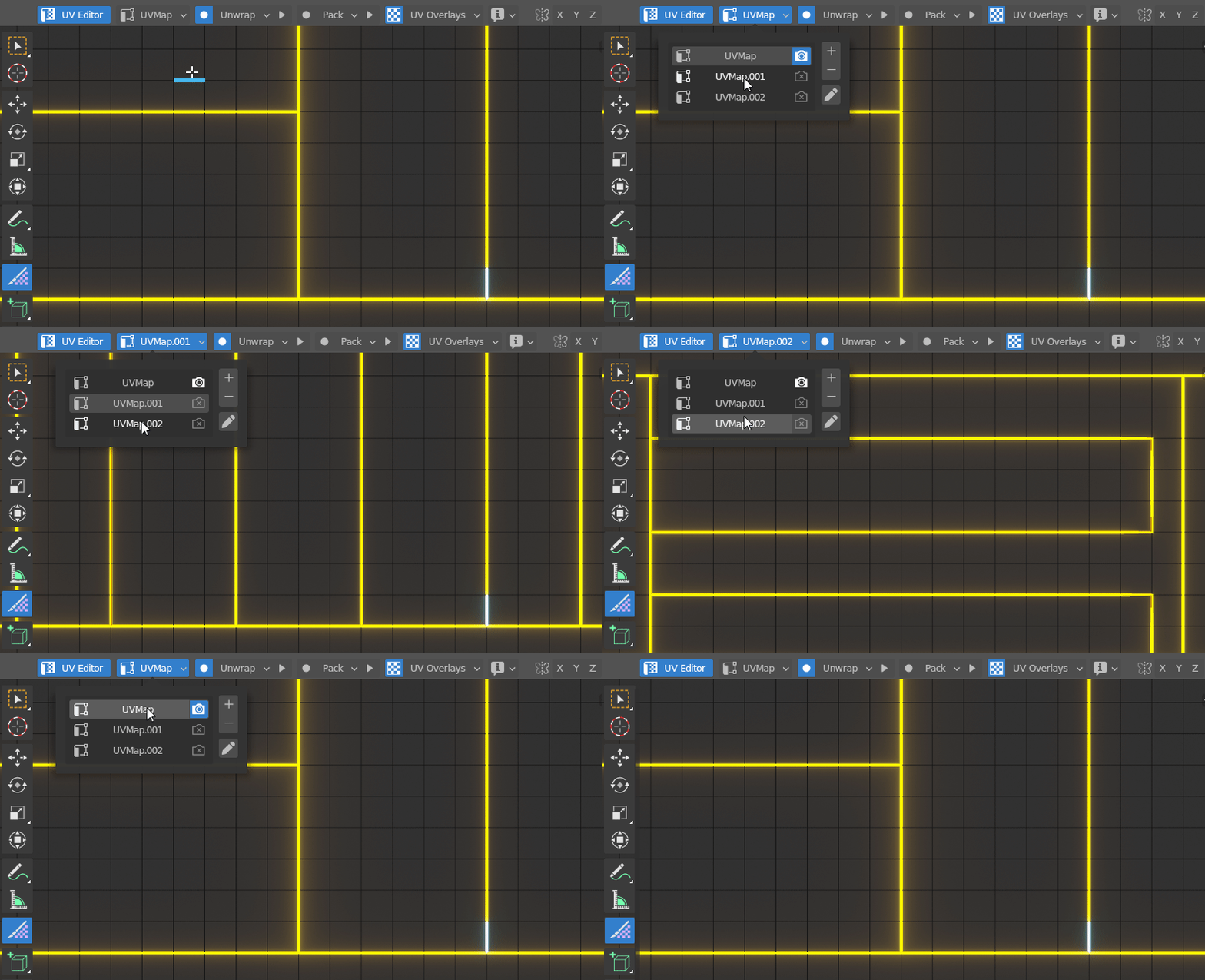
UV Flow has its own overlay system that you can customize. You can set seams to be any color, as well as make them thicc and glowy for extra clarity (or just for fun).
UV checker textures can be enabled by default, so that one is always applied to the mesh you're unwrapping without you having to think about it. Even better, the texture is only applied to the selected mesh and the rest of the objects stay in solid view. Every effect is fully cleaned up as soon as you exit the tool. 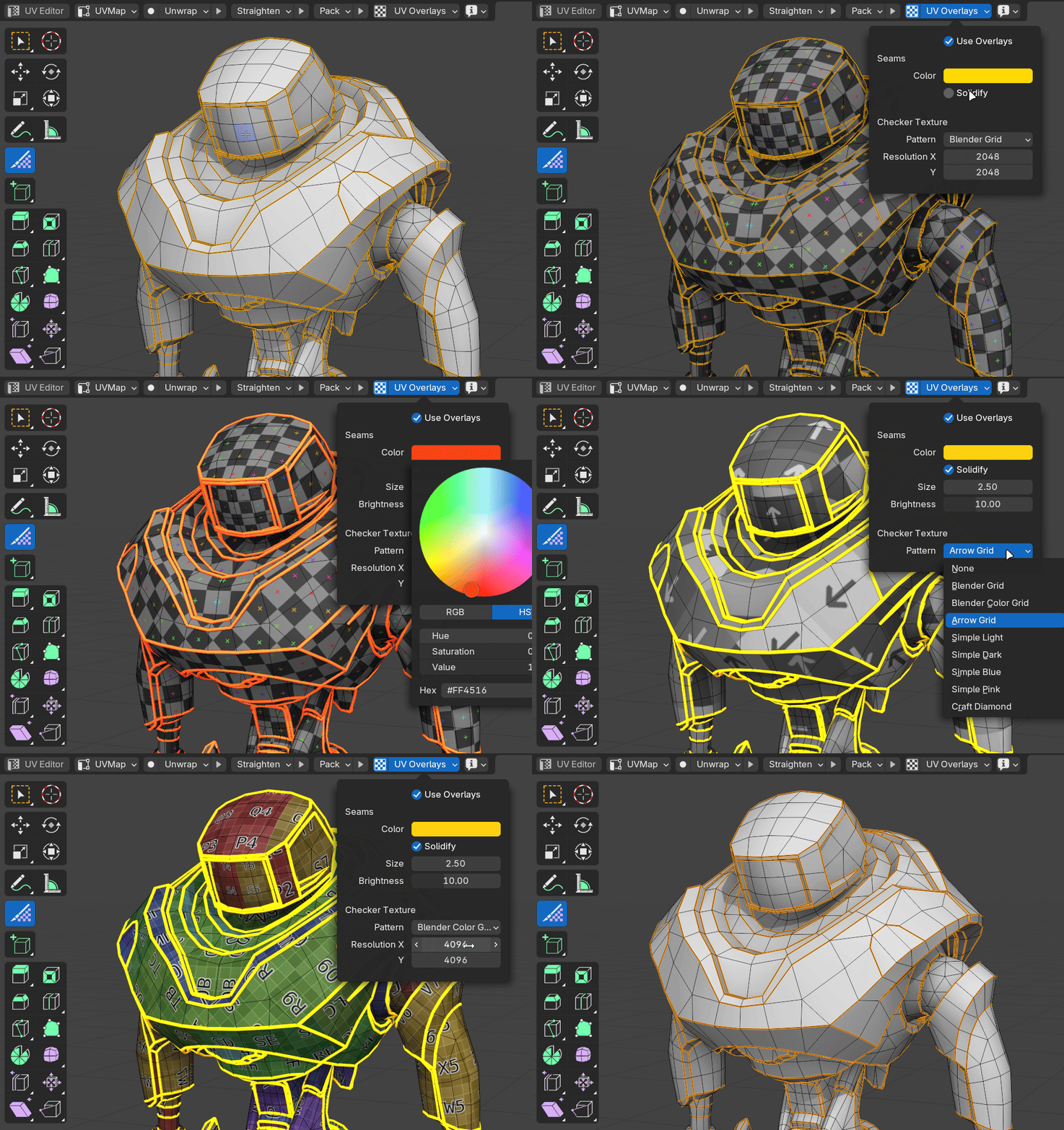



126,000 Royalty-Free 3D Model

Udemy Türkçe


Top Rated News
- CreativeLive Tutorial Collections
- Fasttracktutorials Course
- Chaos Cosmos Library
- MRMockup - Mockup Bundle
- Finding North Photography
- Sean Archer
- John Gress Photography
- Motion Science
- AwTeaches
- Learn Squared
- PhotoWhoa
- Houdini-Course
- Photigy
- August Dering Photography
- StudioGuti
- Creatoom
- Creature Art Teacher
- Creator Foundry
- Patreon Collections
- Udemy - Turkce
- BigFilms
- Jerry Ghionis
- ACIDBITE
- BigMediumSmall
- Globe Plants
- Unleashed Education
- The School of Photography
- Visual Education
- LeartesStudios - Cosmos
- Fxphd
- All Veer Fancy Collection!
- All OJO Images
- All ZZVe Vectors
- CGTrader 1 CGTrader 2



















