

Superhivemarket - UV Flow v1.0.2
https://superhivemarket.com/products/uv-flow
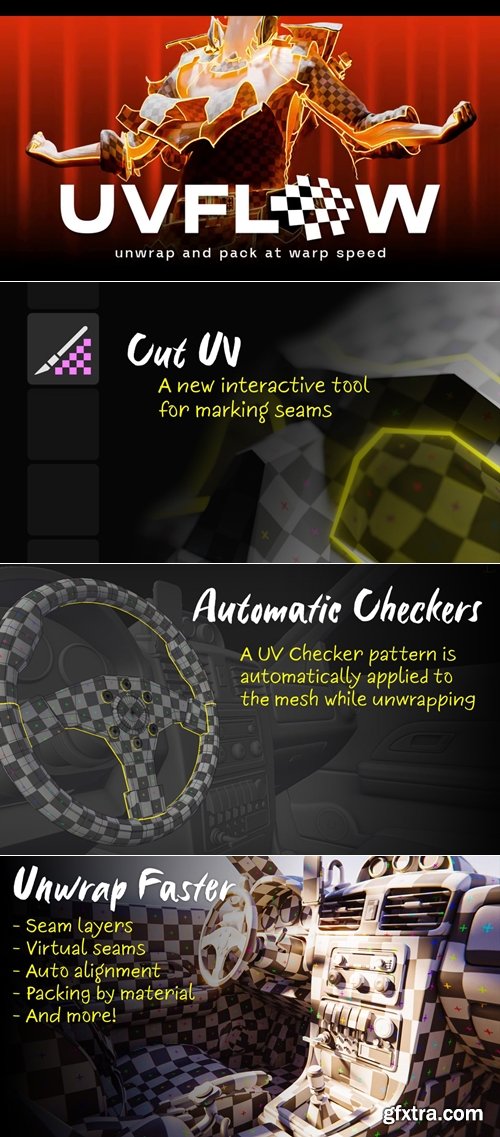
- UV Flow aims to make UV unwrapping in Blender fast and, even more shockingly, actually fun. The first way it does this is by adding an entirely new tool to Blender's toolbar, called Cut UV, which allows you to edit seams with ease.
The controls are intuitive and there is a pre-selection highlight to help you never miss a cut. The interaction was designed for artists, by artists, to be as fast as possible. Left Click: Mark edge as seam Double Click: Mark loop as seam, stopping at other seams (!!) Shift + Double Click: Mark entire loop as seam Ctrl + Click: Mark shortest path as seam Click + Drag: Draw seam path Hold Alt using any of the actions above to clear seams 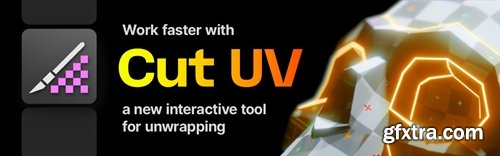



Related Posts
Information
Members of Guests cannot leave comments.
126,000 Royalty-Free 3D Model

Udemy Türkçe


Top Rated News
- CreativeLive Tutorial Collections
- Fasttracktutorials Course
- Chaos Cosmos Library
- MRMockup - Mockup Bundle
- Finding North Photography
- Sean Archer
- John Gress Photography
- Motion Science
- AwTeaches
- Learn Squared
- PhotoWhoa
- Houdini-Course
- Photigy
- August Dering Photography
- StudioGuti
- Creatoom
- Creature Art Teacher
- Creator Foundry
- Patreon Collections
- Udemy - Turkce
- BigFilms
- Jerry Ghionis
- ACIDBITE
- BigMediumSmall
- Globe Plants
- Unleashed Education
- The School of Photography
- Visual Education
- LeartesStudios - Cosmos
- Fxphd
- All Veer Fancy Collection!
- All OJO Images
- All ZZVe Vectors
- CGTrader 1 CGTrader 2



















