

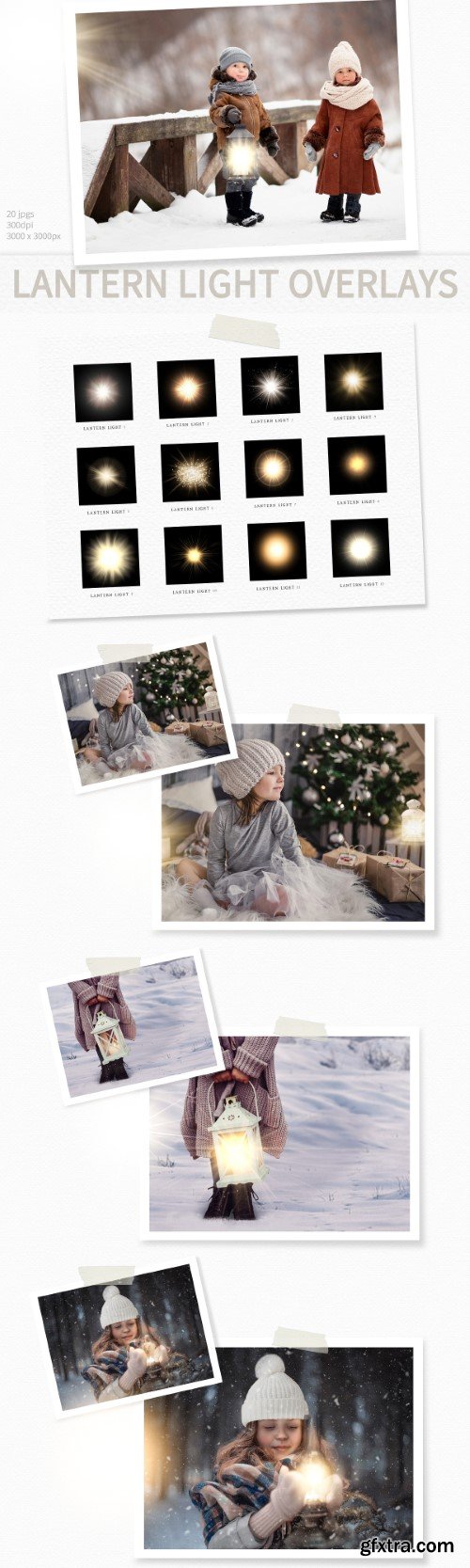
20 Lantern Light Overlays for instant download in different designs. The files can be used with any graphics software that supports layering by placing the overlay on top of your photo. I have also included a link to my instruction tutorial. You can place as many layers of lights on your photo as you like as well as resize and rotate the overlays. The overlays are JPG files which have a glowing light on a black background but the black will be hidden when you change the layer's blending mode to 'screen'.

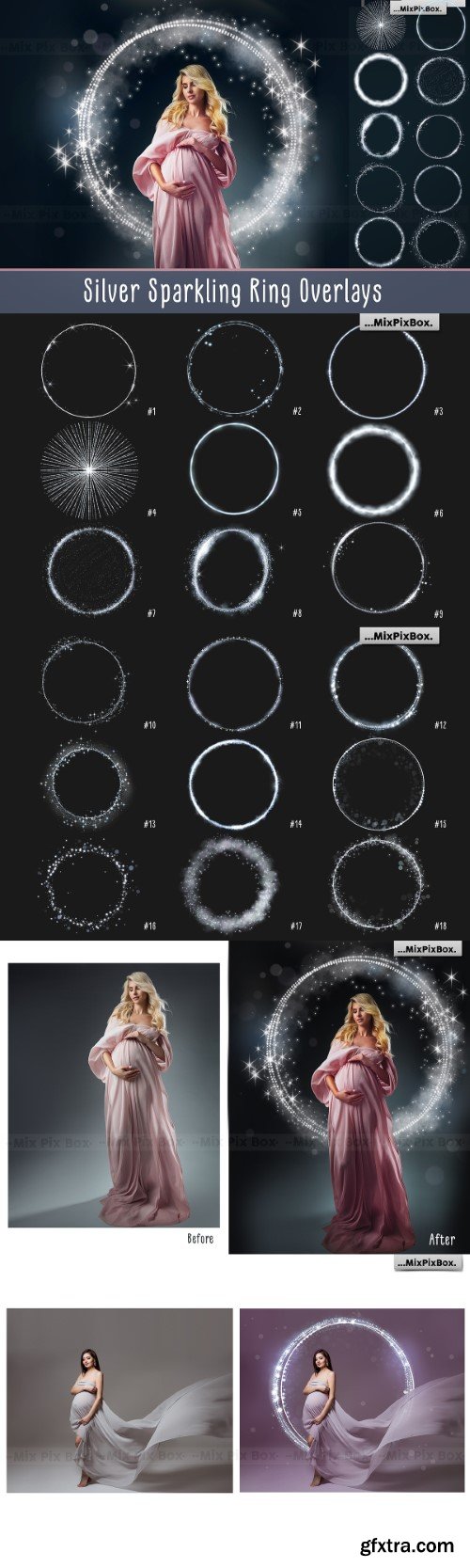
- Step into a world of photographic alchemy with our "Silver Sparkling Ring Overlays." Unleash the enchantment in your maternity or portrait photos, as these overlays wield a magical touch, seamlessly weaving radiance into every pixel. Crafted with precision and finesse, they embody wizardry in the digital realm, transforming ordinary images into extraordinary visual narratives. Ease meets sophistication – our overlays are designed for effortless use, ensuring a seamless integration into your creative process. With a transparent background, compatibility extends across any program supporting the PNG format. Elevate your photography to new dimensions—acquire this spellbinding collection now and let the artistry unfold in every frame.








Udemy - Upwork Mastery Course
Land Clients, Write Winning Proposals, Set Your Rates, and Build a 5-Star Freelance Business on Upwork

Udemy - How to Make Money Work for You
Master the Basics of Wealth Building, Passive Income, and Financial Freedom

Udemy - Web Design in Figma from Zero - Complete Course




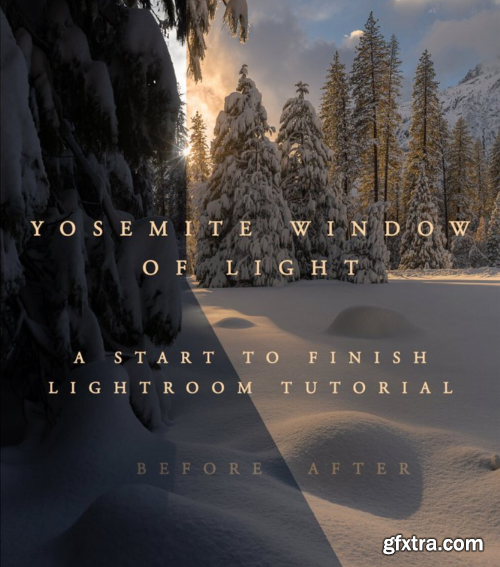
Just over 1.5 hours of instruction is included in this complete workflow tutorial video using Adobe Lightroom. Further details and curriculum below
- A complete workflow tutorial video using Adobe Lightroom Only. In this video I take you from RAW to Finished Edit, showing you everything necessary complete the image. I go step by step through my complete lightroom process and introduce how I use adjustment tools to target my adjustments to only the areas I want them. I show you how I use lightroom, tips and tricks for each panel, and talk about the do’s and don’ts. Consider this a more intermediate to advanced course in lightroom. Students should have an a basic understanding of Lightroom, but I do touch base on some of the basics. You might consider a private session with me if you aren’t sure, a lesson based upon your current skill level might be a the right fit.

- Unlock the signature "Candi Style" with Carmen & Ingo Candi Presets Vol. 7, the ultimate tool for professional and aspiring photographers. Designed to dramatically accelerate your workflow, this new volume provides a stunning, consistent look for your images with just one click. Say goodbye to countless hours spent on editing and hello to a timeless, authentic style that will make your photos stand out. Crafted for seamless integration, these presets are compatible with both Adobe Lightroom and Photoshop's Adobe Camera Raw, ensuring a smooth editing experience on your desktop. The Candi Presets Vol. 7 are engineered to get the most out of your RAW images, delivering beautiful, professional results that capture the essence of your creative vision. Whether you're a wedding photographer, a portrait artist, or a travel enthusiast, these presets offer the versatility and quality you need to elevate your work.
126,000 Royalty-Free 3D Model

Udemy Türkçe


Top Rated News
- CreativeLive Tutorial Collections
- Fasttracktutorials Course
- Chaos Cosmos Library
- MRMockup - Mockup Bundle
- Finding North Photography
- Sean Archer
- John Gress Photography
- Motion Science
- AwTeaches
- Learn Squared
- PhotoWhoa
- Houdini-Course
- Photigy
- August Dering Photography
- StudioGuti
- Creatoom
- Creature Art Teacher
- Creator Foundry
- Patreon Collections
- Udemy - Turkce
- BigFilms
- Jerry Ghionis
- ACIDBITE
- BigMediumSmall
- Globe Plants
- Unleashed Education
- The School of Photography
- Visual Education
- LeartesStudios - Cosmos
- Fxphd
- All Veer Fancy Collection!
- All OJO Images
- All ZZVe Vectors
- CGTrader 1 CGTrader 2



















