



basICColor display 6.0.2 Multilingual MacOS | 105 MB
The 6th generation of the leading application for monitor calibration and ICC-profiling has been drastically improved in ease of use and functionality. 6 pre-defined settings can be used with a mouse-click right from the start page. This covers for most situations for which a monitor calibration is needed. Parameters for special requirements can be configured for a 6th button. This makes basICColor display the easiest to use and most professional software of its class. The optional high-end colorimeter basICColor DISCUS offers the precision and stability of a lab-grade instrument for desktop monitor calibration and profiling for the first time ever.
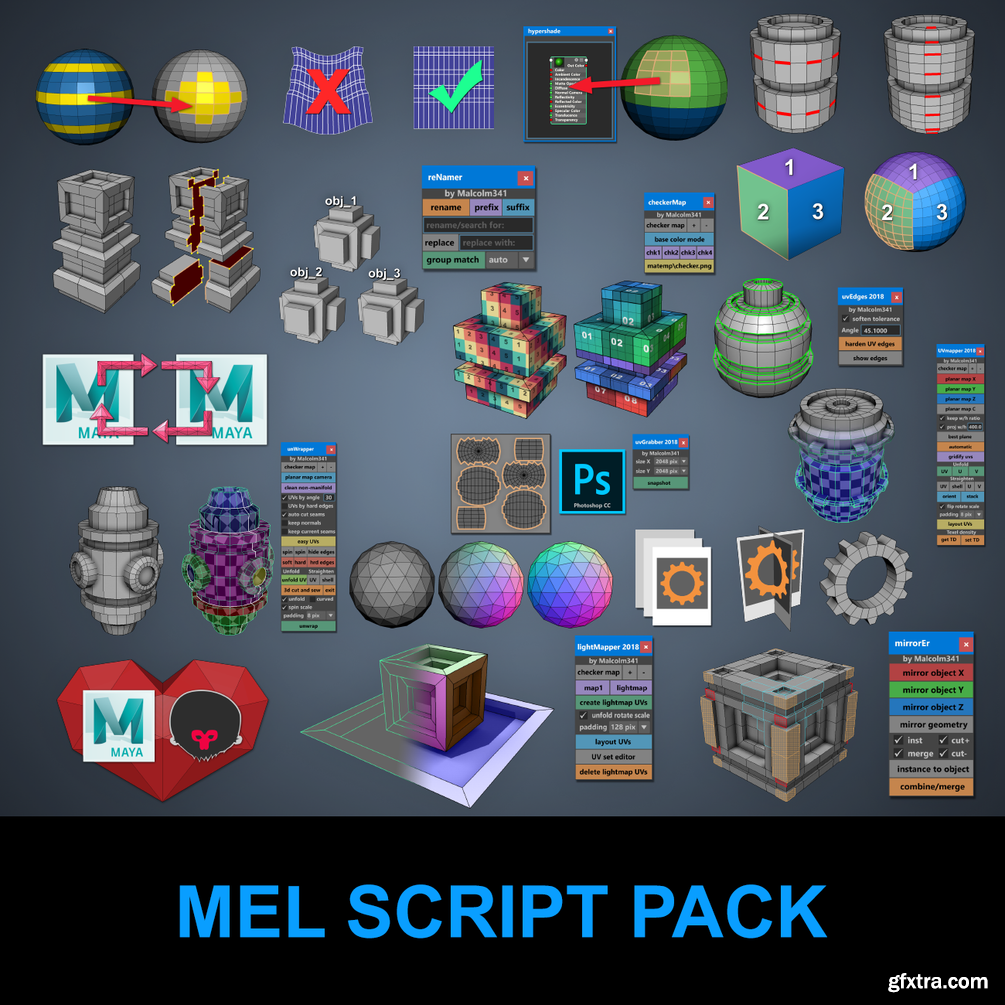
Gumroad – Malcolm341 All Mel Script Pack for Maya
https://gumroad.com/l/cZvxZ

Watercolor Artist - April 2020
![Swinging Pendulum Glass Doors for Office and Home 2 [Corona, Vray]](https://www.gfxtra31.com/uploads/posts/2020-01/1580124513_1537178040_i3mvfd0g.jpg)
![Swinging Pendulum Glass Doors for Office and Home 2 [Corona, Vray]](https://www.gfxtra31.com/uploads/posts/2020-01/1580124551_1537178002_0g20wdb2.jpg)
MAX | OBJ | TEX
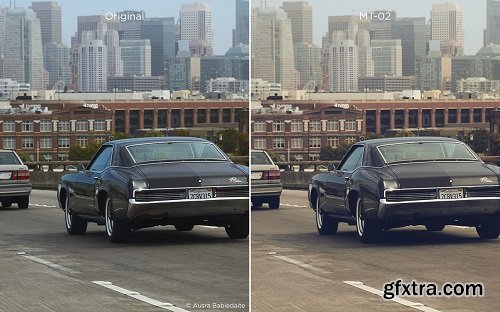
https://www.captureone.com/es-ES/store/buy-styles/matte
Give your photos a contemporary look with matte contrast and muted color grading – ideal for wedding, documentary and travel photography. Includes 16 Styles.

SketchUp for Builders: A Comprehensive Guide for Creating 3D Building Models Using SketchUp, 1st Edition
English | 2018 | ISBN: 1119484006 | 352 pages | PDF | 185 MB
SketchUp is a 3D modeling application used in areas ranging from civil and mechanical engineering to motion picture and video game design. Three-dimensional modeling is of obvious value to the building industry—yet resources for transforming architectural designs into reality is surprisingly limited. SketchUp for Builders is the first comprehensive guide designed specifically for builders and contractors, providing step-by-step instructions on incorporating 3D modeling into all phases of the construction process. Author John Brock draws from his 30 years of experience as a custom home designer and builder to provide practical advice on how to understand what you are building before it is built. This valuable guide demonstrates how to eliminate cost overruns, construction delays, and design flaws by integrating SketchUp modeling into your workflow.
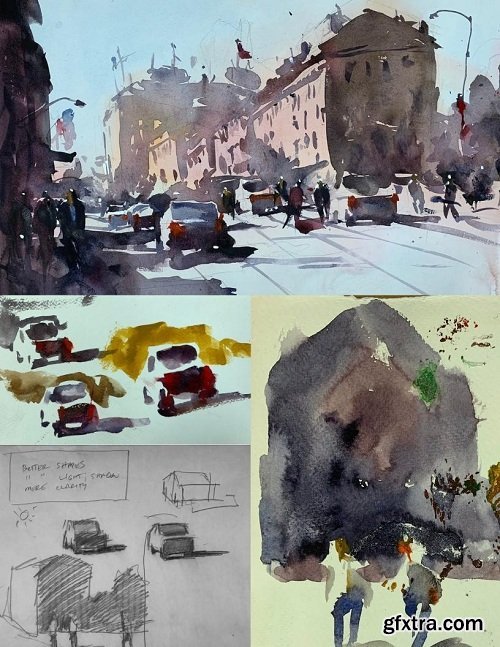
English | Video: 720p | 1hr 2m
For this project I will take an inferior watercolor painting and make a list of what could be better. Then I will address the issues by using #2 pencil and some quick watercolor sketching. Once I'm confident that the problems are solved I will recreate the final painting.
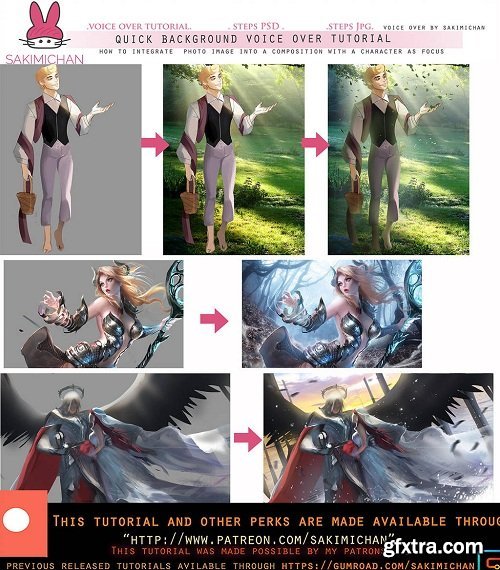
English | 52m | PSD | Jpeg
This Term's voice over guide will be on how to use photo stock images to help create backgrounds for character focused pieces. In this 51 min voice over guide I'll be showing you guys 3 examples of how I integrate photo stock into the background and how I adjust/paint over them to fit the mood of the character and the piece ^_^ I normally use photo stock to create background because I mainly focus on painting character, it's an efficient way to come up with a dynamic and realistic environment for the characters, it helps saves on time as well!
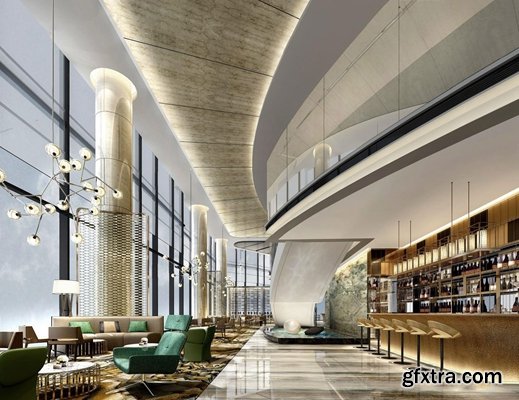
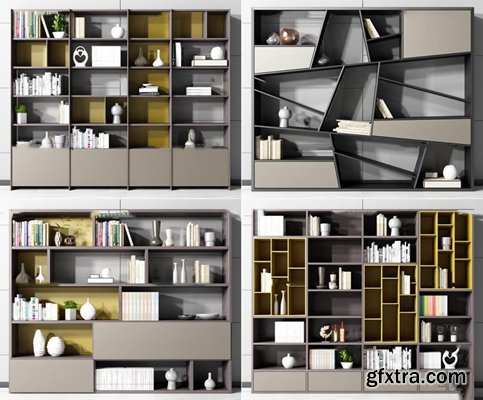
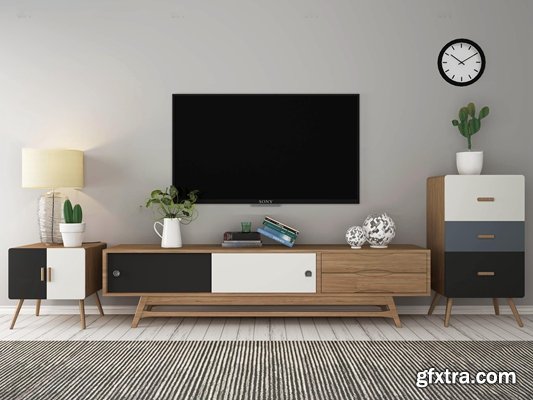
MAX | TEX

Dmitry Rogozhkin - Customisers part 1
English | Video: 1080p
https://mango-ice.photography/video/customisers-part-1
The photo that Dmitry shows at the beginning of this video is discussed in detail by him. The light set-up is special and above all complicated one. The 'Movie style' set-up mentioned gives a unique atmosphere that fits perfectly with the image that Dmitry intended to shoot. The difference between a movie-style shoot and a movie is mainly that the story has to be told with a single image. That's where the real challenge lies. How Dmitry does this is shown in this video.

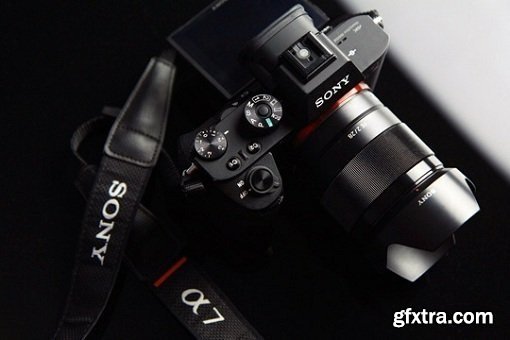
Primers are a set of color optimization image transforms, designed specifically for a particular camera’s light response. Custom made for each camera, through detailed camera spectral analysis and custom methodology they allow improving the results from a camera. The set offers transforms optimized for specific scene types, utilizing full dynamic range of the recorded data. They can be seen as much more powerful and efficient camera profiles, applicable to the live feed or recorded material, most beneficial in motion imaging, though useful in photography as well.
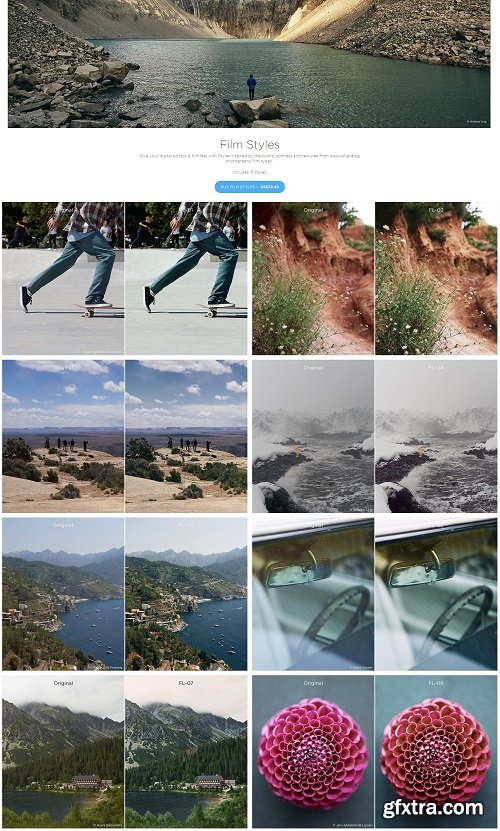
https://www.captureone.com/en/store/buy-styles/film
Give your digital photos a film feel with Styles inspired by the colors, contrast and textures from popular analog photography film types.

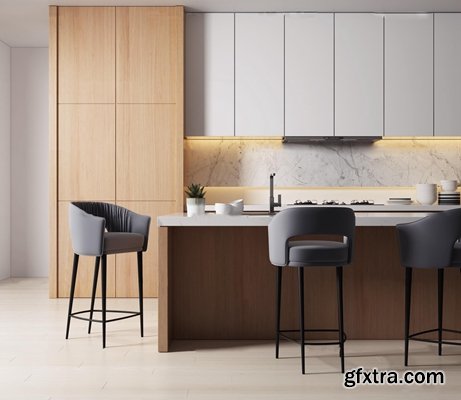
126,000 Royalty-Free 3D Model

Udemy Türkçe


Top Rated News
- CreativeLive Tutorial Collections
- Fasttracktutorials Course
- Chaos Cosmos Library
- MRMockup - Mockup Bundle
- Finding North Photography
- Sean Archer
- John Gress Photography
- Motion Science
- AwTeaches
- Learn Squared
- PhotoWhoa
- Houdini-Course
- Photigy
- August Dering Photography
- StudioGuti
- Creatoom
- Creature Art Teacher
- Creator Foundry
- Patreon Collections
- Udemy - Turkce
- BigFilms
- Jerry Ghionis
- ACIDBITE
- BigMediumSmall
- Globe Plants
- Unleashed Education
- The School of Photography
- Visual Education
- LeartesStudios - Cosmos
- Fxphd
- All Veer Fancy Collection!
- All OJO Images
- All ZZVe Vectors
- CGTrader 1 CGTrader 2



















