

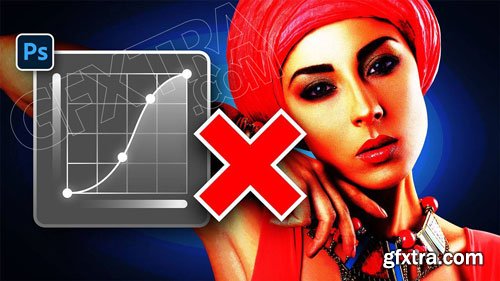
Piximperfect - STOP Ruining Colors with Curves, Use This Instead! - Photoshop Trick
Discover a hidden slider to get perfect colors when applying Curves in Photoshop! In this video, we'll explore the Refine Saturation slider in Camera Raw (also available in Lightroom) to keep the colors in check while making drastic contrast changes with Curves. We will also compare it with traditional methods to avoid oversaturation, like using Luminosity Blend Mode and other adjustments like Hue Saturation.



Related Posts
126,000 Royalty-Free 3D Model

Udemy Türkçe


Top Rated News
- CreativeLive Tutorial Collections
- Fasttracktutorials Course
- Chaos Cosmos Library
- MRMockup - Mockup Bundle
- Finding North Photography
- Sean Archer
- John Gress Photography
- Motion Science
- AwTeaches
- Learn Squared
- PhotoWhoa
- Houdini-Course
- Photigy
- August Dering Photography
- StudioGuti
- Creatoom
- Creature Art Teacher
- Creator Foundry
- Patreon Collections
- Udemy - Turkce
- BigFilms
- Jerry Ghionis
- ACIDBITE
- BigMediumSmall
- Globe Plants
- Unleashed Education
- The School of Photography
- Visual Education
- LeartesStudios - Cosmos
- Fxphd
- All Veer Fancy Collection!
- All OJO Images
- All ZZVe Vectors
- CGTrader 1 CGTrader 2



















