














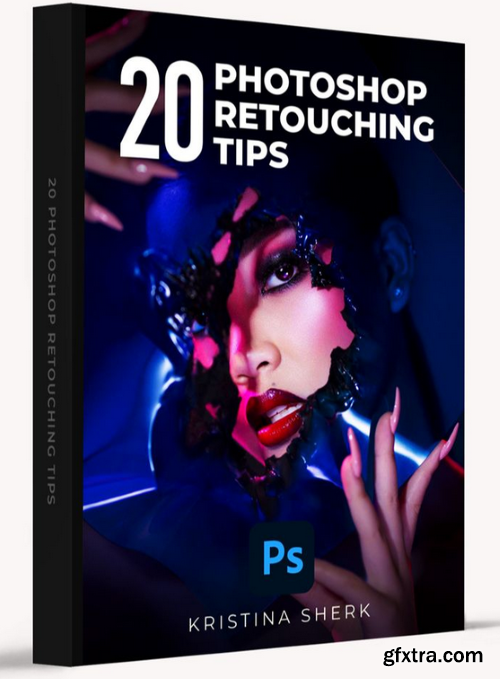
Discover the 20 retouching secrets that will unlock Photoshop & turn your photos into masterpieces.
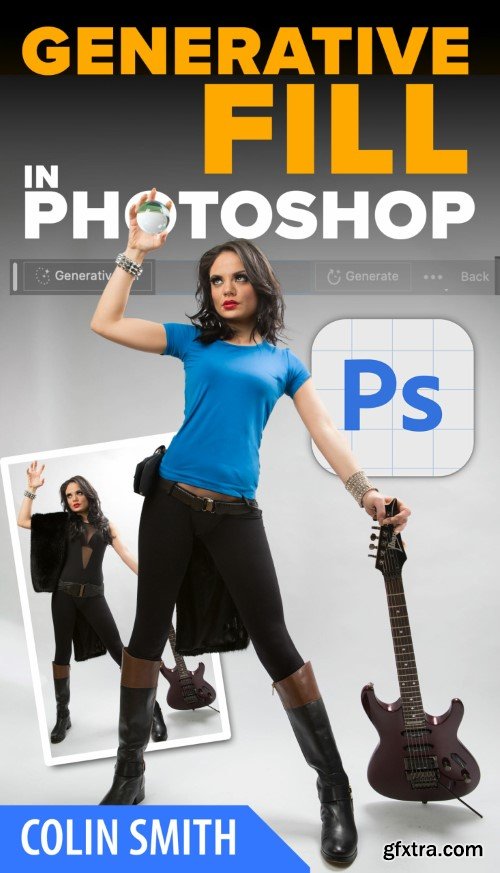
Your guide to the world of ai image generation in Photoshop
Everyone’s talking about the brand new Generative Fill in Adobe Photoshop. It’s the hottest new thing! And for good reason, this is the biggest update to Photoshop in it’s history. You can now remove impossible things from images, because ai literally creates whatever is missing. You can generate almost anything to add to your images and even expand outside your image boundaries and Photoshop will create whatever you need.
When the dust clears, you will realize there are limitations to this feature. Many people are struggling to get the best results out of this powerful tool and even to get their heads around what GenFill can do and how to do it. It’s very important for you to get an early grasp of these tools if you want to keep up, and even get ahead of the crowd.
Lucky you, you found this course! In the easy-to-follow style Colin Smith is famous for, he walks you through Generative Fill in Photoshop. With decades of experience working in the real world and training for Adobe, Apple, Nvidia and many others, he really knows Photoshop on a level that few do. But he has a knack to make learning fun and easy, and even complex things, will seem simple. Even new users will be able to follow along with this course.

We shoot in two different hotel rooms, and create different patterns on each side of her body for variation. We also shoot outdoors and apply oil to her skin for a sexy and dramatic natural light shoot.



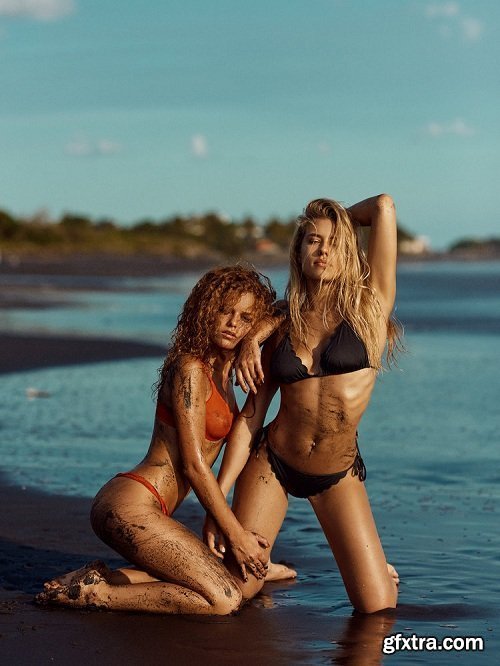
In this tutorial I show how I change the colors from the boring out of camera look to interesting color tones. You’ll learn how to get the warm golden skin and the interesting sky and water color. The color grading is a mix of work in Capture One and Photoshop but I would say most of the important part was done in Photoshop. It is from this that my famous golden skin tones started. By looking at this tutorial you can create your own magic golden skin tones!

Nikki brings you back to her house to show you how shooting in a basic garage and driveway can provide you with perfect lighting and net you some great shots. She uses just some inexpensive curtains and a black v-flat and shows you how to get powerful, masculine shots. Nikki also brings in her model’s wife and children at the end to show you how you can easily diversify a personal branding shoot by adding in family, bringing joy to your client and increasing your profit.


Published 12/2024
https://www.udemy.com/course/youtube-shorts-copy-paste-reuse-high-cpm-niche-reels-instagram-tiktok/
Monetize vertical content for youtube tiktok reels instagram with this AI tool method and image to video generation

126,000 Royalty-Free 3D Model

Udemy Türkçe


Top Rated News
- CreativeLive Tutorial Collections
- Fasttracktutorials Course
- Chaos Cosmos Library
- MRMockup - Mockup Bundle
- Finding North Photography
- Sean Archer
- John Gress Photography
- Motion Science
- AwTeaches
- Learn Squared
- PhotoWhoa
- Houdini-Course
- Photigy
- August Dering Photography
- StudioGuti
- Creatoom
- Creature Art Teacher
- Creator Foundry
- Patreon Collections
- Udemy - Turkce
- BigFilms
- Jerry Ghionis
- ACIDBITE
- BigMediumSmall
- Globe Plants
- Unleashed Education
- The School of Photography
- Visual Education
- LeartesStudios - Cosmos
- Fxphd
- All Veer Fancy Collection!
- All OJO Images
- All ZZVe Vectors
- CGTrader 1 CGTrader 2



















