

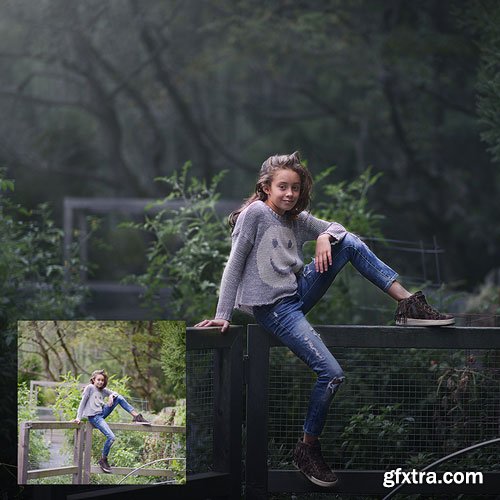

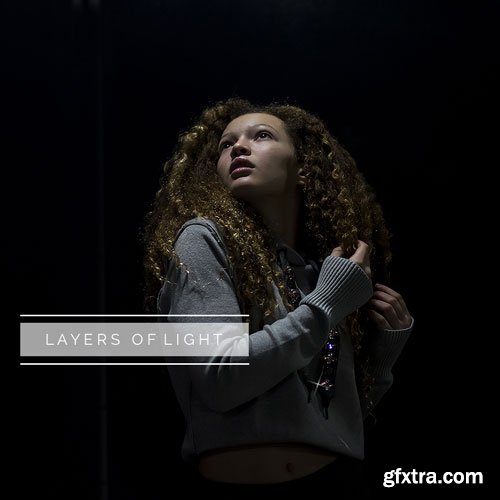
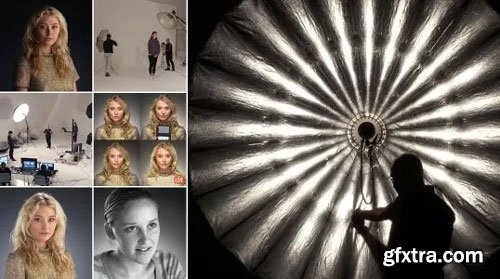
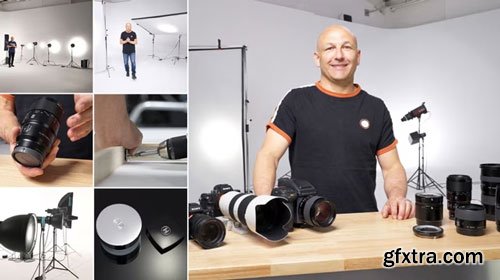
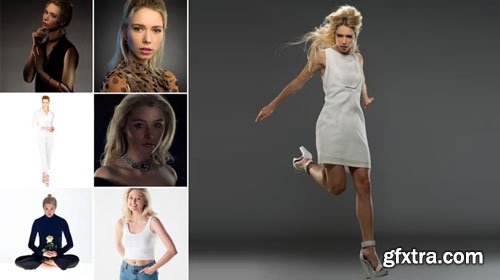

In this class, I show you how to create beautiful portraits with off-camera flash whether it's replicating natural light or creating something more dramatic.
In the first lesson, I show you a simple way to get everything set up and then we show you five ways (plus a couple of bonus ideas) to create the most stunning portraits:
- Using Off-Camera Flash to replicate 'natural' daylight
- Using Off-Camera Flash to pick our subject and create a dramatic portrait
- Using Off-Camera Flash to create hairlight
- Using Off-Camera Flash as artificial sunlight
- Using Off-Camera Flash to create the effect of window-light
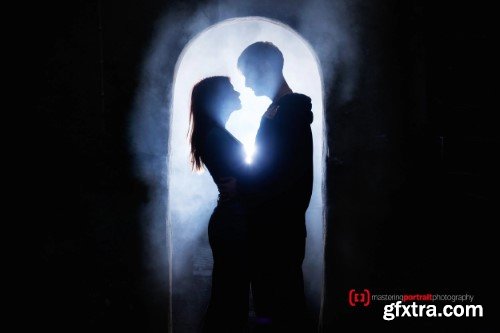
- Bonus Idea 1 - using Off-Camera Flash with fog and a romantic silhouette
- Bonus Idea 2 - using Off-Camera Flash to create a haunting halloween image
"OBS Studio for New Content Creators and Streamers"!
In this OBS course, I’ll guide you step-by-step from being a complete beginner to mastering the essential skills needed to use OBS Studio at an intermediate level.
Whether you’re entirely new to OBS or already have some experience, there’s something here for everyone. You’ll learn how to create professional setups and enhance your streaming or recording experience.
We’ll start with the basics—setting up scenes, sources, and filters—and I’ll show you how to record with confidence. Then, we’ll move on to streaming essentials and even explore how to connect your phone to OBS Studio for added functionality. Lastly, we’ll dive into some powerful OBS plugins that can elevate your workflow.

Learn AI Video Creation with SORA: Create Videos Faster, Cheaper, and Without Technical Skills
Did you know that over 80% of businesses have adopted AI technology? Now is the time to harness the power of AI for video creation!
Companies and creators everywhere are using tools like SORA to gain a competitive edge.
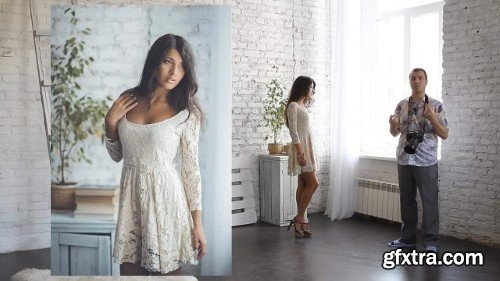

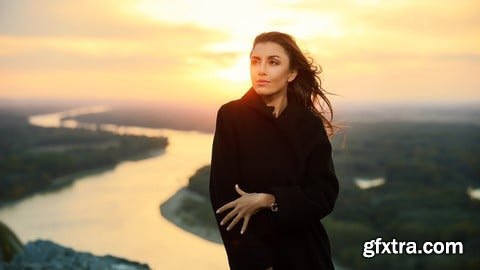

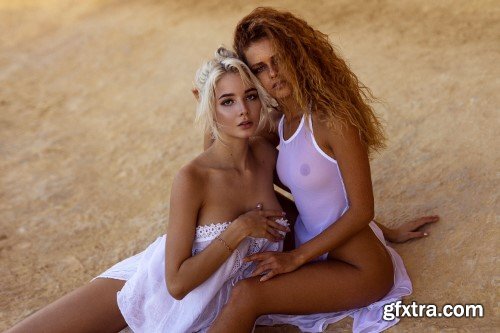
In this tutorial I show and explain how I work with photos shot in the sunset just as the sun disappear. This kind of colors used to be something I really struggled with. The light is beautiful and soft but it’s not easy to get natural skin tones. Here I show how I do it. The video is 1 hour and 7 minutes long and includes behind the scenes footage to show the light and the location.
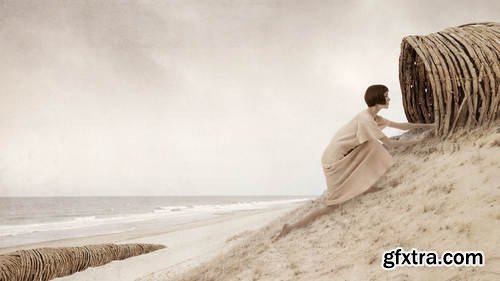
Conceptual portraiture is where art and photography meet. In this class, Jennifer Thoreson will explore the intersection of fine art and photography and discuss the practice, process, and business of bringing conceptual portraits to life.
Jennifer is a visual artist, speaker, and lecturer whose photographic work has been widely published internationally in print and online journals. In this class she’ll reveal the process for developing commissioned and exhibition work.
DaVinci Resolve 18 Core Training is an entry-level tutorial and assumes no prior knowledge of DaVinci Resolve. This tutorial guides you through the complete post production workflow, from initial media import to final output and everything in between. Previous experience with other editing software is not required. This course was specifically designed to prepare users for taking and ultimately passing Blackmagic Design’s Certified end-user exam.
Software Version: DaVinci Resolve 18 or later.
Run Time: 5 hours 50 minutes
Type of Tutorial: Beginner
Project Media: Project media is included
126,000 Royalty-Free 3D Model

Udemy Türkçe


Top Rated News
- CreativeLive Tutorial Collections
- Fasttracktutorials Course
- Chaos Cosmos Library
- MRMockup - Mockup Bundle
- Finding North Photography
- Sean Archer
- John Gress Photography
- Motion Science
- AwTeaches
- Learn Squared
- PhotoWhoa
- Houdini-Course
- Photigy
- August Dering Photography
- StudioGuti
- Creatoom
- Creature Art Teacher
- Creator Foundry
- Patreon Collections
- Udemy - Turkce
- BigFilms
- Jerry Ghionis
- ACIDBITE
- BigMediumSmall
- Globe Plants
- Unleashed Education
- The School of Photography
- Visual Education
- LeartesStudios - Cosmos
- Fxphd
- All Veer Fancy Collection!
- All OJO Images
- All ZZVe Vectors
- CGTrader 1 CGTrader 2



















