

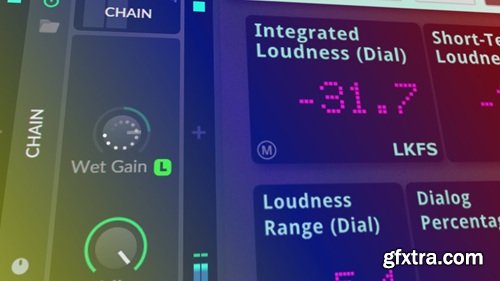
Polarity Music Audio Normalize (Stock) Preset
Bitwig Preset | 1 KB
In this tutorial, I demonstrated how to create an auto-level preset in Bitwig Studio 5.2 to automatically adjust the volume of instrument tracks and live audio. This method provides a workaround for the lack of a native normalization feature for non-audio material, enabling consistent volume levels without manual adjustment.
Key Points:
•Manual Volume Adjustment: Normally done using output knobs, track faders, or a tool device.
•Auto-Level Preset: Created to continuously measure and adjust the audio input, keeping the peak at 0 dB.
•One-Time Adjustment: Use a plugin like dB meter for setting a reference volume and matching the output once.
•Workaround in Bitwig: Utilize the chain device and its wet gain learn feature to analyze and match input and output volumes.
•Creating a Preset: Integrate a test tone for reference and use the chain device to normalize the audio receiver output.
•Limitation: The learn feature can't be mapped to a macro or remote control, limiting automation.
This method is effective for ensuring consistent volume levels across different tracks, especially for live audio or external synthesizers.
home page: https://www.patreon.com/posts/audio-normalize-106070893


126,000 Royalty-Free 3D Model

Udemy Türkçe


Top Rated News
- CreativeLive Tutorial Collections
- Fasttracktutorials Course
- Chaos Cosmos Library
- MRMockup - Mockup Bundle
- Finding North Photography
- Sean Archer
- John Gress Photography
- Motion Science
- AwTeaches
- Learn Squared
- PhotoWhoa
- Houdini-Course
- Photigy
- August Dering Photography
- StudioGuti
- Creatoom
- Creature Art Teacher
- Creator Foundry
- Patreon Collections
- Udemy - Turkce
- BigFilms
- Jerry Ghionis
- ACIDBITE
- BigMediumSmall
- Globe Plants
- Unleashed Education
- The School of Photography
- Visual Education
- LeartesStudios - Cosmos
- Fxphd
- All Veer Fancy Collection!
- All OJO Images
- All ZZVe Vectors
- CGTrader 1 CGTrader 2



















