

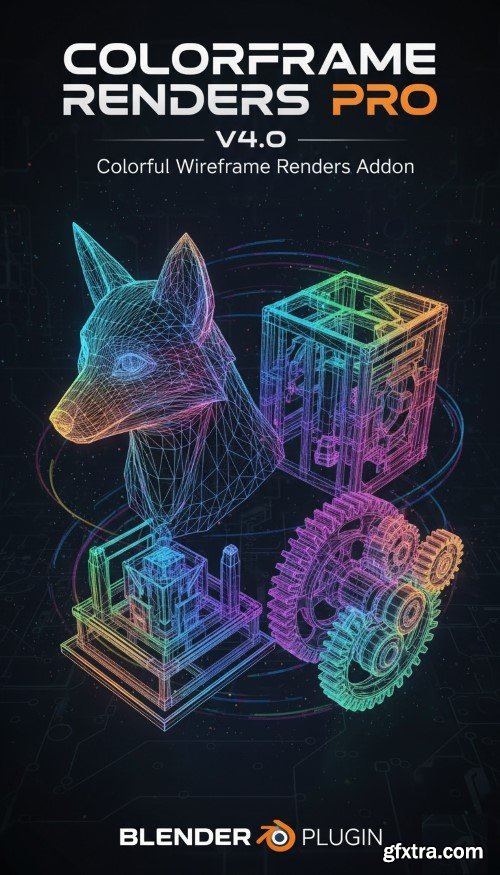
- Unlock a world of stunning visual possibilities with ColorFrame Renders Pro, the ultimate digital asset pack designed to transform your projects from ordinary to extraordinary. In today's fast-paced creative landscape, standing out is crucial, and with ColorFrame Renders Pro, you'll possess the secret weapon to capture attention and convey your message with unparalleled impact. Imagine having a vast library of professionally crafted, high-resolution renders at your fingertips, ready to integrate seamlessly into your designs, presentations, websites, social media campaigns, and more. This isn't just a collection of images; it's a curated artistic toolkit engineered to spark inspiration and streamline your workflow. Whether you're a graphic designer, a marketer, a web developer, a content creator, or simply someone who appreciates exceptional aesthetics, ColorFrame Renders Pro will become an indispensable part of your creative arsenal.


Procedural Fungus Growth (Blender 3.5 Tool)
https://graphicalninja.gumroad.com/l/oofyv
- A powerful procedural tool for quickly generating and animating fungus growth in Blender 3.5 and onward. Draw curves to designate a growth path and watch it engulf any object you put in its way. There are a variety of easily useable parameters to achieve the look you want, and it's built with geometry nodes so if you want to go deeper you can tweak the system for your needs. Also includes a slime mold inspired procedural material.
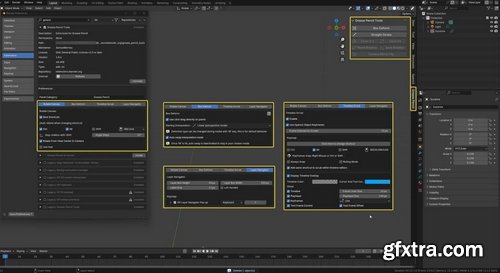
- Add-ons are mostly installed automatically in the program. In some cases, users download files from third-party profile resources and import them into the program. It all depends on whether the selected tool is in the Blender ecosystem.
- For automatic installation, you need to check for the add-on in the program. Go to the Edit tab — Settings — Add-ons. In the search bar, type the name of the add-on you are interested in. If the program has found it, just check the box next to the name — and the tool will be installed. To expand the search parameters, you can use the add-on sorting at the top of the window, selecting the Official, Community, and Testing options.

Superhivemarket - Auto-Rig Pro 3.75.55 for Blender
https://superhivemarket.com/products/auto-rig-pro
Blender 4.2 - 4.5
- Auto-Rig Pro is an addon for Blender to rig characters, retarget animations, and provide Fbx/Gltf export, with settings for Unity, Unreal Engine, Godot.Tired of the tedious and time-consuming process of character rigging? Auto-Rig Pro is the ultimate Blender addon designed to revolutionize your animation workflow. Whether you're a seasoned professional or just starting, this powerful toolset empowers you to bring your creations to life with unprecedented ease and efficiency.
Blender 4.2 - 4.5
- Convert chassis motion from keyframes in Blender into physically accurate wheel rotations and a ready-to-use CSV file. Check non-holonomic motion, automatically correct invalid paths, and control or bake wheel rotations for clean, ready-to-use results.
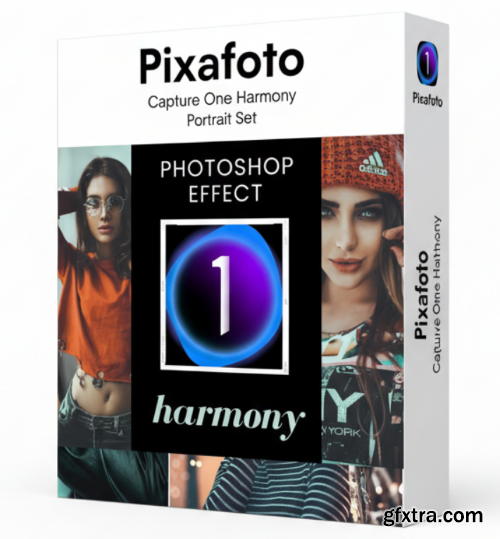
- Elevate your portrait photography to a new level of artistry and sophistication with the Pixafoto Capture One Harmony Portrait Set. Designed for photographers who demand excellence and a signature style, this comprehensive collection of presets and tools is your secret weapon for creating stunning, emotionally resonant portraits with unparalleled ease and precision. Gone are the days of endless tweaking and inconsistent results. The Harmony Portrait Set brings a curated selection of "Photoshop Effect" inspired looks directly into your Capture One workflow. Each preset has been meticulously crafted to enhance skin tones, introduce captivating color grading, and add that professional polish that makes your images truly stand out. From soft, ethereal glows to punchy, dramatic contrasts, you'll find the perfect starting point for every mood and subject.

- Cinematic atmosphere in a single click Physical Starlight and Atmosphere is the most popular atmosphere addon for Blender, which is setting the new industry standard for lighting and real-time interactivity with the atmosphere.
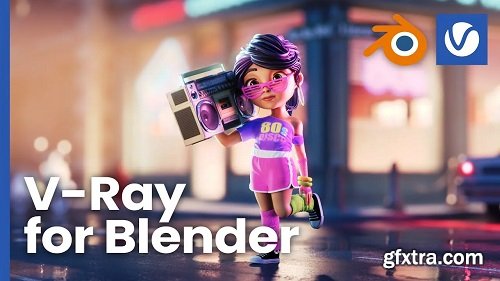
V-Ray for Blender - your fast track to high-end renders in Blender.
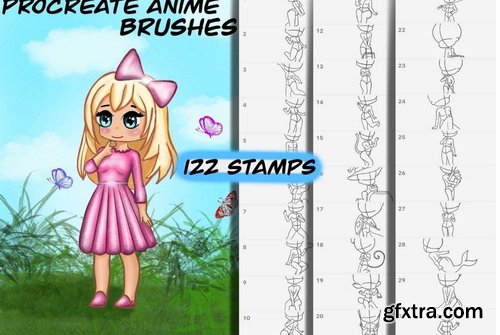
Brushgalaxy - 60 Anime Stamps - Procreate anime brushes
https://www.brushgalaxy.com/product/procreate-anime-brushes-procreate-stamps/

- With Revolve - Mesh Looper you can generate seamless loops from animated meshes directly inside Blender. Loop any kind of deformation, such as cloth simulations, soft body simulations, animated noise displacement, and more. Export your looped animations as Alembic files and use them in Animation, Games and VFX.
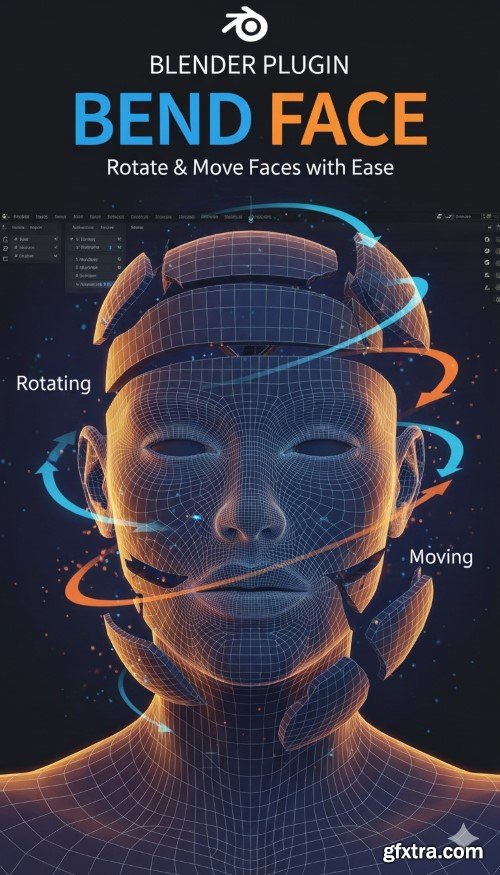
- Tired of wrestling with complex rigging or repetitive vertex adjustments just to achieve a simple bend or twist in your Blender models? Introducing Bend Face, the revolutionary new add-on designed to streamline your workflow and unlock effortless mesh deformation. Bend Face empowers you to manipulate your mesh with unparalleled ease and precision. Gone are the days of tedious manual selections and transform operations. With Bend Face, you can intuitively rotate and move selected faces along their normal, around a custom origin, or even along a specific axis, transforming your mesh with a natural, organic feel.

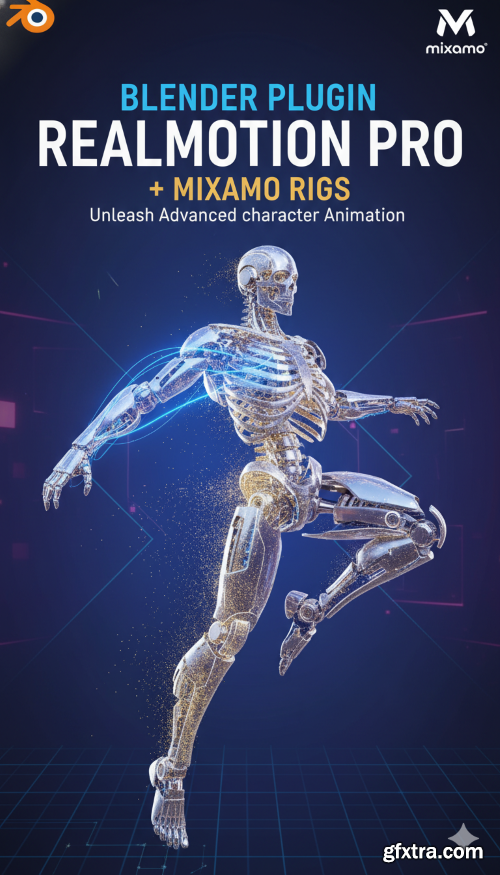
- RealMotionPro is a feature-packed Blender addon designed to revolutionize your animation workflow. With an extensive animation library and powerful tools, this addon is perfect for animators looking to save time and achieve good results effortlessly. This addon comes with a full guide in a detailed PDF document that explains every feature step by step. The full documentation is included inside the package for easy access
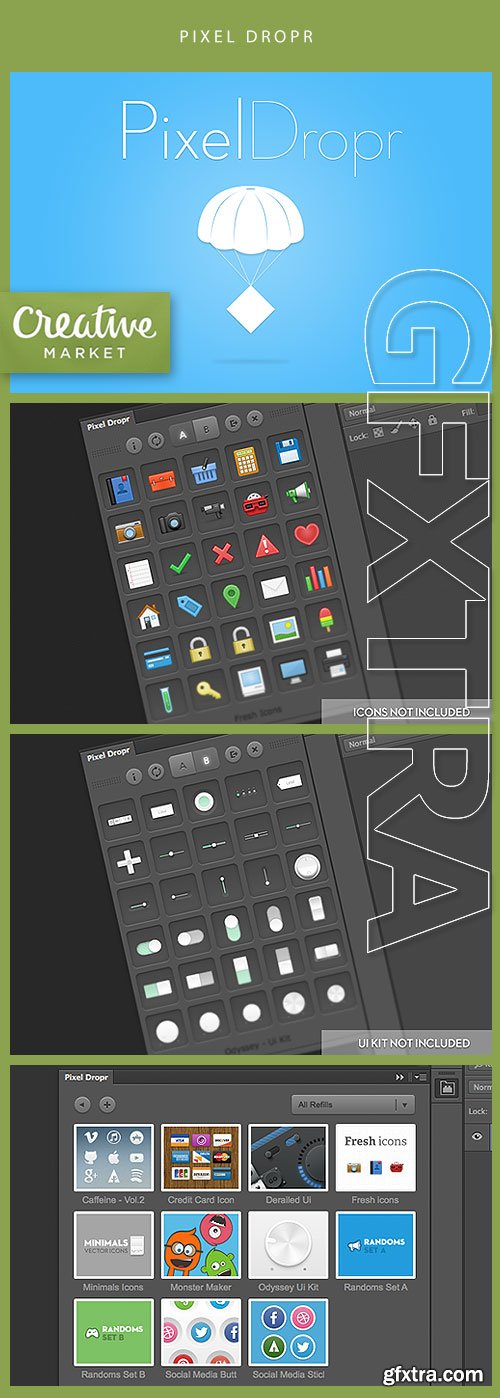
Its also possible to export and share those refills with friends and other designers.
Pixel Dropr requires Photoshop CS5 or CS6 (Mac & Windows).
Blender 4.5
- This simple add-on allows you to add a volumetric cube to the scene, which is essentially a standard cube with a volume shader. The repeat panel allows you to change some settings before clicking the ‘OK’ button and executing the script. After that, you can use the F9 hotkey to open the menu for further editing.
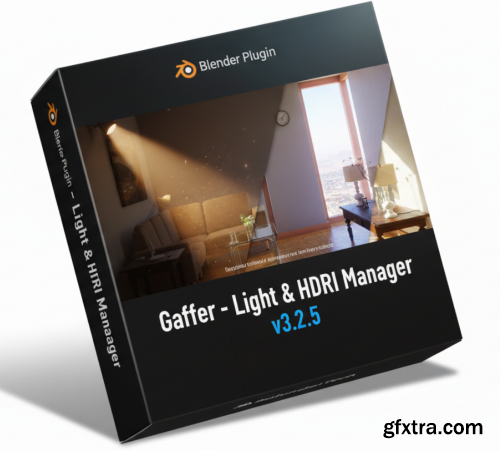
- Gaffer is a Blender add-on that helps you light your scenes by presenting all the right settings in convenient panels for quick access and experimentation. As a lighting artist, I created this add-on to help me with my everyday work. Not only did it speed up my lighting workflow, but it meant I could focus on creating better lighting without getting distracted searching for buttons.
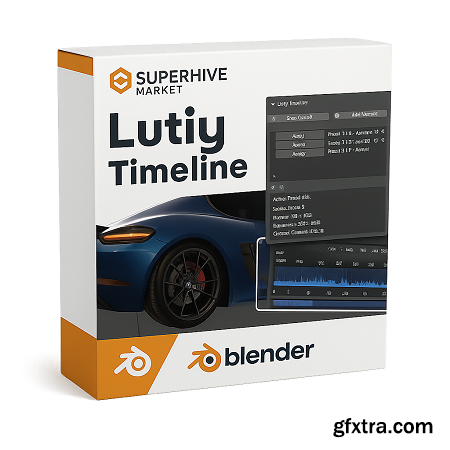
Blender 4.2 - 4.5
- This is an add-on for Blender that allows you to save, manage, and quickly switch between frame ranges on the timeline, cameras, and resolution settings for each camera. Ideal for animation projects, scenes with multiple cameras, and multiple frame ranges with different resolutions.
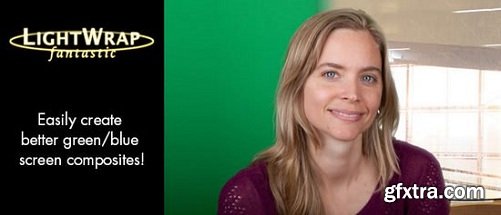
The Light Wrap Fantastic enables better composites by easily allowing users to blend the background with the foreground in such a way that it appears the light of the background is affecting the foreground. Essentially simulating backlighting. The plugin has all the controls you need to create a realistic light wrap making it a quick and easy process.

Samurai Sharpen Video 1.3.0 | 108 Mb
Easily Enhance Your Footage with Samurai Sharpen for Video. Video footage is often a little soft and enhancing it to sharpen certain details can make a world of difference. Samurai Sharpen allows you to do this quickly with tools designed to let you easily isolate specific areas of the footage and only sharpen those areas. It's state-of-the-art sharpening for video footage that's precise and simple.

Flicker Free is a powerful and simple way to remove flicker from your video. We offer presets for different types of footage, making it easy to eliminate flicker caused by out of sync cameras, time-lapse, or slow-motion video. Flicker Free will work on any sized footage and is compatible with a wide range of video editing applications such as After Effects, Premiere Pro, FCP, Avid, Resolve, and Vegas.

Apply Digital Makeup to your photos! Beauty Box Photo allows you to quickly and easily erase skin blemishes and wrinkles, even out skin tones, and reduce shine – achieving a consistently professional result. The plugin uses advanced skin smoothing techniques that enhance the work of photographers at all levels in Adobe Photoshop and Lightroom.
-
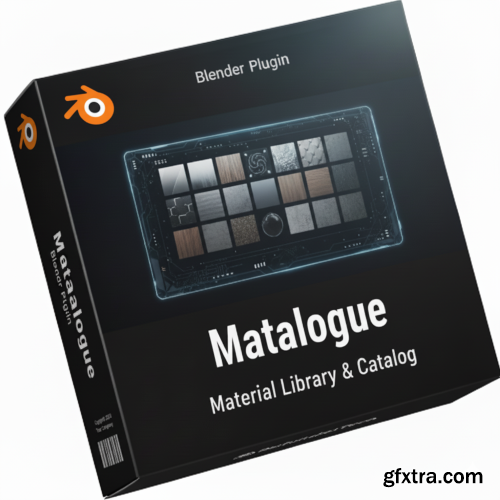
Introducing Matalogue v1.5.0 for Blender – your essential companion for a streamlined and intuitive material and node tree management experience. Designed for Blender versions 4.2 to 4.5, Matalogue takes the hassle out of navigating complex node setups, putting your material list and other node trees directly where you need them most: in the Node Editor toolbar.
126,000 Royalty-Free 3D Model

Udemy Türkçe


Top Rated News
- CreativeLive Tutorial Collections
- Fasttracktutorials Course
- Chaos Cosmos Library
- MRMockup - Mockup Bundle
- Finding North Photography
- Sean Archer
- John Gress Photography
- Motion Science
- AwTeaches
- Learn Squared
- PhotoWhoa
- Houdini-Course
- Photigy
- August Dering Photography
- StudioGuti
- Creatoom
- Creature Art Teacher
- Creator Foundry
- Patreon Collections
- Udemy - Turkce
- BigFilms
- Jerry Ghionis
- ACIDBITE
- BigMediumSmall
- Globe Plants
- Unleashed Education
- The School of Photography
- Visual Education
- LeartesStudios - Cosmos
- Fxphd
- All Veer Fancy Collection!
- All OJO Images
- All ZZVe Vectors
- CGTrader 1 CGTrader 2



















