


1 LTR Template File | 500 KB


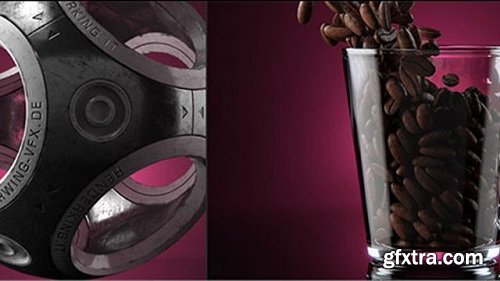


Place your model in one of the various provided prelit VLE scenes, choose your render quality and hit render- its as easy as that to get great realistic renders within minutes! Each scene is created with the highest level of realism: lights, shadow, reflections… are studied in detail. A great time saver for motion designers, interior designers, 3d generalists and anyone who loves 3d.
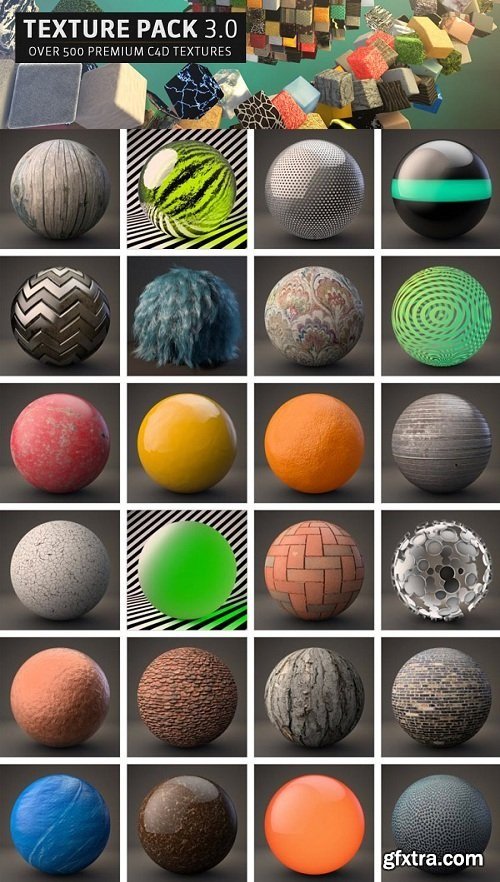
Over 600 custom Cinema 4D Materials for your next project. Choose from hundreds of unique textures and procedural materials to drag and drop into your next Cinema 4D scene. These materials work in the C4D Physical and Standard renderer. Texture Kit Pro includes materials from four Cinema 4D artists. Beeple, Pariah Rob, Chris Schmidt and Greyscalegorilla.
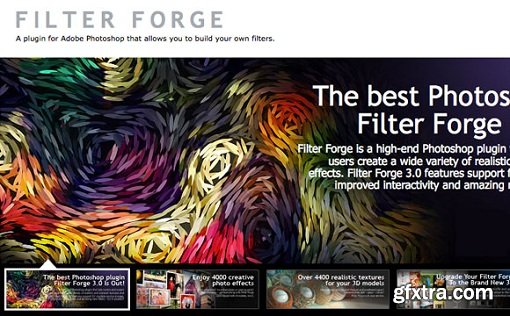
Filter Forge 4.008 Adobe Photoshop Plug-in | 82 MB
Filter Forge is a versatile Program which lets both novice and expert users create a wide variety of realistic and abstract textures and effects. Users can take instant advantage of over 10423 free community-created filters in the online filter library, or create their own filters in the visual filter editor by assembling them from components such as blurs, gradients, color adjustments, noises, distortions, or blends – without writing a single line of code.

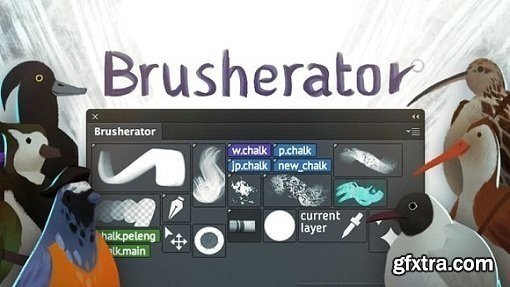
Brusherator 1.2 Plug-in for Adobe Photoshop CC (Win) | 50 MB
Brusherator for Photoshop CC and above! Brushes! On the Panel! Create tiny text buttons, larger auto-generated and custom thumbnail buttons. Keep your Brushes, Tool presets and Actions on a panel. And much more!
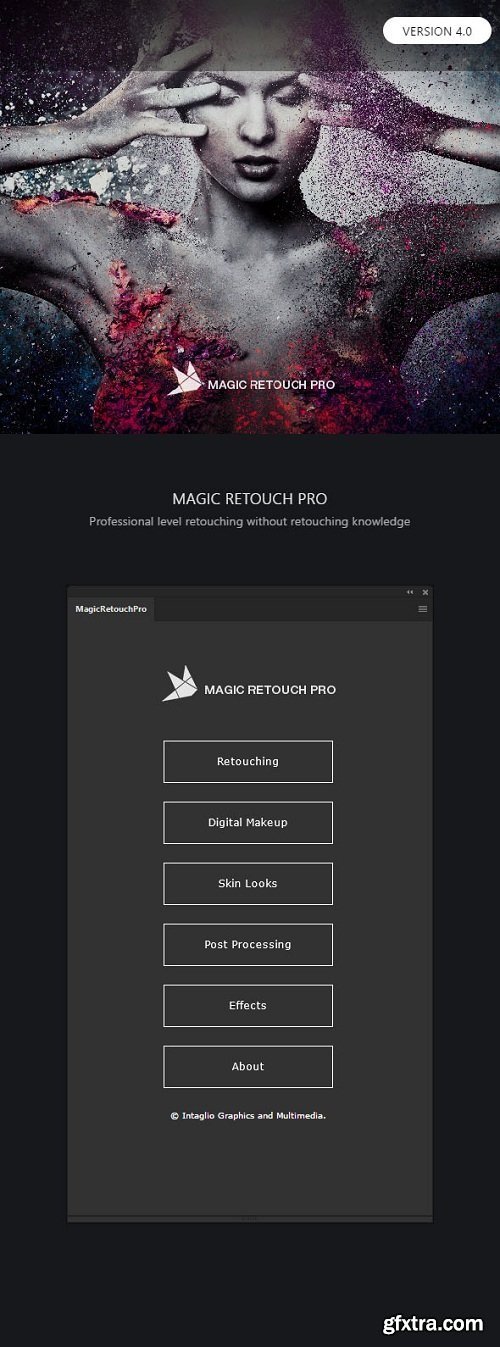
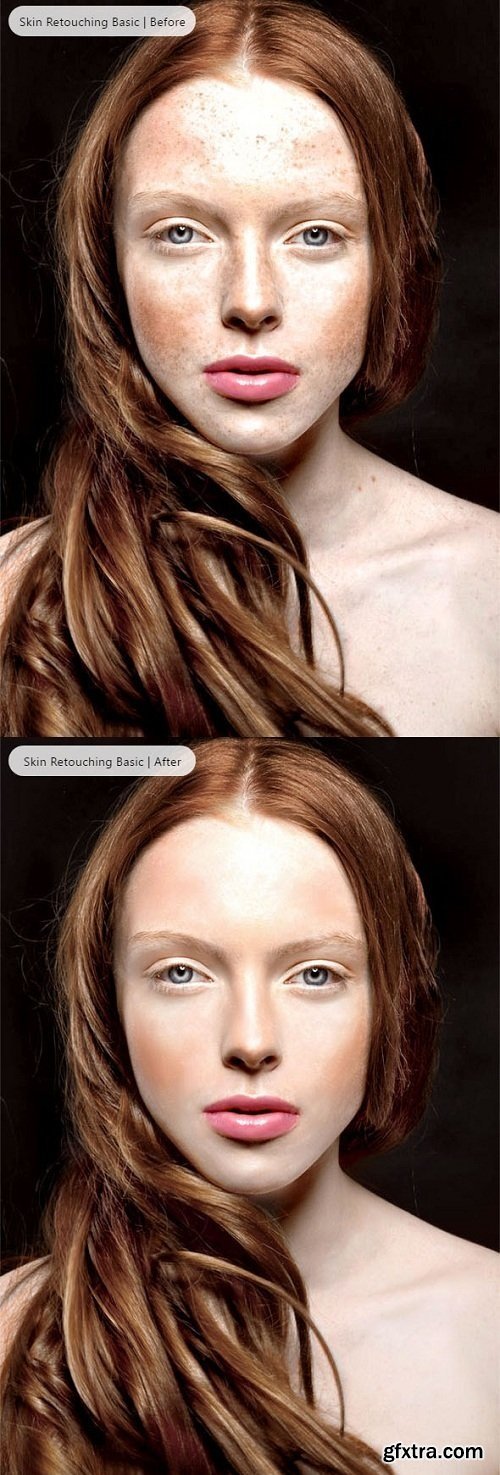
Magic Retouch Pro is a Photoshop extension plug-in with which you can do professional level retouching but without any retouching knowledge or experience. Magic Retouch Pro is perfect for novice users, but also gives time saving tools for more experienced users. Magic Retouch Pro has robust tool set such as Skin Retouching, Teeth Whitening, Eyes Enhancer, Lips Enhancer, Digital Makeup, Skin Looks & more.
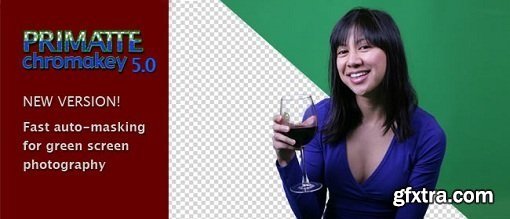
Digital Anarchy Primatte Chromakey 5.1.4 for Adobe Photoshop | 66.87 MB
With each release of Primatte Chromakey, the software becomes more automatic and easy to use. In the new Primatte 5.1, you get a cleaner interface, new tools, improved auto-masking, and a greater ability to batch process large groups of photos. You will see better handling of soft edges like flyaway hair, sheer fabric, fur and glass. Photographers who do event photography, little league, or school photos will love the easier, improved workflow.
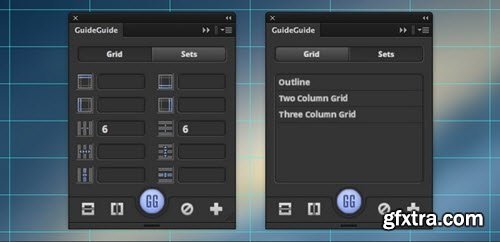
Guides are a pain. GuideGuide is the Photoshop and Illustrator panel that makes working with guides painless. GuideGuide has been saving design time since 2010. During its early days as a free plugin, it was Photoshop’s most installed extension.
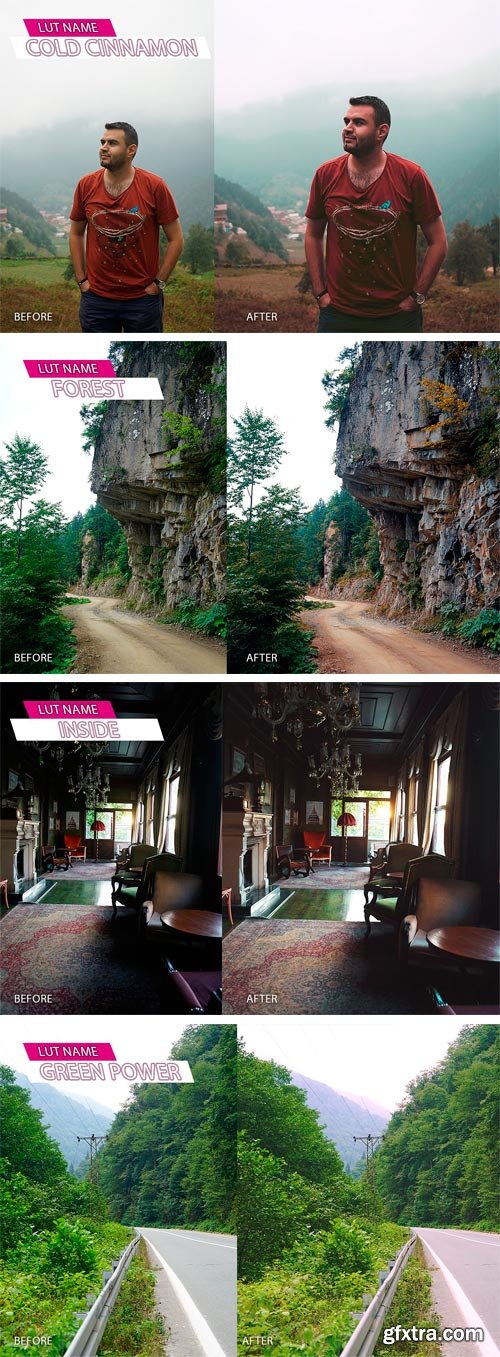
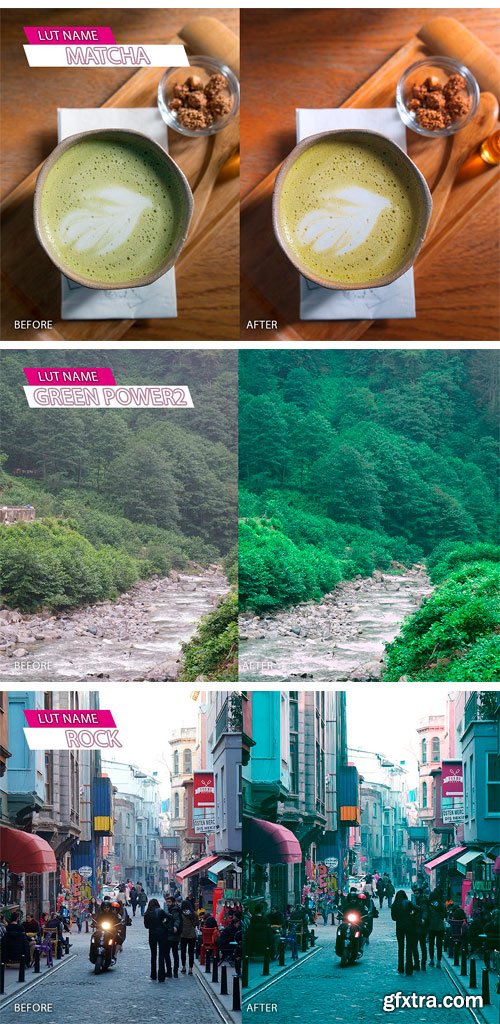
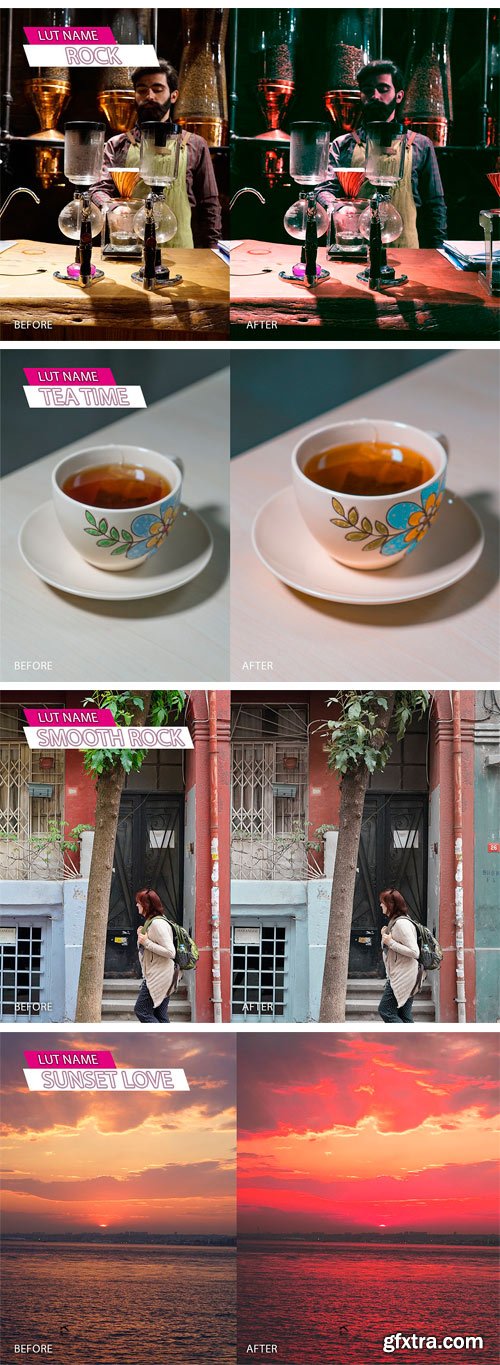
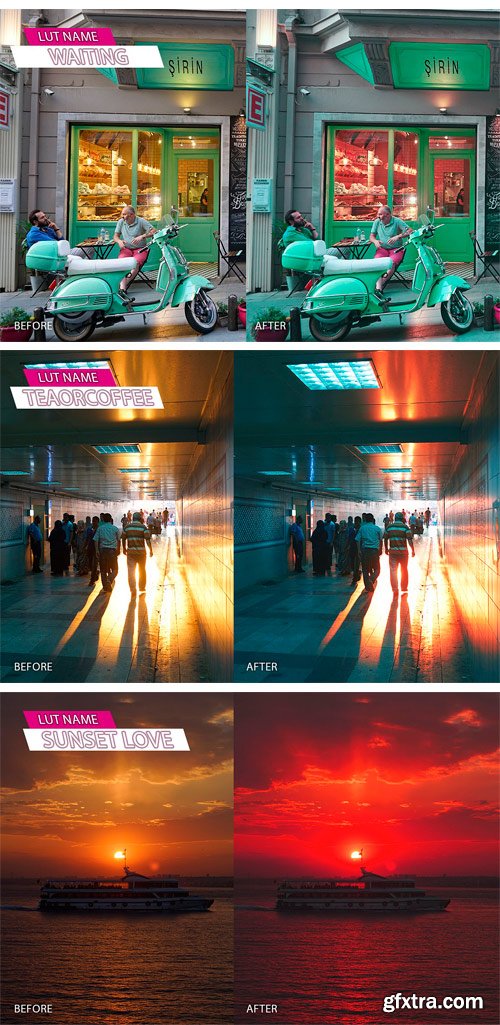
CM - Photographia Luts Pack 1781288
12 Lus file to make your photos most beautiful ever. I use these luts personally on my art works, and i have created it to make the photos more exciting.
• It is easy to use it: in Photoshop go to adjustments select Color lookup in 3DLUT File select Load 3D Lut and choose The lut file which you like.
• Rock Filter (or Rock Lut) it is good to use it in lowlight conditions.
• I made 2 filter of Greenpower To match your vision. there is (strong Greenpower, and normal Greenpower).
• you could use it with premiere pro to make your footage more spirited.
• Please do not expect to a lut to do all the work for your photos, you need to change and adjust photo and play with (shadows, Highlights, white balance and other preferences.
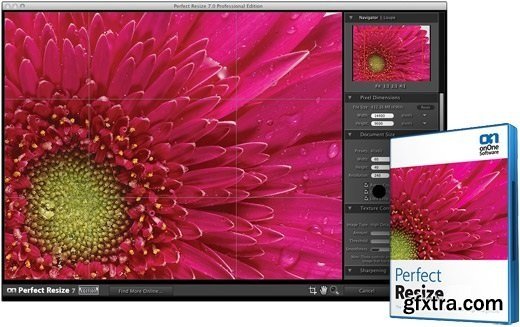
OnOne Perfect Resize 9.5.0.1644 Premium Edition (Stand-Alone & Plugin) | 38 MB
Get the highest quality image enlargements with Perfect Resize, which features Genuine Fractals technology—patented, fractal-based interpolation algorithms—that quickly enlarge your images without the loss of sharpness or detail that you might normally expect. Relied on by industry professionals, you too can create high quality enlargements easily and showcase your images at their best—even those taken with your mobile device!
https://www.youtube.com/watch?v=wd08TZLth4w
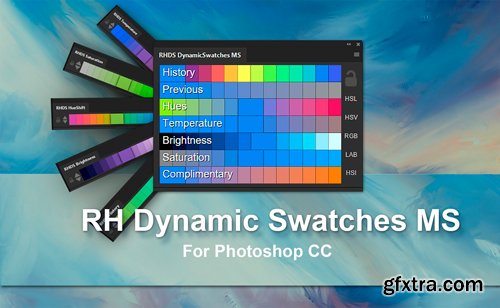
CM 1341600 - RH Dynamic Swatches MS
The Dynamic Swatches MS extension for Adobe Photoshop CC instantly and automatically generates nearby color swatches according to your preferences. When painting, color picking from the canvas is standard workflow. But the fluidity is broken when you need a variation of a color not already on the image. Perhaps you want a more saturated version, a brighter version, warmer, colder etc.
While the photoshop default swatches are handy for some situations they're far from adaptive, and usually not relevant to the image you're working on. So you pick a color and then start fiddling with sliders. And they can be fiddly.
Dynamic swatches are artist orientated in their utility, they take no CPU time while painting, they're completely integrated into Photoshop and can be docked, floated, scaled as large as you want right down to ridiculously small. They can be iconised, double tapped as tabs and held on secondary monitors etc if preferred.
Dynamic Swatches MS is a single panel product born of the surprisingly popular Dynamic Swatch series, combining all of them into one place with additional features. Dynamic Swatches MS has been tremendously recieved and has been tailored to encompass many requests.. all happy so far ! :)


Filter Forge v4.13 Standalone/Photoshop Plugin | 387 MB
Filter Forge is a versatile Program which lets both novice and expert users create a wide variety of realistic and abstract textures and effects. Users can take instant advantage of over 10423 free community-created filters in the online filter library, or create their own filters in the visual filter editor by assembling them from components such as blurs, gradients, color adjustments, noises, distortions, or blends – without writing a single line of code.

Topaz Glow creates vibrant and beautiful images with energetic sparks of light. Your images have hidden textures that aren?t visible to the naked eye. Topaz Glow illuminates these hidden contours in a very special way. The result is surreal and magical - almost like painting on your photo with beautiful luminescent ink.
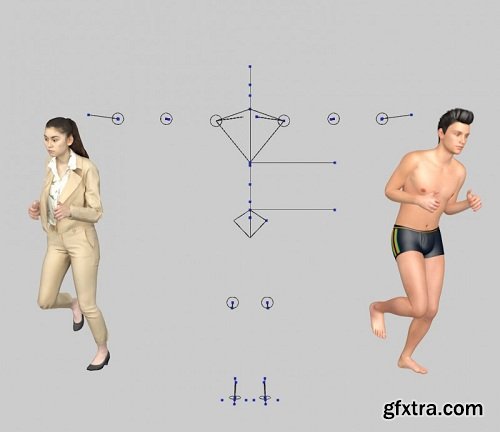
You have rigged characters and like to animate them? Look no further. With People in Motion R2.0 the animation of rigged characters couldn’t be easier.

AlphaPlugins Engraver III v1.0 DC 22.10.2016 for Adobe Photoshop | 10.69 MB
AlphaPlugins Engraver III plugin for Photoshop CS2...CC2015.5 lets you turn any picture into an impressive old-style engraving with just a few mouse clicks. You are in control, just like the old masters, but you can create a stylish engraving in only minutes instead of days!
Adobe CC+ | *ZXP | 5.6 Mb RAR
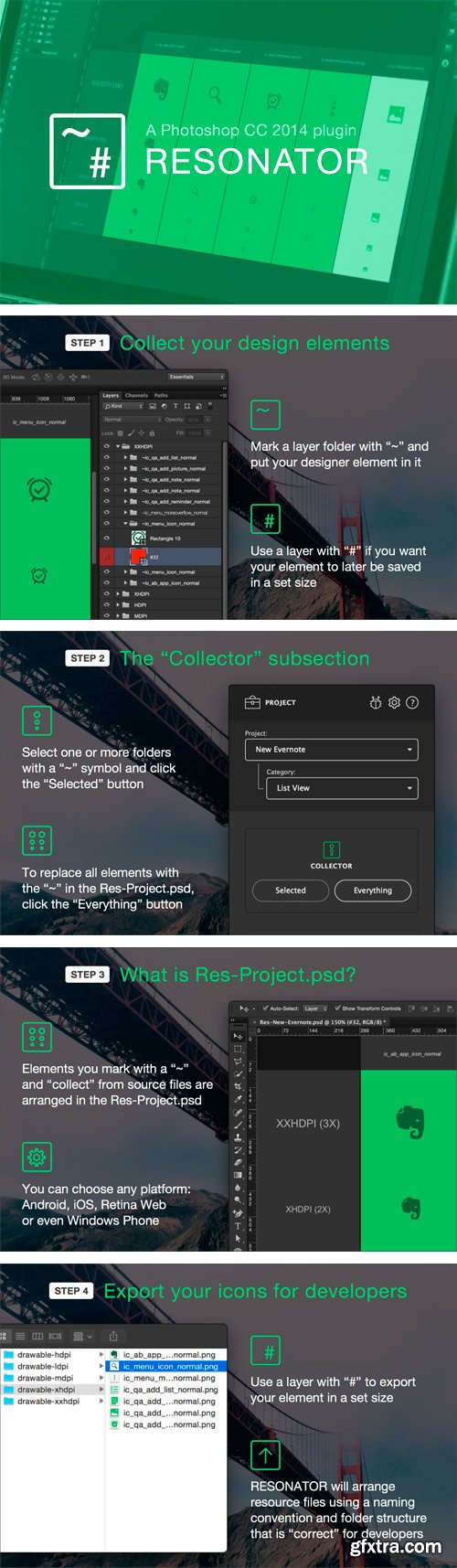
RESONATOR is an extension for collecting, exporting, and storing graphical resources for various mobile platforms and the web.
RESONATOR collects all the design elements from all of your project's screens (icons, buttons, UI controls, etc.) into a single Res-Project.psd. Additionally, all of the elements are collected in the densities you need, so you can quickly fix “blurry” graphics and other defects that arise during resizing.
RESONATOR exports all design elements with file names and a folder structure that are “correct” for developers. And it works for any platform: Android, iOS, Retina Web, and even Windows Phone :-)
RESONATOR stores all the design elements you draw and transfers them to developers in a single file. This means no more "slices" in separate files and no more endlessly searching for them when you need to fix something.
Fonts.com Extension 1.0.2 Plugin for Adobe Photoshop | 8.79 MB
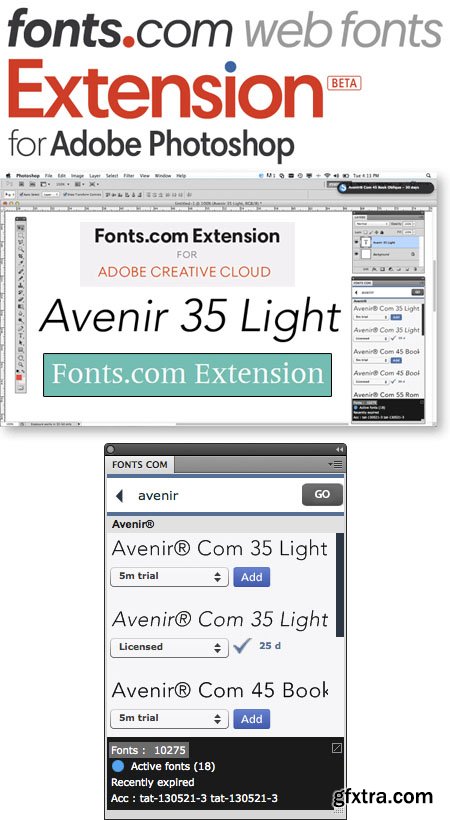
Add Fonts Directly from Your Design Applications. Quickly selecting and adding fonts to your design projects just got easier with our new Fonts.com Subscription for Adobe Creative Cloud. Paired with your Fonts.com Subscription, you now have the ability to browse, add, and sync fonts directly from your favorite Adobe applications, including Photoshop, Illustrator and InDesign. Plus, you add not only additional functionality to your type workflow, but you save time and effort, allowing you to focus more energy on your designs. Download the Fonts.com Extension - free of charge - by clicking here.
Equalizer 2 Plugin for Adobe Photoshop | 10.4 MB
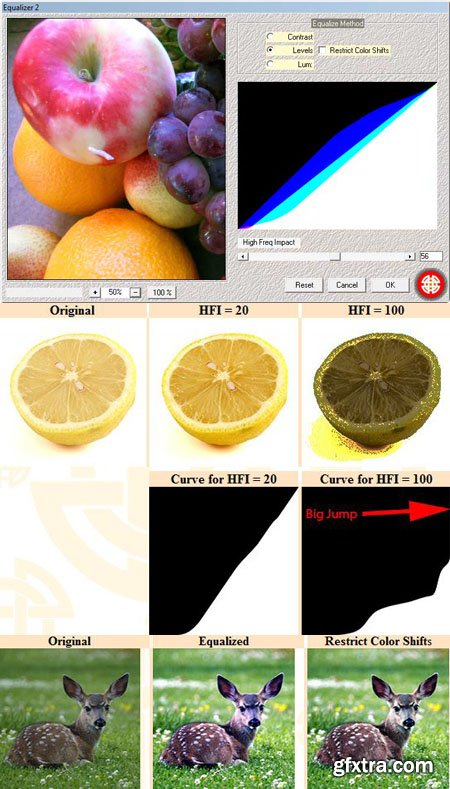
The plugin Equalizer 2 offers three methods of equalization, with options to make this process more exploitable. Roughly speaking, equalization is a process that generate for each image a theoretically optimal curve, which once applied to that image, improve global contrast in a relevant way.
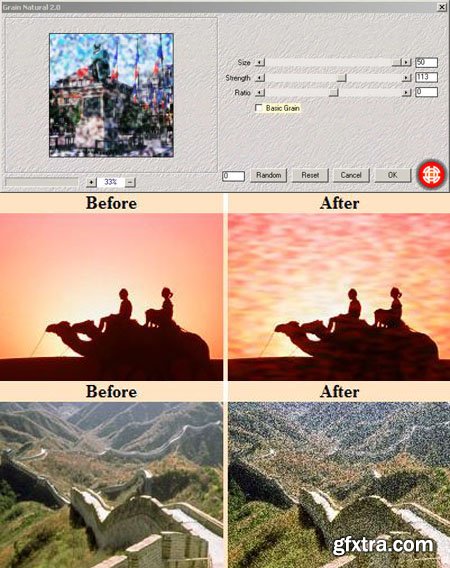
Grain Natural 2 Plugin for Adobe Photoshop | 8 MB
Grain Natural 2 allows to generate grains of variable size. This plugin exploits colours already present in the image to achieve a natural result. NB : Grain natural is suitable particularly for images with strong contrast. Notice that this filter does not affect all the colours in the same way. The farthest colours from the neutral grey (on the example above: the wall and the shadow) are the least affected.
126,000 Royalty-Free 3D Model

Udemy Türkçe


Top Rated News
- CreativeLive Tutorial Collections
- Fasttracktutorials Course
- Chaos Cosmos Library
- MRMockup - Mockup Bundle
- Finding North Photography
- Sean Archer
- John Gress Photography
- Motion Science
- AwTeaches
- Learn Squared
- PhotoWhoa
- Houdini-Course
- Photigy
- August Dering Photography
- StudioGuti
- Creatoom
- Creature Art Teacher
- Creator Foundry
- Patreon Collections
- Udemy - Turkce
- BigFilms
- Jerry Ghionis
- ACIDBITE
- BigMediumSmall
- Globe Plants
- Unleashed Education
- The School of Photography
- Visual Education
- LeartesStudios - Cosmos
- Fxphd
- All Veer Fancy Collection!
- All OJO Images
- All ZZVe Vectors
- CGTrader 1 CGTrader 2



















