

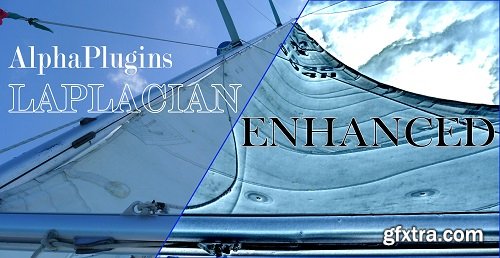
AlphaPlugins Laplacian The AlphaPlugins Laplacian Enhanced is a new Photoshop plug-in that uses Laplacian pyramids to increase or decrease image details with very high quality and without any artifacts, halos or other undesirable effects. The AlphaPlugins Laplacian Enhanced can enforce image details and produce a pseudo HDR effect on usual source photos or opposite - loose details and reduce noise but keep all main image contours.

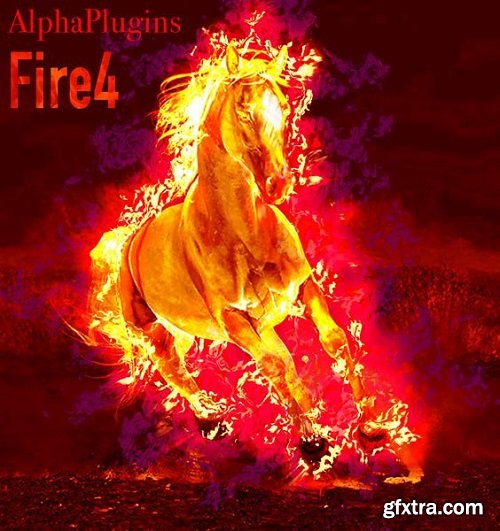
AlphaPlugins FireFor is incredibly handy for creating natural-looking smoke and fire effects in Adobe Photoshop. An effortless, intuitive process helps you playfully achieve attractive and realistic results. This plug-in is specially designed to work in hi-res and high-quality compositions, with fast renderings and attractive, quality output.
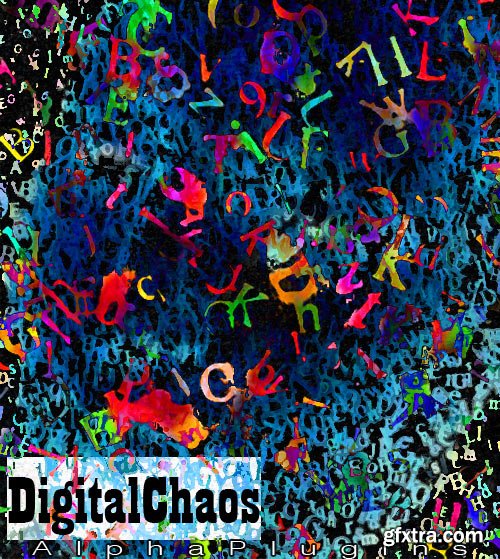
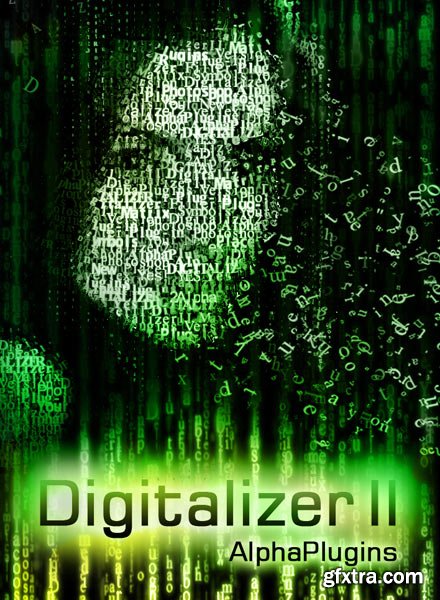
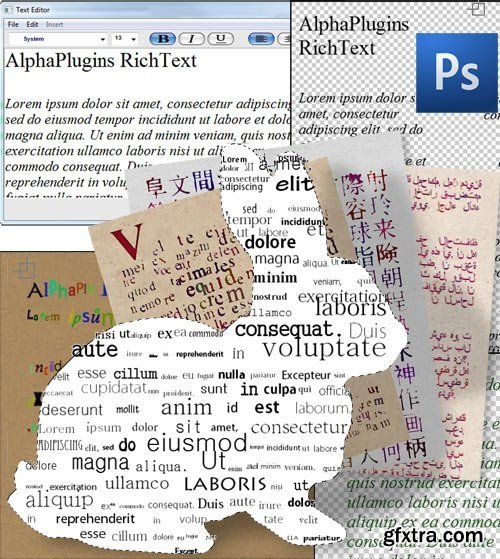
AlphaPlugins DigitalChaos – the simple and qualitative plug-in filter for Adobe Photoshop and compatibles. This plug-in is aimed for creation randomly patterns consisted from symbols and digits. These symbols patterns can be used in complicated compositions and lets to generate fantastically looked abstract arts. The plug-ins contains build-in text editor what allows setup sets of used symbols and fonts. Also plug-in has very handful controls for randomization symbols properties such as positions, scales, angles, colors, fonts and etc. Plus, the plug-in has a magic button "Auto" what lets to generate amazing abstract symbols patterns by one click.
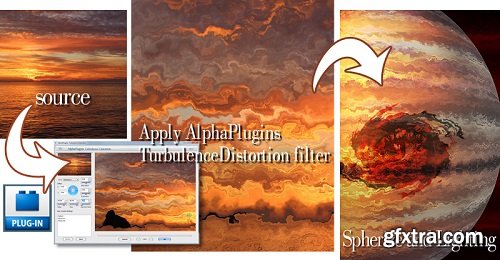
AlphaPlugins TurbulenceDistortion is a Photoshop plug-in that creates amazing turbulence distortion effects and should be in the toolbox of every professional designer. This filter lets you use different types of turbulence distortions in your compositions. The turbulence distortion is a base method used to create many sophisticated effects like realistic fire, running water, waving clothes and more. If you work with special effects creation, try it just once and you'll wonder how you ever worked without it.

This add-on for Blender 2.8x, 2.9x and 3.x vastly expands your camera and lighting toolset with Physical Camera properties, Bokeh textures, Optical Vignetting, Camera and Lens compositing FX, Physical Lights, Gobos and IES... As well as a Render Queue manager, Mixer interfaces for Lights, Emissive materials and Worlds.

Retouch4me Portrait Volumes - Add new dimension to your portraits. Retouch4me Portrait Volumes automatically enhances the sense of depth in portraits. It makes eyes brighter, emphasizes lips, nose and draws the oval of the face. Adding volume to a portraits by hand is not an easy task, even for an experienced retoucher. Retouch4me Portrait Volumes is great for portraits with even lighting.
Retouch4me Heal - Healing small skin defects. Auto skin selection. No need to select skin manually anymore! Retouch4me Heal automatically recognizes skin areas on photo and retouches it. No need to do manual work with problem areas on skin. Just one button press to get result!

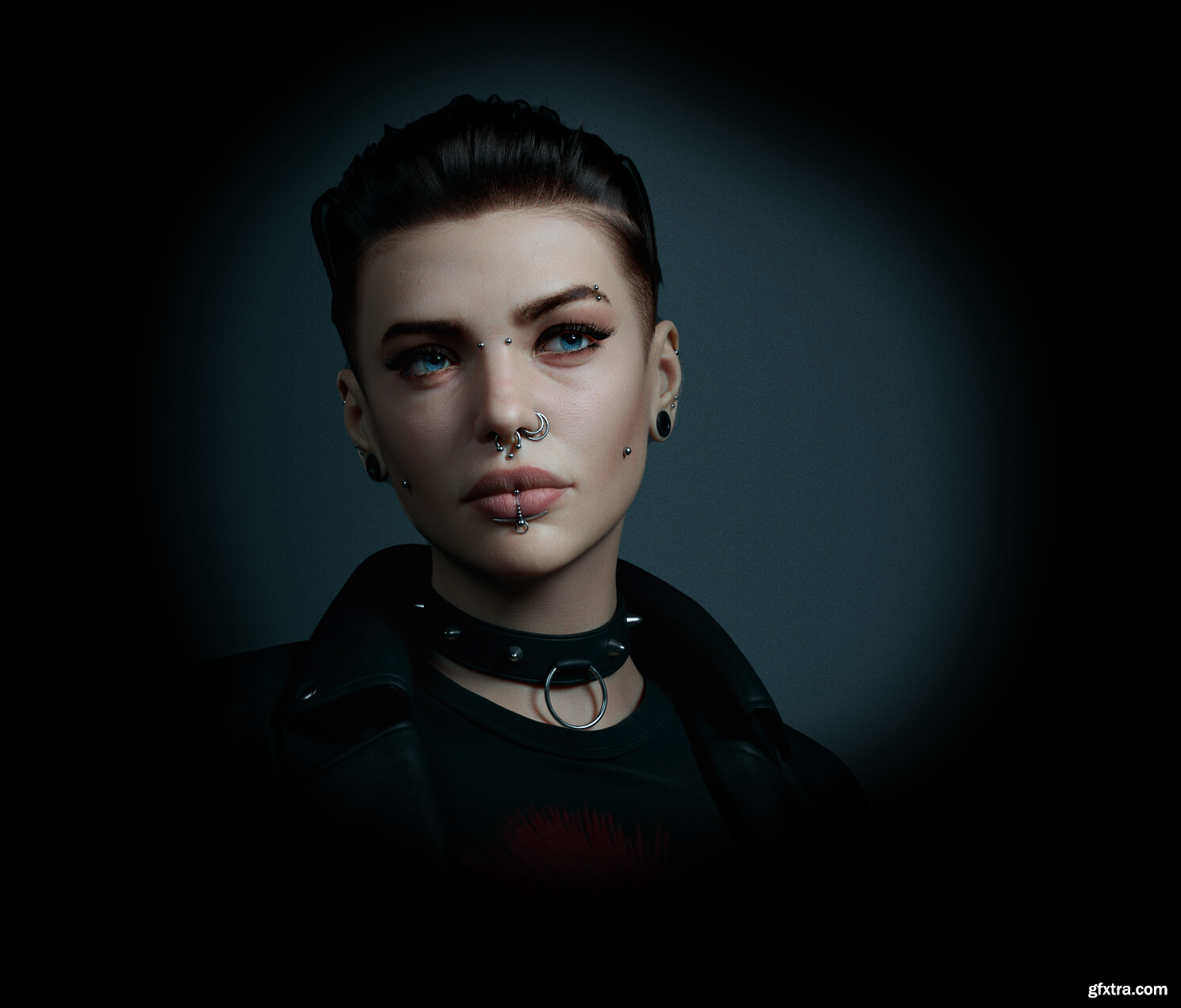
ZWrap 2023.12.3 for ZBrush
https://faceform.com/zwrap/
ZWrap is a plugin for ZBrush® that allows you to automatically fit a pre-existing topology to your models. With an easy-to-use interface, it greatly speeds up a process of converting your characters and 3D scans into a production-ready topology.

Quick Turnaround Camera Addons
https://blendermarket.com/products/quick-turnaround-camera-addons
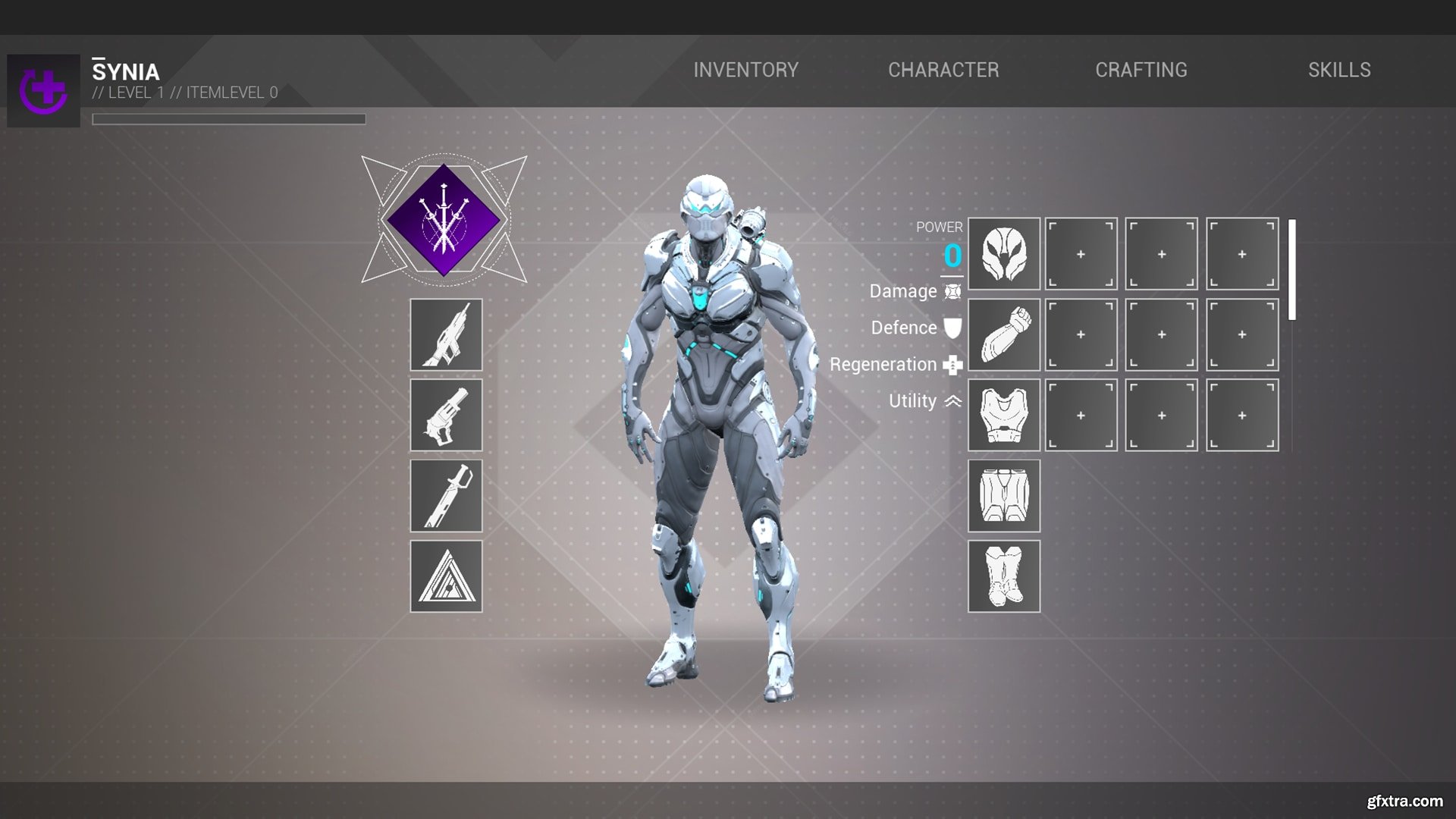
Inventory and Stat System v5.0
https://www.unrealengine.com/marketplace/en-US/product/inventory-and-stat-system
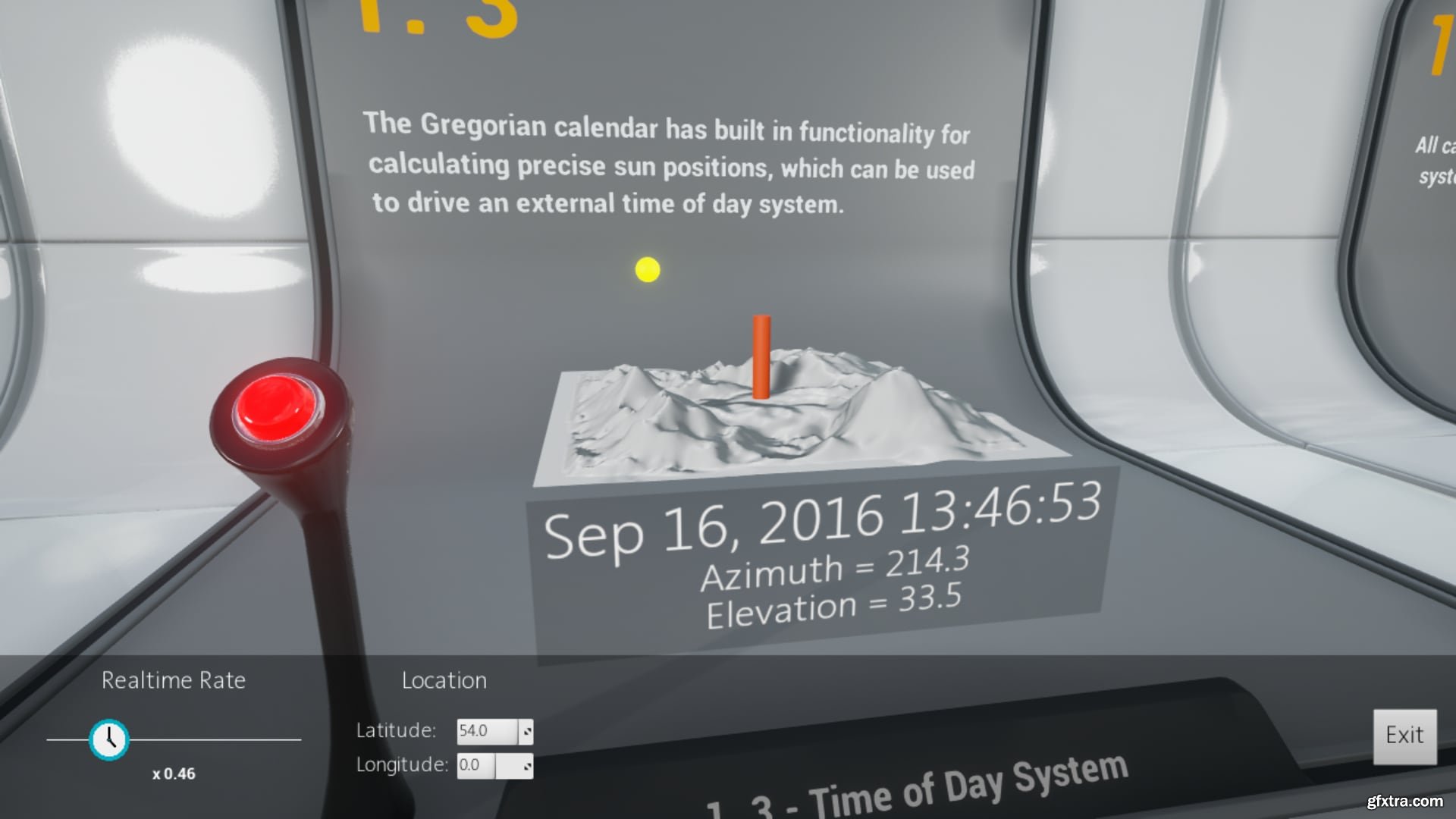
InGame Date and Time v5.0
https://www.unrealengine.com/marketplace/en-US/product/ingame-date-and-time
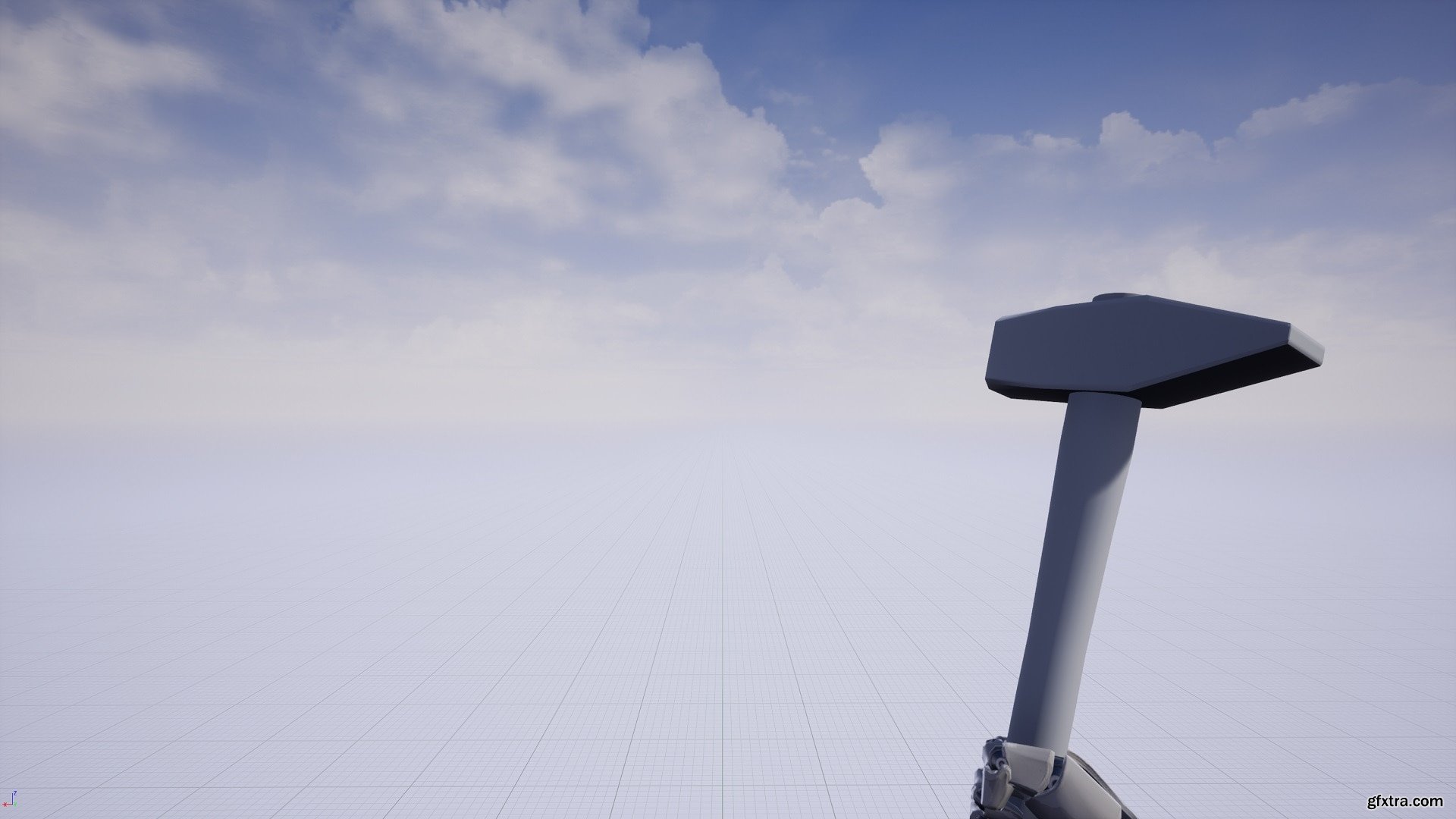
First Person Hammer v4.24-4.27, 5.0-5.2
https://www.unrealengine.com/marketplace/en-US/product/first-person-hammer
First Person melee axe. 44 animations, all hand keyed on the Unreal Epic Skeleton. Place your camera wherever you wish in order to get the FP view you desire. The head has animations for each asset so, once you attach the camera to the head bone, you will have the camera animation (shakes for each hit etc.). The hammer model is there purely for reference. You can add your own model, position it like the reference model, and attach it to the right hand. Of course, if you wish to use that exact low quality model feel free to do so!
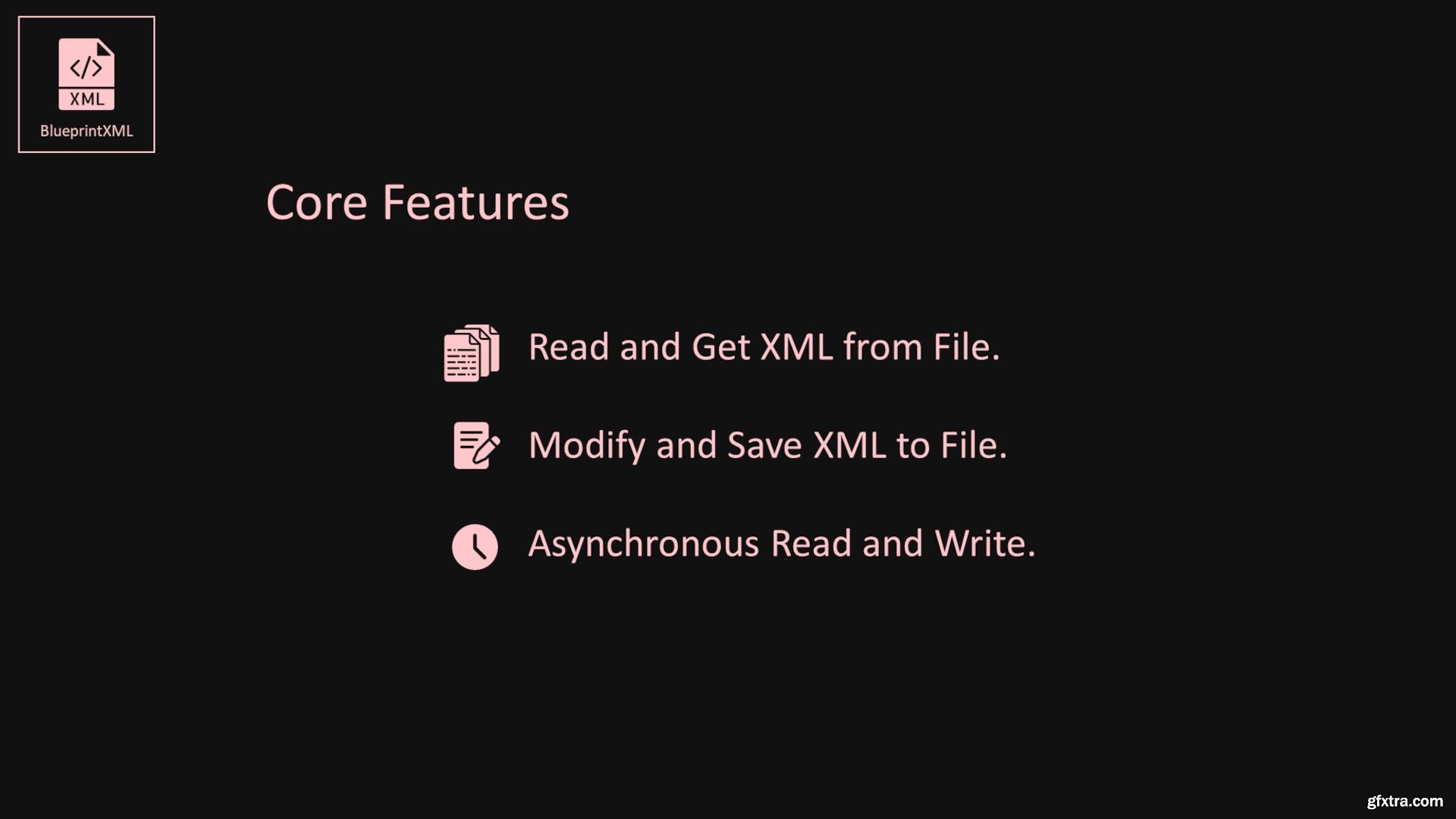
BlueprintXML v4.23-4.27, 5.0-5.3
https://www.unrealengine.com/marketplace/en-US/product/blueprintxml
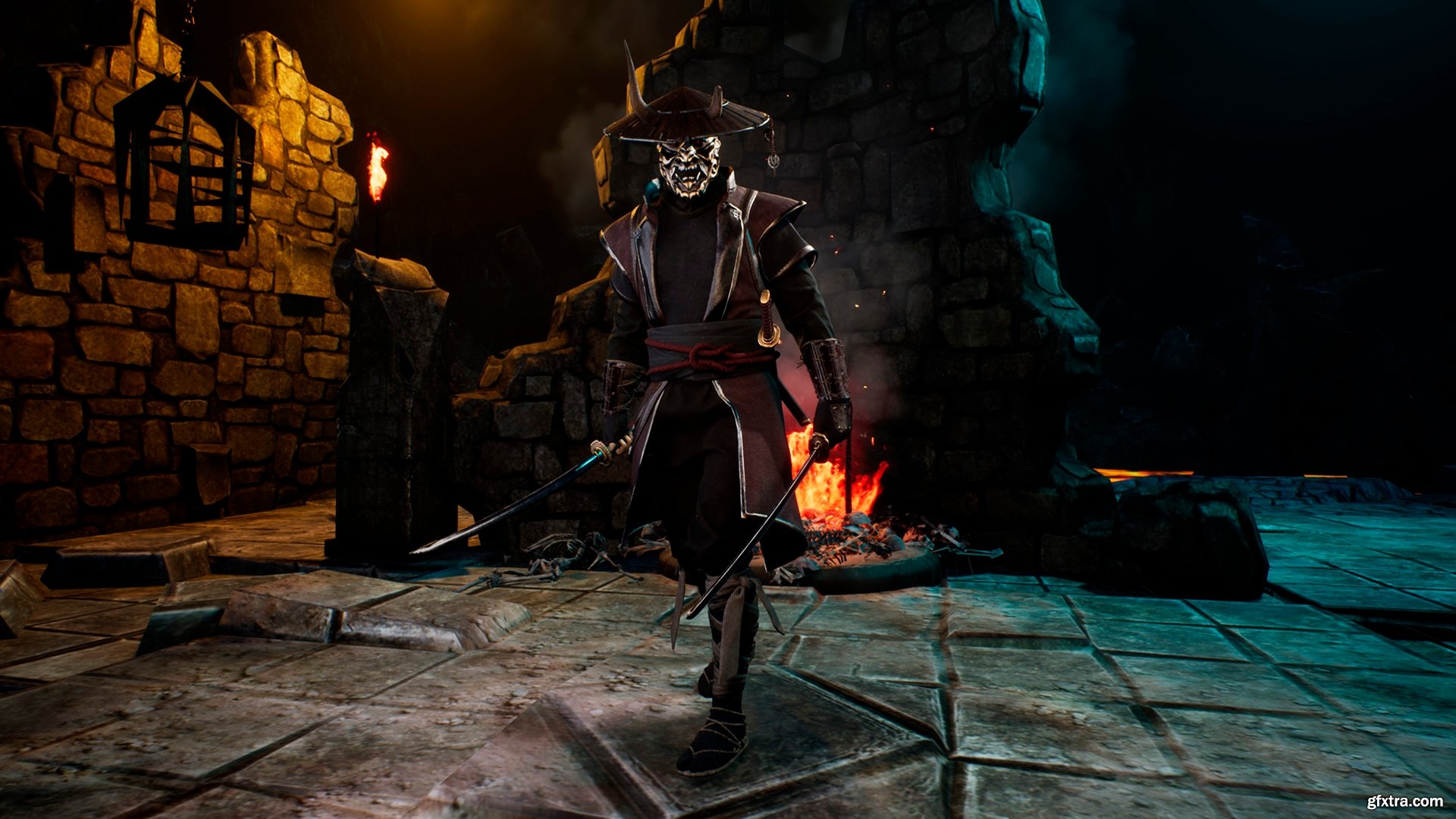
Fallen Samurai v4.18-4.27, 5.0
https://www.unrealengine.com/marketplace/en-US/product/fallen-samurai
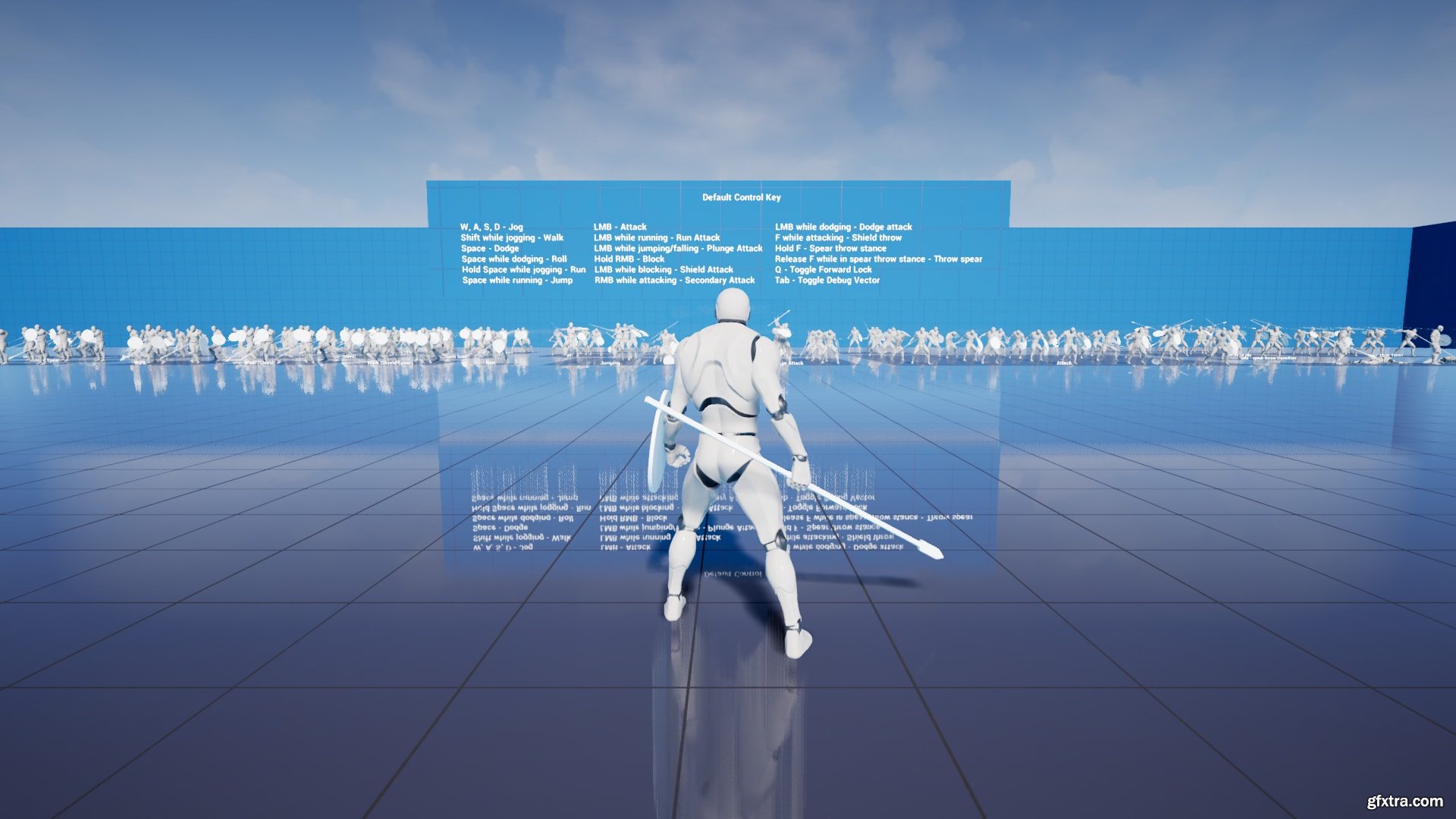
Essential Spear And Shield Animation Pack v4.27
https://www.unrealengine.com/marketplace/en-US/product/essential-spear-and-shield-animation-pack
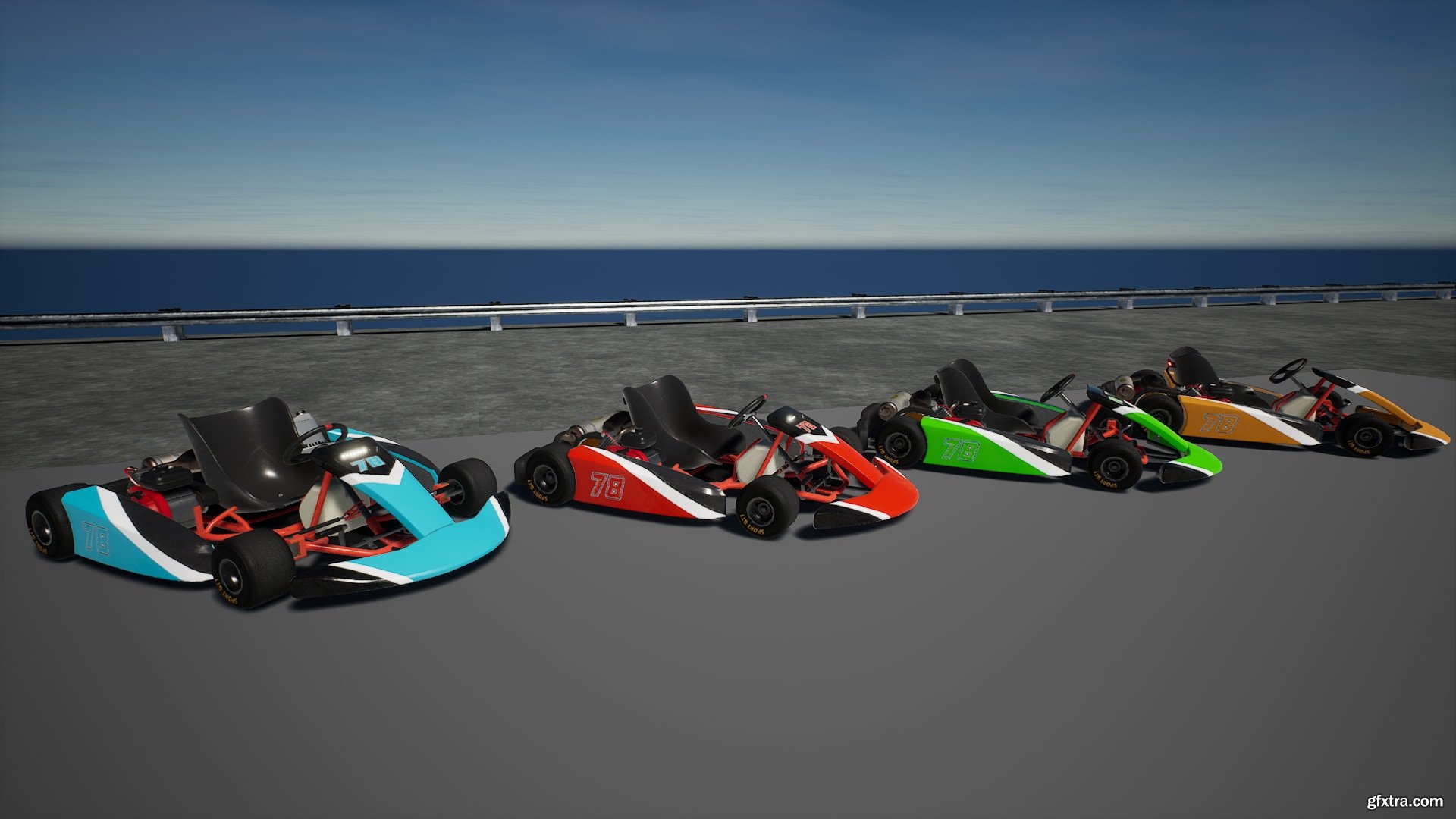
Drivable Gokart v5.0
https://www.unrealengine.com/marketplace/en-US/product/drivable-gokart
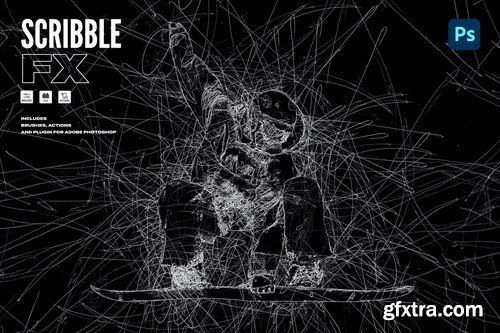
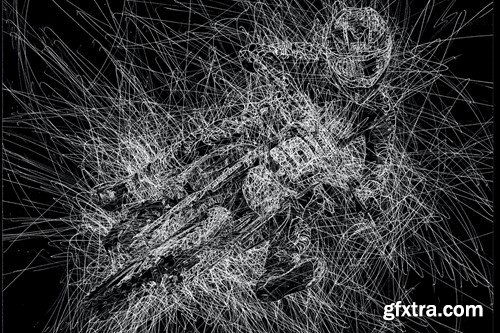
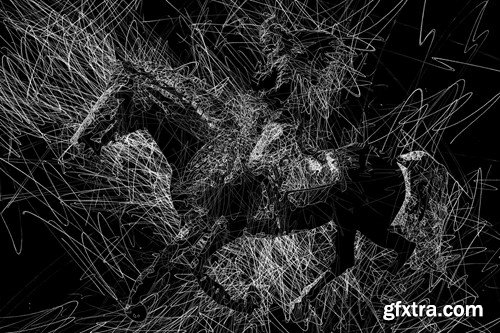
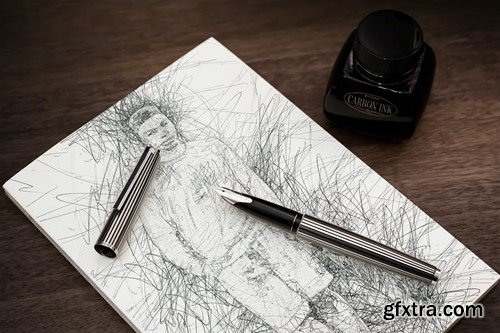
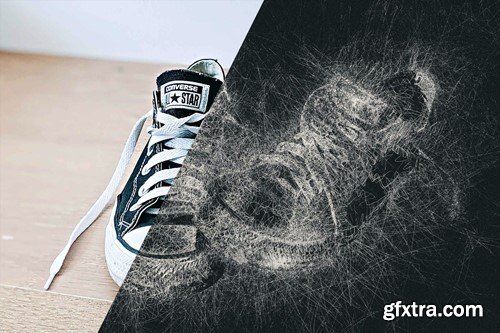
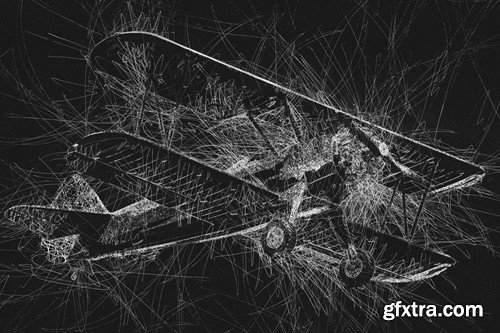
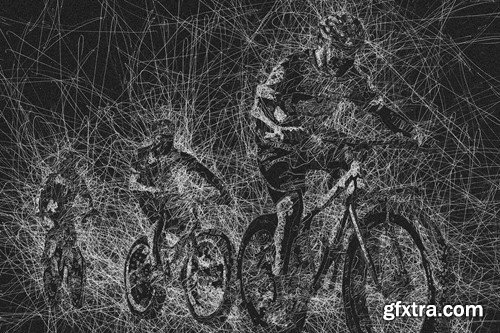
ATN BRUSHSET PDF ZXP PSD

As your video editing nears completion, use Adobe Speech to Text to create a transcription of your footage. Add speech-paced captions to your timeline using the machine learning capabilities of Adobe Sensei. Stylize video captions and adjust their position using the editing tools in the Essential Graphics panel.
126,000 Royalty-Free 3D Model

Udemy Türkçe


Top Rated News
- CreativeLive Tutorial Collections
- Fasttracktutorials Course
- Chaos Cosmos Library
- MRMockup - Mockup Bundle
- Finding North Photography
- Sean Archer
- John Gress Photography
- Motion Science
- AwTeaches
- Learn Squared
- PhotoWhoa
- Houdini-Course
- Photigy
- August Dering Photography
- StudioGuti
- Creatoom
- Creature Art Teacher
- Creator Foundry
- Patreon Collections
- Udemy - Turkce
- BigFilms
- Jerry Ghionis
- ACIDBITE
- BigMediumSmall
- Globe Plants
- Unleashed Education
- The School of Photography
- Visual Education
- LeartesStudios - Cosmos
- Fxphd
- All Veer Fancy Collection!
- All OJO Images
- All ZZVe Vectors
- CGTrader 1 CGTrader 2



















