


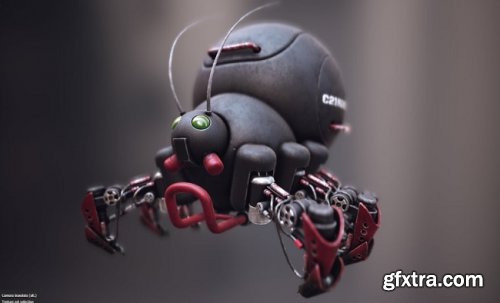
Pux 3D Hard Mesh v2.37 for Maya 2019 - 2024
https://www.hard-mesh.com/
Ideal for Designers, Vfx and Game companies, expert users and Advertising agencies, as well as any hard surface modeller.
Its primary application is to create complex objects starting from simple shapes, but it can also be used to add details to
any hard surface model, even tassellated nurbs from C.A.D.!
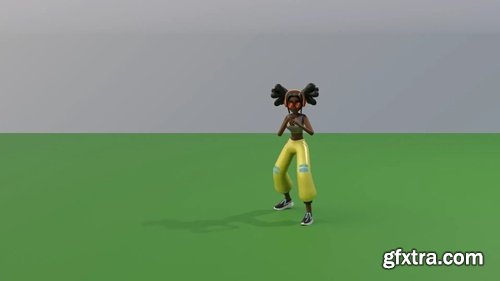
SMEAR is a 3D animation stylization Blender add-on, aimed at creation and customization of smear frames such as elongated in-betweens, multiple in-betweens and motion lines. The system is developed as part of the MoStyle ANR Project by Jean Basset, Pierre Bénard and Pascal Barla. It is described in the following publication: SMEAR: Stylized Motion Exaggeration with ARt-direction. Jean Basset, Pierre Bénard, Pascal Barla. Siggraph 2024 Conference Papers.
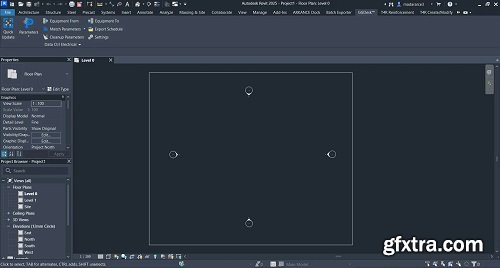
Data Ctrl automatically pushes parametric information through the entire electrical network, maintaining up-to-date parameter values as you modify the network’s elements. Data Ctrl also pushes the parameter values to the Run Schedule. Any changes made to the Run Schedule are transferred accordingly to the conduit or cable tray network.

Image Stippling in After Effects. Create temporally coherent Image Stippling patterns driven by footage using a physics simulation. It's a lot of fun!

It also offers 3 Powerful Tools for creating and managing grids, creating or updating precomps, and bulk editing compositions for a project or template.
The industry standard pose-based rigging system for After Effects with limitless applications.
Joystick controllers are commonly used in 3D character rigging for facial animation. With this tool, you simply set five consecutive keyframes to represent your origin, right, left, top, and bottom extremes. With those layers selected, you can instantly create a joystick controller on the stage that will interpolate between those extremes appropriately.
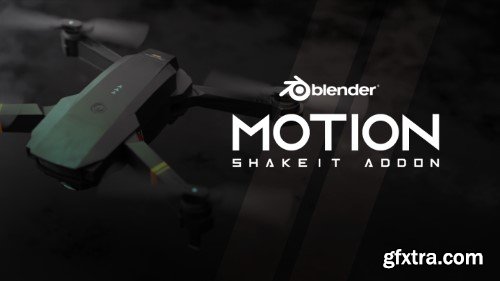
Motion ShakeIt is an addon designed for Blender, It is a tool that adds random noise animations on any object, making it look more dynamic and lively. The addon is particularly useful for creating realistic and natural animations that mimic the real world's movements.
You can control hover radius.
Also by default enabled deselection of other points except hovered one after operation.
This is useful for seamless vertices connection. By this you can select first vertex with not mouse click but with J key.
But you can disable, if you dont need it or it conflict with something.
J key is used by default to replace Blender default one. Can be changed in default Blender Keymap settings - "Quick Connect Vertex Path".

https://aescripts.com/cuttananir/
Toolkit for creating write-on animations. Featuring 5 exciting new features.

https://gastonlunapresets.com/en-eu/products/gl-signature-luts
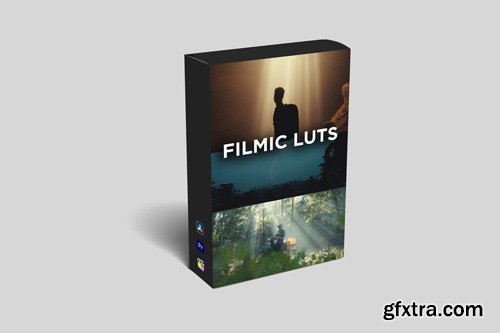
Signature LUTs are lookup tables that are used in color grading to apply specific color transformations or "looks" to digital images or videos. LUT stands for "Lookup Table," and it essentially maps input colors to output colors, allowing for precise control over the color grading process.
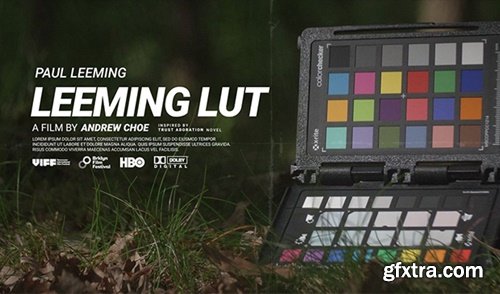
Leeming LUT Pro™ is the world’s first Unified Correction Lookup Table (LUT) system for supported cameras, designed to maximise dynamic range, restore skin tone, eliminate unwanted colour reproduction and provide an accurate Rec709 starting point for further creative colour correction.
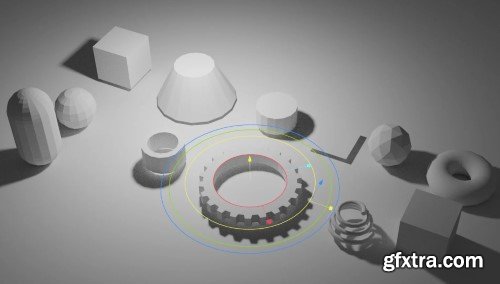
Modern Primitive v0.0.30 for Blender
Modern Primitive: Elevating Blender’s Foundational Modeling Tools
The Modern Primitive add-on for Blender reimagines the way artists interact with primitive shapes, transforming basic geometric forms into dynamic, customizable building blocks for 3D modeling. Designed to streamline workflows and enhance creativity, this toolset bridges the gap between simplicity and sophistication, offering parametric controls, advanced primitives, and a non-destructive workflow that adapts to both beginners and seasoned professionals. Whether crafting intricate hard-surface designs or prototyping architectural concepts, Modern Primitive empowers users to create with unprecedented flexibility.
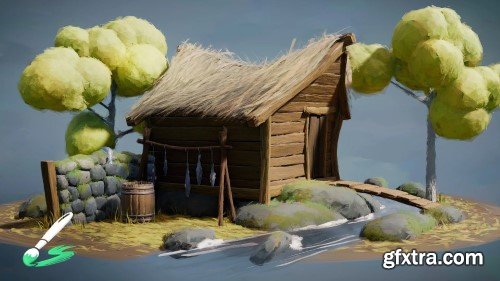
Brushstroke Tools v1.1.1 for Blender
Unlock Creative Freedom with Brushstroke Tools for Blender: Elevate Your 2D and 3D Artistry
Transform your Blender workflow and unleash unparalleled creativity with Brushstroke Tools, the ultimate add-on designed to empower digital artists, animators, and 3D modelers. Whether you’re crafting intricate 2D animations with Grease Pencil, sculpting detailed 3D assets, or painting textures, this powerful toolkit streamlines brush-based workflows, saving time while enhancing precision and artistic expression. Perfect for both beginners and seasoned Blender users, Brushstroke Tools redefines how you interact with brushes, strokes, and textures in your projects.

Stop wasting time manually setting constraints or rotating the camera to frame an object. With Target, Please!, a simple Shift+T instantly tracks any object in your scene. Fast, efficient, and hassle-free.
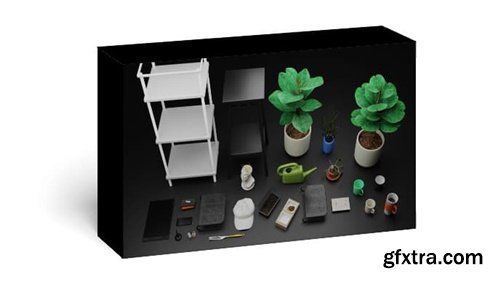
25 models great for decorating and bringing a lived-in feel to an interior setting. All of these models (except the marble bust by Polyhaven) were made by me as practice and for a personal project. They are based on actual objects I had at one point or another. They have a fair level of detail, great for close-ups, or just sticking in the background.
What’s included?
- A blender file with all 25 objects as seen below
- A textures folder with various textures (some made by me)
- An asset browser thumbnails folder (for use with asset browser)
https://aescripts.com/variations/
Instantly create comp variations with new sizes, timings, and more...

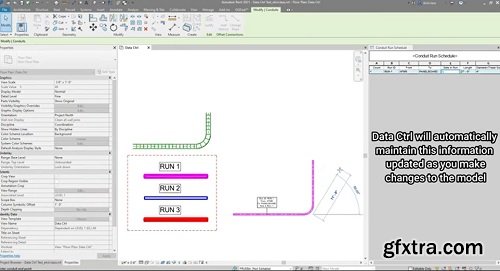
Data Ctrl automatically pushes parametric information through the entire MEP network, maintaining up-to-date parameter values as you modify the network’s elements. For electrical networks such as conduits and cable trays, Data Ctrl pushes the parameter values to the Run Schedule. If any changes are made to the Run Schedule, they are transferred accordingly to the conduit or cable tray network.
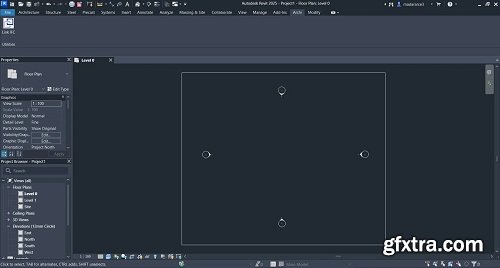
Link IFC add-in for Autodesk® Revit® is a Revit extension that links IFC files to your projects. It streamlines the linking process, and enhances collaboration, and precision, saving you time and improving efficiency.
126,000 Royalty-Free 3D Model

Udemy Türkçe


Top Rated News
- CreativeLive Tutorial Collections
- Fasttracktutorials Course
- Chaos Cosmos Library
- MRMockup - Mockup Bundle
- Finding North Photography
- Sean Archer
- John Gress Photography
- Motion Science
- AwTeaches
- Learn Squared
- PhotoWhoa
- Houdini-Course
- Photigy
- August Dering Photography
- StudioGuti
- Creatoom
- Creature Art Teacher
- Creator Foundry
- Patreon Collections
- Udemy - Turkce
- BigFilms
- Jerry Ghionis
- ACIDBITE
- BigMediumSmall
- Globe Plants
- Unleashed Education
- The School of Photography
- Visual Education
- LeartesStudios - Cosmos
- Fxphd
- All Veer Fancy Collection!
- All OJO Images
- All ZZVe Vectors
- CGTrader 1 CGTrader 2



















