





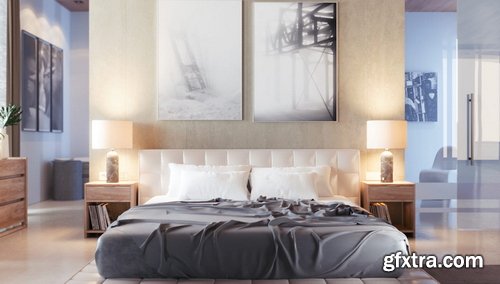
- Chaos® Cosmos is a universe of smart content - with thousands of high-quality models, materials and HDRI skies that work perfectly with your visualization projects.
- Chaos Cosmos makes it easy to add great looking 3D content to your projects. With a library of render-ready models, comprehensive materials and beautiful HDR skies, you can stage your architectural and interior designs in minutes. Simply add the assets to your scenes straight from the new Chaos Cosmos Browser. Creating impressive and detailed visuals for your projects has never been easier.
- Chaos Cosmos brings you an essential collection of everyday entourage you can use on any project. With these carefully constructed and hand-picked 3D models of furniture, trees, cars, people, and more, it's easy to find just the right content you need to bring your scenes to life. Share your idea, tell your story, show your vision with the help of Chaos Cosmos.
- Chaos Cosmos assets are smart, which means they automatically show the right amount of detail wherever you view them. In the viewport, they’re lightweight for smooth interactivity. In Chaos Vantage, V-Ray or Chaos Corona, they show in full photoreal detail. No matter where you see smart content by Chaos Cosmos, it always looks great.
- Chaos Cosmos is designed to work seamlessly with Chaos renderers and is included in the most popular integrations of V-Ray, Corona, and Vantage. Cosmos assets render consistently across V-Ray, Corona, V-Ray GPU, and Vantage.
- Chaos Cosmos offers a range of digital replicas of real-world fabrics and furniture models from industry-renowned brands. With Cosmos, you can stop relying on the client’s imagination to win projects. Present and market your ideas exactly as they will be built.
How to use:
- Copy Chaos Cosmos folder to the desired location
- Install the Cosmos browser from this Filextras.com
- Make sure the Cosmos browser is working (cbservice.exe)
- Open Cosmos browser in 3ds max
- Go to settings and change "Assets Download Folder" to the extracted "Chaos Cosmos" folder
- Now click on any asset download button and log in to the Chaos website ( You need to login one time only after that it will work offline)
- Wait until all the assets load; then you can use them offline.

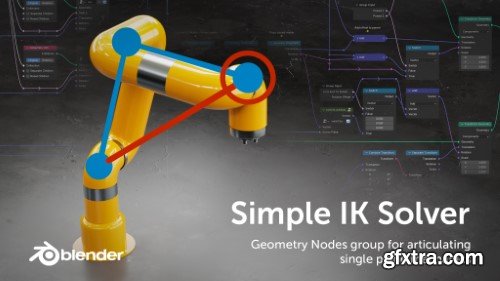
The Simple IK Solver is a Geometry Nodes group which allows to setup simple mechanics without the need of setting up an armature. This way basic articulation can be build into a single setup while leveraging the power of Geometry Nodes, without having to revert to armatures.
- Redshift 3.5.19 introduces additional adjustment parameters to the MatCap shader, allowing users to prepare beautiful illustrative renders from their own digital sketches and quickly create simple, stylized renderings. Thanks to the Distorter node now featuring 3D distortion using Maxon Noise, bump maps can now be distorted. Additionally, Redshift CPU performance has been improved on systems with at least 12 CPU threads. And Redshift in Blender now supports the Jitter Node, which allows to quickly vary shader attributes across a large number of assets.

- The AdvArray modifier is an advanced parametric array type modifier for Autodesk 3ds Max. Being that 3ds Max does not ship with any sort of parametric array modifier, I’ve programmed this modifier to fill that void as well as add a number of advanced array features not found in 3ds Max by default, and even some that cannot be found in other third party modifiers.





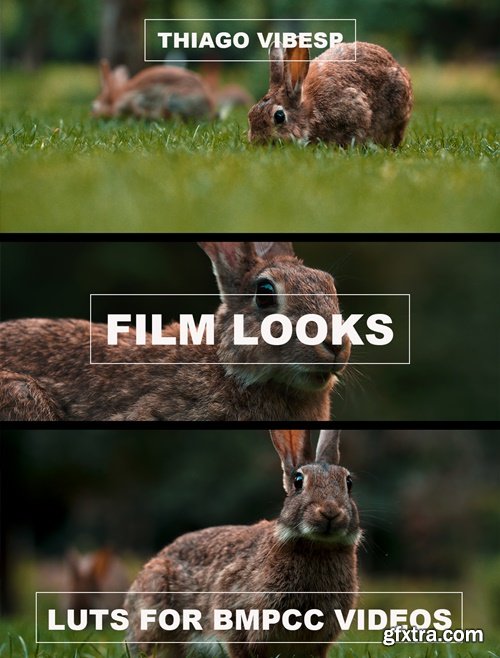
- Unleash Cinematic Brilliance with Our 5 BMPCC Presets for Adobe Premiere Pro
- Transform your footage into a cinematic masterpiece with our exclusive collection of 5 BMPCC presets for Adobe Premiere Pro. Designed specifically for filmmakers and content creators using Blackmagic Pocket Cinema Cameras, these presets are your key to unlocking professional-grade color grading with ease.
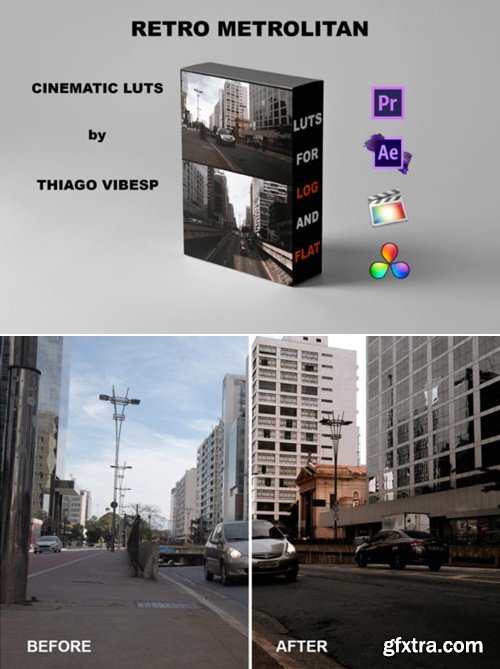
- The videos turned the cinematic brown rustic tones with high contrast, perfect for indoor, outdoor, interview, travel, city, vacation, landscape, social media, weddings, blogger, magazine, vintage, interviews, vlogs, portrait video in LOG and FLAT(Slog, Flog, Dlog, Cinestyle, Canon Log…)
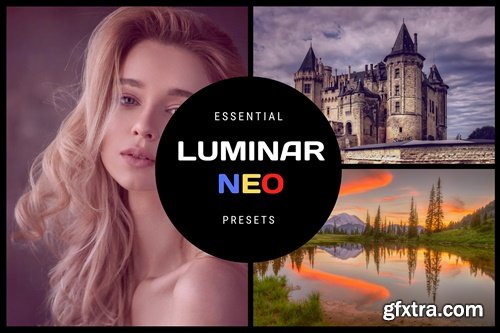
https://pixafoto.com/marketplace/essential-luminar-neo-presets/
- The most versatile set of presets for Luminar NEO. It is perfect for all your portraits, landscapes, lifestyle photos, and much more.
- Works only with Luminar NEO.
https://mediamonopoly.co/products/color-king-preset-pack
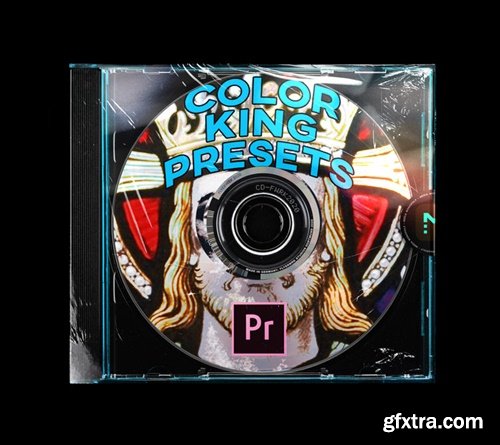
- This Preset Pack includes hands down the best and easiest ways to create awesome and unique "VHS LIKE" glowing filters and RGB Splitting on your footage.
- Adobe Premiere Pro Version:
https://potatojet.com/
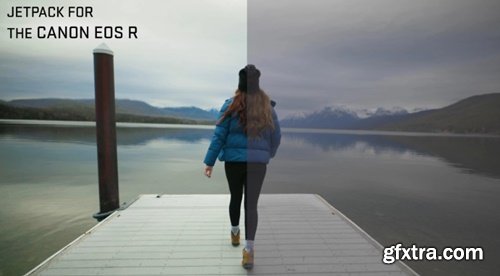
- Thanks for checking out the PotatoJet JetPack for the EOS R! These may also work on other cameras as well so feel free to experiment! See these LUTs in action in this video.
- I designed these LUTs to optimize the look out of my Canon EOS R and here are my recommended settings.
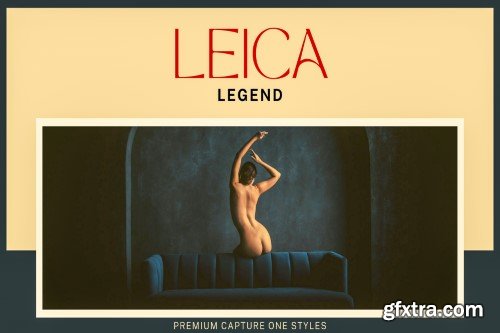
- This gorgeous set of Capture One styles features beautiful LEICA tones and magical tints. Modern and bold, this precious collection creates a beautiful aesthetic that photographers love.These Capture One styles are gorgeous on outdoor and indoor images, and we love them on landscape, lifestyle, documentary, and portrait images. They beautifully accentuate the colour and tones in your images and give them life. Many of these superb new professional presets open up your shadow tones with bright colors to reveal both warm and cool areas of your image, while others may reduce exposure to show you a darker, more vibrant color tones.
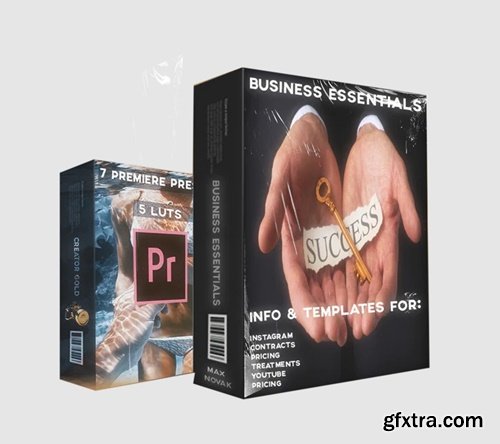
FEATURES LIST:
- BONUS NEW PRICING & CONTRACTS TEMPLATE + GUIDE
- BONUS DISCOUNT CODES ON SELECT PRODUCTS
- BONUS CODE TO EMBED LIVE SUB COUNT ONTO YOUR WEBSITE
- CREATOR GOLD PRESET BUNDLE INCLUDED FREE
- 5 IG TEMPLATES + Bonus Premiere Template
- 5 IG STORY TEMPLATES + Bonus Premiere Template
- TREATMENTS TEMPLATE & GUIDE
- YOUTUBE REVAMP TEMPLATES
https://potatojet.com/
- First of all, thanks for downloading the Potato JetPack for BlackMagic Cameras!
- I designed these LUTs to optimize the look out of my BMPCC. Always use the “Film” Dynamic Range Setting and try slapping these bad boys on there.
- Here’s a tutorial on how I use these LUTs on Premiere.
- Cinema Jetpack – Currently my GO TO LUT For a general Cinematic Camera Look.
- Quickfix – This is a basic LUT which will get your footage looking ready. Simple but effective when you’re not looking to stylize much.
- SilverLake – The Trendy Hipster Look which makes everything look like a music festival. Throw in some Electronic Music, drop in this LUT, and it’s party time!
- Equator – A gentle warm look. I love using this one in nature or when I’m traveling to tropical destinations. If there’s a pina colada in the shot, this is the LUT to use!
- LAPD – A dark cold desaturated rugged look. I like using this LUT when I’m in urban areas surrounded by skyscrapers.
- POP – A Vibrant, Ultra-Rich style to get that image to… well… Pop!
https://phlearn.com/tutorial/warming-lut-pack
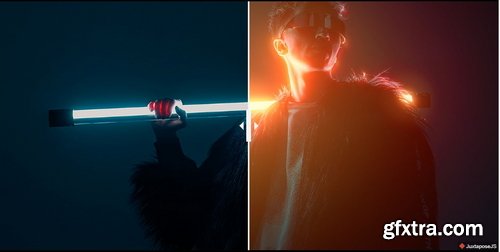
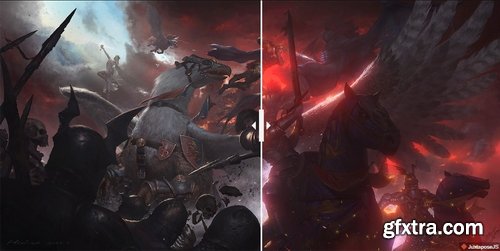
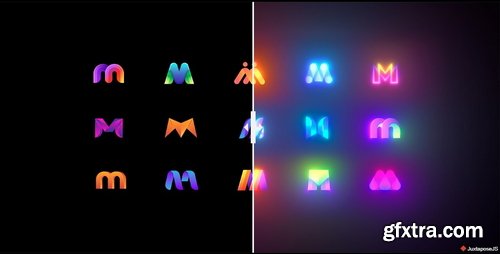
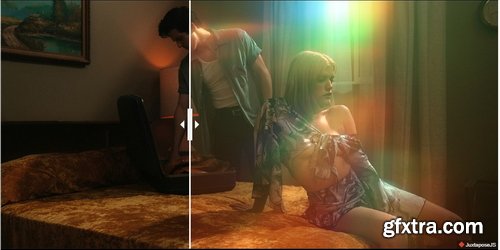
- Instantly add rich, warm tones to your photos and videos with our Warm Tone LUTs! Designed to lift shadows, soften contrast, and add creamy reds and oranges into your scenes, these LUTs are perfect for outdoor images and helping skin tones look their absolute best.


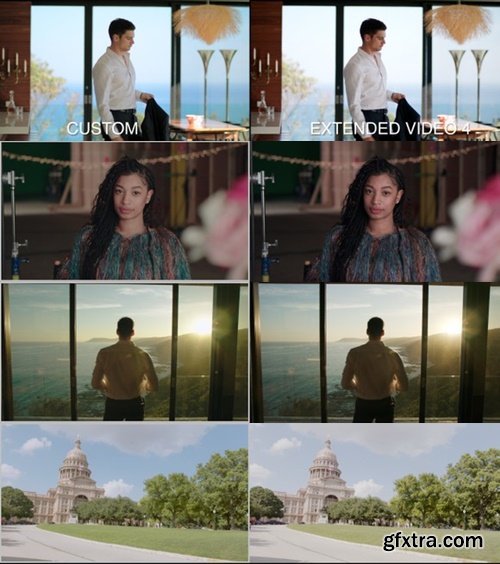
- The Rocket Rooster URSA 4.6k Base LUT is an alternative to the Blackmagic Rec709 correction LUTs. The Rocket Rooster Custom Rec709 LUT is designed to give you better dynamic range preservation and colour separation and tonality.
- The LUTs work with the URSA 4.6k, Pro and G2
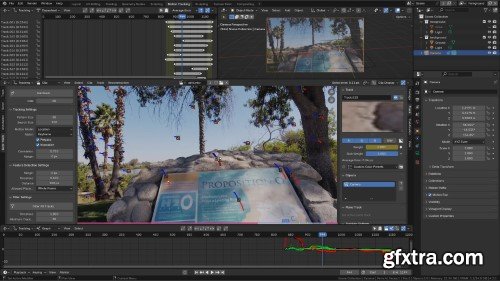
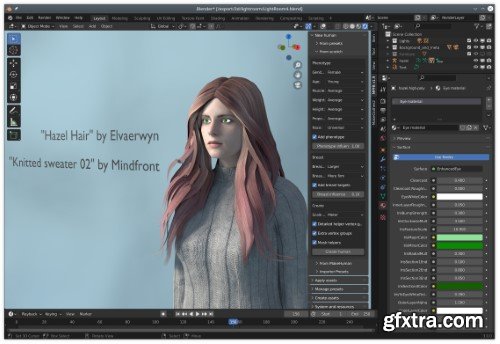
Human generator and editor MPFB is a human character generator. Its features include: One-click-create a humanoid mesh Parametric modeling of body features Automatic rigging with a choice from several different rigs Support for Rigify Rigging with both IK and FK modes Procedural skin material Procedural eyes material Asset library with support for clothes, body parts and materials MPFB is developed by the MakeHuman Community, and it is fully compatible with all MakeHuman assets.
126,000 Royalty-Free 3D Model

Udemy Türkçe


Top Rated News
- CreativeLive Tutorial Collections
- Fasttracktutorials Course
- Chaos Cosmos Library
- MRMockup - Mockup Bundle
- Finding North Photography
- Sean Archer
- John Gress Photography
- Motion Science
- AwTeaches
- Learn Squared
- PhotoWhoa
- Houdini-Course
- Photigy
- August Dering Photography
- StudioGuti
- Creatoom
- Creature Art Teacher
- Creator Foundry
- Patreon Collections
- Udemy - Turkce
- BigFilms
- Jerry Ghionis
- ACIDBITE
- BigMediumSmall
- Globe Plants
- Unleashed Education
- The School of Photography
- Visual Education
- LeartesStudios - Cosmos
- Fxphd
- All Veer Fancy Collection!
- All OJO Images
- All ZZVe Vectors
- CGTrader 1 CGTrader 2



















