

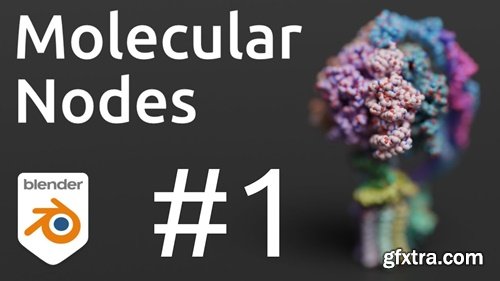
Molecular Nodes (MN) is an addon for the 3D modelling & animation program Blender. MN enables easy import of molecular data such as .pdb & .mmCIF, along with a variety of molecular dynamics trajectories and topologies from a variety of simulation sources. Other data formats including electron microscopy (EM) .map, EM tomography files such as .map and .star, with the potential to support more data formats as well



- Tired of spending hours setting up your lights for that perfect render? Light It Up by Rasheedsedit brings cinematic lighting to your Blender scenes with just one click! Choose from stunning built-in presets like Three-Point Lighting, Dramatic, or Golden Hour—or save your custom setups to reuse later. Whether you're a beginner or a seasoned artist, this add-on makes your lighting workflow fast, efficient, and downright fun.
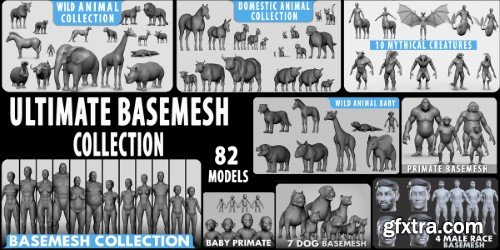
Key Features · ✓ Optimized Topology – Clean edge loops for smooth rigging & animation. · ✓ UV Unwrapped (Single UDIM) – No overlapping UVs, ready for texturing.
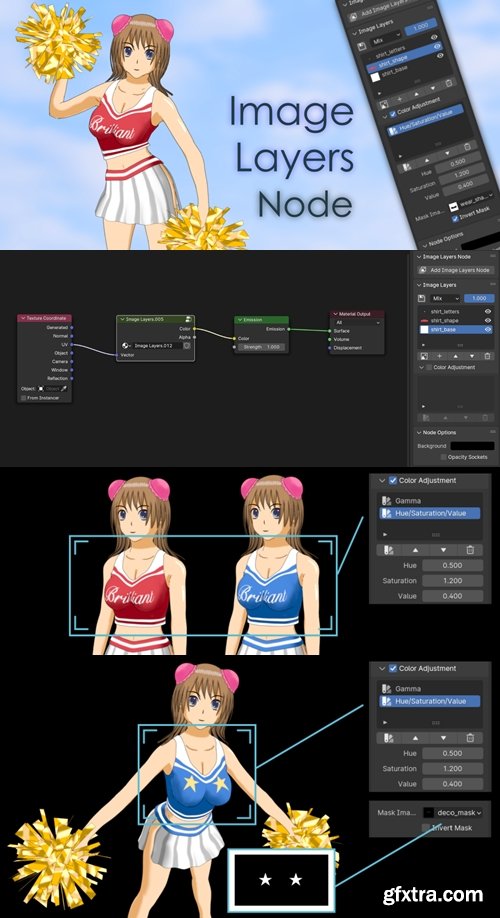
https://superhivemarket.com/products/image-layers-node
- Image Layers Node allows you to blend and combine multiple image layers. It works on Eevee or Cycles engine. If you are making an anime artwork or character, this add-on helps speed up your creative workflow. Once you put a new Image Layers Node into your node tree, you can add a new image or an existing image. You can also change the blend mode or opacity of each layer. The interface of this node is similar to Texture Node, so it could be connected to a coordinate node or any shader nodes.

A tool made for quickly generating and editing weighted bones. Intended for but not limited to simple meshes like hair meshes/cards, tails, etc. (Also works for curves, but doesn’t apply weights) Removing / editing weighted bones usually comes with extra work in weight painting, which this add-on aim’s to make easier as well
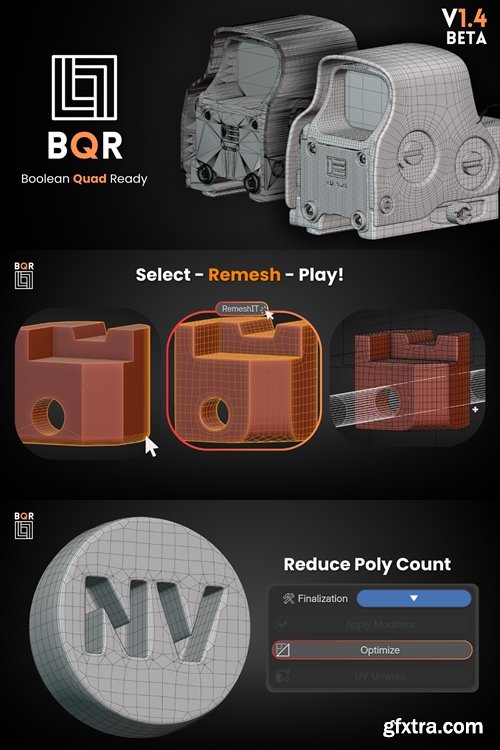
https://superhivemarket.com/products/bqr-boolean-quad-ready
- Take advantage of the new full square workflow quickly and easily with BQR. Recreate your imported meshes and transform them to make them ready for this powerful workflow!
- Turn every Boolean into something more! A simple and intuitive panel that makes everything easy. Dive into the settings and unleash your creativity.

https://mmd-blender.fandom.com/wiki/MMD_Tools
- MMD Tools, MMD (MikuMikuDance) modunun olşturulmacına yardımcı olur. E-mail/export .pmd, .pmx, .vmd, .vpd. Cutting and joining of modelers. Rigid body editing. Rigid body editing. Motion editing
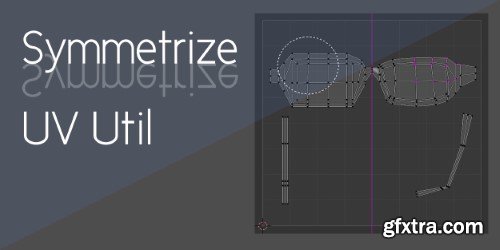
If you're working with a symmetric model, keeping its UV map and texture symmetric is a good idea. This add-on can detect the structure of your mesh and adjust each UV vertex automatically.

Don't let manual object selection slow you down. Upgrade your workflow experience with the Hierarchy Viewport Selection Add-on

https://superhivemarket.com/products/speedflow
- Speedflow is a group of modals that allows you to improve dramatically your workflow for modeling!
- With the addon, you can manage modifiers directly in the 3D view as simple and fast as possible.
- Select an object, launch a modal and add multiple modifiers on the fly, launch another modal, add other modifiers and make your modeling faster than if you had to create modifiers by yourself.
- With Speedflow, you save a lot of time and energy
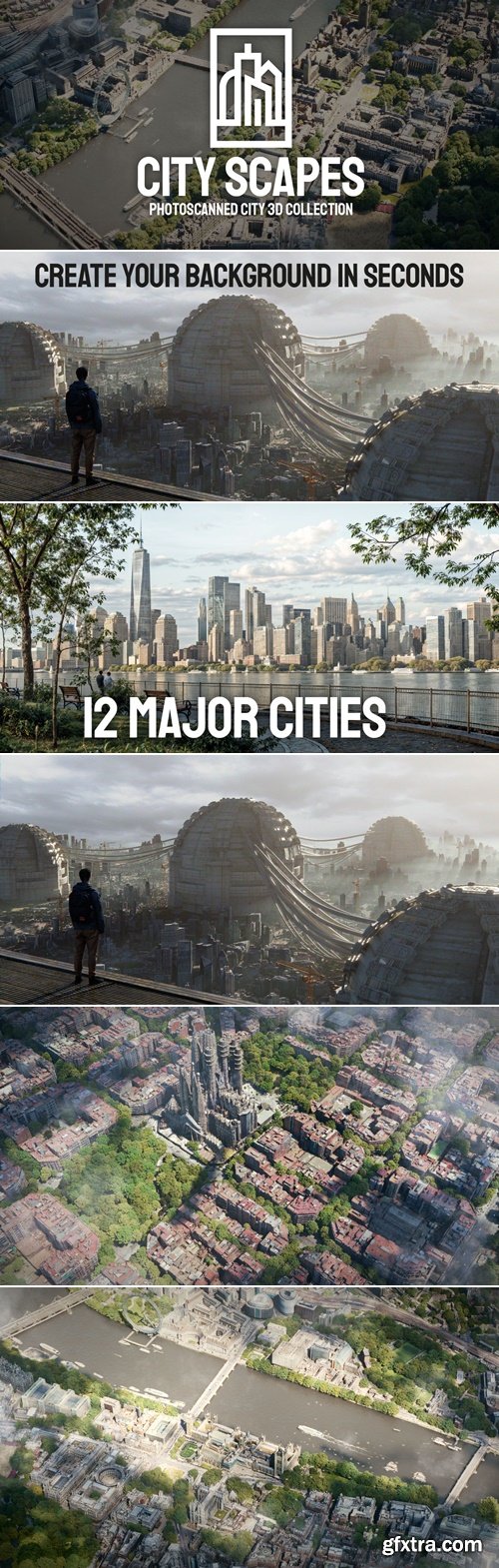
https://superhivemarket.com/products/city-scapes
- 96 City Scapes Assets
- City Scapes is a library of 96 ready-to-use assets. Click/drag into Blender using the Asset Browser. Quickly create a realistic background with these 3D assets. 8k textures allow a high level of detail. Discover the biggest capitals in the world, Paris, Berlin, New York, Tokyo and many others! This product is intended only for creating realistic backgrounds quickly, not for close-ups or zooms. City Scape work with Cycles and Eevee !
Human Generator Ultimate is here!
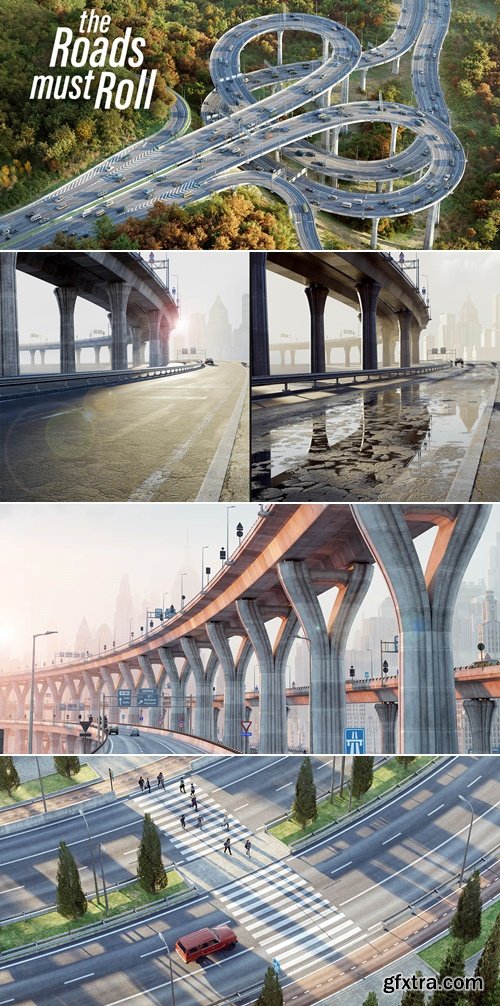
https://superhivemarket.com/products/the-roads-must-roll
"The Roads Must Roll" currently works with Cycles only, as not all materials seem to work with EEVEE.
- Customizable Roads and Bridges: Modify any road or bridge design by adjusting a wide range of settings.
- 14 Procedural Props: Includes bicycle bridges, traffic lights, road markings, and more to enhance road environments.
- Preset Intersections: Pre-made intersections are included to help get started quickly.
- Fully Procedural: All props and elements are fully adjustable through the modifier panel for flexibility.
- Cars Included: High-performance, hand-modeled cars are included to match the scene’s quality.
- Night Mode: Easily turn on lights for lampposts and cars with one click.
- Real-World Accuracy: Roads and dimensions are based on real-world designs for better realism.
- Parking Options: Six different types of parking strips available for car placement.
- Performance Options: Includes options like Materials Level of Detail, Trees Level of Detail, and Low Poly Cars for users with less powerful computers.
- High-Quality Materials: Ready-to-render materials allow for immediate use without extra adjustments.
- Car Animation: Animate cars along curves with control over speed, spacing, density, and direction.
- Multiple Lane Configurations: Single deck roads with 1 to 5 lanes and double-deck roads with up to 5 lanes on each deck.
- Bike Lanes: Option to add bike lanes on both roads and bridges.
- Time-Saving Workflow: Create roads in minutes, allowing more time for creative tasks.

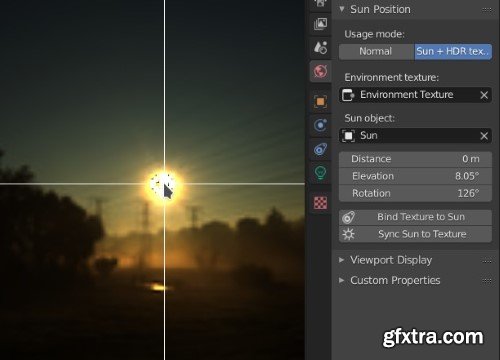
Sun Position allows positioning and animating the Sun (to a certain degree of accuracy), to simulate real-world natural lighting. It uses physical characteristics to position the Sun in the scene: geographic location, time and date. It is based on the National Oceanic and Atmospheric Administration’s (NOAA) online calculator.

This add-on packs most of the necessary actions for easier workflows whether it’s organic or hard surface modeling. Operators like Draw Faces, Extract Faces, Auto Mirror, Boolean features, Data Transfer features, Extras tools etc. allow you to work with extreme versatility. It's also a great support add-on for Random Flow.
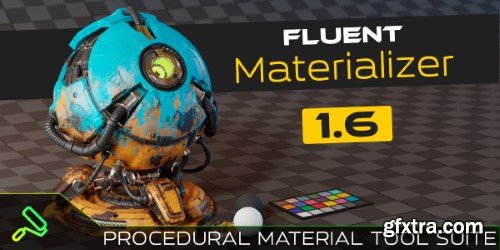
https://superhivemarket.com/products/fluent-materializer
Create and bake exceptional personalized textures utilizing a refined procedural process tailored for professional artists. Narrate your model's captivating journey while incorporating edge abrasions, dirt, worn paint, mud, marks, and additional effects!
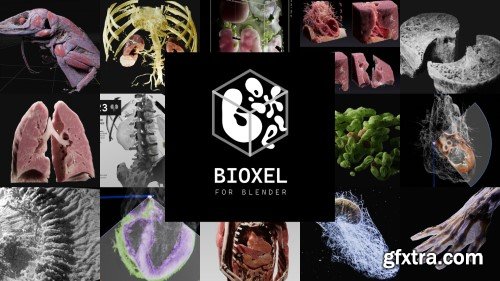
Superhivemarket - Bioxel Nodes v1.0.9
https://superhivemarket.com/products/bioxel-nodes
Bioxel Nodes is a Blender addon for scientific volumetric data visualization. It using Blender's powerful Geometry Nodes and Cycles to process and render volumetric data.

Superhivemarket - Zen Sets v2.4.5.0
https://superhivemarket.com/products/zen-sets
- Zen Sets is an add-on for creating, managing, and visualizing native Vertex Groups, Face Maps and custom Zen Sets Groups based on Objects, Collections and Mesh Elements selection. Save the selection of Verts / Edges / Faces and Objects to bring it back whenever you want! Modify and display Groups by color in Viewport and UV Editor in a couple of clicks!

https://superhivemarket.com/products/pro-align-tools
- Pro Align Tools lets you align lots of objects at once interactively in the 3D viewport.
- The Tool is designed to bring you flexible alignment options, taking advantage of the different geometric relations that exists between objects.
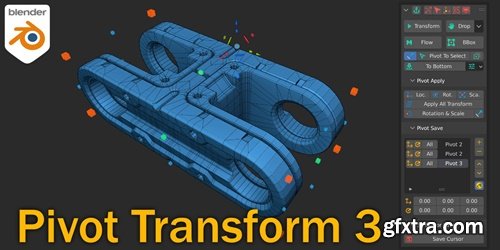
https://superhivemarket.com/products/pivot-transform
- This addon helps you change the position of the pivot point as needed. You can align it to the normals of the desired polygon, rotate and move it, or place it in the center of the object and the 3d cursor. You can use BBox to align to the extreme positions. Save position and rotation in a separate panel. The addon brings all the necessary features to the fore, for your convenience.
- How often have you had to change the position of your object relative to another, change the amount of opening the lid, door, and so on? Now you can do it in a couple of clicks. The addon is fully integrated into the blender ecosystem and follows all the basic principles of the environment.
126,000 Royalty-Free 3D Model

Udemy Türkçe


Top Rated News
- CreativeLive Tutorial Collections
- Fasttracktutorials Course
- Chaos Cosmos Library
- MRMockup - Mockup Bundle
- Finding North Photography
- Sean Archer
- John Gress Photography
- Motion Science
- AwTeaches
- Learn Squared
- PhotoWhoa
- Houdini-Course
- Photigy
- August Dering Photography
- StudioGuti
- Creatoom
- Creature Art Teacher
- Creator Foundry
- Patreon Collections
- Udemy - Turkce
- BigFilms
- Jerry Ghionis
- ACIDBITE
- BigMediumSmall
- Globe Plants
- Unleashed Education
- The School of Photography
- Visual Education
- LeartesStudios - Cosmos
- Fxphd
- All Veer Fancy Collection!
- All OJO Images
- All ZZVe Vectors
- CGTrader 1 CGTrader 2



















