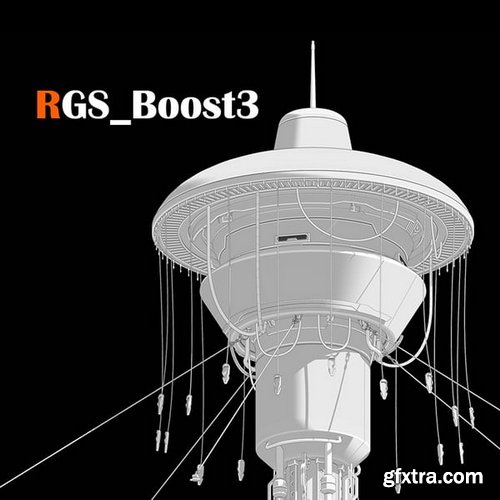
RGS_Boost3 v1.0 For Blender
Compatible with Blender 4.3 – 4.4
Unleash your creative freedom with RGS_Boost3, a powerful Blender toolkit that combines an intuitive multi-transform add-on and Radial_Array_RGS_Boost3 (GeoNodes)—all packed into one seamless, artist-friendly package. Whether you're designing radial arrays, organic clusters, spiral forms, or simply need rapid prototyping with variations, this toolkit gives you the control, randomness, and elegance you need.
- In most cases, Blender add-ons are installed automatically. Sometimes, however, users download files from third-party specialized sources and import them manually—it all depends on whether the desired tool is part of the Blender ecosystem.
- To install an add-on automatically, first check if it’s already available in Blender. Go to Edit → Preferences → Add-ons. In the search bar, type the name of the add-on you're interested in. If Blender finds it, simply check the box next to its name to activate it. You can expand the search by using the filter options at the top of the window: Official, Community, and Testing.
- In Blender 4.2:
- To install add-ons downloaded from external sources (like ours), go to the same Add-ons menu and click Install…. In the file browser, select the downloaded archive. Blender will automatically install the new tool. After installation, check the box next to the add-on in the list to enable it, just as described above.
- No need to extract the archive beforehand.