

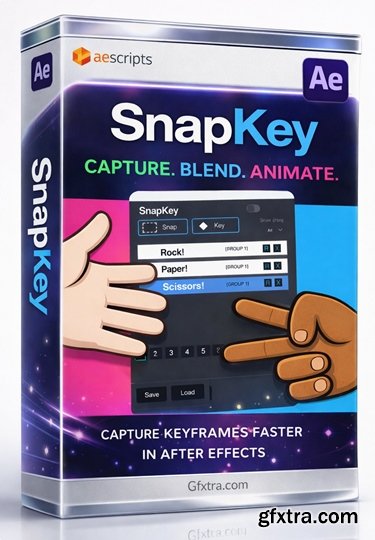
https://aescripts.com/snapkey/
- SnapKey is a fast, flexible way to capture, blend and reuse animation states in After Effects. Save complex setups across multiple layers as a single “Snap”, then recall or blend between them at any time. Whether you're switching poses, testing variations, or building motion systems, SnapKey keeps everything fast and editable.

https://revisionfx.com/products/deflicker/after-effects/
- REVisionFX DE:Flicker is designed to smooth out those annoying flicker and artifacts when shooting high frame rate or timelapse video. Whether you are shooting in an arena, a stadium, a park at night, a nightclub or in a home, man-made light sources can cause havoc, especially now that cameras and smart phones are being made with the ability to shoot at higher and higher frame rates. And of course this functionality is rapidly becoming the favorite of sports enthusiasts everywhere.
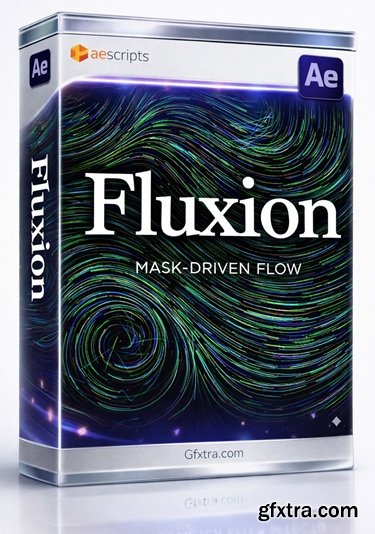
https://aescripts.com/fluxion/
A GPU-based After Effects particle plugin that generates a vector field from a mask and makes particles flow according to that field.
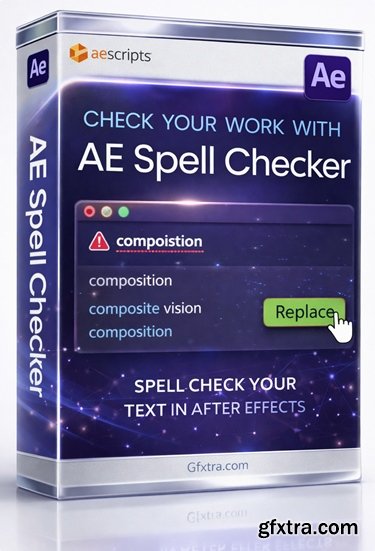
https://aescripts.com/ae-spell-checker/
- This extension scans text layers inside of After Effects, finds likely misspellings, and provides suggestions so you can clean up your comps fast without manually hunting through every text layer.
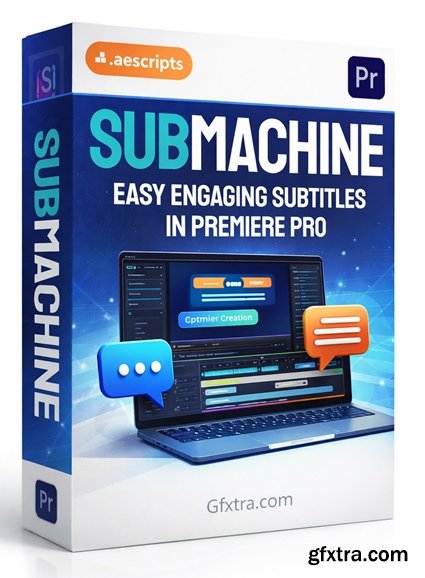
https://aescripts.com/submachine/
The Engaging, and Customisable Subtitling Solution for Adobe Premiere Pro.
- SubMachine v2.3.2 (aescripts) is a customizable subtitling and word-by-word caption animation system for Adobe Premiere Pro, built around Motion Graphics Templates (MOGRTs) so you can create dynamic, on-brand subtitles without leaving Premiere. It automates the tedious part (timing + per-word animation) and gives you control over 9 included templates—from bold “social” styles (e.g., TikTok/Block) to cleaner options (e.g., Pod/Lite), plus a Blank Slate template for advanced users who want to design their own subtitle style in After Effects and keep it SubMachine-compatible.
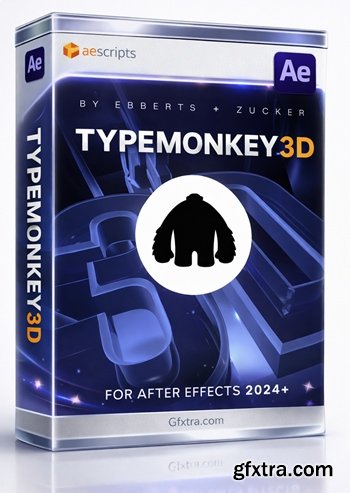
https://aescripts.com/typemonkey3d/
After Effects 2025, 2024
Convert TypeMonkey to stunning 3D in seconds.
- TypeMonkey3D is the first After Effects script to take advantage of the new Advanced 3D Renderer With a single click TM3D will convert your TypeMonkey build to 3D instantly. Use a preset lighting environment & texture or make your own. Effects controllers allow for realtime adjustment of geometry, materials, color, transparency, lighting, reflections and textures. Quick & Easy kinetic 3D typography is finally a reality!

https://aescripts.com/pixel-encoder/
Turn any footage into grungy pixel animations. 10 modular presets, color customization, built-in chaos engine, and more.

https://aescripts.com/cliptoae/
Import Clip Studio Paint animations directly into After Effects.

- AE GPT is a powerful AI-powered extension for Adobe After Effects that brings the capabilities of ChatGPT directly into your motion design workflow. Whether you're a seasoned professional or just starting out, AE GPT simplifies the process of writing expressions and scripts, allowing you to focus more on creativity and less on coding.
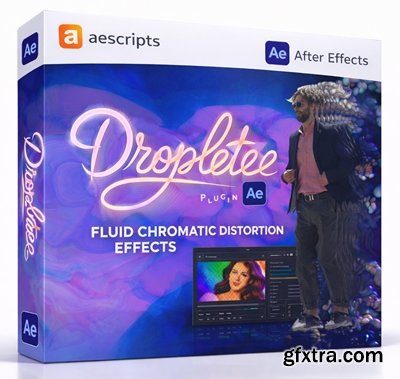
- Liquid distortion effect that accumulates frames over time, pushes pixels along surface normals, and adds iridescent colors and lighting. GPU-accelerated via WebGPU.
- Dropletee is a powerful creative plugin designed to transform ordinary motion graphics into fluid, mesmerizing visual experiences. Built for artists, editors, and motion designers who demand both precision and expressive freedom, Dropletee introduces a sophisticated liquid-style distortion system that feels organic, responsive, and visually rich. Whether you are crafting cinematic transitions, abstract visuals, music video effects, or experimental digital art, this tool delivers a new level of depth and motion that standard distortion filters simply cannot achieve.
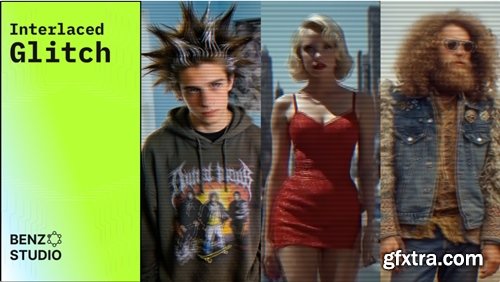
https://aescripts.com/interlaced-glitch/
Interlaced Glitch is a plugin for Adobe After Effects that recreates the authentic look of footage recorded on old analog and early digital video cameras.
Aescripts - BlenderAe2 v2.2.0
https://aescripts.com/blenderae/
After Effects 2020 - 2026
Blender 5.0 - 3.0
- Seamlessly transfer 3D data and objects between Blender and After Effects in both directions. Save time and streamline your workflow by effortlessly integrating your Blender creations into After Effects!
https://aescripts.com/layerstash/
- Save any After Effects layer with all its properties and load it into any project in one click. Text layers, shape layers, adjustment layers, precomps — all with keyframes, effects, and expressions preserved. Organize by client with profiles. Stop rebuilding. Start reusing.
https://aescripts.com/svg2premiere/
- SVG2Premiere v1.0 (aescripts) is a simple Premiere Pro panel that lets you import SVG vector files into Premiere by drag-and-dropping them into the panel. It automatically converts SVGs into 4000px transparent PNGs, supports batch processing, and then auto-saves + auto-imports the generated PNGs into your Premiere Project panel. You can choose where files are saved (Documents, the project folder, or a custom path). It’s compatible with Premiere Pro 2022–2026.
https://siegvfx.gumroad.com/l/snaptopath
- SnapToPath is an After Effects script that lets you create grids and lines and animate them using a single controller. When you create a path in After Effects, you can link layers so they follow that path, whether animated or static.
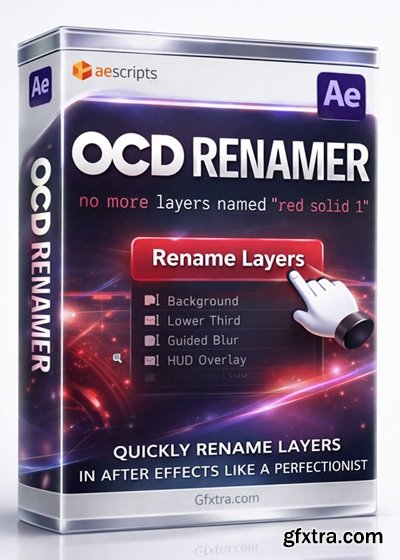
https://aescripts.com/ocd-renamer/
Automatically rename layers based on effects, mattes, parents or children.
- OCD renamer intelligently renames layers based on customizable settings. You can rename layers based on effects, children based on parents, parents based on children, mattes based on which type of matte they are and which layer is matted to them.

Aescripts - Auto Crop v3.2.1.1 Win/Mac
https://aescripts.com/auto-crop/
- Auto Crop allows you to instantly crop a composition down to the size of its contents. Crop a composition at the current frame or analyze an entire composition's content and crop without cutting off any animation. Auto Crop 3 now even allows you to crop the current comp without it needing to be a pre-comp. In the newest version, Auto Crop has been rebuilt from the ground up as a native plug-in to provide new features and better results.
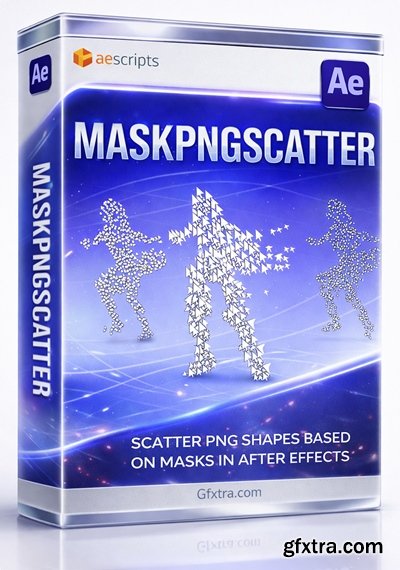
https://aescripts.com/maskpngscatter/
- Scatter any PNG across a matte or mask in After Effects. MaskPNGScatter lets you place hundreds of copies of a PNG or layer randomly within any matte boundary - perfect for particle-style effects, decorative overlays, and creative motion graphics.
AI-powered assistant for After Effects. Type what you want in plain language — mirAI generates and runs scripts, expressions, and animations automatically.
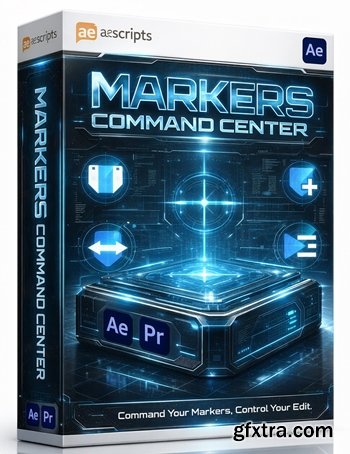
Markers Command Center is the high-density, professional replacement for Premiere Pro’s native Markers Panel, delivering the essential batch-processing and organization utilities Adobe left out.
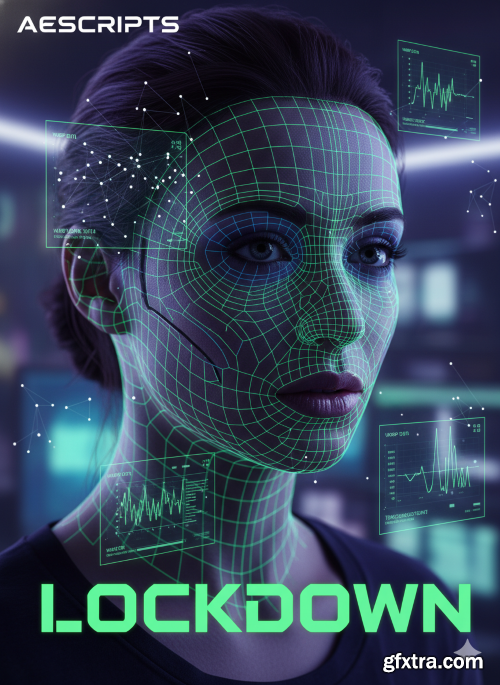
Aescripts - Lockdown v3.1.7
https://aescripts.com/lockdown/
- Lockdown is a revolutionary new plug-in that allows you to track warping surfaces inside After Effects. Perfect for beauty retouching and other previously difficult cleanup jobs! This plugin is a game-changer for VFX work in After Effects. Never before could you track warping surfaces so easily! Lockdown revolutionizes motion tracking in After Effects with AI-powered mesh deformation, enabling pixel-perfect stabilization and texture tracking on complex moving surfaces (fabric, skin, liquids, or bending objects). Unlike planar trackers, it analyzes surface warping in real-time using GPU acceleration, allowing you to pin graphics, textures, or effects to morphing targets without manual roto. Essential for VFX artists, it solves impossible tasks like tracking logos on wrinkled shirts, adding digital tattoos to flexing skin, or applying damage to transforming CGI creatures in AE 2021+.
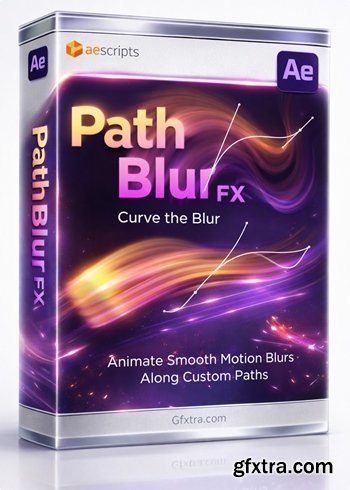
https://aescripts.com/pathblurfx/
Blur effect along the mask path with full control in After Effects
- PathBlurFX v1.0 (aescripts) is an After Effects plugin that lets you create a directional blur that follows a mask path. It generates a vector field from your mask, so the blur flows and curves naturally—great for motion-blur / smear / melt-like looks on footage, text, or shapes. You can control blur falloff along the path (different strength at the start vs. end), offset where the blur ramps, and smooth sharp direction changes for cleaner results. It also includes Dynamic Sampling to keep sampling density consistent, all in a simple, minimal UI.
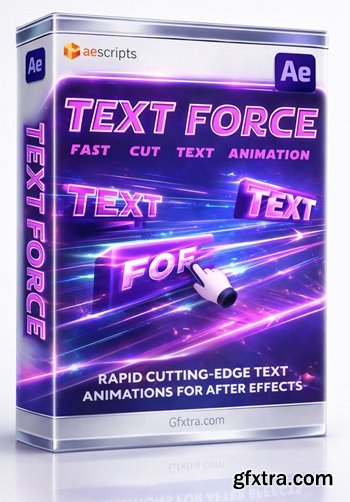
https://aescripts.com/text-force/
Instantly generate fast-cut text animations based on 9 parametric styles. Sync animations with audio tracks. Run it fully automatic or setup as you like.
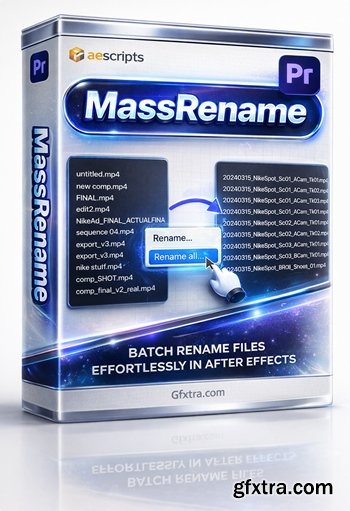
https://aescripts.com/massrename/
- The simplest, most functional renaming UI in Premiere Pro. Batch rename clips with live preview. Select clips, enter a pattern, see exactly what every name will become, and rename everything in one click.
126,000 Royalty-Free 3D Model

Udemy Türkçe


Top Rated News
- CreativeLive Tutorial Collections
- Fasttracktutorials Course
- Chaos Cosmos Library
- MRMockup - Mockup Bundle
- Finding North Photography
- Sean Archer
- John Gress Photography
- Motion Science
- AwTeaches
- Learn Squared
- PhotoWhoa
- Houdini-Course
- Photigy
- August Dering Photography
- StudioGuti
- Creatoom
- Creature Art Teacher
- Creator Foundry
- Patreon Collections
- Udemy - Turkce
- BigFilms
- Jerry Ghionis
- ACIDBITE
- BigMediumSmall
- Globe Plants
- Unleashed Education
- The School of Photography
- Visual Education
- LeartesStudios - Cosmos
- Fxphd
- All Veer Fancy Collection!
- All OJO Images
- All ZZVe Vectors
- CGTrader 1 CGTrader 2



















