

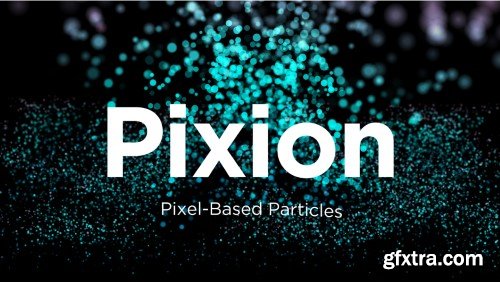
Aescripts - Pixion v1.0
https://aescripts.com/pixion/
- Pixion is a layer-driven particle system for After Effects that generates particles from any source layer and controls their behavior using pixel data such as luminance and color. GPU-Accelerated.GPU Accelerated.GPU Accelerated.Supports emitter layers using various pixel data for particle generation Use a separate modifier layer to drive particle behavior GPU-accelerated for fast and efficient performance Built-in turbulence for natural, organic motion Control particle movement with gravity and wind forces Fully compatible with depth of field and motion blur Supports custom particle shapes, including layers


- GeoTracker is a revolutionary plugin for Adobe After Effects that introduces advanced 3D-object tracking capabilities to the software. With GeoTracker, users can seamlessly perform match-moving tasks with ease, eliminating the need for specialized motion tracking expertise. Traditionally, complex match-moving tasks would require a team of motion tracking specialists and significant time investment. However, GeoTracker streamlines this process, allowing VFX artists of all skill levels to achieve professional-level tracking results in a fraction of the time. By leveraging GeoTracker's intuitive interface and powerful tracking algorithms, users can effortlessly track 3D objects within their After Effects compositions. This opens up a world of possibilities for motion graphics and design, empowering users to create dynamic visual effects and immersive animations like never before. Whether you're a seasoned VFX professional or a newcomer to motion tracking, GeoTracker provides a user-friendly solution for enhancing your After Effects workflow. With GeoTracker, users can elevate their motion graphics projects to new heights and unlock new creative possibilities with ease.
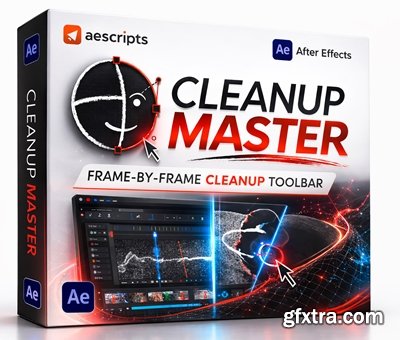
- Elevate your motion graphics workflow and master your shape layers with Cleanup Master, the powerful After Effects tool that lets you animate freely while it handles the tedious cleanup. Designed to streamline complex tasks, this plugin allows you to build entire characters on a single shape layer, keeping your timeline
Automatically translate any text layers in Adobe After Effects with smart context-aware results.

AI-powered assistant for After Effects. Type what you want in plain language — mirAI generates and runs scripts, expressions, and animations automatically.
- mirAI is an AI animation assistant script designed specifically for Adobe After Effects . It quickly generates expressions, scripts, and animation effects through natural language interaction. Simply enter a simple text description, such as rotation animation, elastic bounce, or batch modification of layers, and mirAI can automatically generate the corresponding expression code and apply it directly to your project, significantly reducing the time spent on manual coding and repetitive operations.
- This script also features intelligent error detection and automatic repair, batch layer processing, AI renaming, and project content analysis . It can quickly apply modifications or find unused materials across multiple compositions, improving project management efficiency. Through AI-automated workflows, mirAI helps animators and post-production staff create complex animations more easily, making it an intelligent tool for enhancing the efficiency and automation of After Effects animation production .
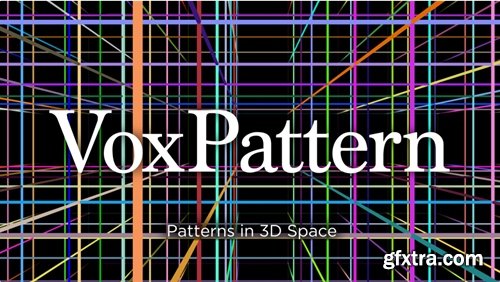
https://aescripts.com/voxpattern/
GPU-accelerated After Effects plugin effect that renders geometric patterns directly in 3D space.
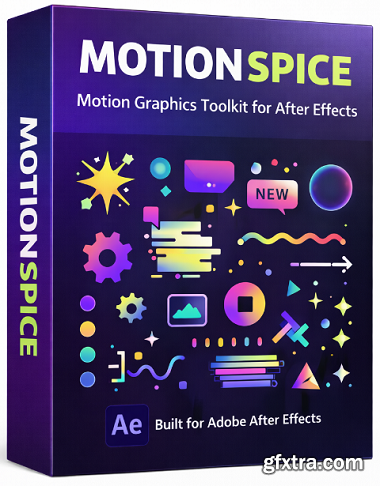
Aescripts - MotionSpice v2.0.3
https://aescripts.com/motionspice
- A streamlined, single-use motion asset library for After Effects. Inspired by the idea of “sprinkling spice” onto your edits—either drop in one accent or mix multiple “spices” to build full-fledged motion graphics. Instantly insert over 100 animations across 10 categories into your composition with a single click.
Aescripts - Stock Link Extractor v1.3.0 for After Effects & Premiere
https://aescripts.com/stock-link-extractor/
- In the fast-paced world of professional video production, efficiency is the divide between meeting a deadline and falling behind. Editors often work with dozens of watermarked stock assets—ranging from cinematic overlays to background music—sourced from various online marketplaces. However, a common bottleneck occurs during the final stages of production: tracking down the original source links for licensing, high-resolution replacement, or client approval. Stock Link Extractor is a powerful Adobe extension designed specifically to bridge this gap, automating the tedious process of metadata retrieval directly within Adobe Premiere Pro and After Effects.
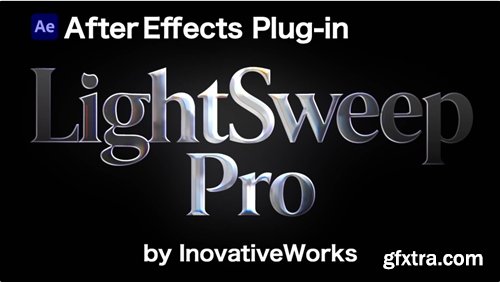
- Physics-based bevel and light sweep plugin for After Effects. 7 presets, chromatic aberration, surface texture, auto-animate. One layer, no precompose.

https://aescripts.com/corridorkey-by-blace-ai/
- Official cooperation with Corridor Digital! Why do i need to buy this when there are free CorridorKey plugins?
- High rendering performance (2x-4x faster rendering times) and completely C++ based for maximum stability.
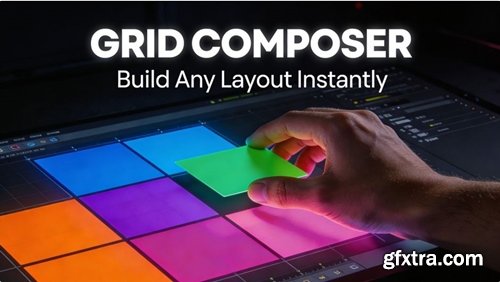
https://aescripts.com/grid-composer/
- Visual grid layout designer for After Effects. Create grid, split, random, and custom layouts with drag-and-drop editing, then export as shape layers, solid masks, compositions, or comps with alpha matte.
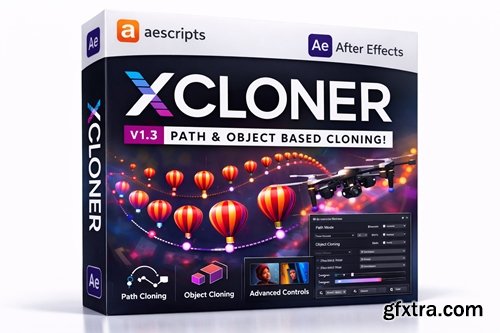
xCloner is an After Effects plugin that clones any type of layer exceptionally fast.
- XCloner: Instantly create complex parametric duplicates & variations in After Effects with a single slider. Ditch tedious manual copying and pasting – this powerful plugin generates dynamic layers or groups based on customizable rules, transforming a single element into intricate patterns, animated sequences, or evolving designs in seconds.
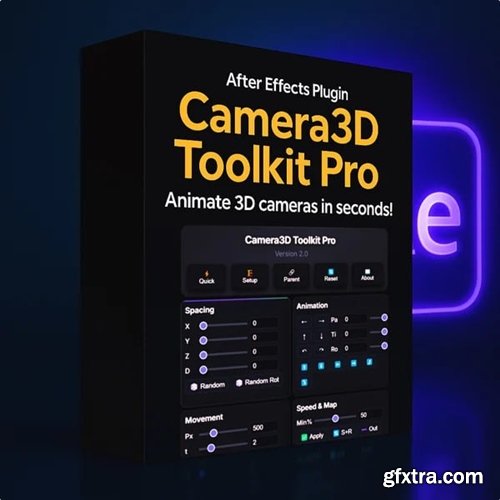
https://saintfelix2.gumroad.com/l/mdcsyh
- Tired of spending hours setting up 3D cameras and manually creating keyframes? Camera 3D Toolkit Pro eliminates the tedious technical setup and transforms After Effects into a professional 3D animation studio. Get instant camera rigs, automatic focus tracking, smooth keyframe generation, realistic camera shake with 15+ presets, intelligent layer spacing, and cinematic movements - all with simple one-click controls. Perfect for motion designers, content creators, and agencies who want Hollywood-level 3D animations without the complexity or expensive plugins.

https://aescripts.com/torn-paper/
- Turn any masked layer into authentic torn paper with full control over every detail. Stop hunting through stock libraries, scanning actual paper like it's 2003, or tediously using brushes in Photoshop.
- Realistic torn paper effect in seconds
- Turn any masked layer into authentic torn paper with full control over every detail. Stop hunting through stock libraries, scanning actual paper like it's 2003, or tediously using brushes in Photoshop. Life's too short for that.
- Torn Paper Edge generates everything procedurally at GPU speeds, and every parameter is animatable. Keyframe a tear growing across the screen by simply manipulating the layer mask.
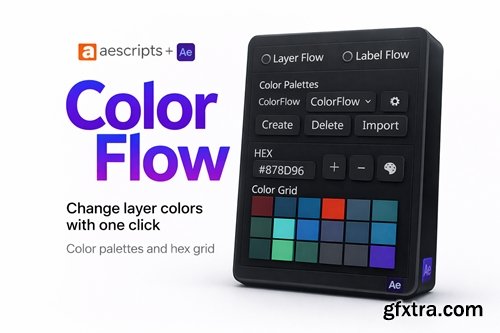
https://aescripts.com/colorflow/
With ColorFlow, you can create custom palettes, quickly apply colors to any layer type, organize labels efficiently, and streamline your workflow with intuitive shortcuts.
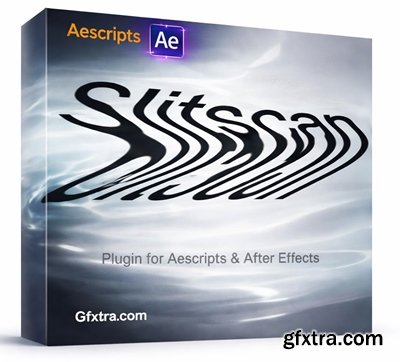
https://aescripts.com/slitscan/
Simple native plugin to create a slit-scan effect in After Effects.
- This tool does not require any special knowledge to use it. Just watch the tutorial and play with it. It is hard to describe slitscan with words, but when you see it, you understand how simple it is. Just go on and make your own slitscan video or image!

Aescripts - TextDelay v1.8.0 Win/Mac
https://aescripts.com/textdelay/
- A native plugin that delays your text animation by character, word or line. Unlike the default text animator, it inherits your animation’s easing so you can be creative with curves or easing expressions.
- TextDelay is a native After Effects plugin that delays your text transformations by character, word or line. Unlike the default text animator, it inherits your animation’s easing so you can be creative with curves or easing expressions.
- Take full control of your timeline and motion design workflow with Keystone 3, the next-generation extension from aescripts + aeplugins built for serious animators and compositors. Whether you’re working on broadcast graphics, high-end motion design, or animation pipelines tied to CGI and VFX, Keystone 3 gives you the power to align, stretch, stagger, reorder, and label keyframes and layers with surgical precision — freeing you from tedious manual adjustments and letting you stay creative.

https://aescripts.com/shortcut-studio/
All your After Effects expressions, scripts and presets in one library
- Aescripts’ Shortcut Studio v1.0.0 is a workflow tool for After Effects designed to keep expressions, scripts, and presets in one organized library. It focuses on faster access and better asset management through searchable, sortable, and filterable shortcuts, while also letting users customize names, icons, colors, descriptions, and tags for a more structured creative workflow. Overall, it is positioned as a clean productivity solution for motion designers who want to reduce folder hunting and apply tools more efficiently.

Aescrits - TextFlex v1.3
https://aescripts.com/textflex/
- TextFlex is a powerful text animation tool for After Effects is designed to break down text animations by Characters, words, or lines, offering precise control and flexibility without the need to keyframe.
Aescripts - Depth Scanner 2 v2.5.54 Win/Mac
https://aescripts.com/depth-scanner/
After Effects 2026 2025, 2024, 2023
- AI-based plugin for automatic video depth estimation. Depth Scanner 2 includes a brand new video depth estimation model for flicker-free results over multiple frames. Plus 4 new models for a total of 8 different models, so you can find the best match for your footage. Available for macOS (>11.5) and Windows!
https://aescripts.com/easy-comp/
- A.I.-based plugin for easy footage composition and color matching. Easily composite your footage with Easy Comp. The plugin features automatic color matching to ensure seamless integration for VFX and compositing tasks.Easily composite your footage with Easy Comp. The plugin features automatic color matching to ensure seamless integration for VFX and compositing tasks.
- Save any After Effects layer with all its properties and load it into any project in one click. Text layers, shape layers, adjustment layers, precomps — all with keyframes, effects, and expressions preserved. Organize by client with profiles. Stop rebuilding. Start reusing.
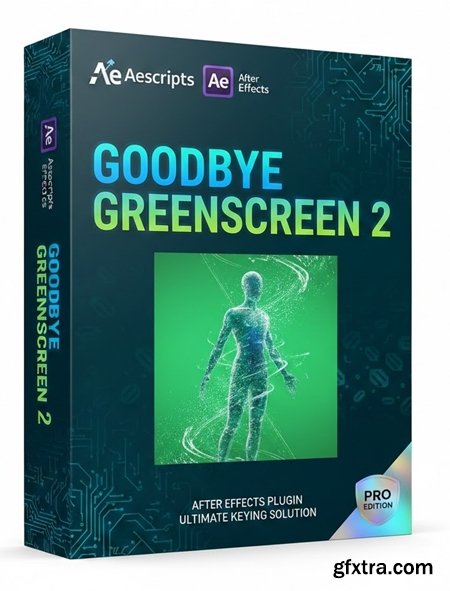
- Artificial Intelligence-based plugin for background matting and keying. An After Effects plugin that uses AI to remove green/blue screens without traditional keying. It generates alpha mattes automatically, even for complex edges (hair, fur, transparency) and messy backgrounds.
126,000 Royalty-Free 3D Model

Udemy Türkçe


Top Rated News
- CreativeLive Tutorial Collections
- Fasttracktutorials Course
- Chaos Cosmos Library
- MRMockup - Mockup Bundle
- Finding North Photography
- Sean Archer
- John Gress Photography
- Motion Science
- AwTeaches
- Learn Squared
- PhotoWhoa
- Houdini-Course
- Photigy
- August Dering Photography
- StudioGuti
- Creatoom
- Creature Art Teacher
- Creator Foundry
- Patreon Collections
- Udemy - Turkce
- BigFilms
- Jerry Ghionis
- ACIDBITE
- BigMediumSmall
- Globe Plants
- Unleashed Education
- The School of Photography
- Visual Education
- LeartesStudios - Cosmos
- Fxphd
- All Veer Fancy Collection!
- All OJO Images
- All ZZVe Vectors
- CGTrader 1 CGTrader 2



















