

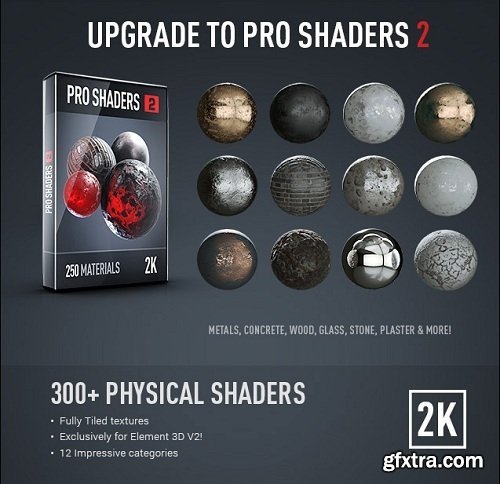
Element 3D allows you to import 3D objects created in Cinema 4D and OBJ into Adobe After Effects. From there you can manipulate them in a powerful particle animation system. BackLight features 50 8K Environment maps that you can use to light your scene and create stunning reflections inside of Element 3D V2! The Video Copilot Motion Design Pack has 500 abstract 3D design objects and HD models in various 3D formats. Pro Shaders 2 has over 300 tiled materials that are ready to use in Element 3D and your other favorite 3D applications. They include concrete, metal, plastic, fabric, and more.

Now with Multi-Frame Rendering (MFR) Support! Rowbyte Plexus is a next-gen particle engine for After Effects that lets you create, manipulate and visualize data in a procedural manner. Not only you can render the particles, but also create all sorts of interesting relationships between them based on various parameters.
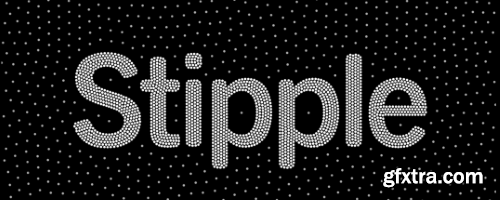
Image Stippling in After Effects. Create temporally coherent Image Stippling patterns driven by footage using a physics simulation. It's a lot of fun!
The easiest way to animate your layered art. Great for all levels of expertise

It also offers 3 Powerful Tools for creating and managing grids, creating or updating precomps, and bulk editing compositions for a project or template.
Aescripts Staircase Win/Mac
Staircase is a tool for After Effects that allows you to quickly stagger, sequence and randomise blocks of layers. Divide your layers into separate blocks via block size or via label colour. Hovering over the UI will highlight what labels are selected. Offset layers individually, or control inside and outside the blocks. Staircase comes with some great additional features like staggering based on position, adding easing to each block and fading between blocks.
https://aescripts.com/staircase/

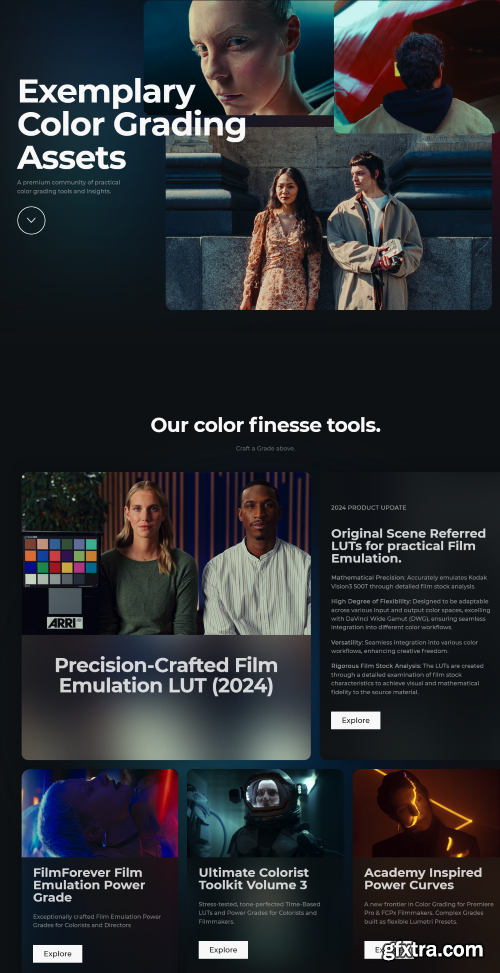
Each LUT is designed to replicate the unique color palette, contrast, and tonality of renowned film stocks, ensuring accurate and faithful reproduction of their visual characteristics. Whether you're aiming for the warm tones of Kodak Portra, the vibrant hues of Fuji Velvia, or the classic look of Kodak Tri-X, Colorist Factory has you covered with a wide range of meticulously crafted LUTs.

Aescripts Stereo 3D Toolkit V3 Win/Mac
The Stereo 3D Toolkit is more than a 3D camera. It is a set of tools that enable you to create complex stereoscopic compositions inside of After Effects

MonkeyCam Pro is a new procedural camera animator for After Effects that makes complex camera moves in 3D space a breeze. Featuring instant set up and a breakthrough motion algorithm that eliminates Gimbal Lock, MonkeyCam Pro is the latest in a line of Monkey Tools designed to be a perfect blend of power and simplicity. Includes multiple interpolation options, motion effects and marker-based timing controls for easy adjustments and audio syncing.
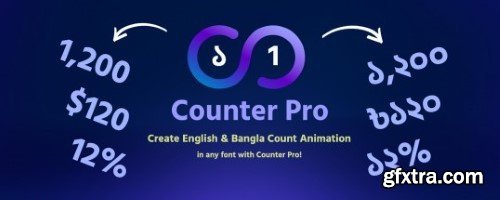
Create dynamic Bangla and English counter animations.
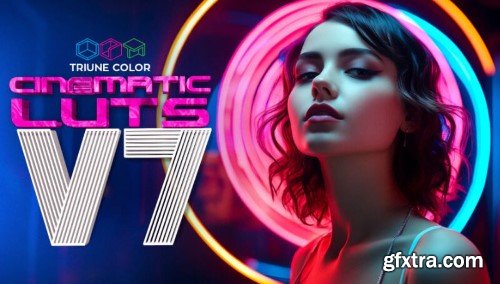
Triune Digital - Cinematic LUTS V7
25 film-inspired LUTs - Asteroid City, Barbie, Blue Beetle, Five Nights At Freddy's, Infinity Pool, Killers of the Flower Moon, Oppenheimer, and many more!
Alexa, REDLog, Blackmagic, Canon C-Log, Standard LOG and .rec709 versions of each LUT.
Utility LUTs.
.PDF Instruction Guide for install and use.
Compatible With
Adobe Photoshop (CS6 and +)
Adobe Lightroom Classic (7.3 and +)
Adobe After Effects (CS6 and +)
Adobe Premiere Pro (CS6 and +)
Avid Media Composer (7 and +)
DaVinci Resolve
CyberLink ColorDirector 4
Final Cut Pro X
Sony Vegas
Affinity Photo
HitFilm 4 Pro
Wondershare Filmora
LumaFusion (iOS)
and more...
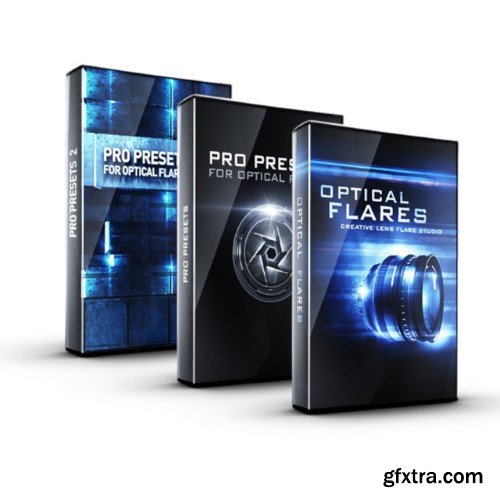
Optical Flares is a plug-in for designing and animating realistic lens flares in After Effects. The Pro Presets is a collection of 50 detailed high-end flares set up with shimmer animation, edge flare-ups and more. This collection offers greater versatility to the 60 built-in presets as well as providing creative ideas and usage of elements. Also, each object can be saved and combined with your other lens flare presets.

Aescripts Text Replacer for Premiere Pro v1.5
http://aescripts.com/text-replacer-for-premiere-pro/
Import and export text in Premiere Pro from your After Effects templates (.mogrt). ⚠ Works with templates (.mogrt) created in After Effects. Not with templates (.mogrt) created in Premiere Pro
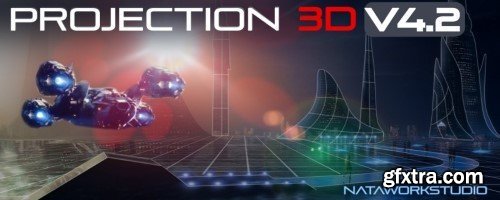
Advanced tool for camera projection mapping and photo parallax animation in After Effects
https://aescripts.com/aw-autosaver/
aw-Autosaver is a powerful replacement of the standard After Effects autosave option with lots of options.
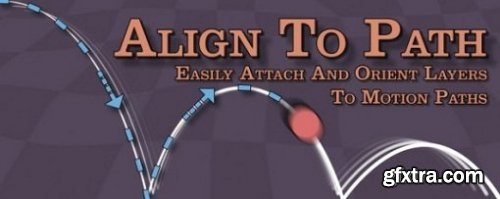
Aescripts Align To Path v1.8 Win/Mac
https://www.voukoder.org/
Voukoder is a system wide video- and audio encoding service for Windows that enhances your media encoding experience. It works with various modern encoders and also offers a set of post processing filters.
It is compatible with:
• BlackMagic DaVinci Resolve Studio
• Adobe Premiere Pro
• Adobe Media Encoder
• Adobe After Effects
• Magix VEGAS Pro
• and more ...

Add a bleeding effect to type and objects with many controls and fully loopable!
Create a frightening introduction to your horror films, scary movies, trailers, teasers, promotions, events, Facebook and YouTube videos.
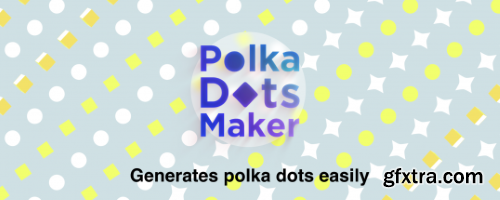
Polka Dots Maker generates polka dots very easily in After Effects. Works very fast!
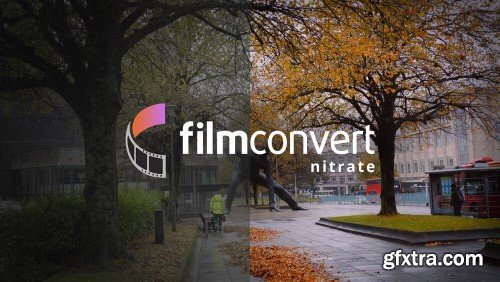
Enhance Your Artistry. FilmConvert Nitrate allows your artistic visions to come to life with custom-designed film stocks and grain structures, to achieve the authentic look and feel of film.
Aescripts L3tt3rM4pp3r2 V2.0
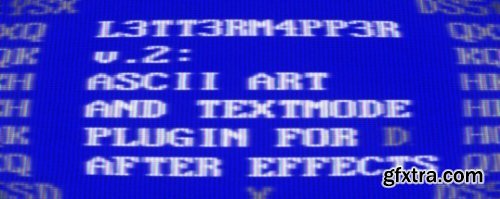
L3tt3rM4pp3r2 (Lettermapper 2) is the second version of our GPU-accelerated After Effects plugin, allowing you to display video frames as textmode art. Version 2 includes reworked user controls and contains textmode presets (such as VGA and CGA symbol sets and many more) bundled with the plugin, so you don't necessarily have to start from making your own textures! However, you can use any set of symbols to create your own unique textmode styles (check the Tutorials below for a tutorial on how to do this), be it classic ASCII art with CGA BIOS font, Katakana, Klingon or your custom drawn symbols - just put them together into proper texture and L3tt3rM4pp3r will do the rest. You can create a custom texture yourself, or use the scripts for Adobe Photoshop that come with L3tt3rM4pp3r. They simplify the process of creating symbol maps that L3tt3rM4pp3r can use.
https://aescripts.com/l3tt3rm4pp3r/
126,000 Royalty-Free 3D Model

Udemy Türkçe


Top Rated News
- CreativeLive Tutorial Collections
- Fasttracktutorials Course
- Chaos Cosmos Library
- MRMockup - Mockup Bundle
- Finding North Photography
- Sean Archer
- John Gress Photography
- Motion Science
- AwTeaches
- Learn Squared
- PhotoWhoa
- Houdini-Course
- Photigy
- August Dering Photography
- StudioGuti
- Creatoom
- Creature Art Teacher
- Creator Foundry
- Patreon Collections
- Udemy - Turkce
- BigFilms
- Jerry Ghionis
- ACIDBITE
- BigMediumSmall
- Globe Plants
- Unleashed Education
- The School of Photography
- Visual Education
- LeartesStudios - Cosmos
- Fxphd
- All Veer Fancy Collection!
- All OJO Images
- All ZZVe Vectors
- CGTrader 1 CGTrader 2



















