

https://aescripts.com/signal/
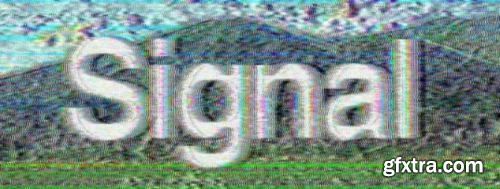
Authentic emulation of analog glitches for old-school TV vibes.
Signal emulates a real analog analog television transmission. Video information is encoded using a modulated analog video signal and then decoded into a color image for a truly authentic effect. This video signal is a linear combination of luminance and chrominance.
Signal offers a new way to discover analog glitches. It opens a door to analog video art. It does not fake an analog signal, it recreates analog technology in a digital environment!

https://aescripts.com/scaleup/
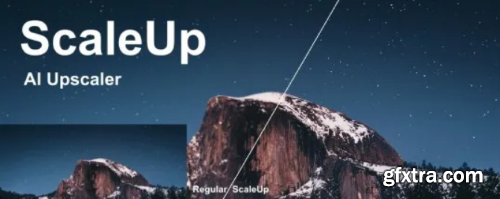
Enlarge footage up to 10 times for better quality with A.I. technology.
ScaleUp is an advanced video enhancing tool, it can enlarge videos by up to 10x with minimal image quality loss.
https://www.dehancer.com/
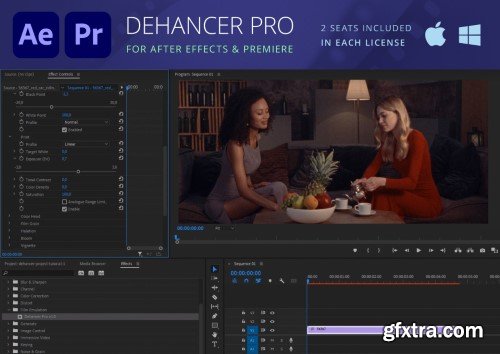
You asked, we listened! Now Premiere Pro and After Effects users can fully enjoy 60+ film profiles and various analog tools of Dehancer. Create cinematic looks and experiment with color grading. Unleash your creativity with Dehancer.
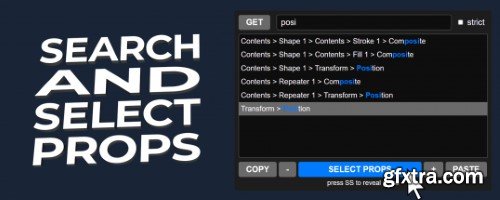
Easily copy and paste selected properties in After Effects, avoiding duplicate group problems and improving your workflow.
https://aescripts.com/search-and-select-properties/
Aescript Jump Keyframe v1.1
Jump keyframe is a huge time saver that lets you make changes on the fly on any animated property without having to worry about first moving the CTI to the latest keyframe that already exists in the animation sequence.
https://aescripts.com/jump-keyframe/

https://aescripts.com/guides/
Guides script for After Effects adds more power when working with guides inside the app, such as copy/pasting guides around multiple compositions, moving, rotating, saving, quickly adding guides around layers, and more.
- Set the state of the Lock Guides, Snap to Guides, Show Guides for multiple compositions.
- Copy/paste guides across multiple compositions or layers.
- Save/apply guides for later use or to share with a team.
- Clear guides across multiple compositions.
- Rotate and move guides horizontally or vertically.
- Add guides at the edge, or the center of the composition or a layer.
- Griddify compositions or layers by adding guides every X pixels.
- Add guides by dividing compositions or layers into X peaces.
- Wrap guides around the edges of compositions or layers.
AEScript CropROI 1.2
No more manually trying to shift the layer back to its original position. With CropROI you just select your precomp layer and press the button, it's that easy!
https://aescripts.com/croproi/
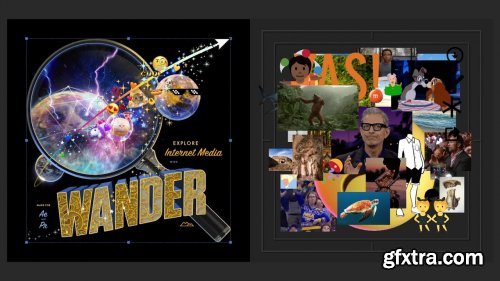
Mt. Mograph Wander v1.13.1.453
The ultimate media search and asset collection Extension for motion designers using Adobe After Effects and Adobe Premiere.
https://mtmograph.com/en-tr/products/wander

https://aescripts.com/influx/
All-in-one native Importer plugin for Adobe (Premiere Pro, After Effects and Media Encoder). Wide range of formats and codecs supported.

Aescripts Dynamic Shadow 3 v1
https://aescripts.com/dynamic-shadow/
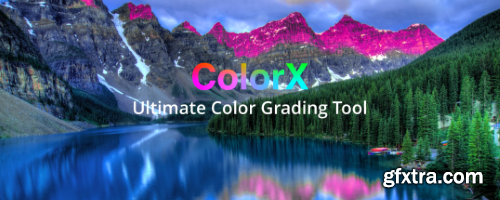
The ultimate color grading tool for Premiere Pro and After Effects. Adjust the hue, saturation, lightness and density at the same time on specific color with extreme precision.
Aescripts ToothPaste v1.2.3
ToothPaste allows you to quickly paste SVGs from the clipboard. Simply copy as SVG from other apps such as Figma, Affinity Designer, Sketch and more, and paste the code as shape layers inside After Effects with the click of a button.
https://aescripts.com/toothpaste/
Align, flip, stretch, stagger, color labels and much more! All the essential tools for Keyframes and Layers in After Effects.NEW: Spatial & Interpolation features and better KBar integration!


Aescripts Easy Bounce Pro 1.0.002 for After Effects
https://aescripts.com/easy-bounce/

The Pseudo Effect Maker gives you a simple, user-friendly interface that allows you to quickly and easily develop, organize and apply custom effect controls. These controls can then be used to drive expressions and layers within your After Effects project and be saved as presets so that you can quickly reuse them, or so that others can use the tools you create.

Now with a new, faster and higher quality depth model. Easily make an automatic depth map from your footage in After Effects and Premiere Pro.
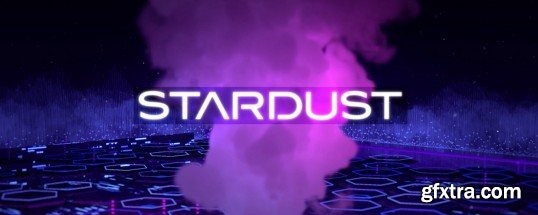
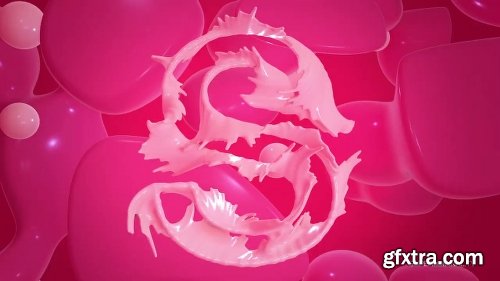
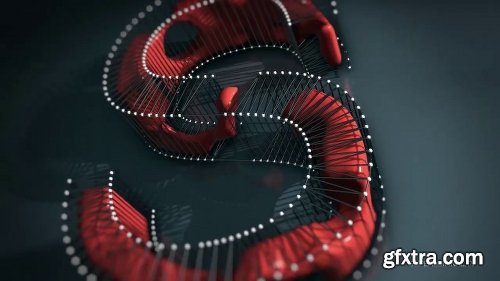
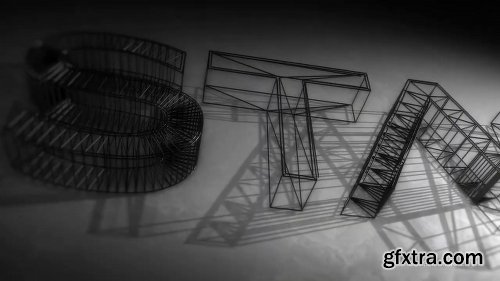
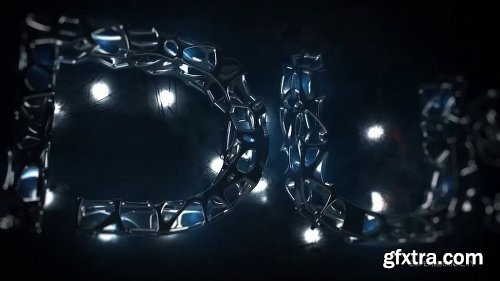
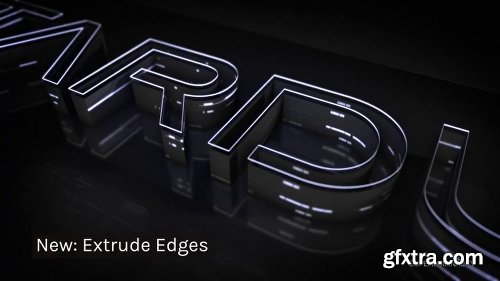

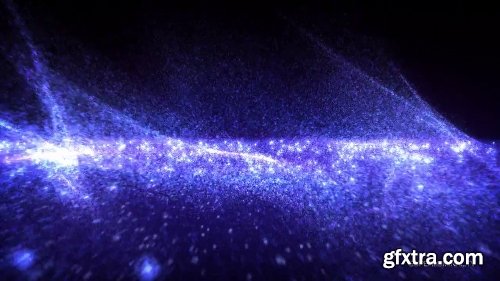
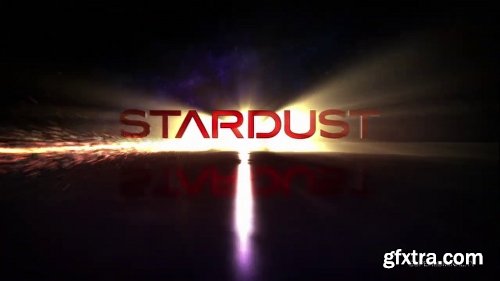
AEScript Stardust 1.6
Introducing Volume Rendering! Create beautiful and captivating smoke effects from any particle system setup. Stardust is a modular 3D particle system for After Effects. It has an easy to use node-based user interface and ships with a ton of presets to create stunning effects quickly and easily. Stardust available for MacOS and Windows.
https://aescripts.com/stardust/

http://aescripts.com/soft-body/
Create soft objects with collisions in After Effects. Simple and easy to use!

Kaleidoscopic blur with an organic painterly feel.
126,000 Royalty-Free 3D Model

Udemy Türkçe


Top Rated News
- CreativeLive Tutorial Collections
- Fasttracktutorials Course
- Chaos Cosmos Library
- MRMockup - Mockup Bundle
- Finding North Photography
- Sean Archer
- John Gress Photography
- Motion Science
- AwTeaches
- Learn Squared
- PhotoWhoa
- Houdini-Course
- Photigy
- August Dering Photography
- StudioGuti
- Creatoom
- Creature Art Teacher
- Creator Foundry
- Patreon Collections
- Udemy - Turkce
- BigFilms
- Jerry Ghionis
- ACIDBITE
- BigMediumSmall
- Globe Plants
- Unleashed Education
- The School of Photography
- Visual Education
- LeartesStudios - Cosmos
- Fxphd
- All Veer Fancy Collection!
- All OJO Images
- All ZZVe Vectors
- CGTrader 1 CGTrader 2



















