

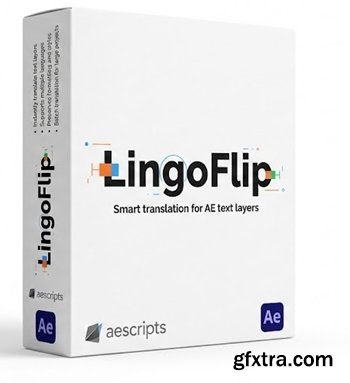
Automatically translate any text layers in Adobe After Effects with smart context-aware results.
Smart Translation for After Effects Text Layers Why LingoFlip?
Translate text layers in Adobe After Effects with context-aware quality.
LingoFlip is a translation plugin for Adobe After Effects designed for real-world motion design and localization workflows — where your composition contains subtitles, UI labels, titles, lower-thirds, callouts, and mixed text styles all at once.
Unlike basic translators that treat every layer as an isolated phrase, LingoFlip uses prompt engineering + Gemini to understand context across multiple layers, detect what type of text you’re translating, and produce results that sound natural, consistent, and “human.” The goal is simple: better translation quality with fewer fixes.
Context-aware translation (Prompt Engineering): understands full meaning across many layers and keeps phrases natural.
Text-type detection: recognizes when you’re translating subtitles, UI elements, headlines, short labels, etc.
More consistent results: better grammar, smoother phrasing, fewer “robotic” translations.
Built for AE workflows: translate exactly what you need, without breaking your composition structure.


126,000 Royalty-Free 3D Model

Udemy Türkçe


Top Rated News
- CreativeLive Tutorial Collections
- Fasttracktutorials Course
- Chaos Cosmos Library
- MRMockup - Mockup Bundle
- Finding North Photography
- Sean Archer
- John Gress Photography
- Motion Science
- AwTeaches
- Learn Squared
- PhotoWhoa
- Houdini-Course
- Photigy
- August Dering Photography
- StudioGuti
- Creatoom
- Creature Art Teacher
- Creator Foundry
- Patreon Collections
- Udemy - Turkce
- BigFilms
- Jerry Ghionis
- ACIDBITE
- BigMediumSmall
- Globe Plants
- Unleashed Education
- The School of Photography
- Visual Education
- LeartesStudios - Cosmos
- Fxphd
- All Veer Fancy Collection!
- All OJO Images
- All ZZVe Vectors
- CGTrader 1 CGTrader 2



















