

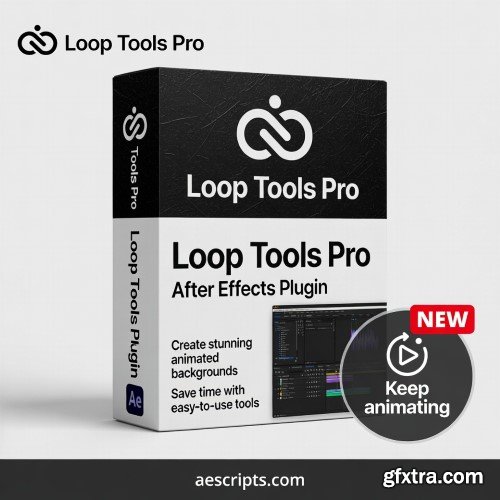
- Keep animating. Apply multiple non-destructive cycles to a single layer and guarantee a seamless stop, allowing you to continue animating instantly, free from keyframe conflicts,jumps or 'rebounds'.
Stop copying and pasting keyframes endlessly. Loop Tools Pro offers a smart, non-destructive way to loop your animations using markers and expressions, giving you total control over timing without cluttering your timeline. Unlike standard expression methods that force keyframe baking or cause disruptive jumps, Loop Tools Pro is the definitive professional solution designed for seamless animation continuity. It solves the biggest pain point in looping: the stop. Create complex, non-destructive loops and transition instantly back to your keyframes, allowing you to keep animating as if the loop never happened. Key Features: Seamless Continuation (The Differentiator): Use the integrated Smart Rebake Function (▣) to guarantee a smooth transition (no jumps or 'rebounds') when the loop ends, letting you pick up your keyframes and continue animating immediately. Compatibility:



126,000 Royalty-Free 3D Model

Udemy Türkçe


Top Rated News
- CreativeLive Tutorial Collections
- Fasttracktutorials Course
- Chaos Cosmos Library
- MRMockup - Mockup Bundle
- Finding North Photography
- Sean Archer
- John Gress Photography
- Motion Science
- AwTeaches
- Learn Squared
- PhotoWhoa
- Houdini-Course
- Photigy
- August Dering Photography
- StudioGuti
- Creatoom
- Creature Art Teacher
- Creator Foundry
- Patreon Collections
- Udemy - Turkce
- BigFilms
- Jerry Ghionis
- ACIDBITE
- BigMediumSmall
- Globe Plants
- Unleashed Education
- The School of Photography
- Visual Education
- LeartesStudios - Cosmos
- Fxphd
- All Veer Fancy Collection!
- All OJO Images
- All ZZVe Vectors
- CGTrader 1 CGTrader 2



















